














































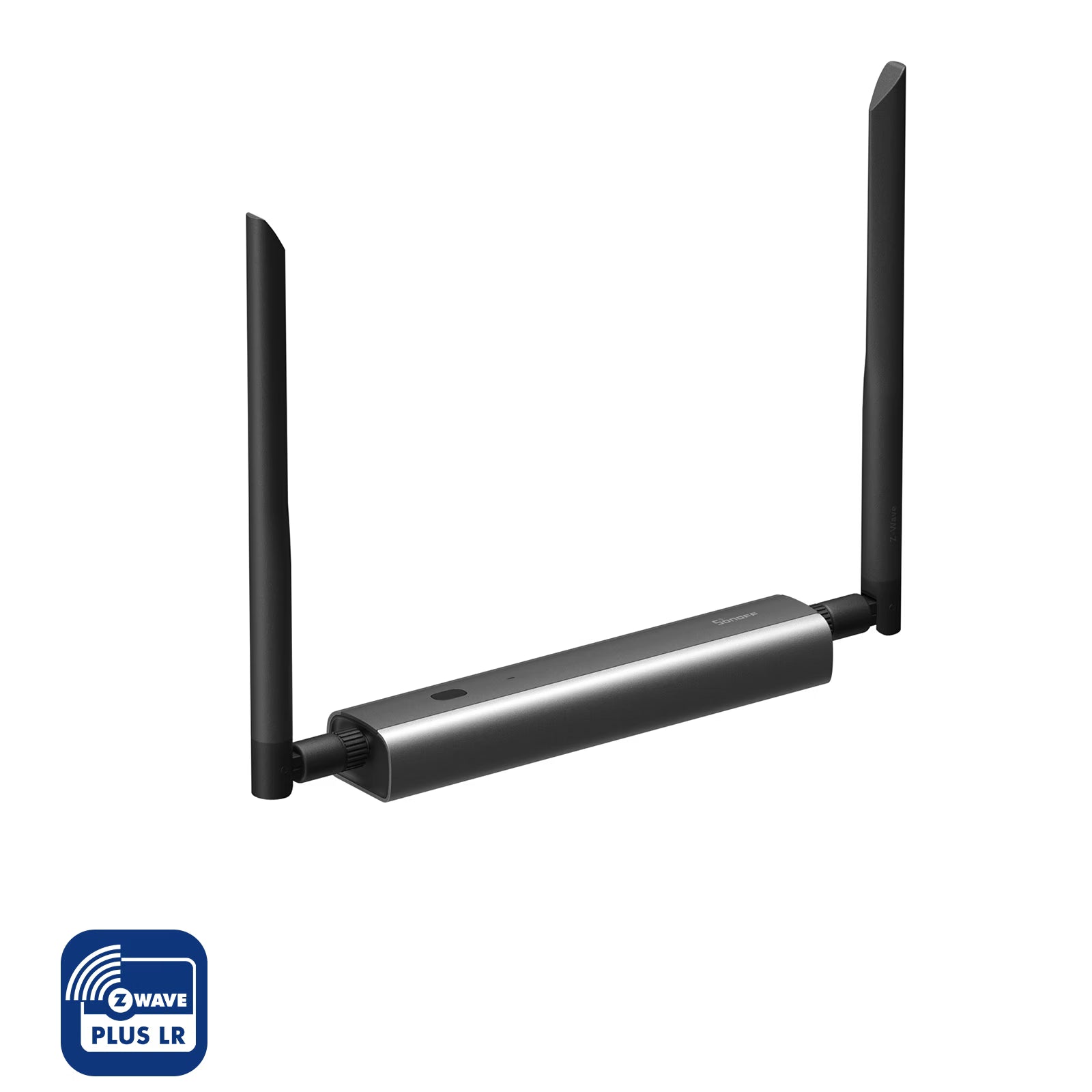


SONOFF Z-Wave 800 PoE Dongle Max | Dongle-MZG23
Tax excluded. Shipping calculated at checkout
【High-Performance Dual-Chip Architecture】Powered by the EFR32ZG23 + ESP32D0WDR2 dual-chip design, it supports the Z-Wave S2 security protocol, delivering strong anti-interference performance and ultra-fast local response.
【Flexible Connectivity, Built to Last】Supports Ethernet, Wi-Fi, and USB connections for maximum flexibility. The aluminum alloy enclosure, tested with 24-hour salt spray resistance, ensures excellent heat dissipation and durability—even in humid or corrosive environments like basements.
【Extended Range, Reliable Signal】With Z-Wave Long Range (ZWLR) support, it enables stable point-to-point long-distance communication. The 360° adjustable antenna ensures consistent performance even in complex environments.
【Local Web Console for Easy Management】Features a dedicated LAN-based web interface to monitor device status, configure settings, and update firmware anytime. All data is stored locally, ensuring complete privacy and security.
【Open Ecosystem, Seamless Integration】Fully compatible with major open-source platforms like Home Assistant, openHAB, and Z-Wave JS, allowing you to build a customizable and reliable smart home hub with ease.
Technical details, troubleshooting or setup tips? Access the Dongle-MZG23 knowledge center for all the info you need.

Dongle-MZG23


Multiple Connection Options for Deployment
Z-Wave 800 Dongle Max supports Ethernet, Wi-Fi, and USB connections, giving you the freedom to install it wherever you need Z-Wave coverage, whether it's the living room, bedroom, or even the basement.

Ethernet Connection (PoE Power Supply)
Use as a PoE Dongle, offering a stable connection and clean setup through the RJ45 connector.

Wi-Fi Connection
Use as a Wi-Fi Dongle, giving you flexible placement anywhere in your home, with just a power cable.

USB Connection
Connect via the included Type-C to USB cable and use it as a standard USB Dongle for plug-and-play.
Max-Level Design, Inside and Out
Experience the pinnacle of design and performance with Z-Wave 800 Dongle Max. Crafted with a sleek and distinctive exterior, engineered with precision and reliability, and powered by robust, stable hardware, delivers a truly all-around Max-level experience—in both form and function.



Stable & Secure
Z-Wave Protocol

Compatible with Multiple Devices
Works with Z-Wave certified products from various manufacturers and categories,
enabling unified control and seamless
automation between them.

S2 Security Protection Standard
Built on the high-level Z-Wave S2 security standard, it encrypts communications
between smart devices, protecting your data throughout and ensuring safety.

Interference-Resistant Local Control
Cloud-free local control with Z-Wave mesh and LR technology for extended coverage, operating on a separate frequency from Wi-Fi to minimize interference.

The Z-Wave 800 Dongle Max supports Z-Wave Long Range (ZWLR), extending your control beyond the home. Whether it's garage doors, outdoor patios, or devices in signal-weak areas like basements, it provides stable point-to-point control, keeping distant devices always within reach.
Local Web Console, Fully in Your Control
Access the local web console directly via your browser within the local network. Monitor real-time device status and operating information at a glance, or easily update settings and flash firmware — all without the need for additional software.


Integrate with Home Assistant
Want to manage Z-Wave 800 Dongle Max directly from your Home Assistant overview? Use the MQTT protocol to display device capabilities right on your dashboard — for real-time monitoring and control.

Comprehensive Tutorials & Open Ecosystem

Comprehensive Tutorials
We provide a detailed tutorial website to help you quickly learn how to use the device or troubleshoot, accessible anytime you need.

Join the Discussion
Have ideas to share or questions to ask? Join our active eWeLink forum community and connect with other users and developers.
3D Printable Sharing
We provide 3D printing files for both the product and its stand, allowing you to freely print and customize your setup for a more convenient installation experience.


Explore More Usage Methods

Automated Webhooks for Backup and Alerts
Create custom webhooks to automatically back up your device at scheduled times or receive instant notifications if the network disconnects.

Manage Multiple Dongle Max Devices
Easily switch between multiple Dongle Max units via the web console, and configure backup settings individually for each device.

Customizable Indicator Lights
Personalize the LED colors to represent different statuses, making it easier to monitor your device’s operation at a glance.
Installation and Usage


The Trusted SONOFF Dongle Series
Z-Wave Dongle
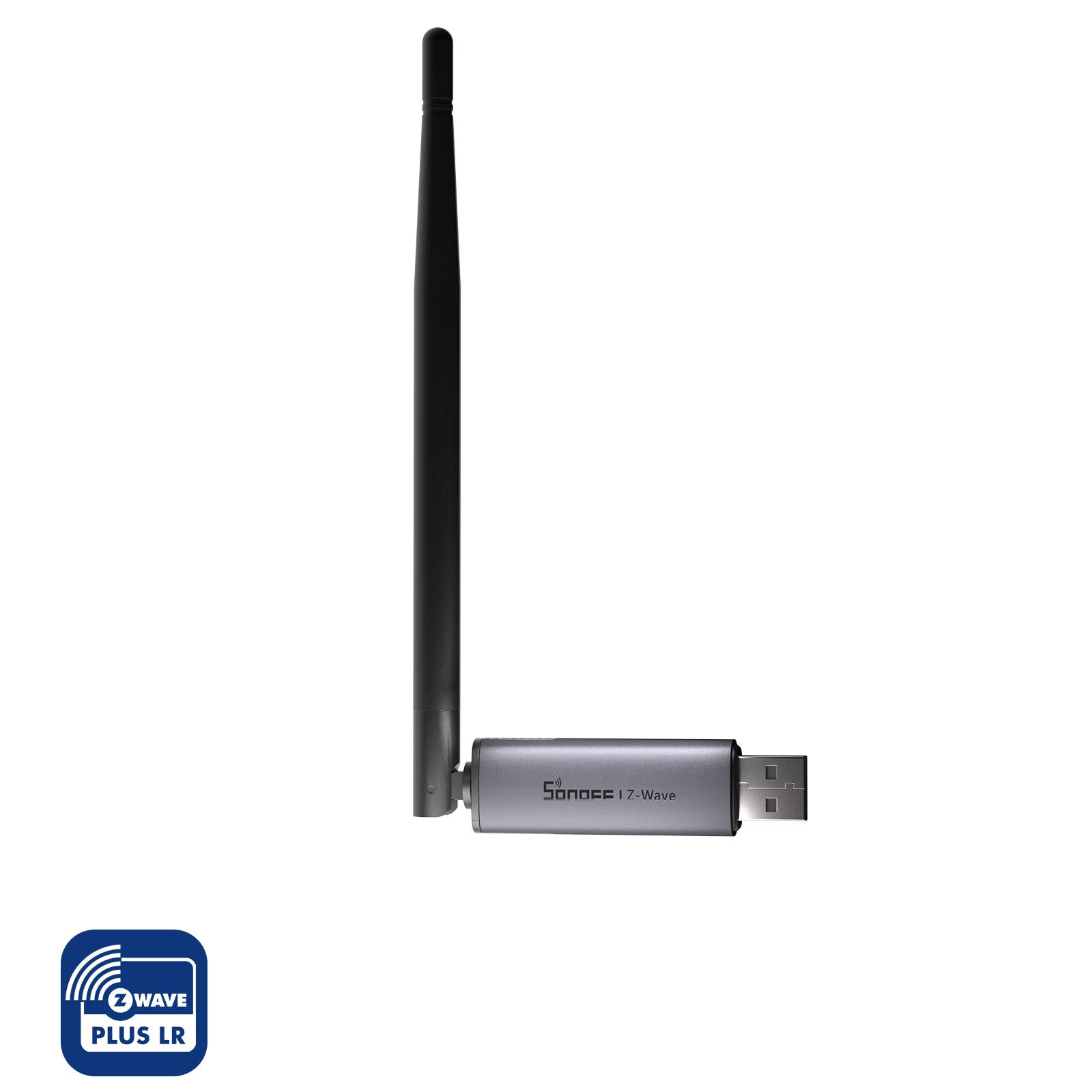
Ideal for users who need flexible installation, wireless access to open-source platforms, or want to explore more development possibilities.
Pursue higher processing performance and stable local operation.
Ethernet/Wi-Fi/USB
(*Supports PoE)
USB
3dBi
2dBi
2
1
EFR32ZG23+ESP32D0WD
EFR32ZG23
Web Console / Webhooks / AP Hotspot / Wireguard
/
Home Assistant / OpenHAB / Z-Wave JS
Home Assistant / OpenHAB / Z-Wave JS
USB Type-C cable (1m)
USB Type-C cable (1m)
Zigbee/Thread Dongle


Specifications


Specs & Quick Guide
Dongle-MZG23 is a powerful Z-Wave Dongle supporting Z-Wave S2 security and Long Range (ZWLR), built for stable and secure local smart home control. Equipped with a dual-chip design, it offers fast response and strong anti-interference. With Ethernet, Wi-Fi, and USB connectivity, a 360° adjustable antenna, and a dedicated local Web console, it ensures flexible deployment and data privacy. Seamlessly integrates with Home Assistant, openHAB, and Z-Wave JS.
Quick Guide (PDF)Dongle-MZG23
5V⎓1A for Type C or 48V⎓ 0.25A for PoE port
Z-Wave, Wi-Fi IEEE 802.11b/g/n 2.4GHz
-10℃~60℃
Aluminum, PC+ABS
Type-C
RJ45
Dim gray
FAQ
1. Does the Z-Wave 800 Dongle Max support firmware flashing?
It only supports flashing firmware provided by SONOFF.
2. Can I run two Z-Wave dongles on Home Assistant at the same time?
You cannot run two Z-Wave adapters using the same integration. If you use only one integration, you would need to migrate the network. If you want to run two adapters simultaneously, you must install a second integration, such as Z-Wave JS UI.
3. What's the difference between Dongle-MZG23 and Dongle-M?
They support different protocols: Dongle-MZG23 is mainly used for adding Z-Wave devices, while Dongle-M is designed for adding Zigbee or Thread devices.
4. Can I use a Zigbee dongle and a Z-Wave dongle on the same device simultaneously?
Yes, they can be used together.
5. Which Z-Wave sub-devices are supported? How should I purchase Z-Wave devices?
You can choose compatible products from the Z-Wave certified device list provided below. Please note that Z-Wave frequency requirements vary by country or region. Make sure to purchase Z-Wave devices that match your local frequency from your local Amazon store or other regional shopping platforms.