


















































SONOFF Orb-DIM Matter Over WiFi Dimmer Wall Switch | MINI-DIM-E
Tax excluded. Shipping calculated at checkout
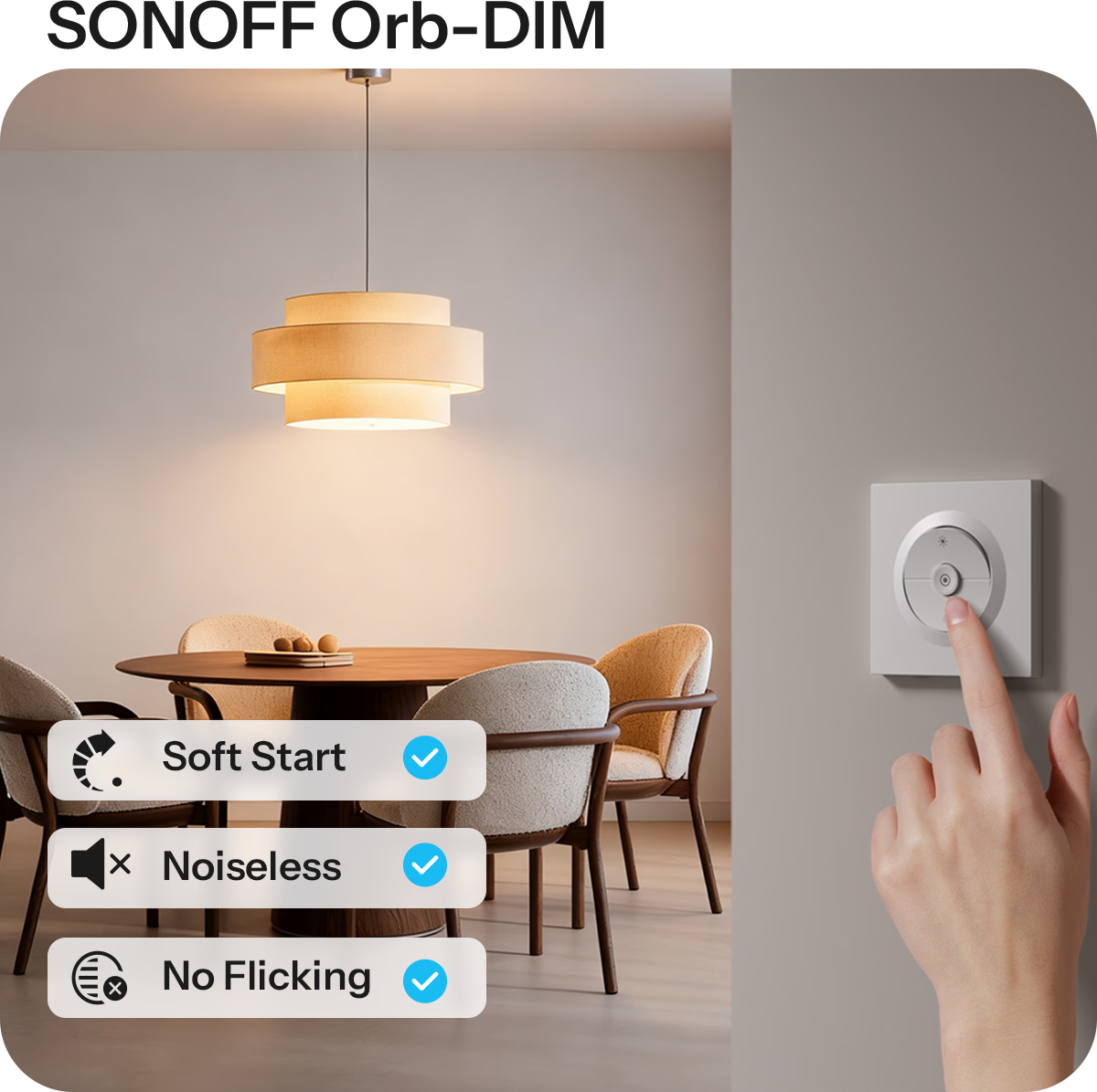
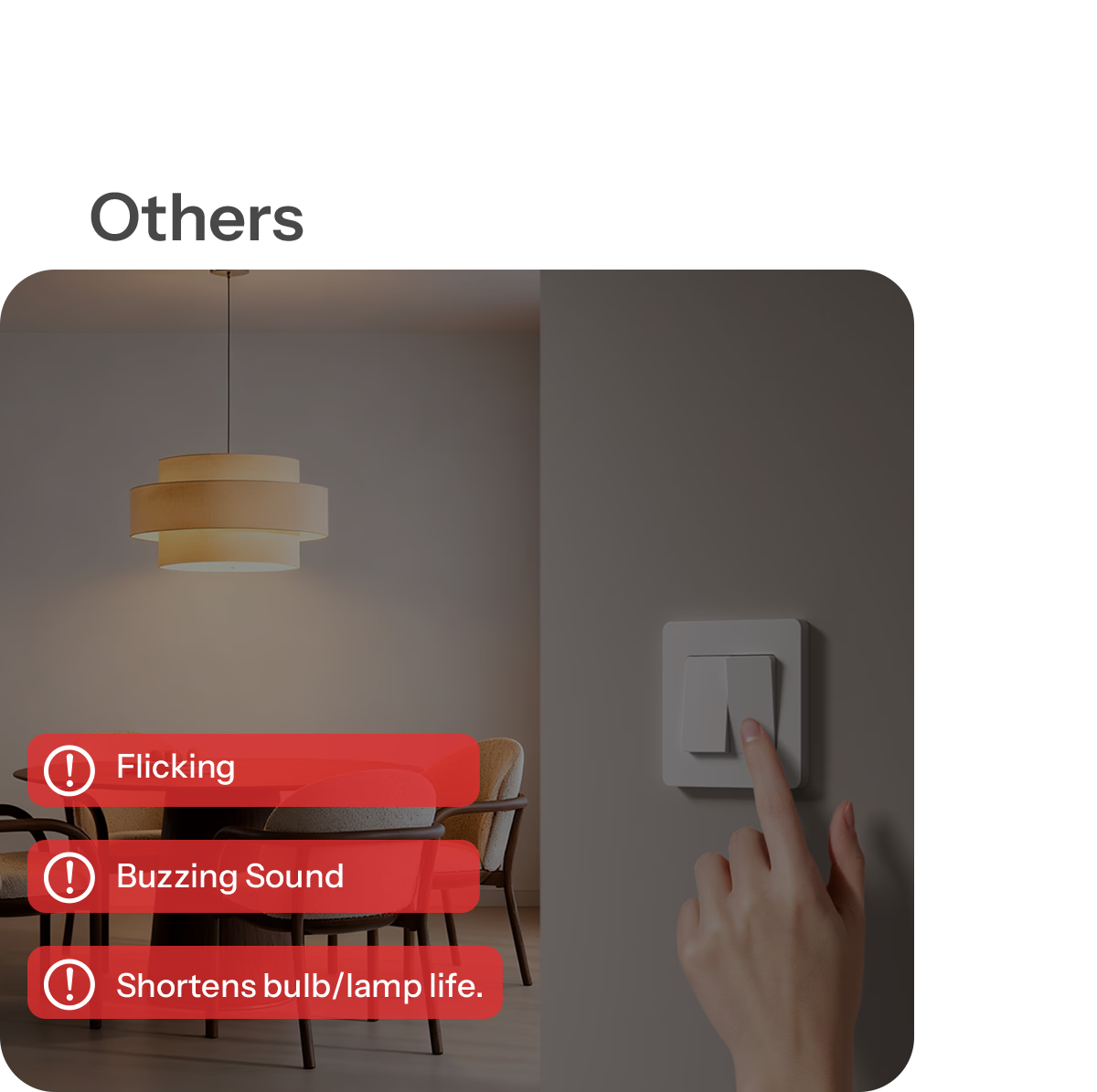
【Adaptive Smooth Dimming Experience】Intelligent calibration with automatic and manual modes adapts to different types of lamps, eliminating flicker and step dimming while delivering smooth, natural brightness transitions for a comfortable lighting atmosphere.
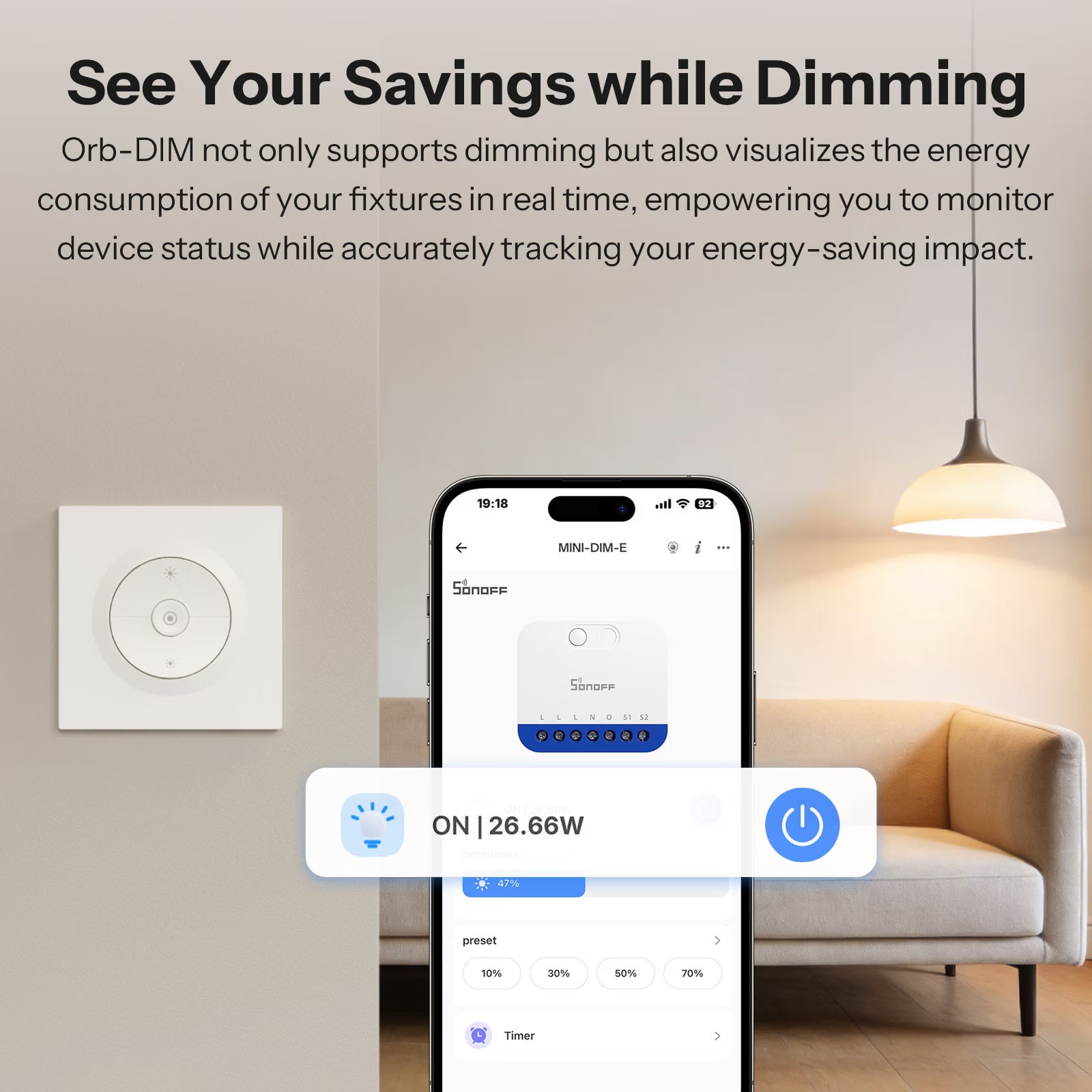
【Real-Time Power Monitoring】Built-in power monitoring shows real-time power consumption, helping users track device status, identify abnormal usage, and manage electricity more efficiently with clear visibility.
【Advanced Safety Protection】Integrated overload, overcurrent, and overheat protection continuously monitors circuit conditions and automatically cuts off power during abnormalities to ensure safe and reliable operation.
【Precise Remote and Voice Control】Supports app-based remote control and popular voice assistants, offering 1% brightness adjustment anytime and anywhere for effortless, personalized lighting control.
Note: 220–240V only. Do not exceed or go below voltage limits.
Technical details, troubleshooting or setup tips? Access the Orb-DIM knowledge center for all the info you need.

Smart Dimming, Smart Living
SONOFF Matter Over WiFi Dimmer Wall Switch— Orb-DIM


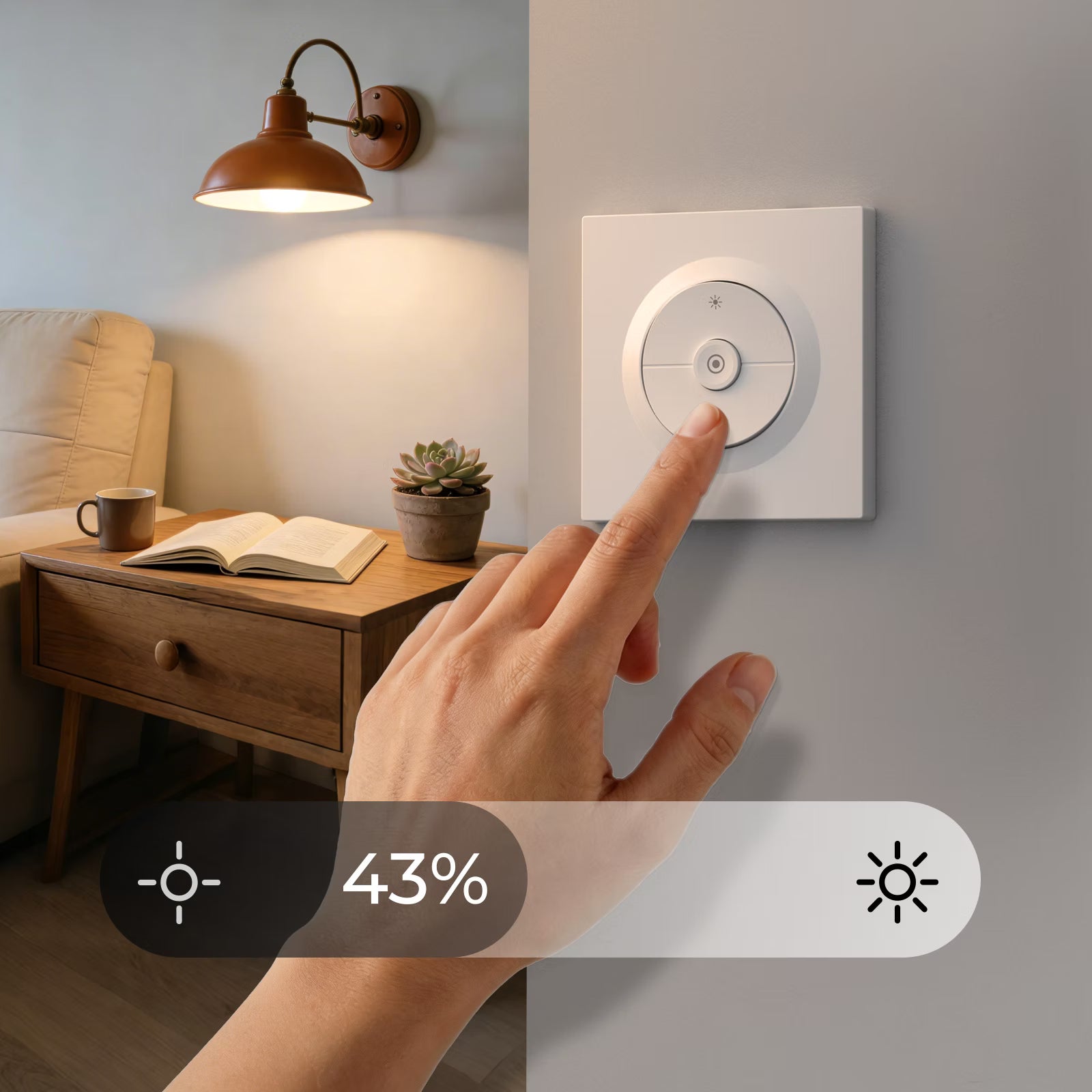
From 0% to 100%, Full-range Dimming
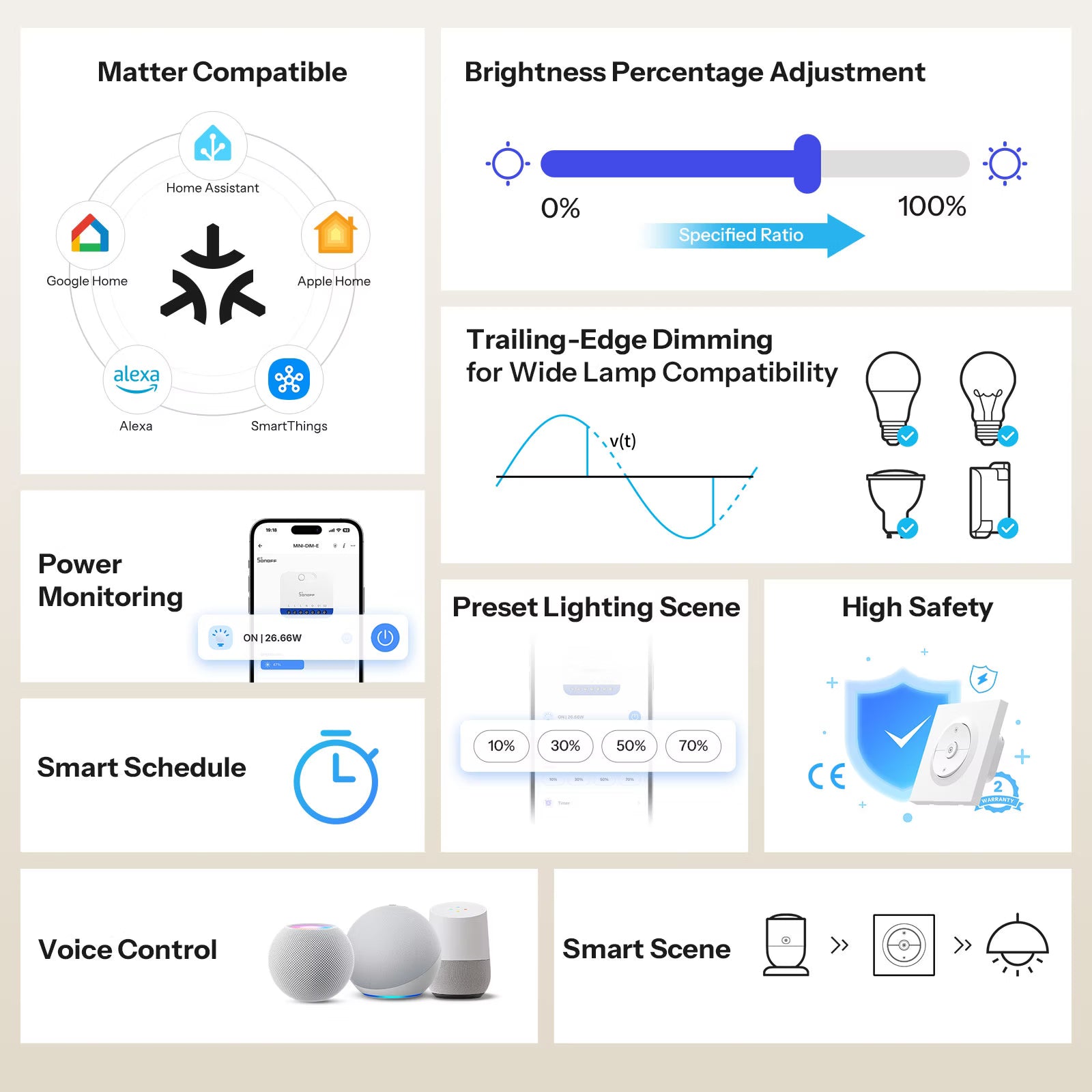
0-100% light intensity control to meet your different needs for brightness in different rooms.

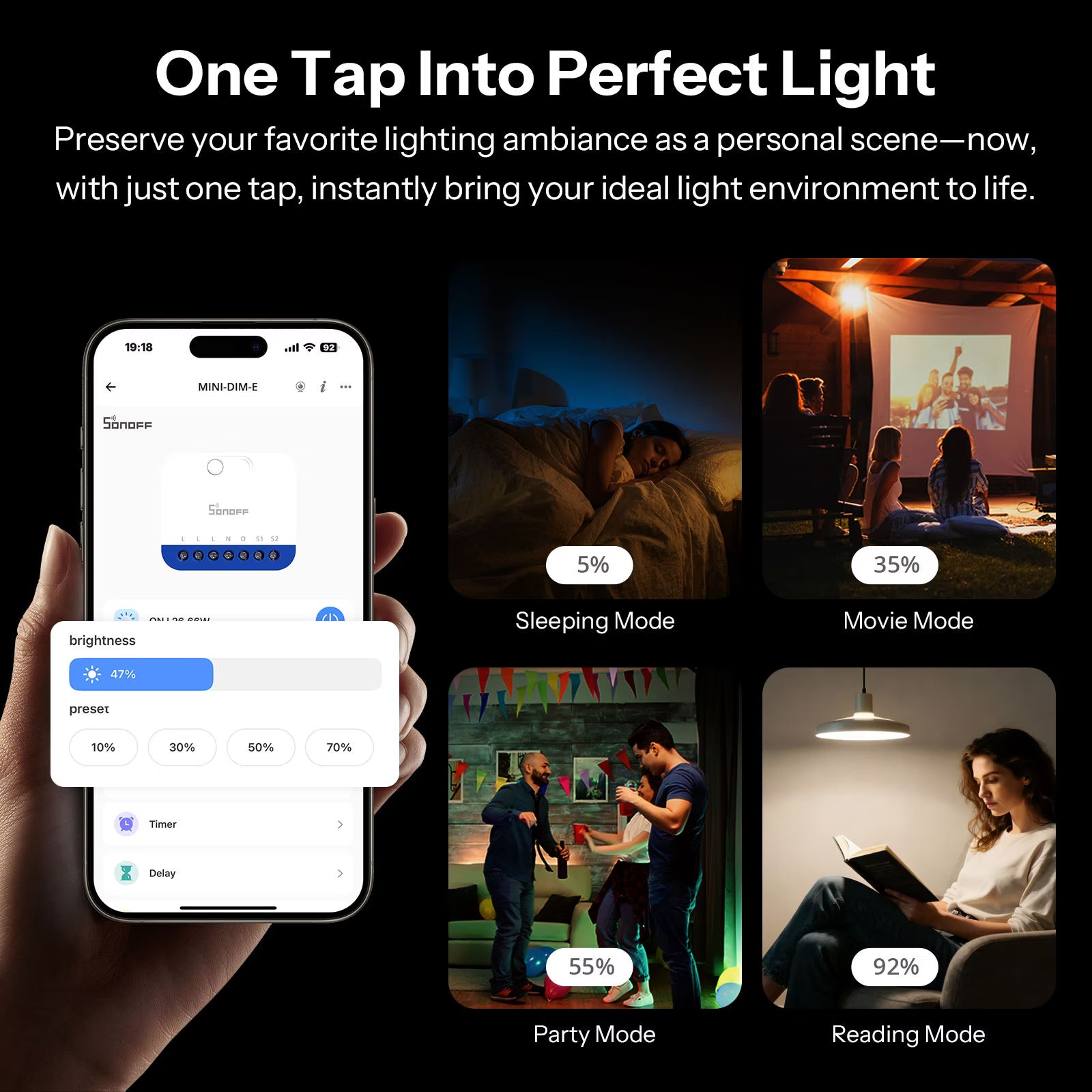
Preserve your favorite lighting ambiance as a personal scene—now, with just one tap, instantly bring your ideal light environment to life.


Orb-DIM not only supports dimming but also visualizes the energy consumption of your fixtures in real time, empowering you to monitor device status while accurately tracking your energy-saving impact.
Effortless Dimming Control Experience
Our dimmers employ "Leading-edge Dimming" and "Trailing-edge Dimming" technologies. While supporting the renovation of old lighting fixtures, it can also smoothly control the brightness of LED lamps.

Engineered for
Safety and Reliability
Multiple Possibilities
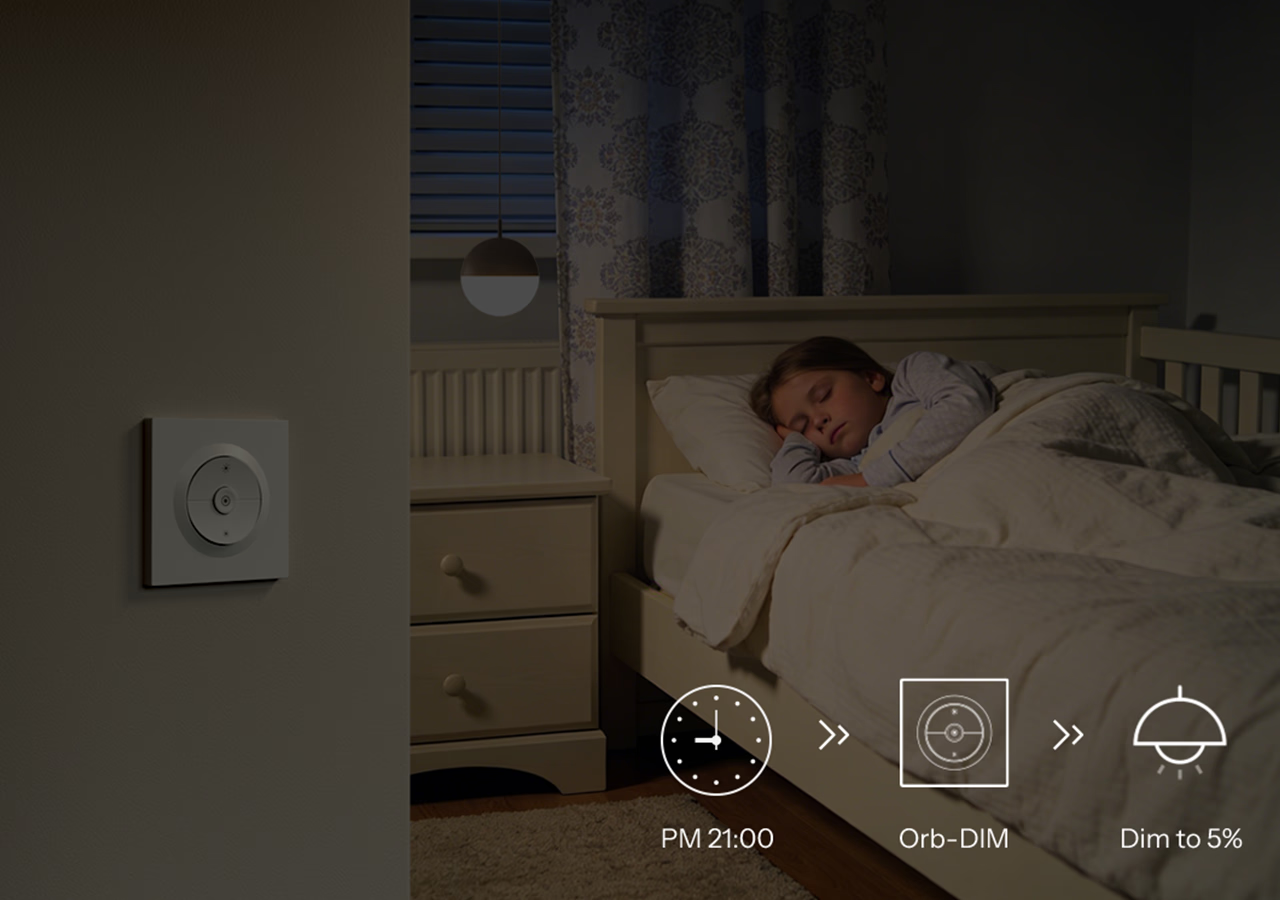
Set the Schedule to Automatically Manage the Light .
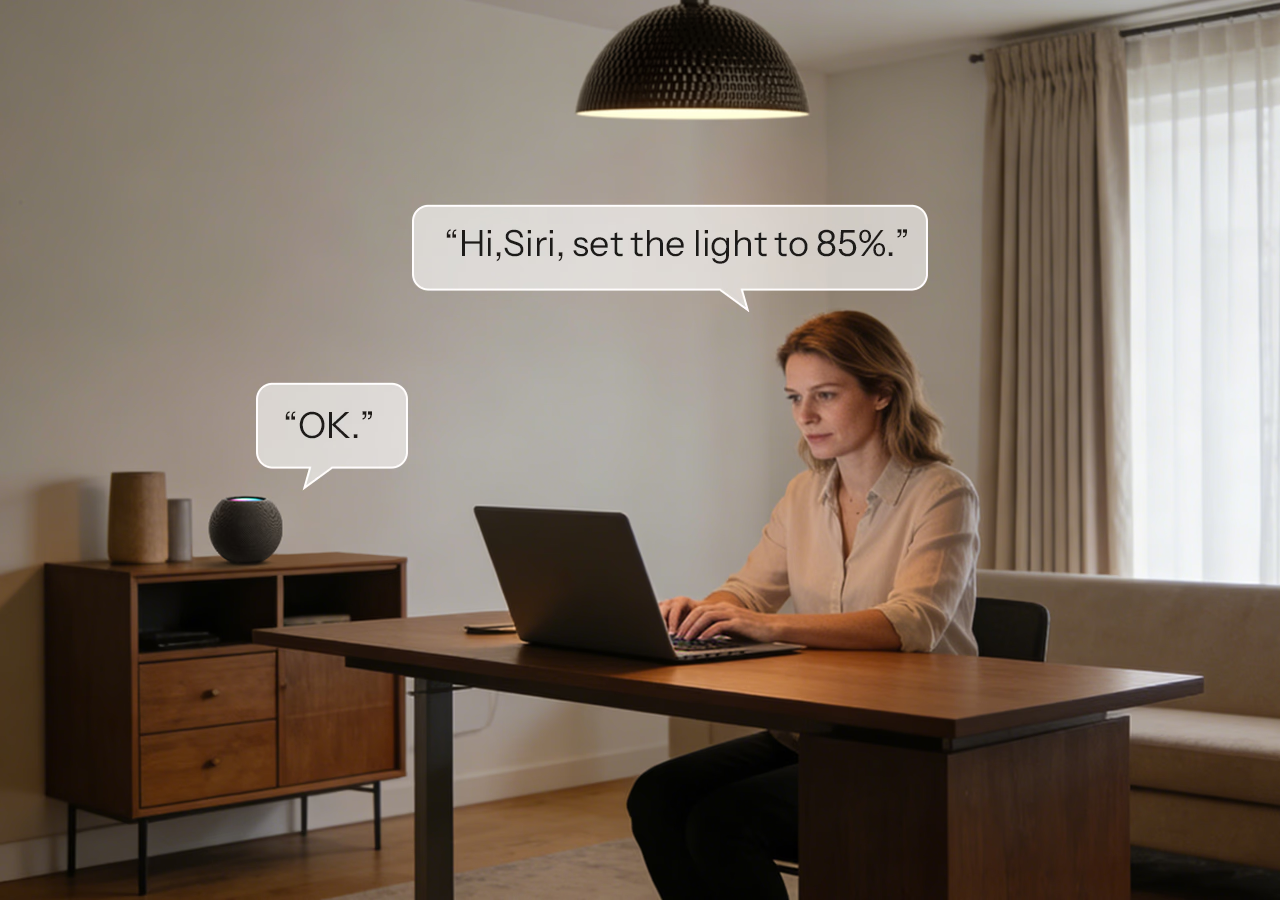
Set the Light Percentage with Just a Command.
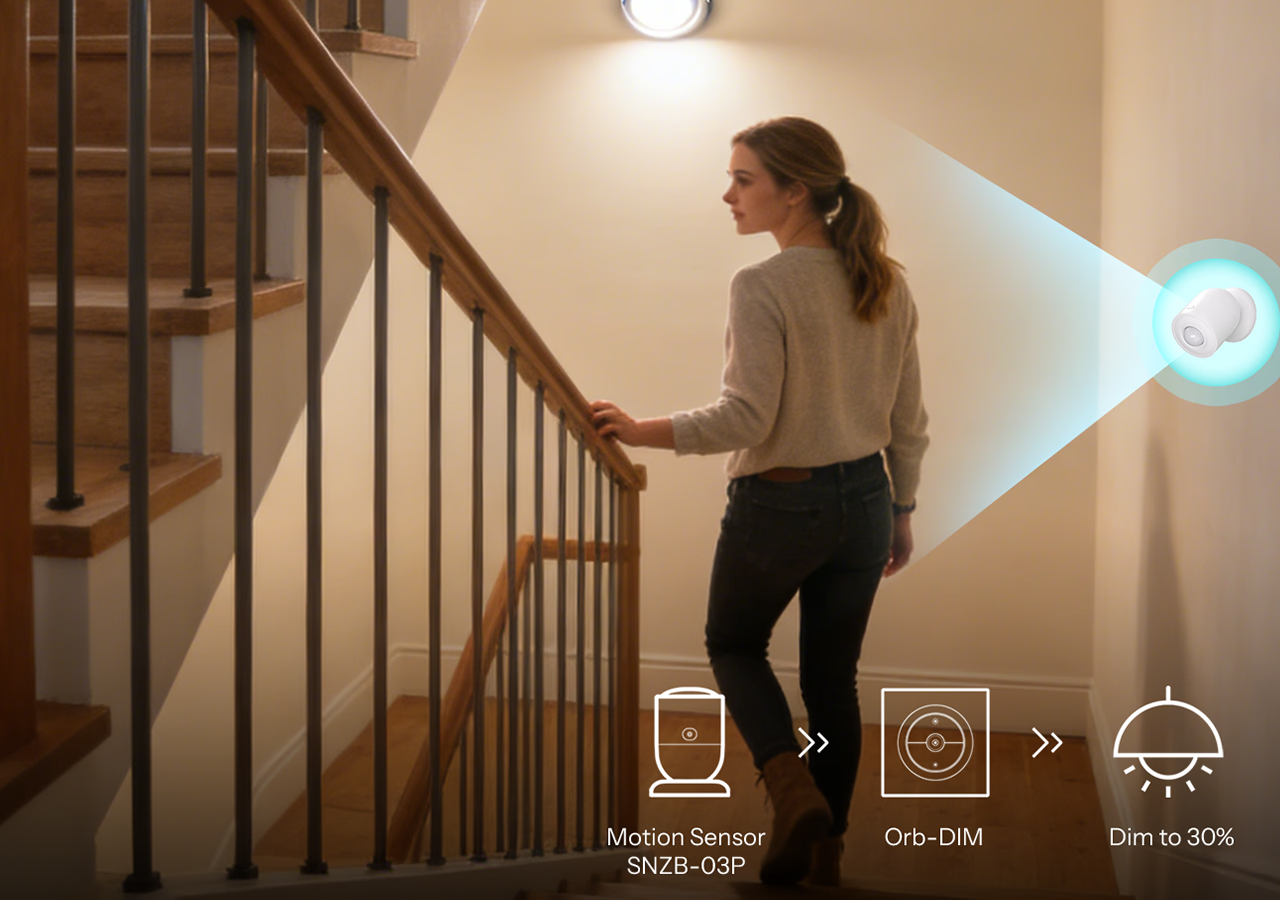
Smarter Scenes, Simpler Life
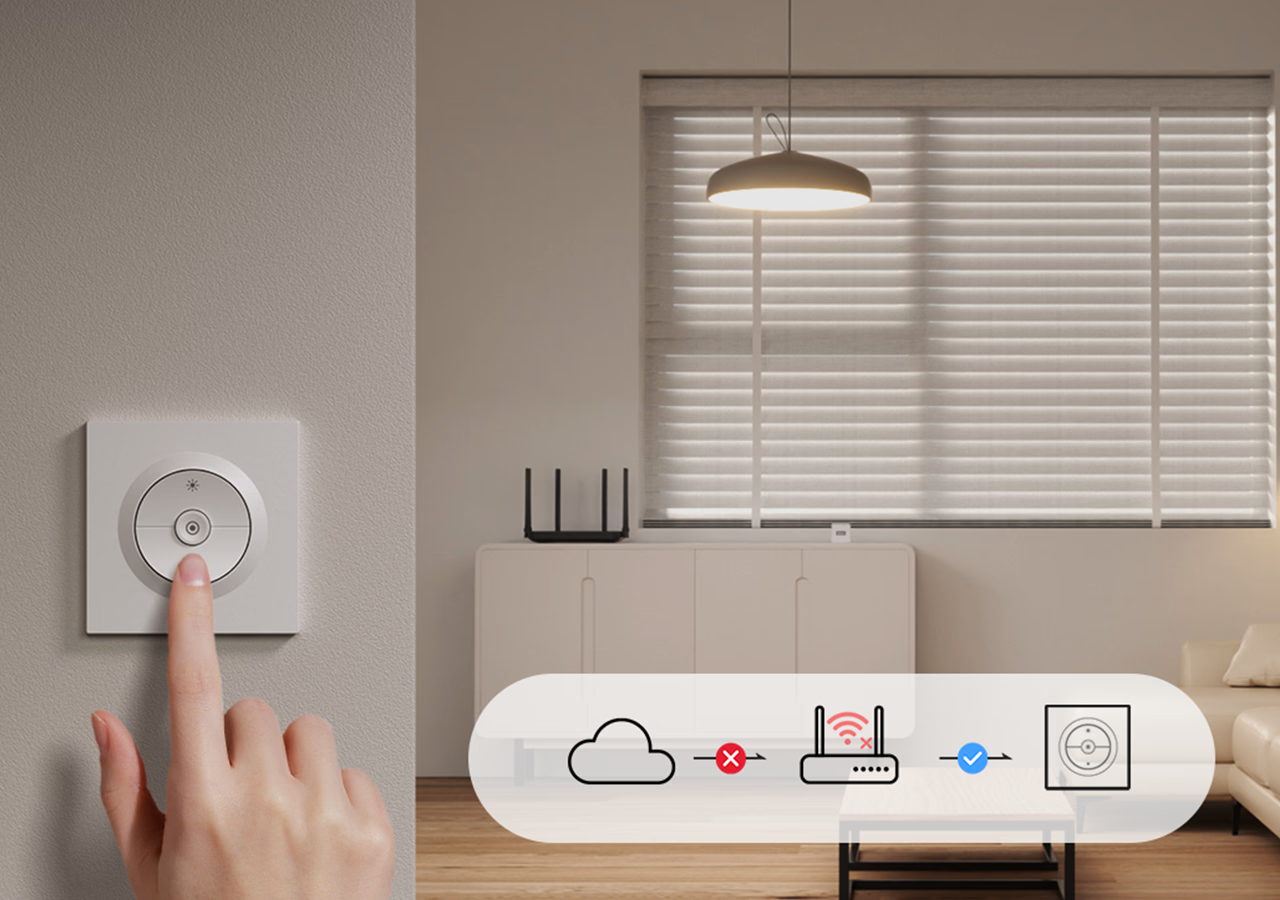
Local control does not depend on the server
Perfectly Compatible with the Matter Ecosystem
With a wider working coverage! Orb-DIM supports joining the Matter ecosystem, you can integrate it into your usual apps, such as Apple Home, Google Home and Alexa.


Works Perfectly with Apple Ecosystem— Fully Supports Siri, iPhone, iPad and Apple Watch.


Feature Overview


Use Extension
Use 3D-printed SONOFF sensor accessories to upgrade your wall switch into a smart control center.
Tap to get the accessory's 3D models >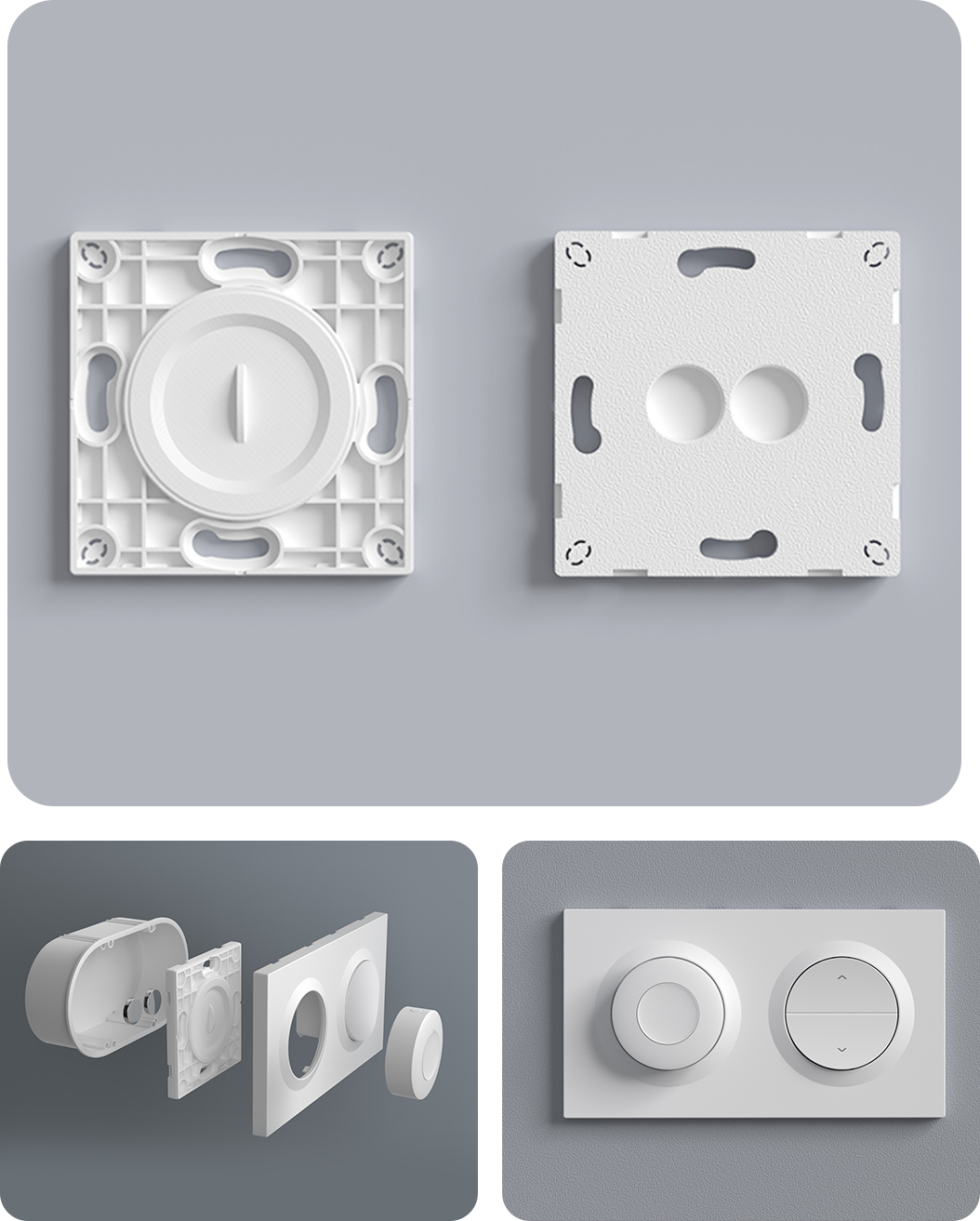
*The magnet is required when used with certain sensors.
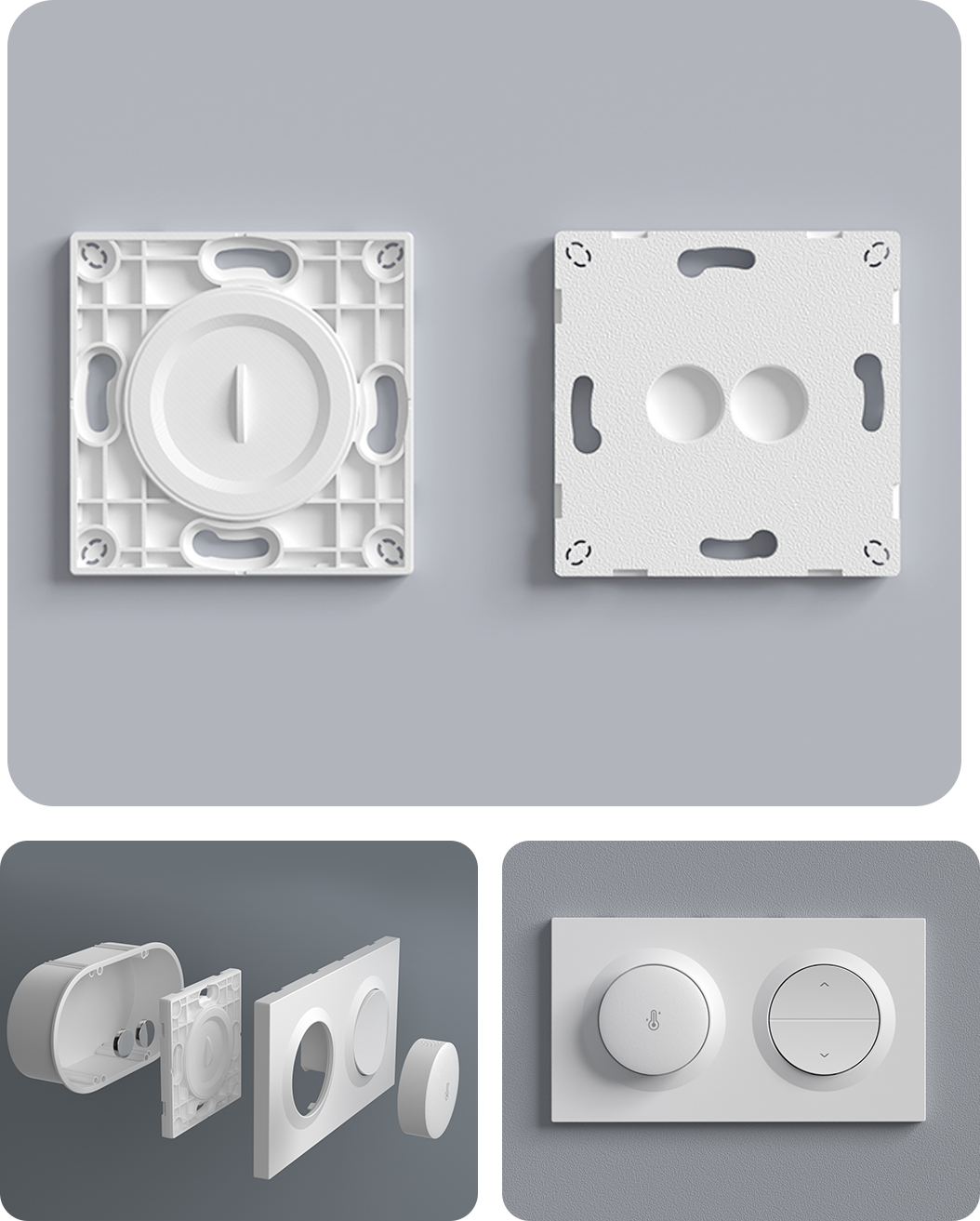
*The magnet is required when used with certain sensors.
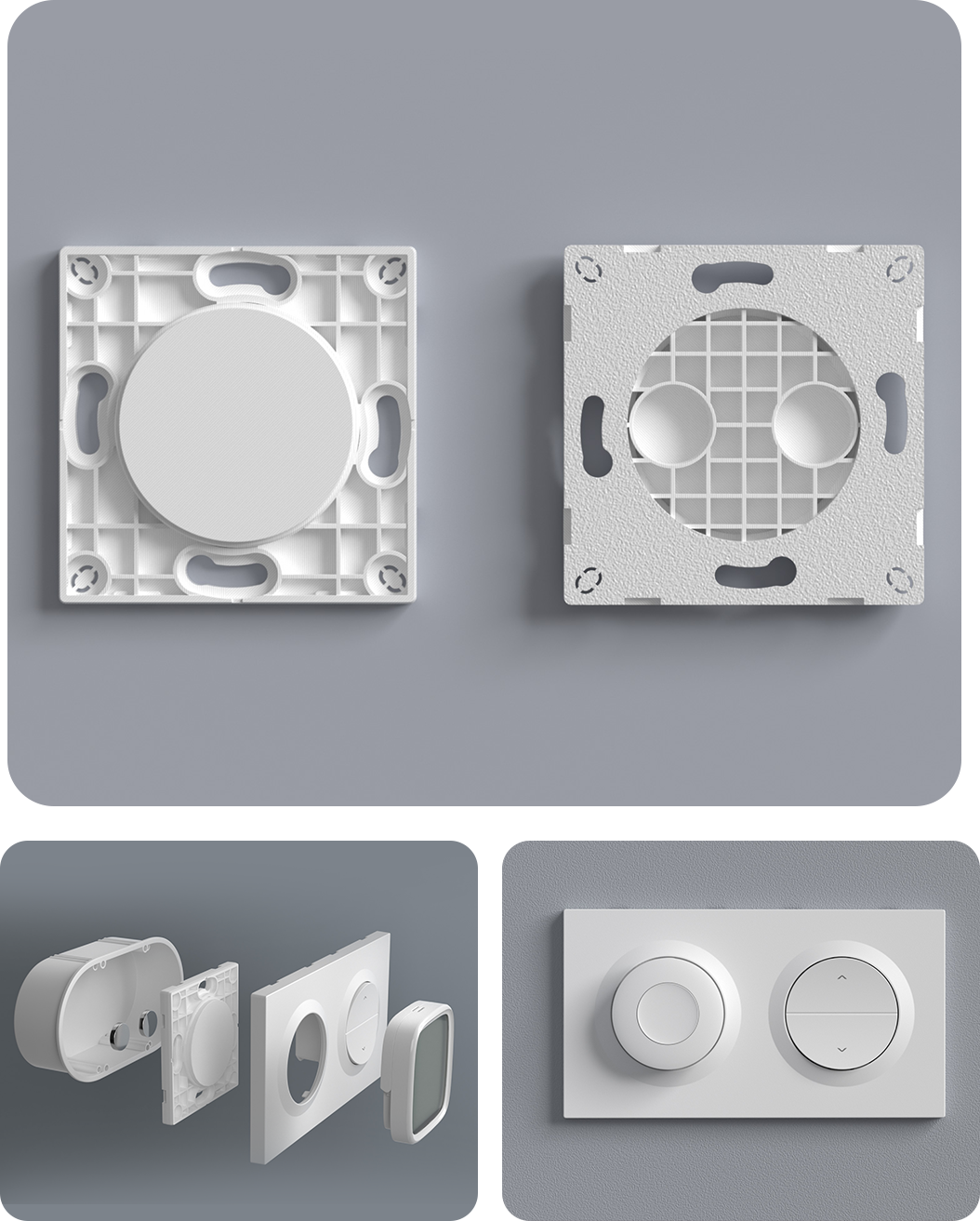
*The magnet is required when used with certain sensors.
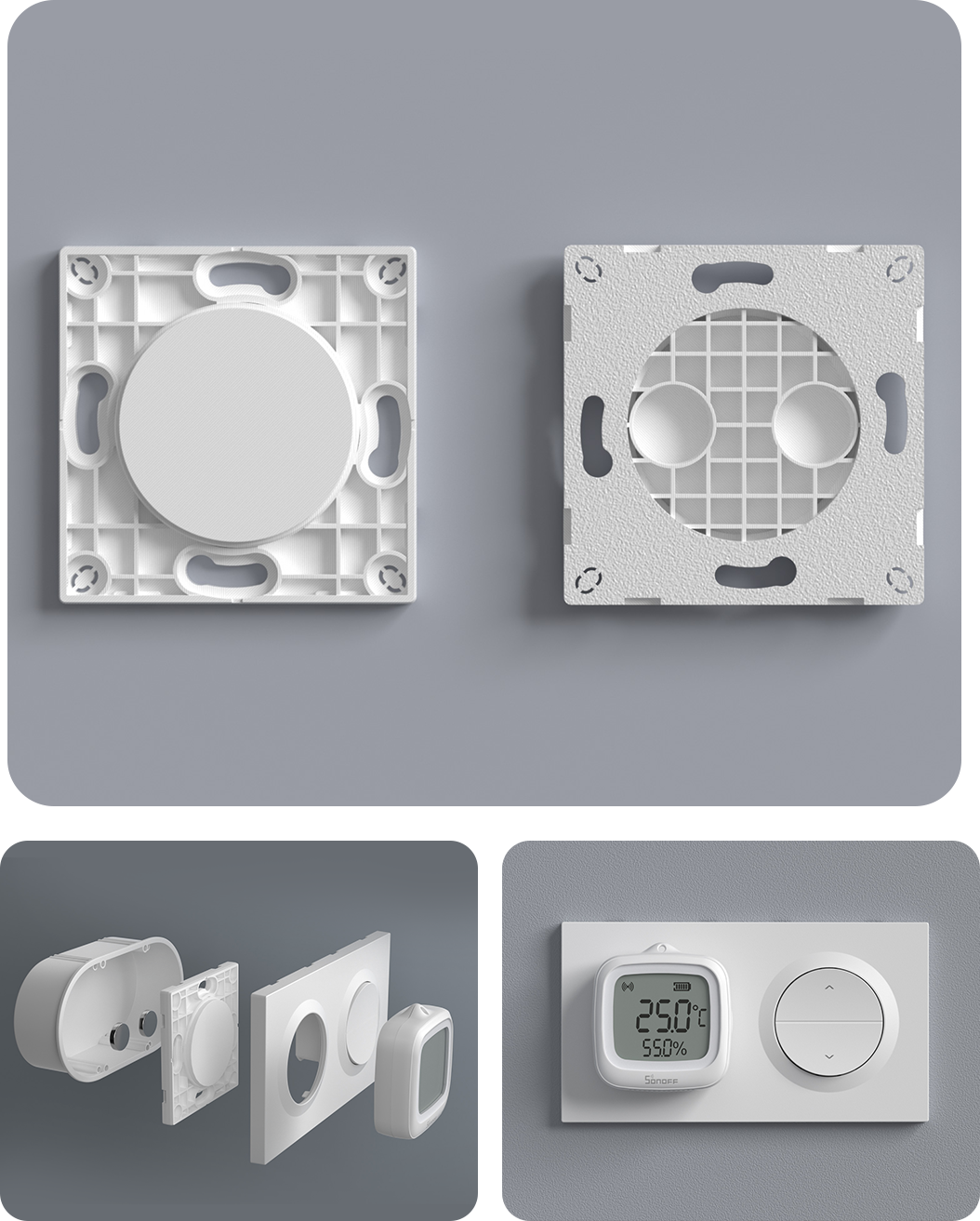
*The magnet is required when used with certain sensors.
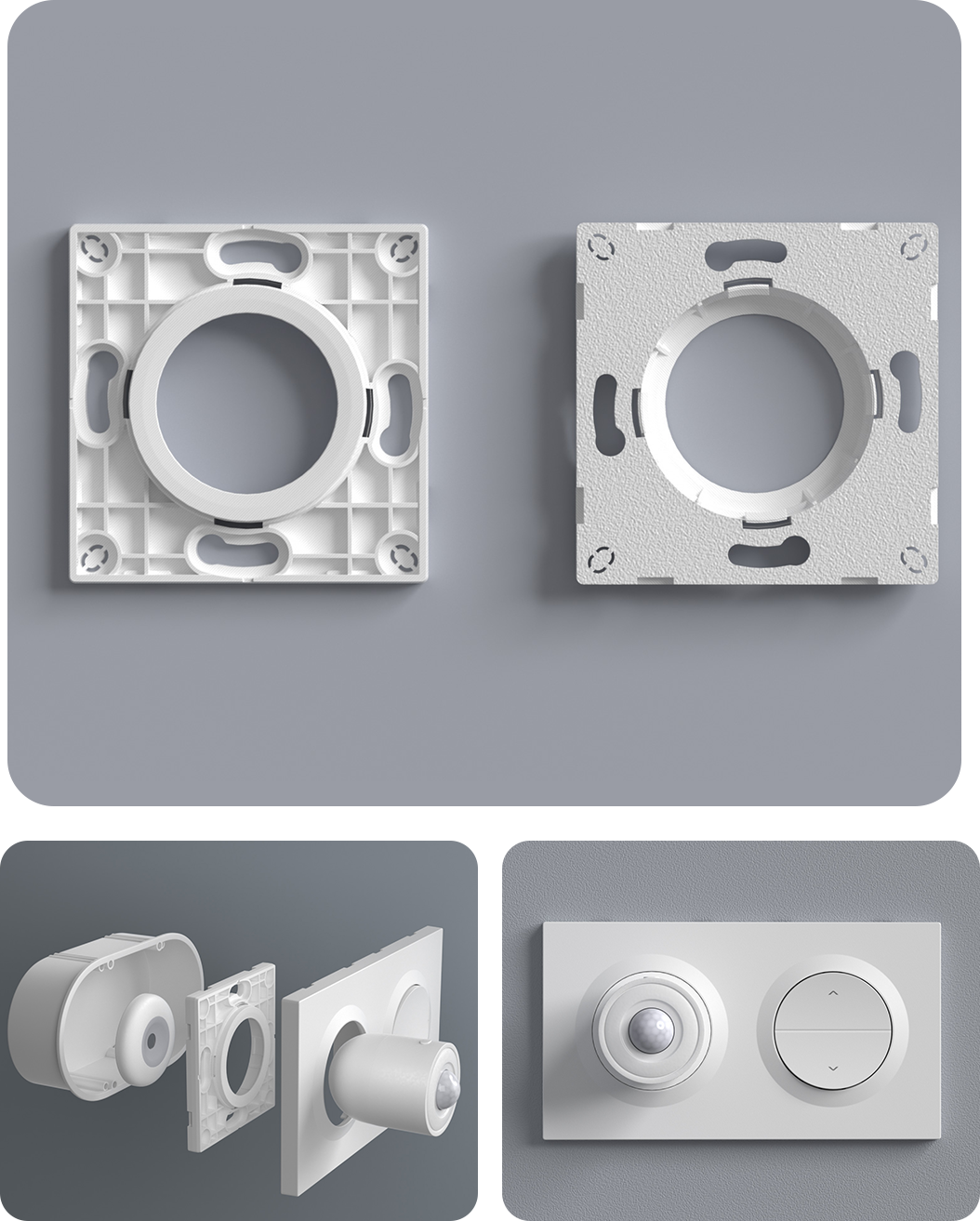
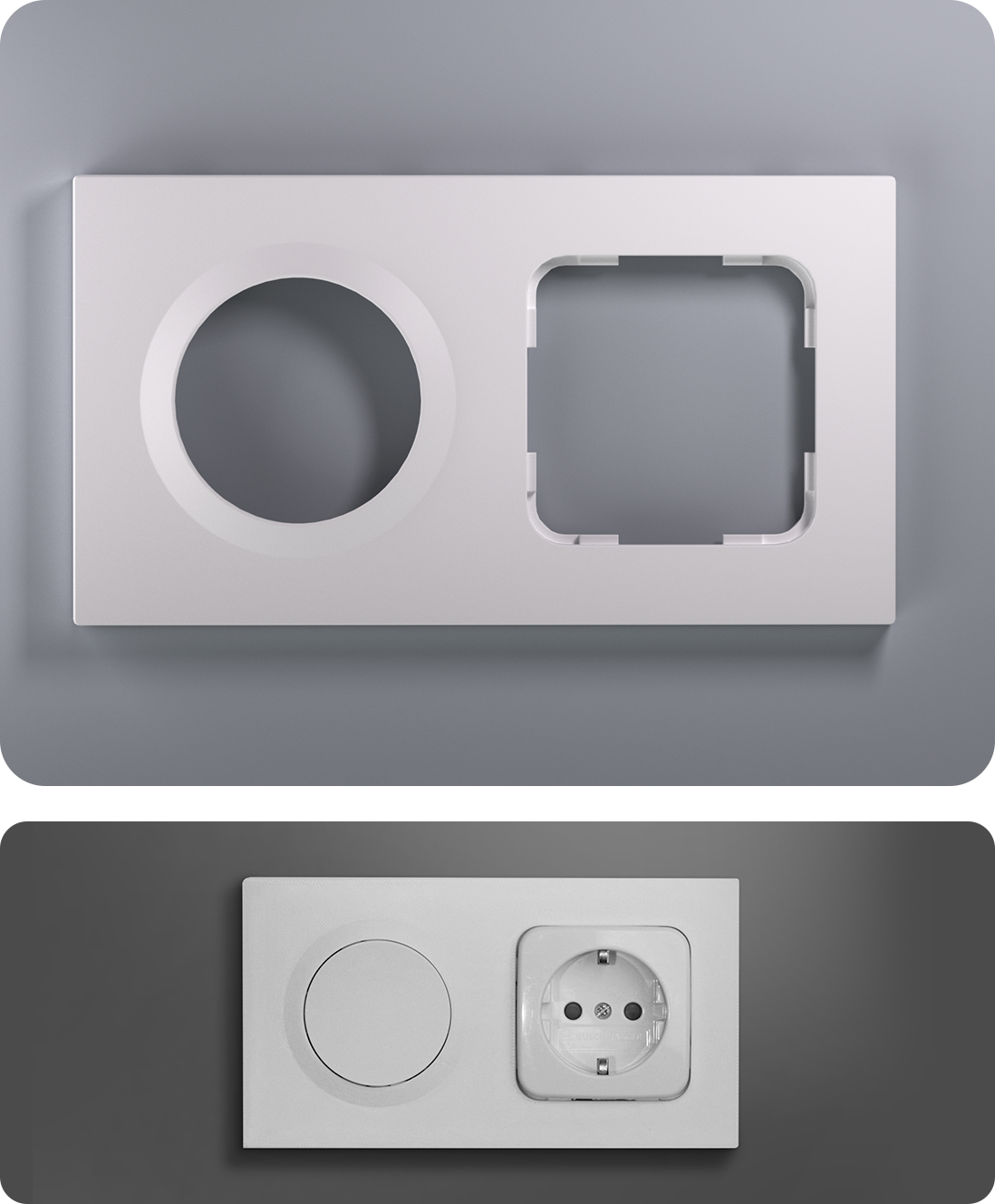
Use open-source 3D-printed accessories
to pair with sockets from other brands.
*The magnet is required when used with certain sensors.
*The magnet is required when used with certain sensors.
*The magnet is required when used with certain sensors.
*The magnet is required when used with certain sensors.
Use open-source 3D-printed accessories
to pair with sockets from other brands.
Fusion Series Product Comparison


*Note2.This function requires adding the device to the eWeLink app via the SONOFF Zigbee gateway and syncing it to third-party platforms through cloud-to-cloud integration.
Applicable Mounting Box


Wiring Instructions


Quick Use
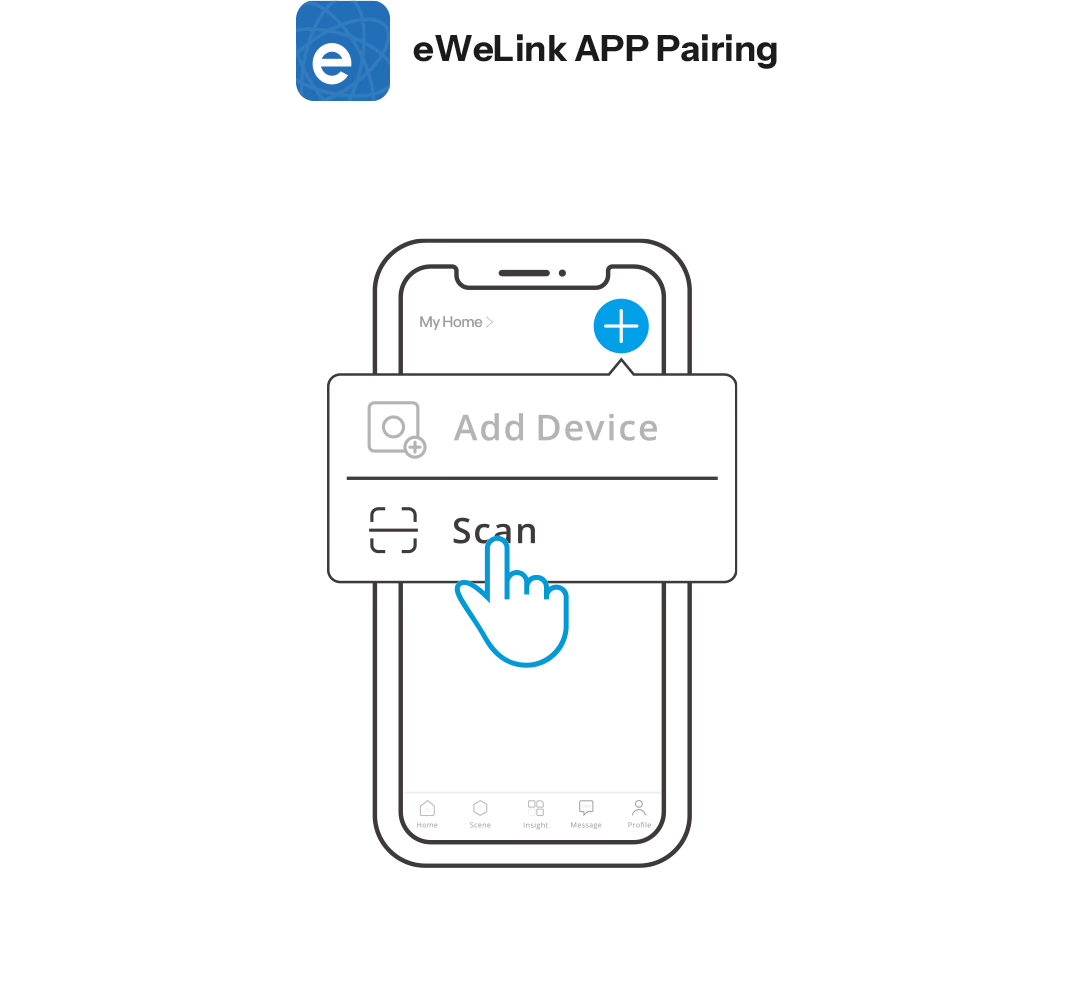
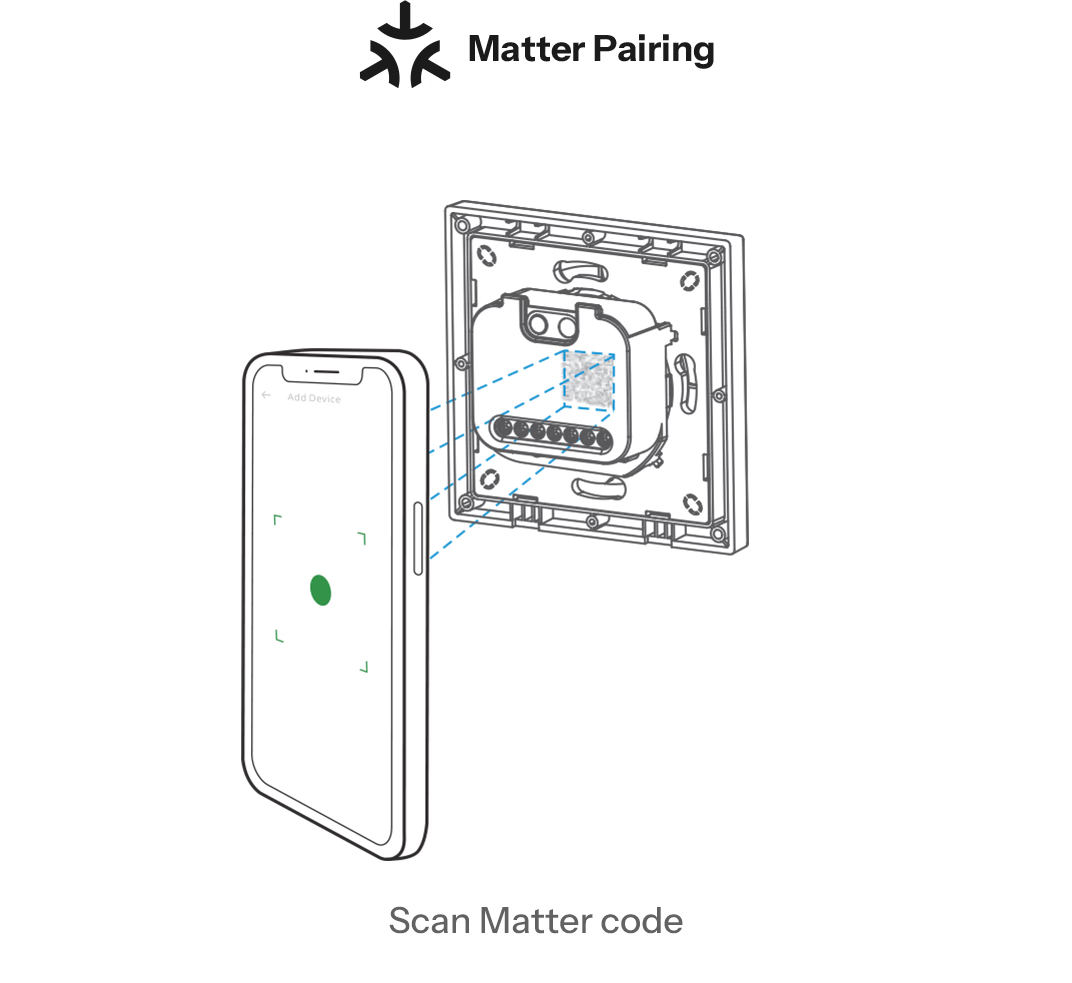
Two pairing methods are available for you to choose from, the first is to add a device via the eWeLink APP. The second is to add a device via a Matter-compatible app.
Specification


Specs & User Manual
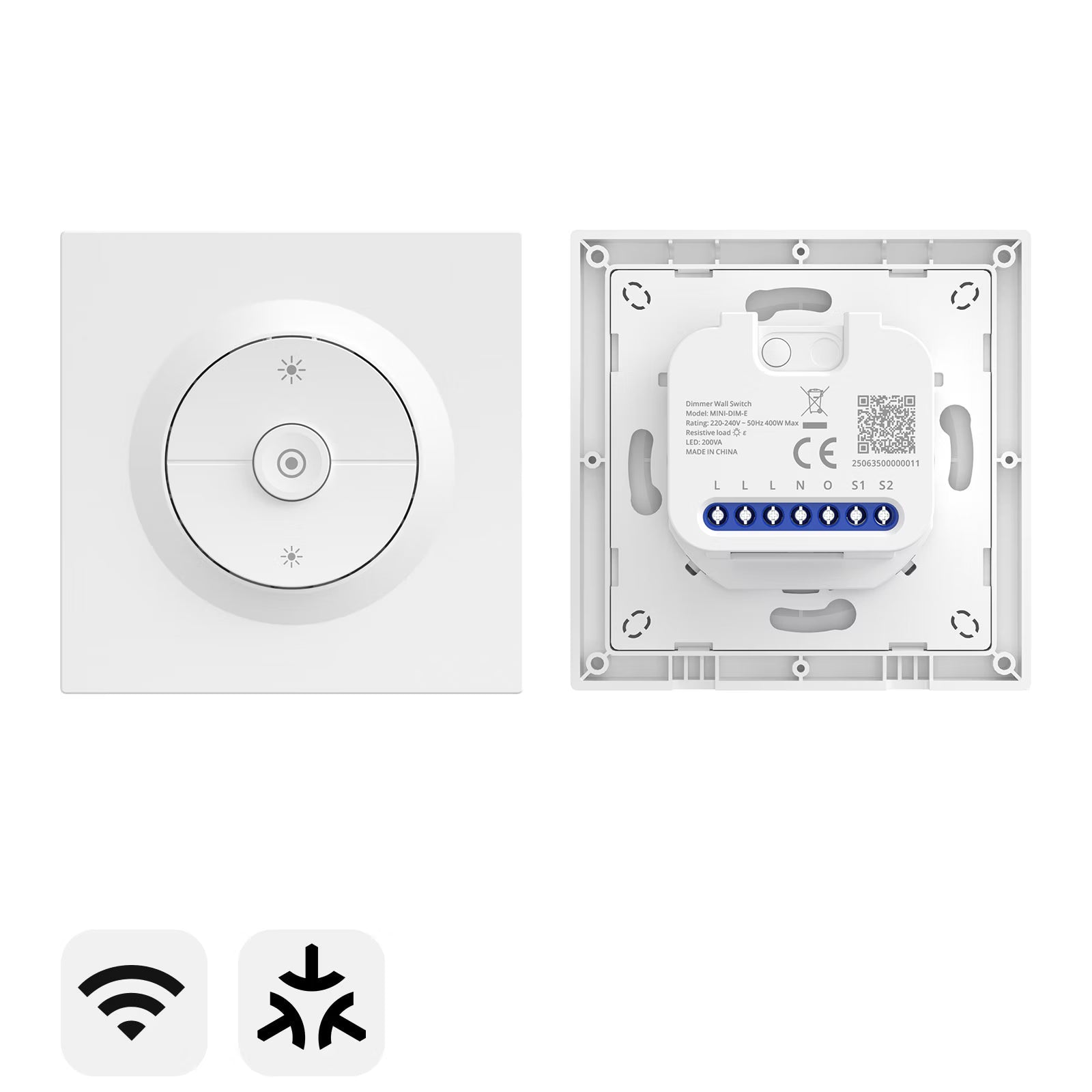
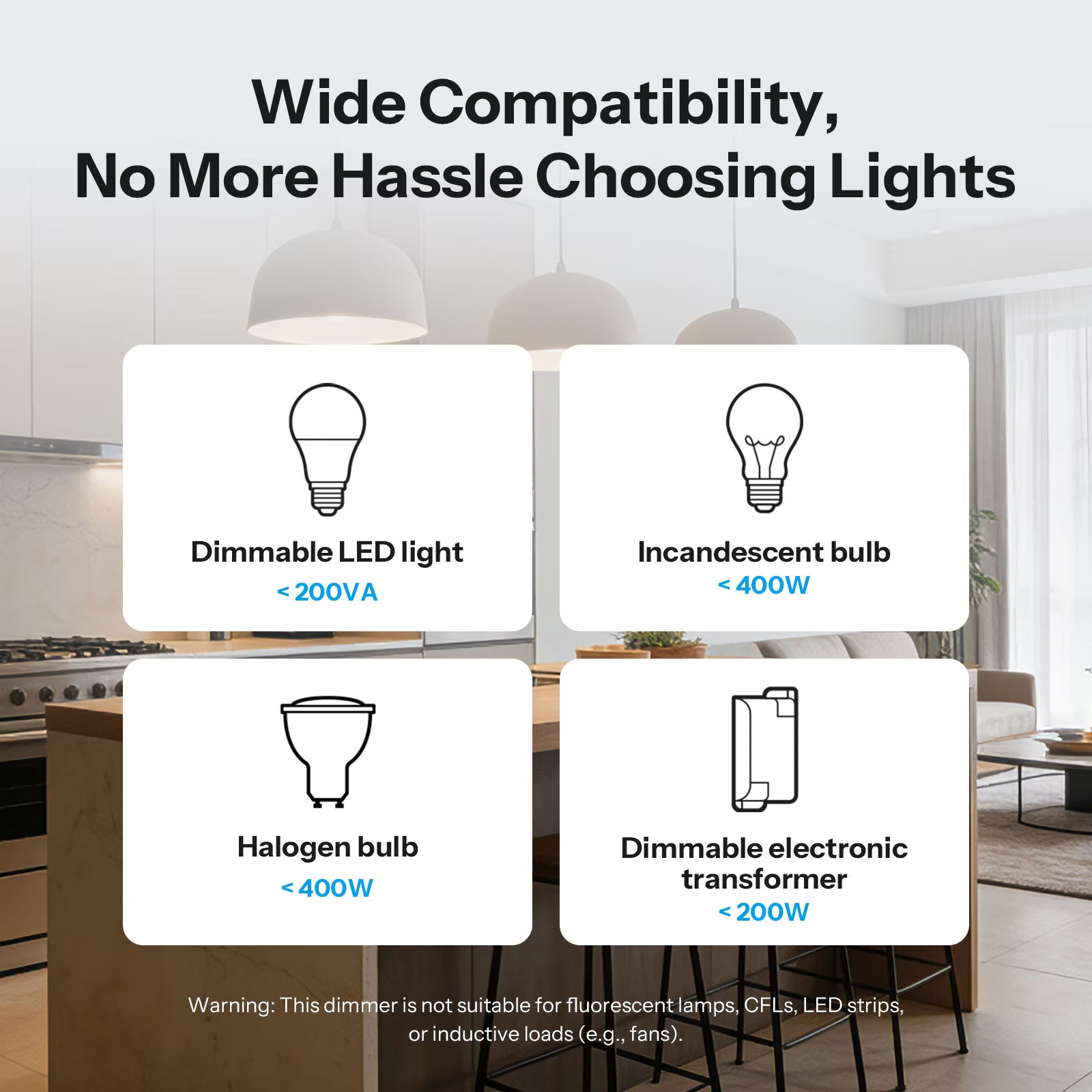
Orb-DIM is a WiFi smart dimmer wall switch designed to deliver seamless cross-platform lighting control through the Matter protocol. With intelligent auto and manual calibration, it provides ultra-smooth, flicker-free dimming for dimmable LEDs, incandescent lamps, halogen lights, and dimmable electronic transformers, ensuring natural light transitions. Real-time power monitoring offers clear visibility into energy usage, while built-in overload, overcurrent, and overheat protection ensures safe, reliable operation. Supporting app and voice control with precise 1% brightness adjustment, Orb-DIM enables effortless, personalized lighting control anytime, anywhere.
User Manual (PDF)Orb-DIM
Fusion series
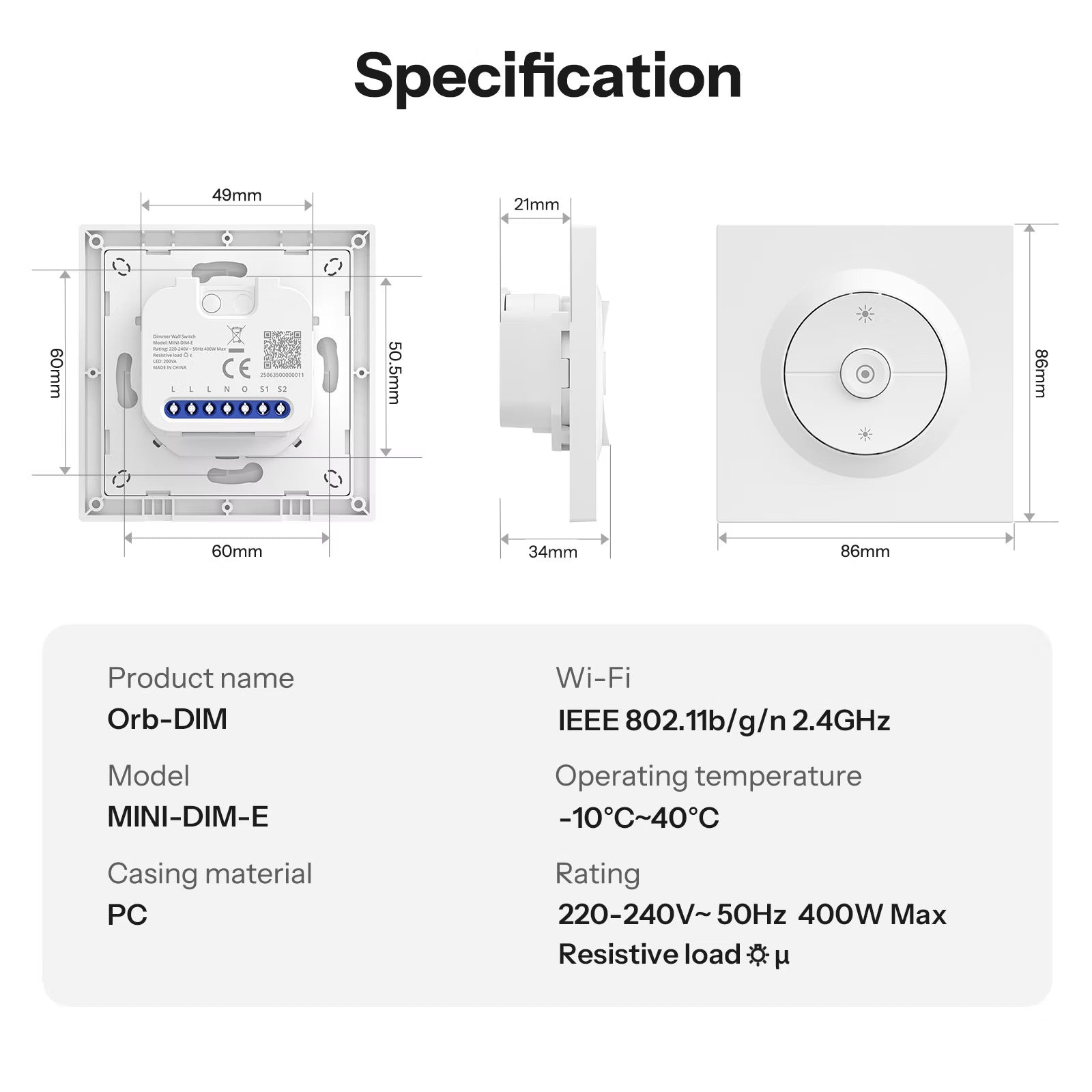
MINI-DIM-E
ESP32-C3
220-240V~ 50Hz 400W Max Resistive load
200VA
IEEE 802.11b/g/n 2.4GHz
83g
86x86x33.7mm
PC
-10℃~40℃
5%~95% RH, non-condensing
CE/RoHS
FAQ
1. What types of loads (light bulbs) can be used?
Compatible Loads: Dimmable LEDs, incandescent, and halogen bulbs; dimmable electronic transformers (for ELV systems). Incompatible Loads: Fluorescent lamps, CFLs, LED strips, and inductive loads (e.g., motors, fans).
2. Why is there no light when I turn on a replaced LED bulb at what was previously the minimum brightness?
Some LED bulbs are more sensitive than others and require a higher voltage to turn on. To resolve this issue, you can perform a "Manual Calibration" in the eWeLink App to finely adjust the minimum brightness level until the LED bulb lights up.
3. Does Orb-DIM require a neutral wire?
Yes. Orb-DIM requires a neutral wire for proper installation and operation.
4. Can I perform automatic bulb calibration without the eWeLink App?
Yes. You can manually trigger automatic calibration by pressing and holding the button on the back of the device for 10 seconds. The switch will then automatically calibrate the brightness range for your bulbs.
5. After installation, if the lighting effect does not meet expectations, how should it be adjusted?
If you are experiencing dimming issues, please first check the following possible causes:
- Ensure the light type and wattage are within the compatible range.
(*Note: LEDs or electronic transformers must be of a dimmable type.) - Confirm that the Orb-DIM has been calibrated.
If the light continues to have any of the following issues, please refer to the corresponding "Manual Calibration" instructions for resolution. (*Note: Ensure your device firmware is up to date before using Manual Calibration.)
① Flickering or turning off at low brightness → Appropriately increase the minimum brightness during manual calibration.
② Too bright even at the lowest brightness→ Appropriately decrease the minimum brightness during manual calibration.
③ No change in brightness within the higher brightness range→ Appropriately decrease the maximum brightness during manual calibration.