






































![[Pre-Order] SONOFF NSPanel Pro Gen2 Dual Channel Relay Smart Home Control Panel 86 Type](http://sonoff.tech/cdn/shop/files/NSPanel_Pro_Gen2-10off.avif?v=1777348447&width=1600)
![[Pre-Order] SONOFF NSPanel Pro Gen2 Dual Channel Relay Smart Home Control Panel 86 Type](http://sonoff.tech/cdn/shop/files/NSPanel-Pro-Gen2_1600_01.avif?v=1777340961&width=1600)
![[Pre-Order] SONOFF NSPanel Pro Gen2 Dual Channel Relay Smart Home Control Panel 86 Type](http://sonoff.tech/cdn/shop/files/NSPanel-Pro-Gen2_1600_02.avif?v=1777340961&width=1600)
![[Pre-Order] SONOFF NSPanel Pro Gen2 Dual Channel Relay Smart Home Control Panel 86 Type](http://sonoff.tech/cdn/shop/files/NSPanel-Pro-Gen2_1600_03.avif?v=1777340961&width=1600)
![[Pre-Order] SONOFF NSPanel Pro Gen2 Dual Channel Relay Smart Home Control Panel 86 Type](http://sonoff.tech/cdn/shop/files/NSPanel-Pro-Gen2_1600_04.avif?v=1777340960&width=1600)
![[Pre-Order] SONOFF NSPanel Pro Gen2 Dual Channel Relay Smart Home Control Panel 86 Type](http://sonoff.tech/cdn/shop/files/NSPanel-Pro-Gen2_1600_05.avif?v=1777340961&width=1600)
![[Pre-Order] SONOFF NSPanel Pro Gen2 Dual Channel Relay Smart Home Control Panel 86 Type](http://sonoff.tech/cdn/shop/files/NSPanel-Pro-Gen2_1600_06.avif?v=1777340961&width=1600)
![[Pre-Order] SONOFF NSPanel Pro Gen2 Dual Channel Relay Smart Home Control Panel 86 Type](http://sonoff.tech/cdn/shop/files/NSPanel-Pro-Gen2_1600_07.avif?v=1777340961&width=1600)
![[Pre-Order] SONOFF NSPanel Pro Gen2 Dual Channel Relay Smart Home Control Panel 86 Type](http://sonoff.tech/cdn/shop/files/NSPanel-Pro-Gen2_1600_08.avif?v=1777340961&width=1600)
![[Pre-Order] SONOFF NSPanel Pro Gen2 Dual Channel Relay Smart Home Control Panel 86 Type](http://sonoff.tech/cdn/shop/files/NSPanel-Pro-Gen2_1600_12.avif?v=1777340961&width=1600)
![[Pre-Order] SONOFF NSPanel Pro Gen2 Dual Channel Relay Smart Home Control Panel 86 Type](http://sonoff.tech/cdn/shop/files/NSPanel-Pro-Gen2_1600_09.avif?v=1777340961&width=1600)
![[Pre-Order] SONOFF NSPanel Pro Gen2 Dual Channel Relay Smart Home Control Panel 86 Type](http://sonoff.tech/cdn/shop/files/Gen2_main.avif?v=1777348447&width=1600)
![[Pre-Order] SONOFF NSPanel Pro Gen2 Dual Channel Relay Smart Home Control Panel 86 Type](http://sonoff.tech/cdn/shop/files/NSPanel86PB-Relay_02.avif?v=1777341997&width=1600)
![[Pre-Order] SONOFF NSPanel Pro Gen2 Dual Channel Relay Smart Home Control Panel 86 Type](http://sonoff.tech/cdn/shop/files/NSPanel86PW-Relay_02.avif?v=1777341997&width=1600)
[Pre-Order] SONOFF NSPanel Pro Gen2 Dual Channel Relay Smart Home Control Panel 86 Type
Tax excluded. Shipping calculated at checkout
Note1: Pre-order from April 28 to June 11 and enjoy a limited-time 10% off, with orders shipped before June 15.
Note2: If you have pre-order and in-stock in the same cart, shipment of your in-stock items may be delayed until your pre-order item is ready for shipping. We recommend placing pre-order items separately.
Note3: We will keep refining the product based on current feedback. You can visit the eWeLink Forum to follow the latest version updates. If you encounter any issues during use, you can also submit feedback via the link below. Our developers will communicate with you directly to help identify and resolve problems more quickly.
Technical details, troubleshooting or setup tips? Access the NSPanel Pro Gen2 knowledge center for all the info you need.

NSPanel Pro Gen2 smart home control panel
Live Your Smart Life
what it should be


NSPanel Pro Gen2 as
Your Home Assistant
Dashboard
Download the official Home Assistant
app via F-Droid, connect it to your
Home Assistant Server, and enjoy
centralized smart home management
with intuitive, at-a-touch control.
Unified Control Across Ecosystems via Matter Bridge
By scanning the Matter pairing code, you can synchronize and centrally control both the WiFi and Zigbee devices from your eWeLink account as well as devices from Home Assistant on the Matter platform, enabling effortless cross-ecosystem, seamless connectivity.


Bringing Your Zigbee Devices into Home Assistant
By scanning the Matter pairing code, you can synchronize and centrally control both the WiFi and Zigbee devices from your eWeLink account as well as devices from Home Assistant on the Matter platform, enabling effortless cross-ecosystem, seamless connectivity.


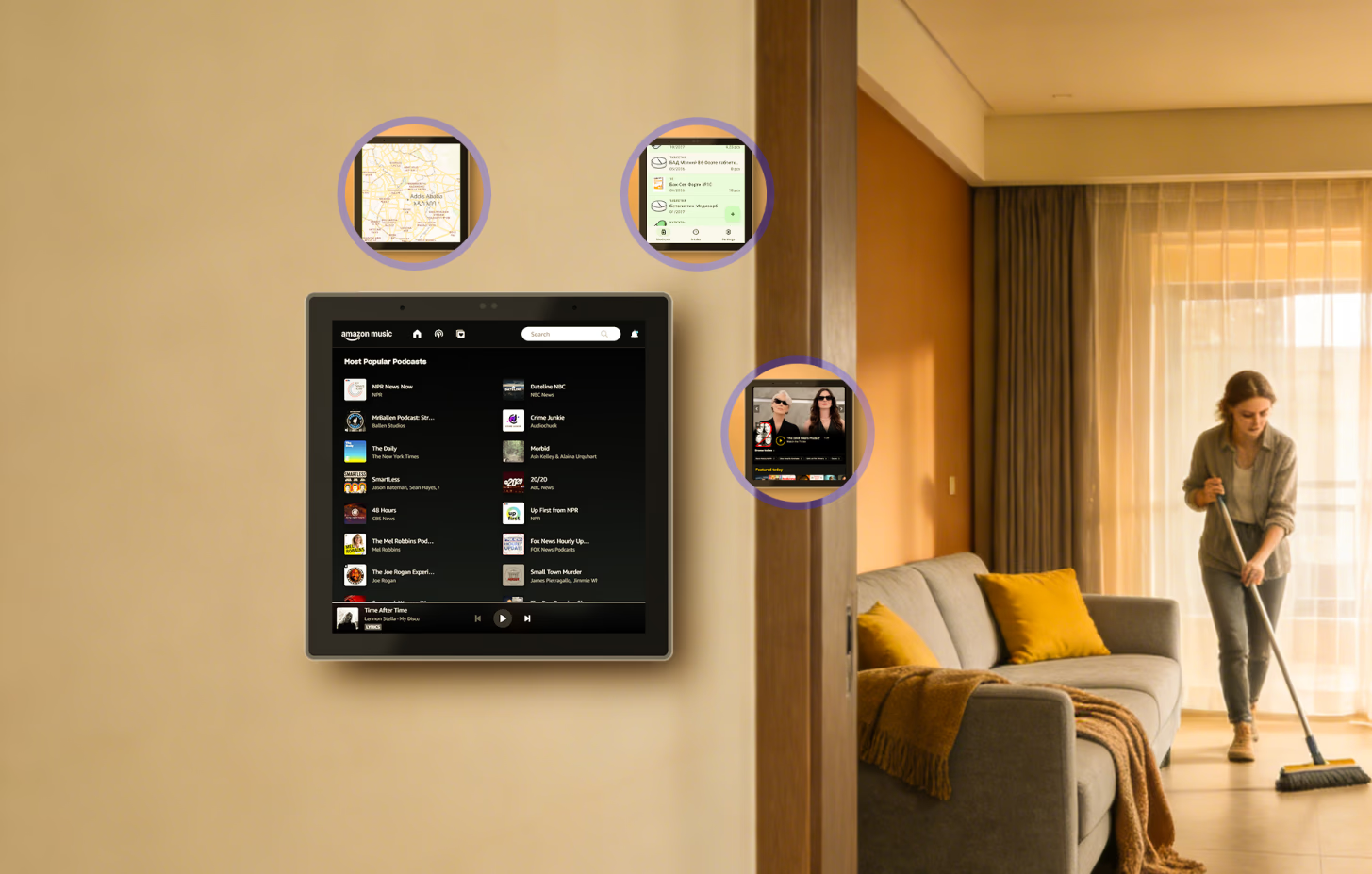
F‑Droid is a free and open‑source app store that offers ad‑free, privacy‑respecting applications verified by the open‑source community. Covering personalized and creative apps, it lets you effortlessly enrich your life with NSPanel Pro Gen2.
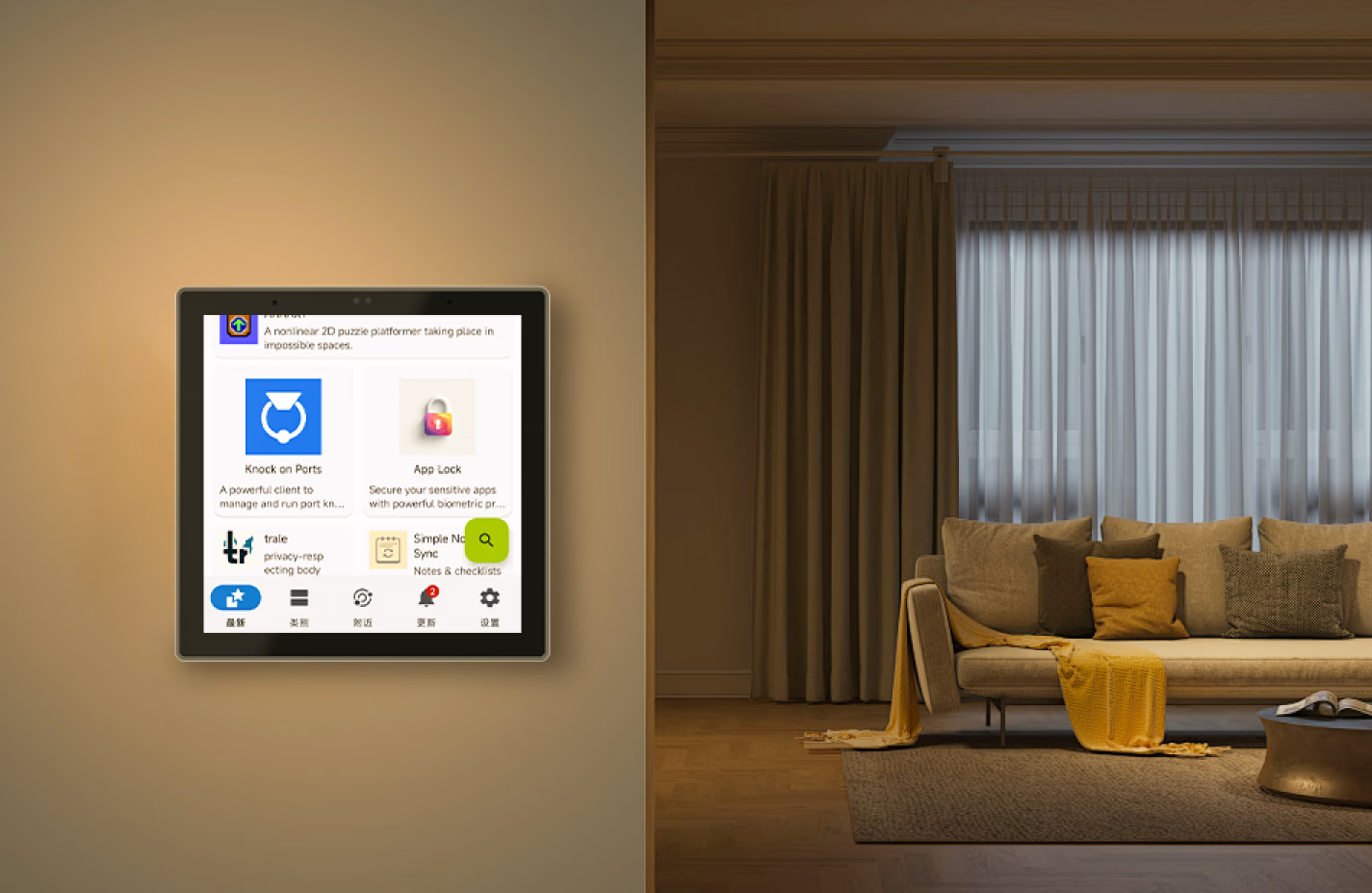
The "Apps" feature allows you to set any third-party app as the Home App while keeping NSPanel Pro Gen2 running in the background.
F‑Droid is a free and open‑source app store that offers ad‑free, privacy‑respecting applications verified by the open‑source community. Covering personalized and creative apps, it lets you effortlessly enrich your life with NSPanel Pro Gen2.
The "Apps" feature allows you to set any third-party app as the Home App while keeping NSPanel Pro Gen2 running in the background.
Smart Central Temperature Control, Make Life Easier
A single panel provides panoramic monitoring of temperature and heating status across all rooms, managing the whole-house heating system to deliver constant comfort to every space—achieving the ideal living climate through a truly integrated whole-home temperature control system.


Reliable and Stable Zigbee Gateway
Quickly add Zigbee devices on the screen in batches. Standard Zigbee 3.0 protocol makes the connection more stable and the coverage wider. Added sub-devices can be voice controlled by working with Alexa, Google Home, and more.
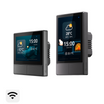
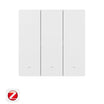
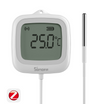
Support All SONOFF Zigbee Devices


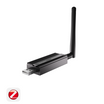
Support Third-party Standard Zigbee 3.0 Device


Zigbee Router Mode
Support Zigbee router mode to forward the gateway's signal to Zigbee sub-devices, extending the coverage of the gateway signal.


Explore Richer Functions
in Webpages
Listening to music, watching videos, or
checking out the latest advice? Save
the address in NSPanel Pro Gen2's
Webpages, start it quickly with one click,
and relax at any time.
Customization Makes it Convenient
You can freely customize the home screen style or wallpaper of the NSPanel Pro Gen2, creating an attractive interface that makes your daily use more convenient.
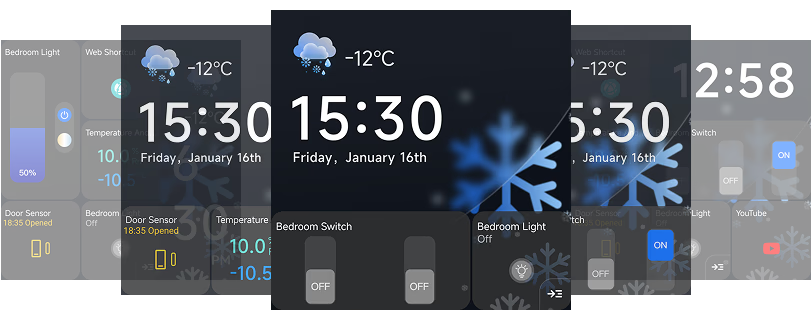
simple style
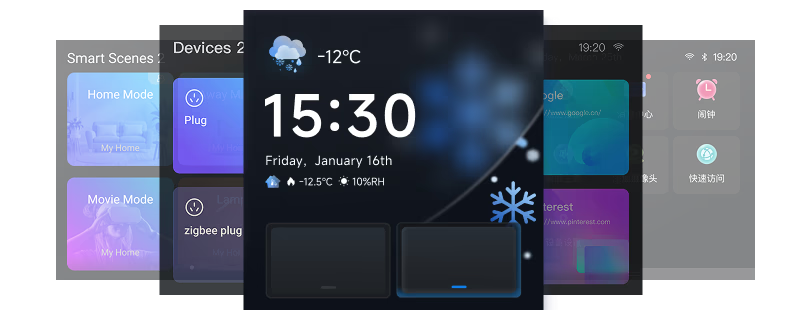
classic style
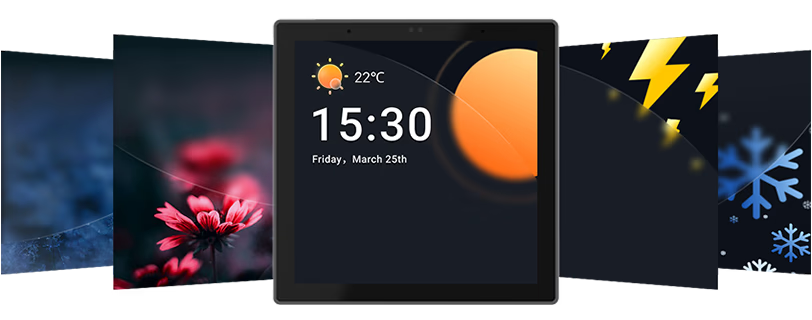
Preset Wallpaper
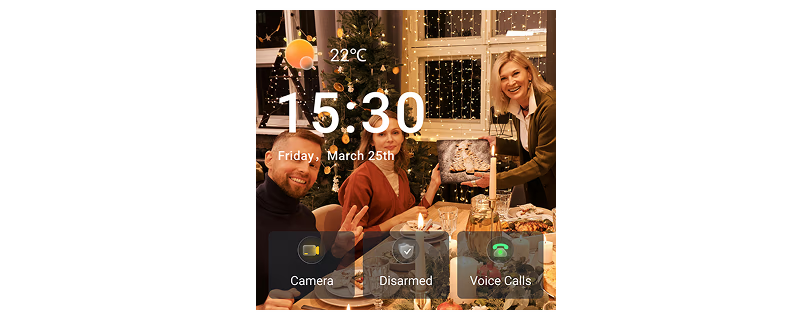
Customize Wallpaper
Turn off the thermostat in time
Customize Your Home Security Mode
Customize 3 modes by setting different arming devices. After arming, once the sensor is triggered, the panel will alarm, and you will receive a notification alert on the phone.
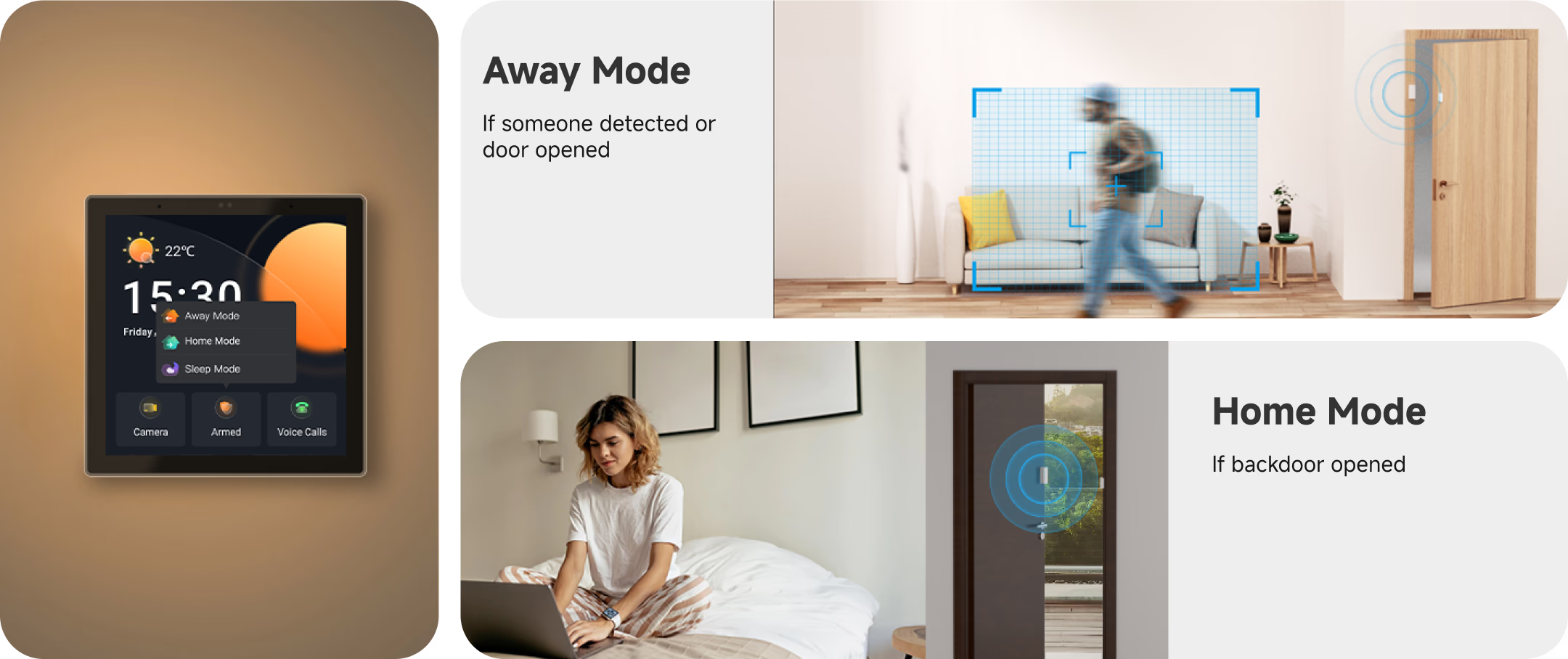


Use as You Like
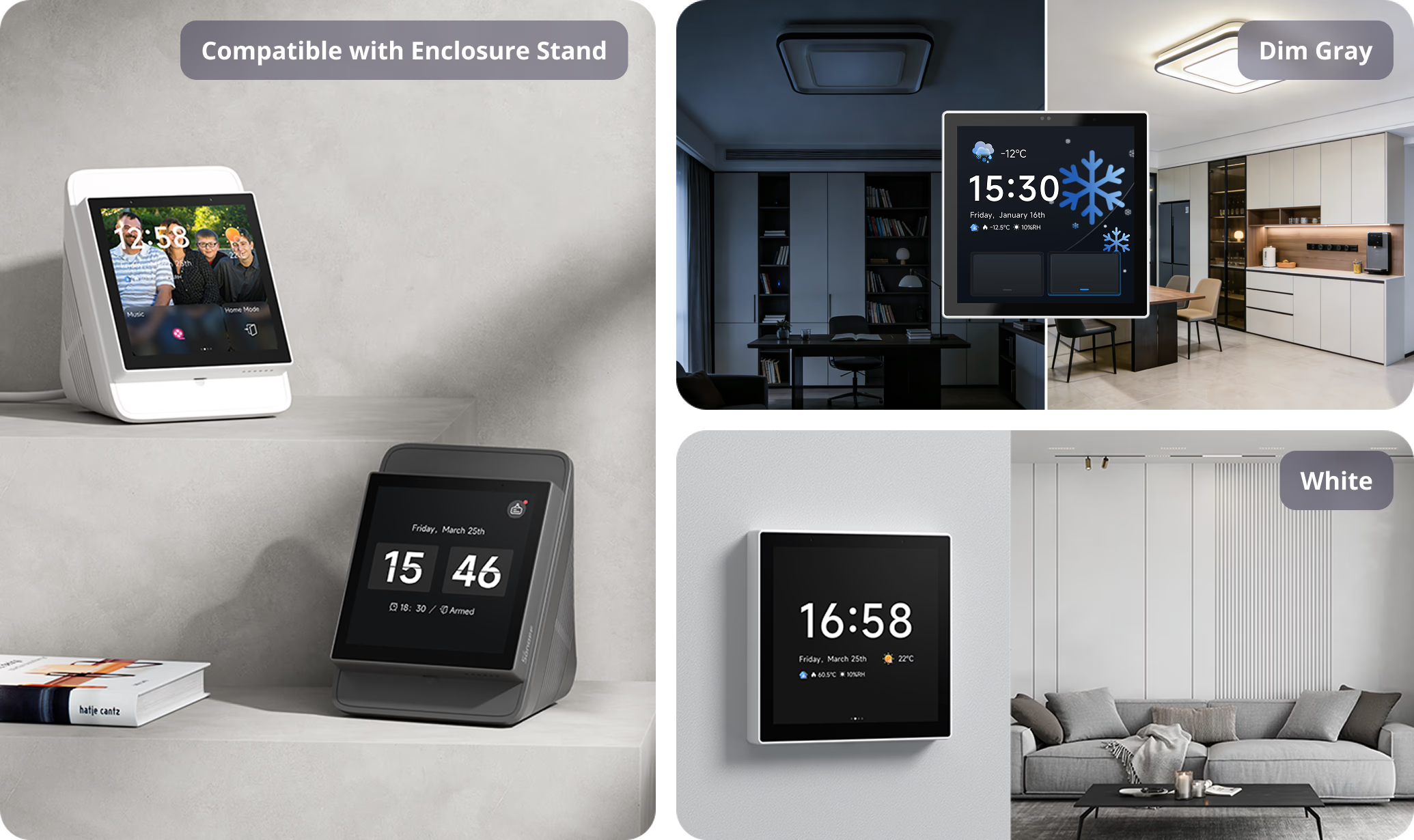
Multiple NSPanel Pro Gen2 Options Available for You


Wiring


Quick Start
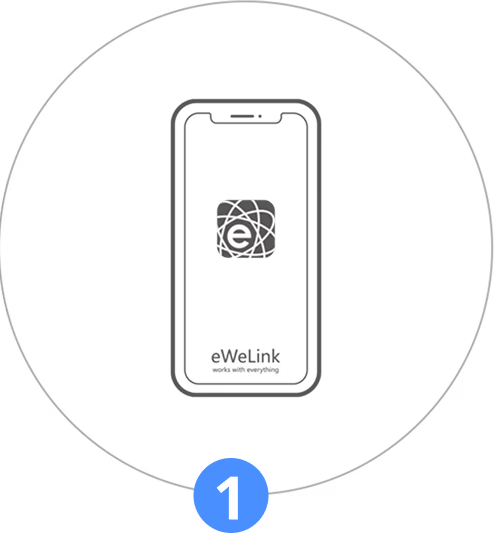
Download the eWeLink App.
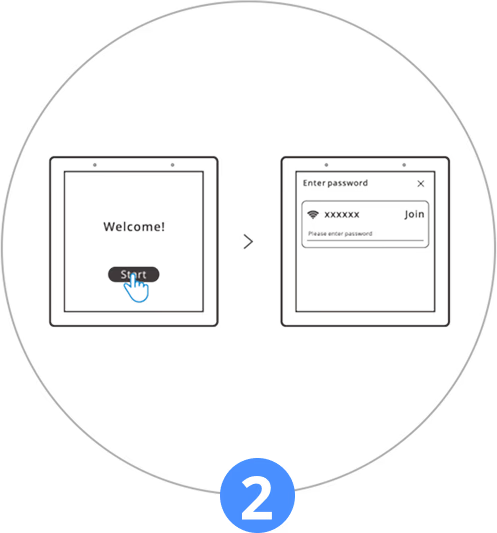
Powering on, tap "Start" to select the Wi-Fi and enter the password. Enter the main interface by following the prompts.
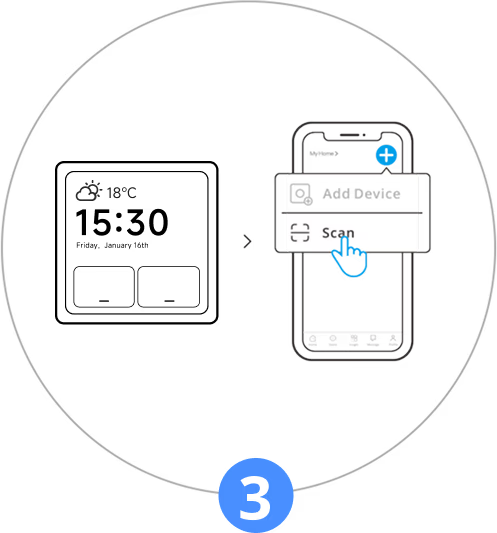
Tap "Log in" on the device and tap "+" on the eWeLink App to select "Scan".
Begin to use.


Specs & User Manual
NSPanel Pro Gen2 is a next-generation powerful smart control panel for modern smart living. Powered by 2GB RAM and 32GB storage, it smoothly runs Home Assistant and other apps—just download via F-Droid, no root needed. With a built-in Matter Bridge, Matter Hub, and Zigbee Hub, it effortlessly unifies devices across different ecosystems into one seamless experience. Its 2-channel relay makes upgrading existing switches simple, with no rewiring required. Paired with dual-band Wi-Fi, smart temperature control, and energy monitoring, it helps create a more connected, convenient, and comfortable home.
User Manual (PDF)NSPanel86PB-Relay/NSPanel86PW-Relay
NSPanel Pro series
Quad-core ARM Cortex-A35 CPU
Mali G31-2EE GPU
RK3326-S
2GB
32 GB
100–240V-50/60 Hz MAX 5A/Gang 10A/Total Resistive load
Wi-Fi IEEE 802.11 b/g/n/ac/ax 2.4GHz&5GHz, Zigbee 3.0
3.95" (Capacitive touch panel)
480x480
8Ω, 1.5W speaker
Two channels digital silicon microphones
Adjust brightness according to ambient light automatically (IIC light sensor)
190g
-10℃-40℃
10%~80% RH, non-condensing
NSPanel86PW-Relay: White
NSPanel86PB-Relay: Dim Gray
86x86x39.5mm
PC+CRS
FAQ
1. What types of sub-devices are supported?
- NSPanel Pro Gen2 integrates a Zigbee Hub & Matter Hub, supporting the addition of both Zigbee and Matter devices.
- It supports adding Wi-Fi devices under an eWeLink account through the "Split-Screen Setup".
- It supports adding Light Smart Sub-devices.
- It supports adding cameras: SONOFF cameras, RTSP/ESP32 cameras, and eWeLink cameras.
*For a detailed list of supported devices, please click the blog post link:
https://sonoff.tech/blogs/news/nspanel-pro-supported-devices-list
2. Can Home Assistant be used on NSPanel Pro Gen2?
Home Assistant can be accessed and used in the following ways:
- Download the Home Assistant APP from F-Droid to access and control HA devices from the panel.
- Use the "Webpages" feature to access Home Assistant's IP address, allowing control of HA devices from the panel.
3. Can NSPanel Pro Gen2 be used in Home Assistant?
Yes. By configuring HA information in the eWeLink App, the NSPanel Pro Gen2 itself and its associated Zigbee sub-devices can be synchronized to Home Assistant, enabling control of both NSPanel Pro Gen2 and its sub-devices within Home Assistant.
4. Is Matter Bridge supported?
Yes. The Matter Bridge capability allows Wi-Fi devices and Zigbee devices under an eWeLink account, or devices in Home Assistant, to be synchronized to other third-party Matter platforms for control.
5. Does NSPanel Pro Gen2 have a temperature control function?
Yes. It supports controlling heating for individual rooms/zones as well as whole-home central heating systems.
6. How to access CAST or other webpages on NSPanel Pro Gen2?
Using the Webpages feature, you can enter specific URLs in the eWeLink App to display quick-access cards on the panel.
7. Can I install third-party apps in NSPanel Pro Gen2?
Yes. NSPanel Pro Gen2 includes F-Droid. You can download official third-party APPs from the F-Droid store for use on the panel, including Home Assistant and various other interesting APPs.
8. How many Zigbee modes NSPanel Pro Gen2 have?
It supports two modes that can be switched freely: Zigbee Hub mode and Zigbee Router mode.
- As a Zigbee Hub, it can add Zigbee sub-devices from any brand, which are then displayed directly on the panel.
- As a Zigbee Router, it can act as a repeater to extend the signal coverage of a Zigbee Hub.
9. Can Home Assistant or other third-party APPs run automatically on startup?
Yes. Home Assistant or other third-party APPs can be set as the Home App. NSPanel Pro Gen2 will then launch them upon startup without affecting the use of its own functions (such as scenes, security, alarms, Zigbee modes, etc.).
10. Is personalized customization supported?
Yes. It supports custom ringtones, wallpapers, and screensavers. Users can upload and configure their preferred ringtones and wallpapers. The home screen supports configuring device widgets of different sizes and customizing split-screen layouts.