



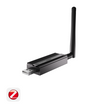



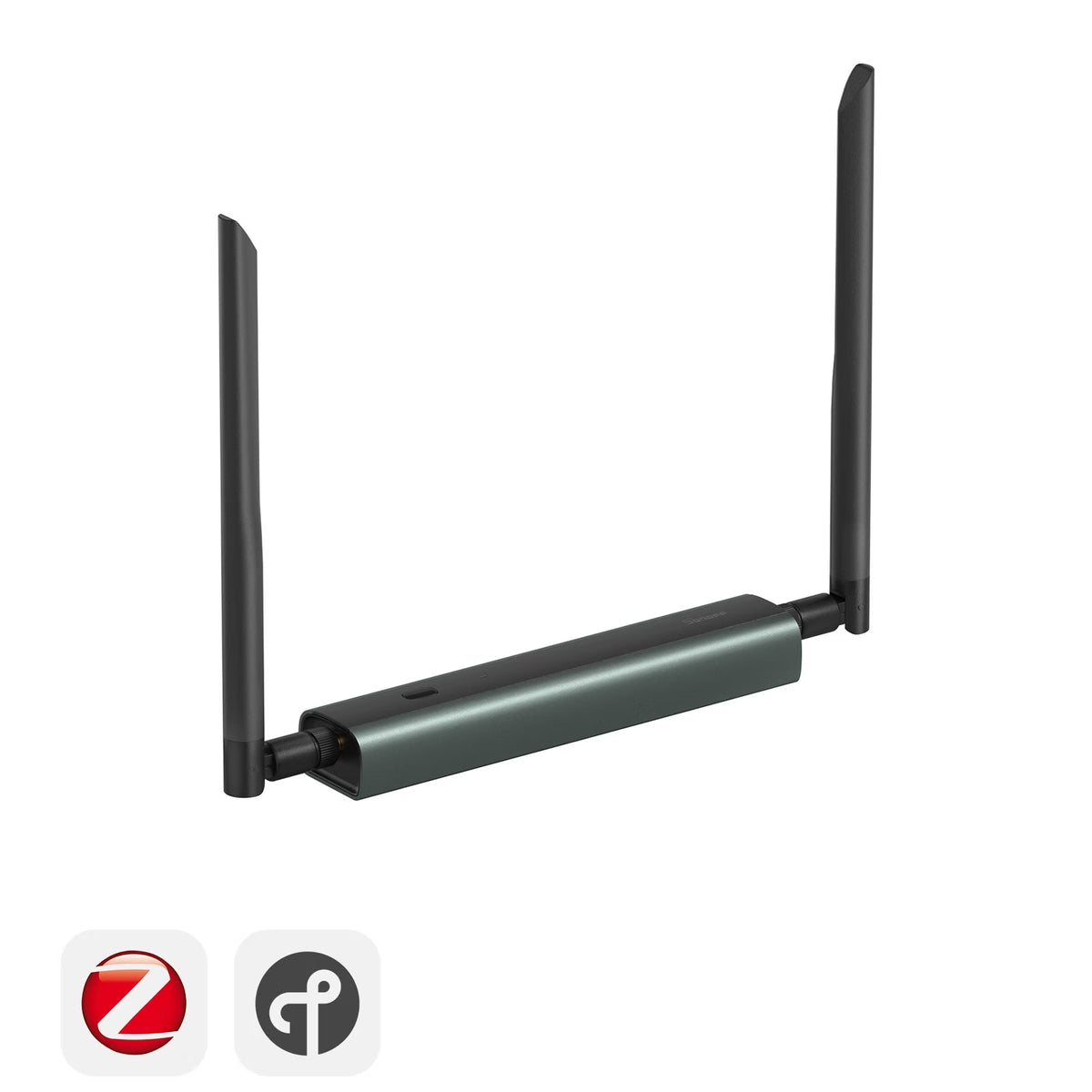


SONOFF Dongle Max CC2674P10 Zigbee/Thread PoE Dongle | Dongle-MP10
Tax excluded. Shipping calculated at checkout
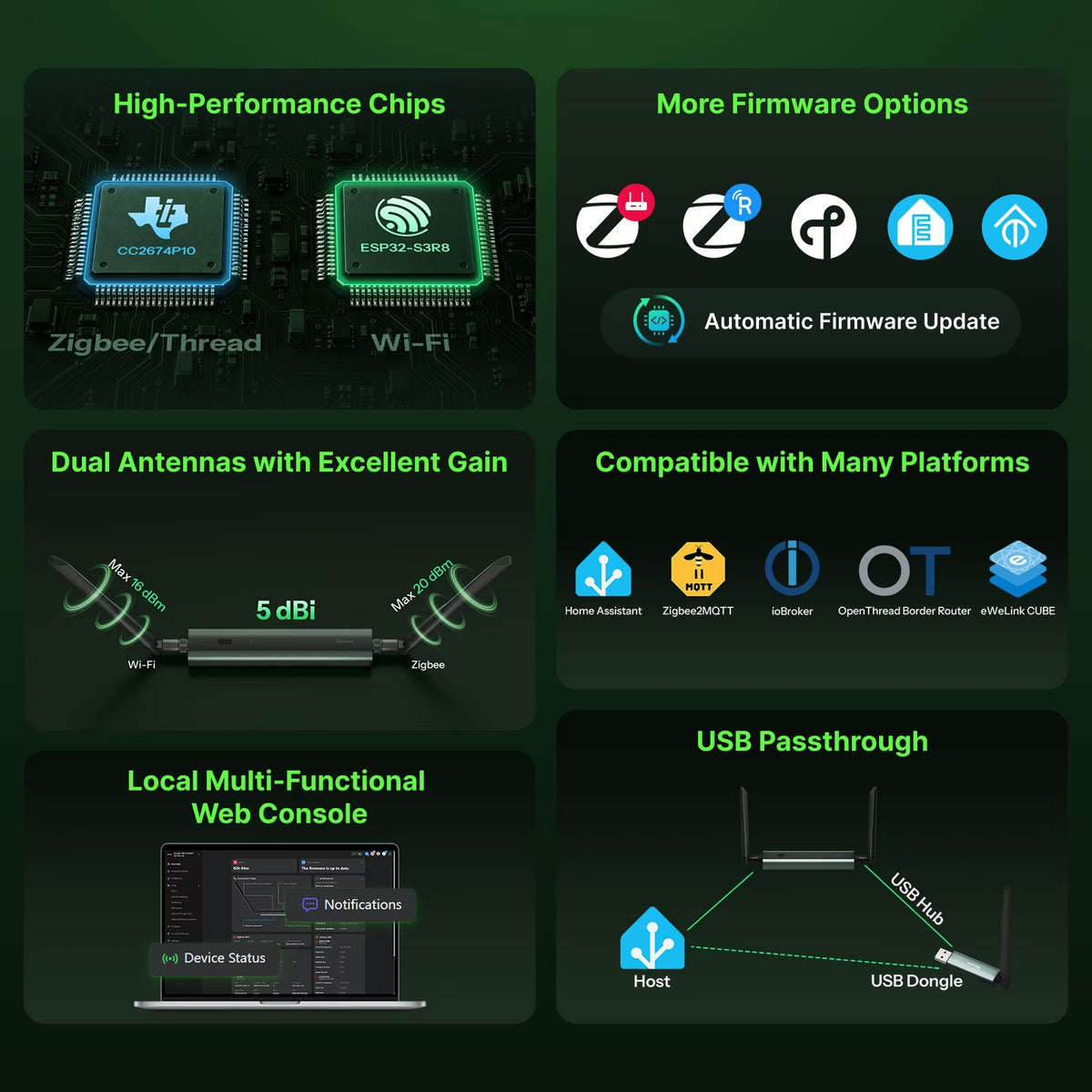
【Powerful Dual-Chip Design & Multi-Role Support】 Powered by TI CC2674P10 and ESP32-S3R8 chips for independent protocol processing and network connectivity. Switch between Zigbee Coordinator, Zigbee Router, and OpenThread RCP firmware for flexible deployment.
【USB Passthrough for Multi-Protocol Expansion】 Supports USB passthrough, allowing hosts like Raspberry Pi to remotely access SONOFF Z-Wave/Thread USB Dongles as if they were PoE Dongles. Overcomes USB cable length and building limitations, enabling flexible whole-home device deployment and unified multi-protocol management.
【Flexible Ethernet, Wi-Fi & USB Connectivity】 Choose USB for direct Home Assistant connections or Wi-Fi and PoE for remote deployment in larger homes, detached garages, and other locations.
【Web Console & Advanced Features】 Manage device status, logs, firmware switching, and settings directly through a browser without command-line tools. Supports WireGuard and Webhooks for advanced networking and remote deployment.
【Enhanced Coverage & Durable Design】 Dual adjustable 5dBi high-gain antennas provide wider 360° coverage. The aluminum alloy housing passes a 24-hour salt spray test and meets CE, FCC, and RoHS requirements.
Technical details, troubleshooting or setup tips? Access the Dongle-MP10 knowledge center for all the info you need.
SONOFF Dongle Max CC2674P10 Zigbee/Thread PoE Dongle | Dongle-MP10
Sale price$48.90

SONOFF Dongle MAX CC2674P10
Zigbee/Thread PoE Dongle


Use Your USB Dongle as a PoE Dongle
Supports USB Passthrough. Paired with a USB Hub, it converts connected Z-Wave, Thread, Zigbee USB adapters into PoE adapters, enabling remote access to these USB adapters via a TCP/IP network.


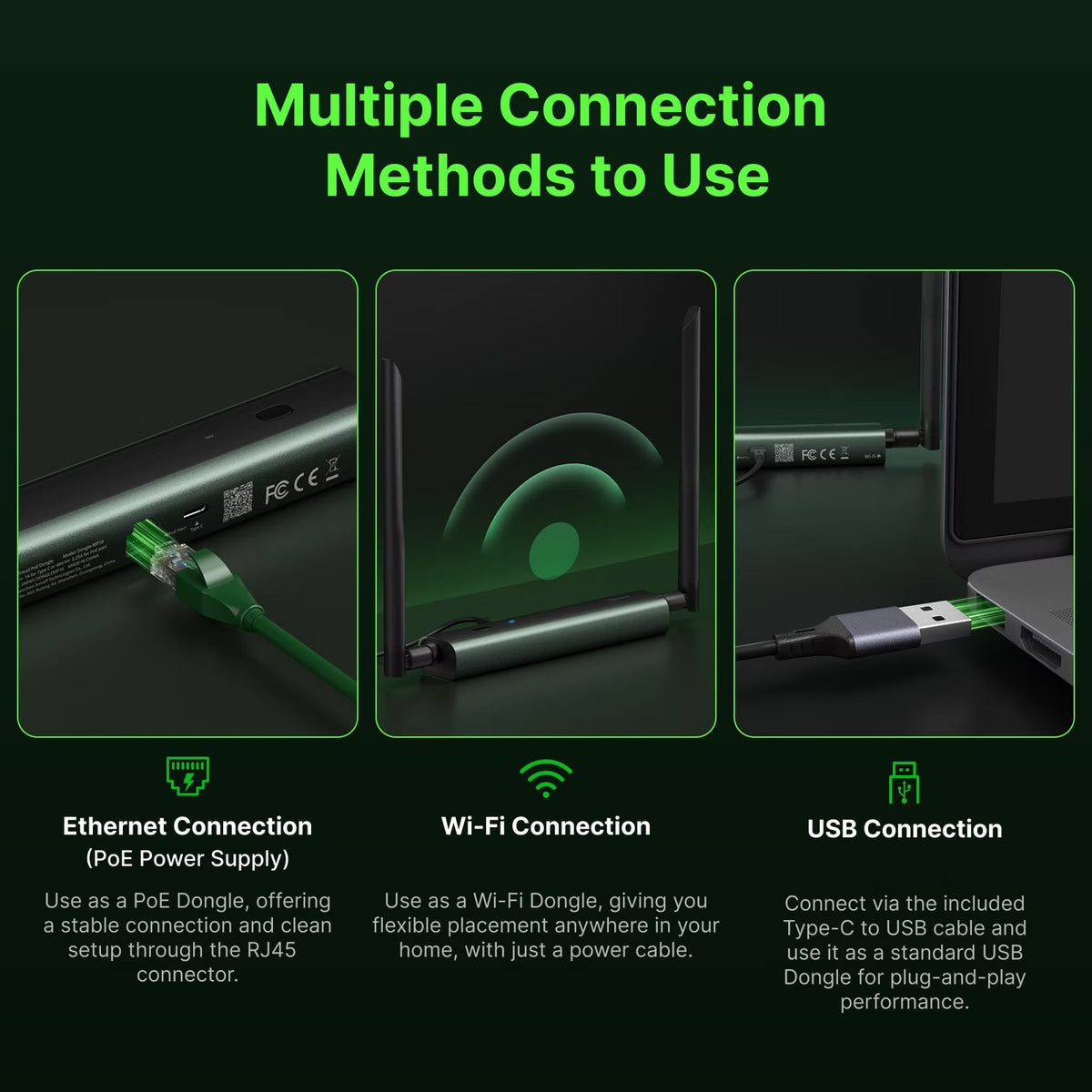
Multiple Connection Methods
The Dongle Max CC2674P10 supports Ethernet, Wi-Fi, and USB connections, giving you the freedom to install it wherever you need Zigbee/Thread coverage, whether it's the living room, bedroom, or even the basement.
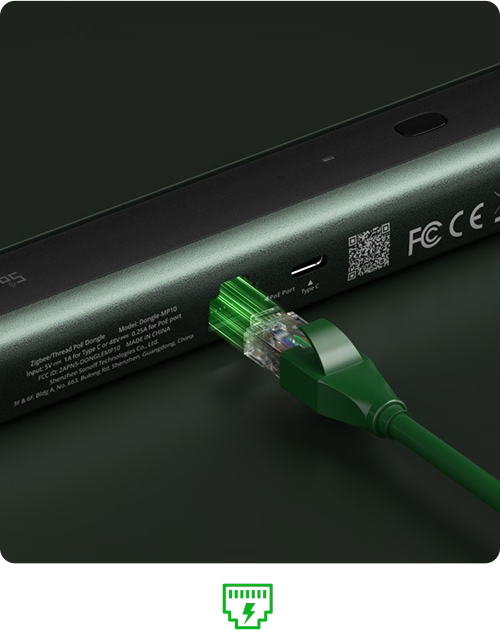
Ethernet Connection (PoE Power Supply)
Use as a PoE Dongle, offering a stable connection and clean setup through the RJ45 connector.
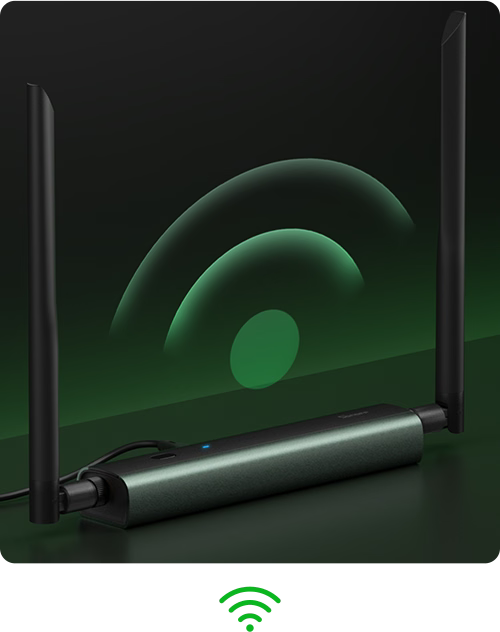
Wi-Fi Connection
Use as a Wi-Fi Dongle, giving you flexible placement anywhere in your home, with just a power cable.
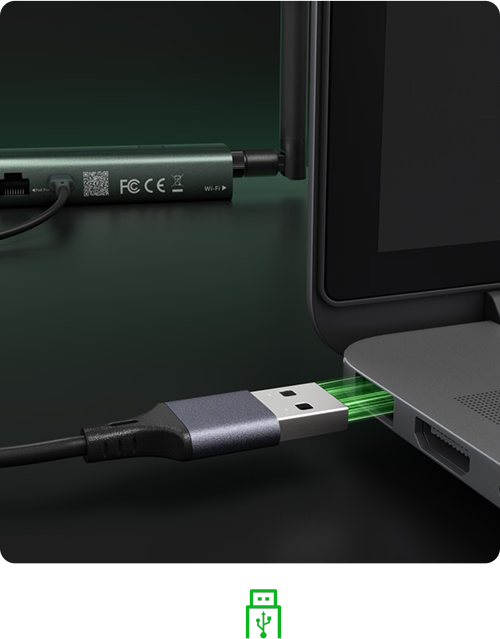
USB Connection
Connect via the included Type-C to USB cable and use it as a standard USB Dongle for plug-and-play performance.
Max-Level Design, Inside and Out
Experience the pinnacle of design and performance with Dongle Max CC2674P10. Crafted with a sleek and distinctive exterior, engineered with precision and reliability, and powered by robust, stable hardware, Dongle Max CC2674P10 delivers a truly all-around Max-level experience—in both form and function.

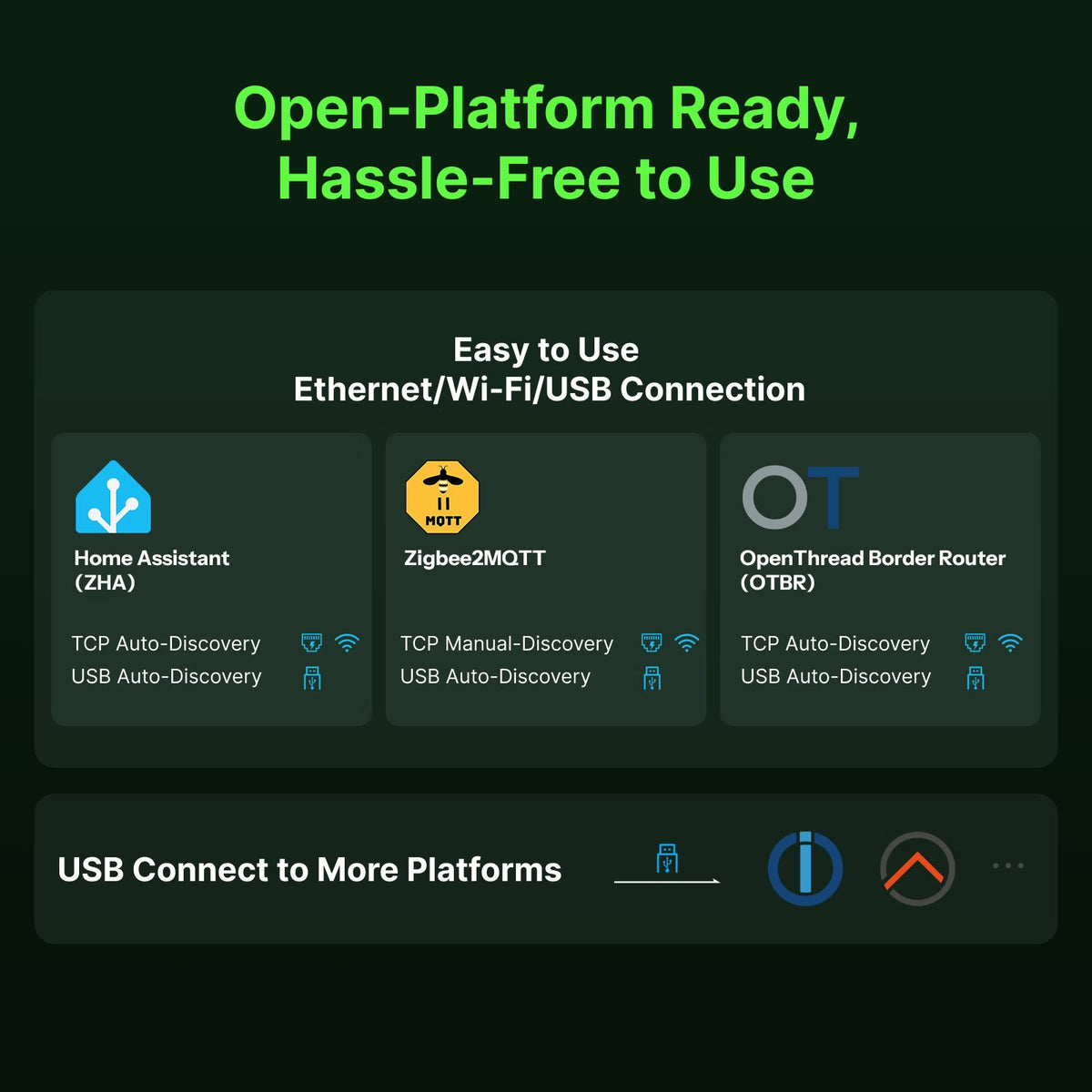
Open-Platform Ready, Hassle-Free to Use
Dongle Max CC2674P10 is compatible with multiple open-source platforms, supporting both USB and TCP connections. It works seamlessly with Home Assistant and Zigbee2MQTT, with auto-discovery to make device integration effortless.


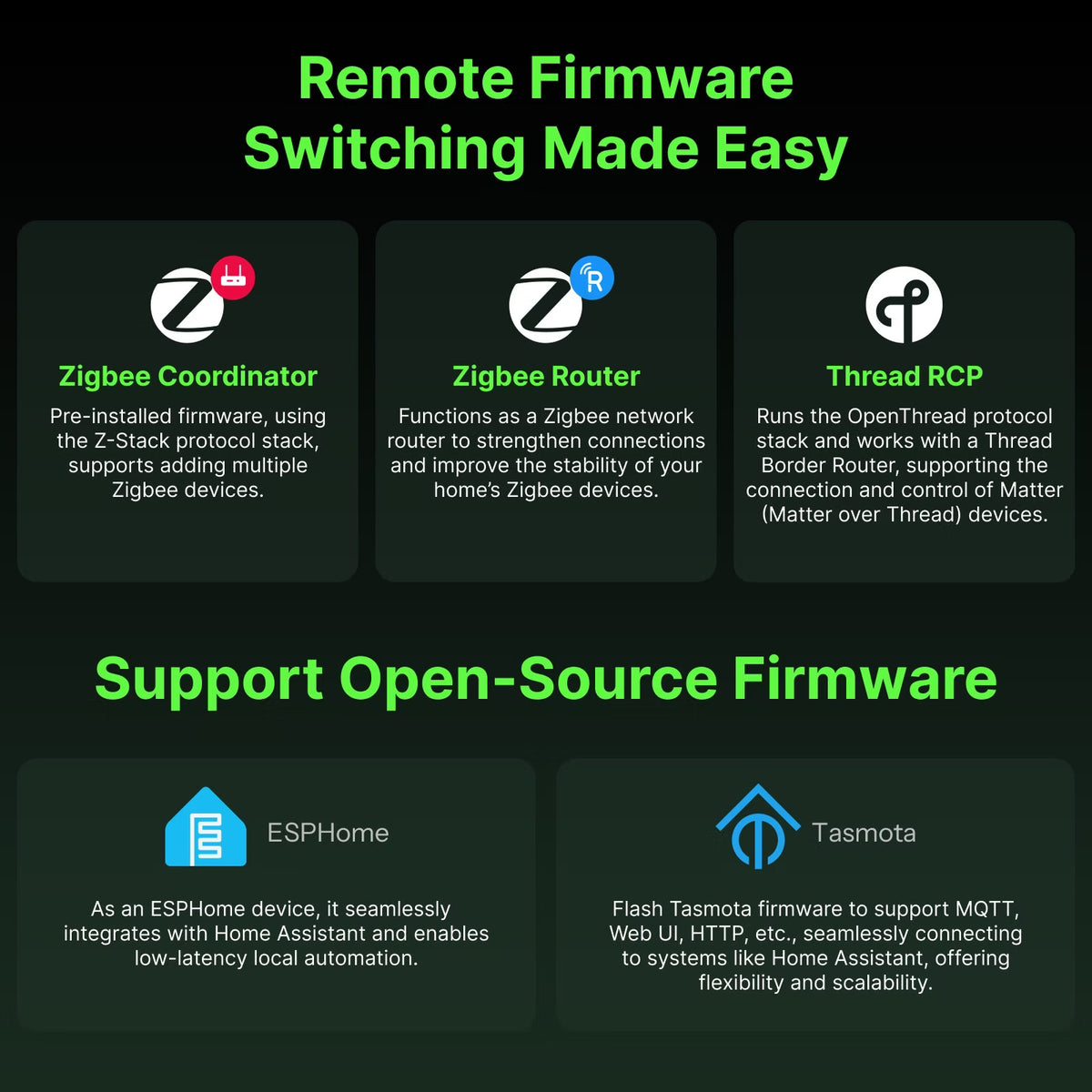
Remote Firmware Switching Made Easy

Zigbee Coordinator
Pre-installed firmware, using the Z-Stack protocol stack, supports adding multiple Zigbee devices.

Remote Access via WireGuard VPN
Set up WireGuard VPN to securely access the device’s web interface remotely—even when you’re outside the local network.

Thread RCP
Runs the OpenThread protocol stack
and works with a Thread Border Router, supporting the connection and control of Matter (Matter over Thread) devices.
Support Open-Source Firmware


Want to manage Dongle Max CC2674P10 directly from your Home Assistant overview? Use the MQTT protocol to display device capabilities right on your dashboard — for real-time monitoring and control.
Local Web Console, Fully in Your Control
Access the local web console directly via your browser within the local network. Monitor real-time device status and operating information at a glance, or easily update settings and flash firmware — all without the need for additional software


Get Your Dongle Zigbee & Matter Ready in eWeLink CUBE
What's eWeLink CUBE OS? A free self-hosted local system that bridges eWeLink Wi-Fi and multi-brand Zigbee devices into the Matter network for Apple Home, SmartThings, Google Home, Alexa, and Home Assistant.


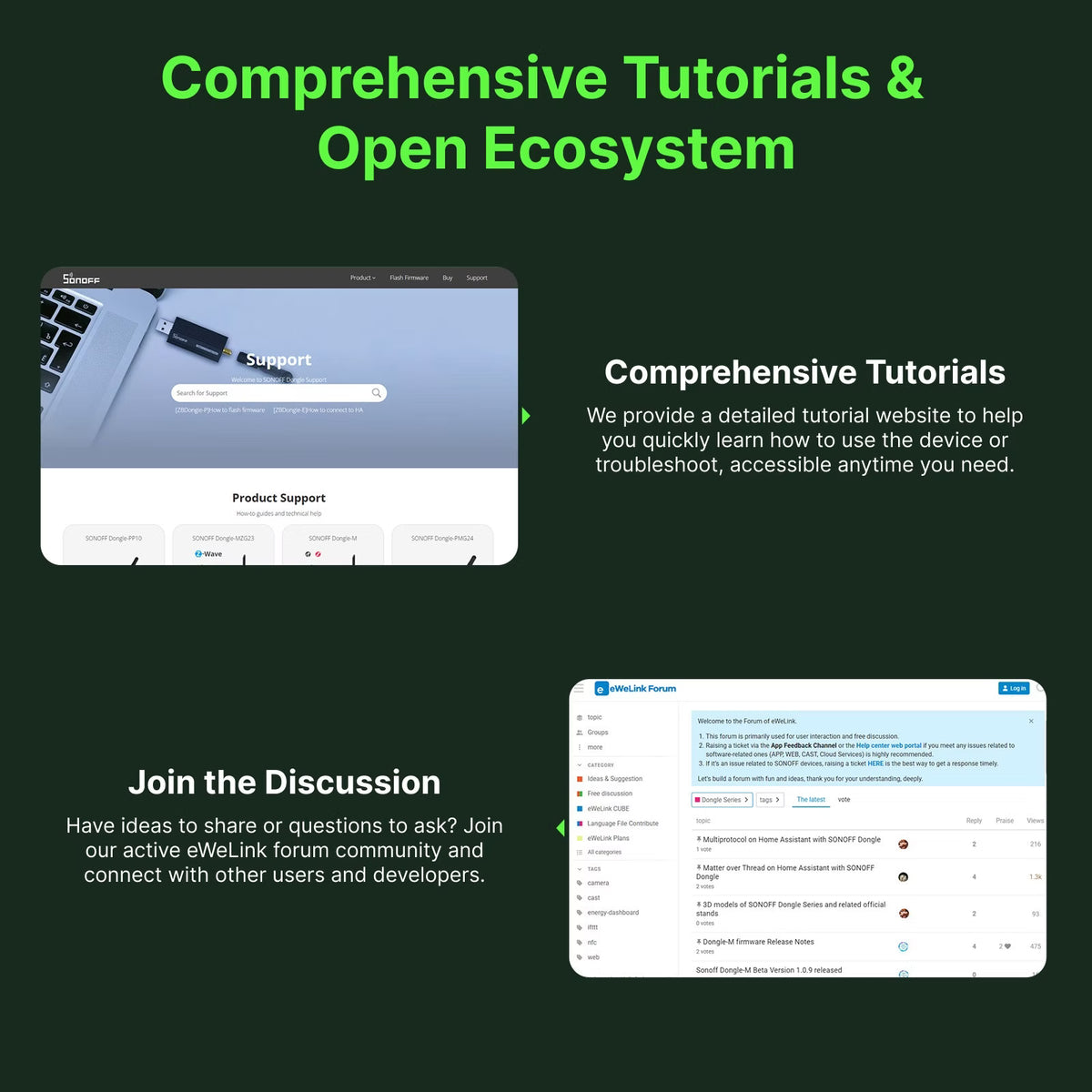
Comprehensive Tutorials & Open Ecosystem
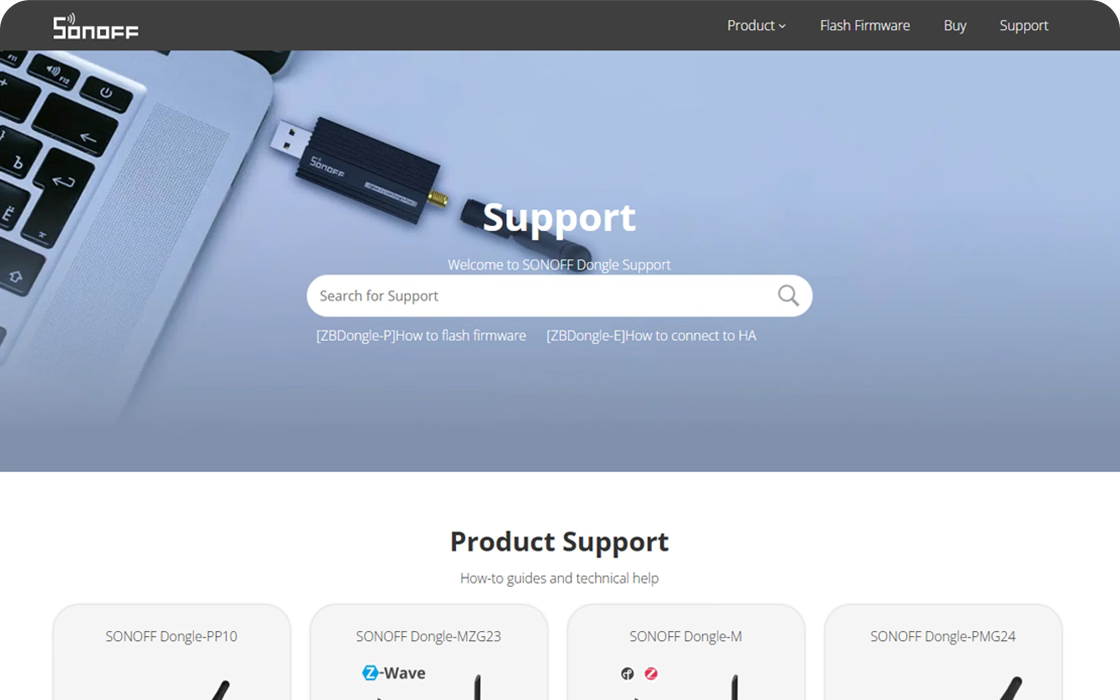
Comprehensive Tutorials
We provide a detailed tutorial website to help you quickly learn how to use the device or troubleshoot, accessible anytime you need.
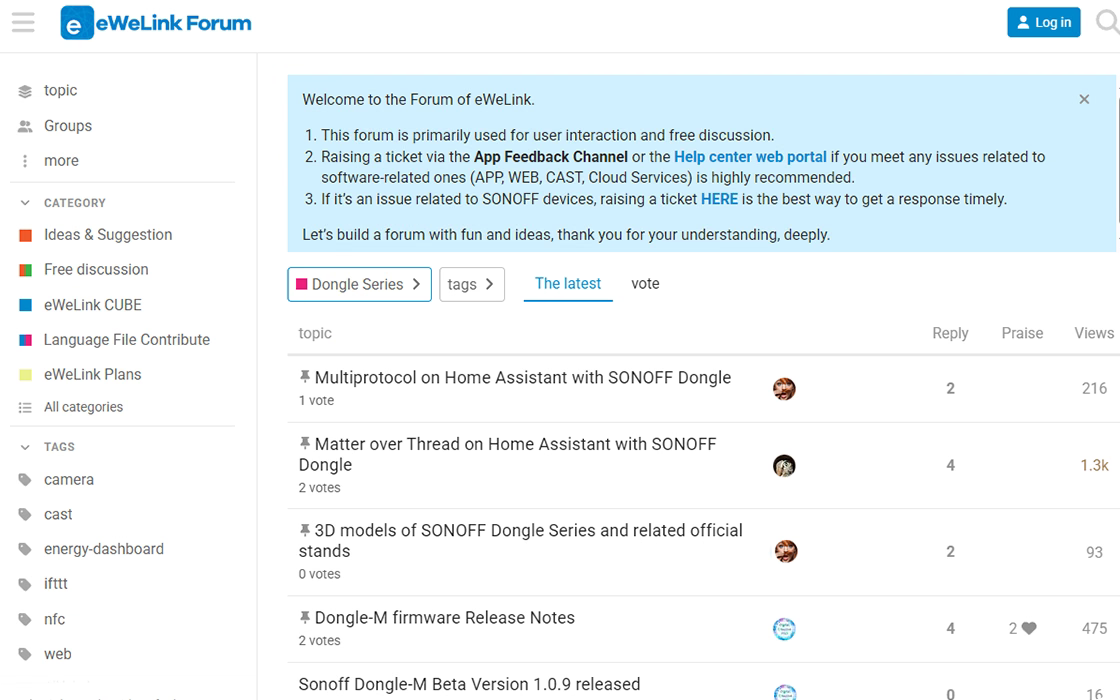
Join the Discussion
Have ideas to share or questions to ask? Join our active eWeLink forum community and connect with other users and developers.
Installation & Customization
Supports desktop placement, bracket fixing, and provides open-source 3D printing files for personalized deployment.
Standard Installation


DIY 3D Printing


Explore More Usage Methods
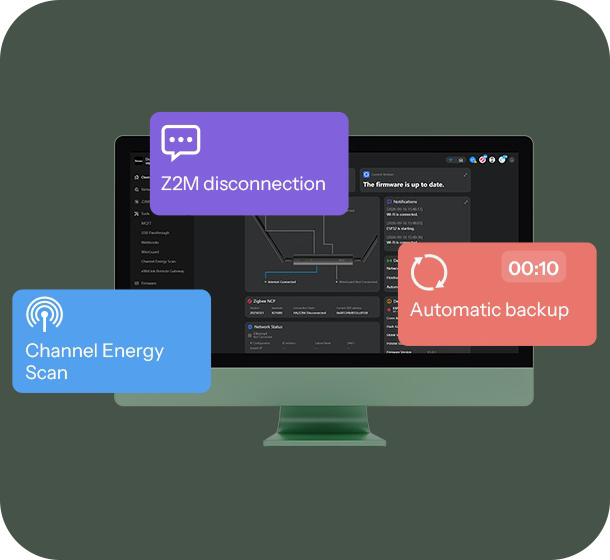
Automated Webhooks for Backup and Alerts
Create custom webhooks to automatically back up your device at scheduled times or receive instant notifications if the network disconnects.
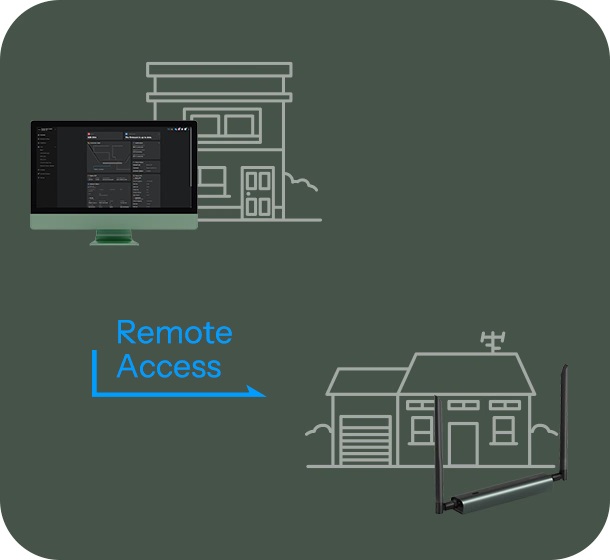
Remote Access via WireGuard VPN
Set up WireGuard VPN to securely access the device’s web interface remotely—even when you’re outside the local network.
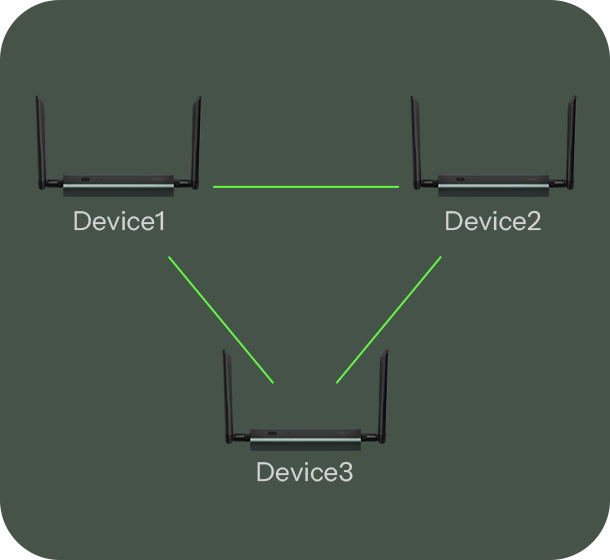
Manage Multiple Dongle Max Devices
Easily switch between multiple Dongle Max units via the web
console, and configure backup settings individually for each device.
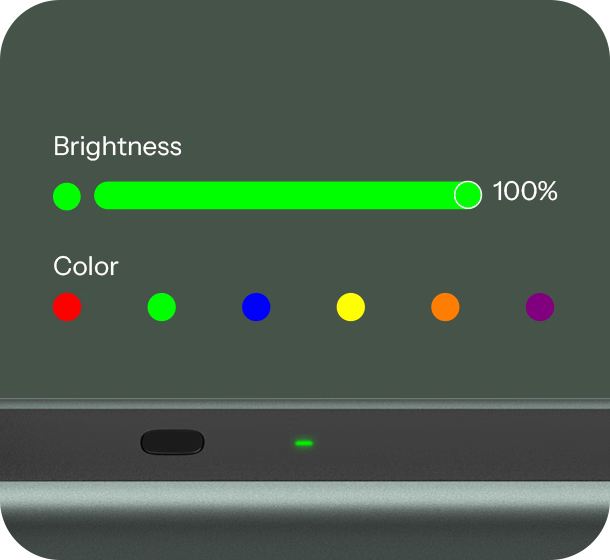
Customizable Indicator Lights
Personalize the LED colors to represent different statuses, making it easier to monitor your device’s operation at a glance.
The Trusted SONOFF Dongle Series


Specification


Specs & User Manual
Dongle-MP10 is a Zigbee/Thread PoE Dongle featuring a powerful TI CC2674P10 and ESP32-S3R8 dual-chip design for reliable protocol processing and network connectivity. It supports flexible switching between Zigbee Coordinator, Zigbee Router, and OpenThread RCP firmware. With Ethernet, Wi-Fi, and USB connectivity, it adapts to various smart home setups. USB passthrough enables remote access to SONOFF Z-Wave/Thread USB Dongles, overcoming physical cable limitations for broader multi-protocol integration. The built-in Web Console simplifies device management, while WireGuard and Webhooks support advanced network configurations. Dual 5dBi antennas provide wider 360° signal coverage, complemented by a durable aluminum alloy housing.
Quick Guide (PDF)Model
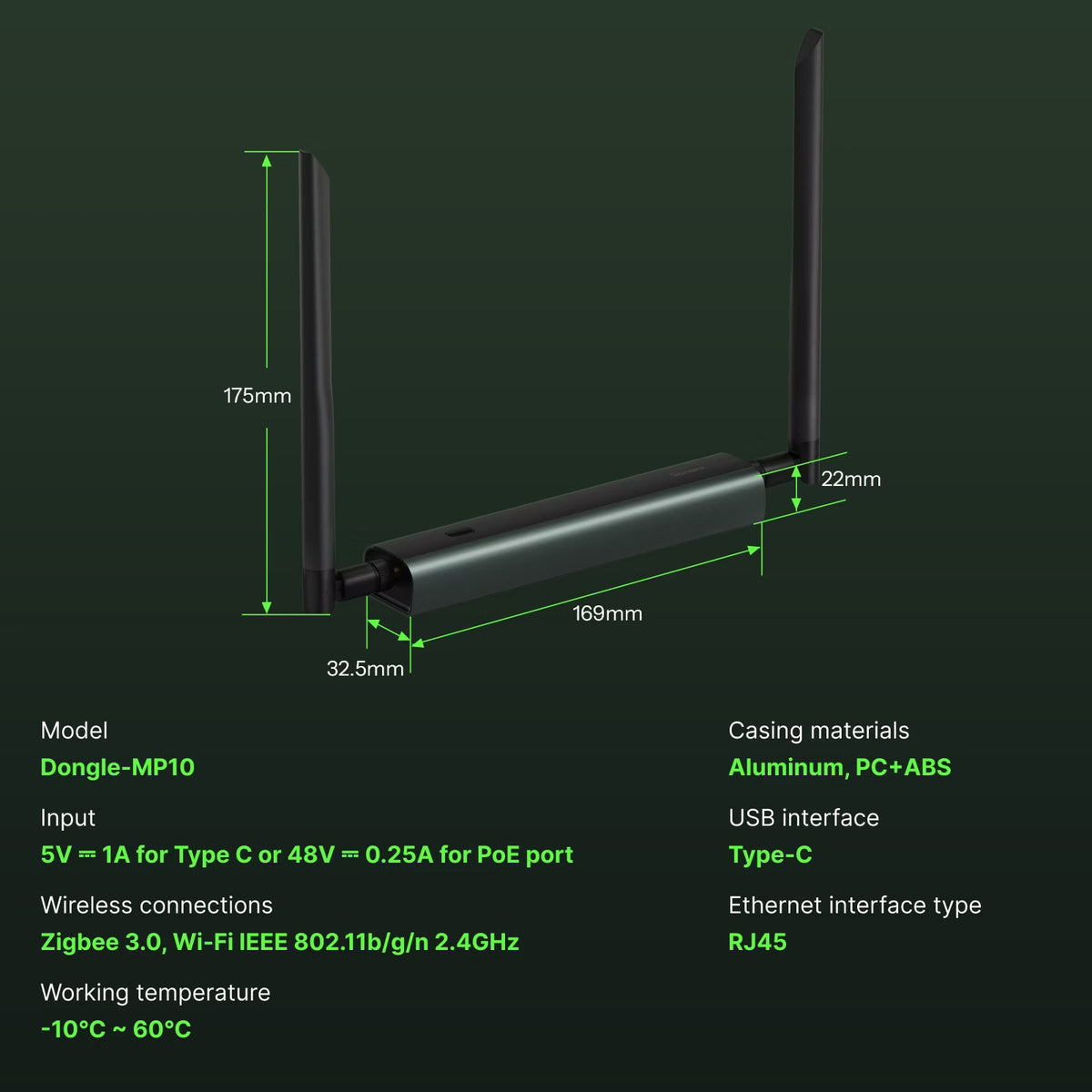
Dongle-MP10
SoC
ESP32-S3R8 (Wi-Fi) + CC2674P10 (Zigbee)
Input
5V ⎓1A for Type C or 48V⎓ 0.25A for POE port
Wireless Protocol
Zigbee 3.0, Wi-Fi IEEE 802.11b/g/n 2.4GHz
Ethernet Interface Type
RJ45
USB Interface Type
Type-C
Signal Range
330m in free line of sight
Signal Strength
Wi-Fi: Max 16 dBm + antenna gain 5 dBi
Zigbee: Max 20 dBm + antenna gain 5 dBi
Working Temperature
-10℃~60℃
Working Humidity
0%~95% RH
Supported OS
Windows、Ubuntu、Raspberry Pi OS / Raspbian、Docker
Dimensions
169X32.5X22mm
Certification
CE, FCC, RoHS, CP65
FAQ
1. About the Web Console
- Unable to access via Dongle-MP10.local default domain? Please try accessing through the IP address instead.
*If it is powered only via USB and is not connected to a router, you can connect to the device's AP hotspot and then visit the default IP {192.164.42.1} to open it, or simply update the device's ESP32 firmware to the latest version via OTA. - Forgot Web Console password? Select "Forgotten Your Password" at login, then double-click the button on Dongle-MP10 to reset the password.
- Accessing multiple Dongle-MP10 devices? If there are multiple Dongle-MP10 devices on your network, you can switch between them from the top-left corner of the Web Console.
2. Can I run 2 Dongles with ZHA simultaneously?
No. Users can only add one ZHA integration to Home Assistant (but HA can connect to multiple deCONZ or Zigbee2MQTT instances).
3. Can I run Zigbee2MQTT and ZHA together on the same Dongle?
No. Z2M and ZHA are the same protocol (Zigbee). You can run one or the other, or buy a second dongle and run both on separate dongles.
4. Can I run 2 Dongles with ZHA and Zigbee2MQTT on the same machine together?
Yeah, you can run two dongles at the same time. One in ZHA, the other one in Z2M, as long as you can uniquely identify them on the USB ports and keep separate Zigbee channels, ZHA defaults to 15, Z2M defaults to 11.
5. What devices does the Dongle-MP10's USB Passthrough function support? What are the limitations?
The Dongle-MP10 must be in Master Mode to automatically recognize and communicate normally with external USB devices (it cannot communicate in Slave Mode). This function prioritizes support for SONOFF Dongles and is also compatible with Home Assistant ZBT-1, ZBT-2, and ZWA-2.
⚠️ Quantity and Chip Limitations:
Although the hardware power supply supports up to 10 devices, it is limited by the ESP32-S3 chip's channel resources. In practice, it can only stably connect up to 2 USB devices using CP2102x chips. If using USB devices with a standard CDC ACM protocol (like Dongle-MP10), it can only support 1 device.
6. Can I quickly migrate the existing configuration for the older SONOFF Dongle in HA to the Dongle-MP10?
Yes, one-click migration is supported between Adapters (i.e., dongles) using Silicon Labs and Texas Instruments chips, but only for the ZHA integration configuration. For Z2M integration, migration is supported but requires backup and restore functionality. Configurations for OTBR are not supported for migration. Whether migration is possible depends on the open-source platform itself, not on the device's own capabilities.