














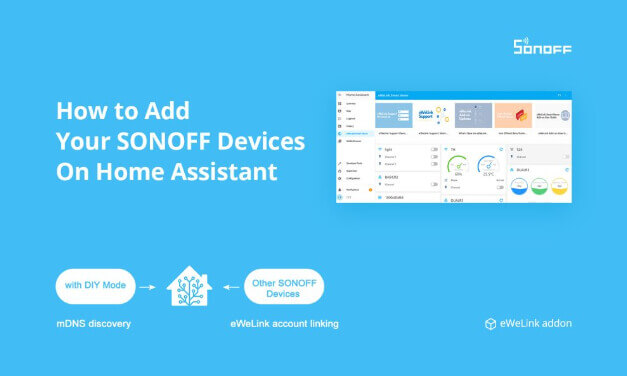

1. Introducing eWeLink Home Assistant Add-on
- Priority to control devices on the LAN. If the device does not support LAN mode or is not on LAN, you can control the device through the cloud.
- Only supports Home Assistant installed through HassOS and Supervisor.
2. Add-on Installation
- Log in to the Home Assistant Lovelace console (usually, the URL is http://homeassistant.local:8123/), click the Supervisor at the sidebar to open the HassOS dashboard, and switch to the Add-on Store tab.
Note: For new Home Assistant OS installations running Home Assistant 2026.8 or later, the default URL no longer requires :8123. You can use http://homeassistant.local or the device IP address directly. Existing installations keep their current port. 👉Learn more in the Home Assistant 2026.8 release notes.
- Click the vertical ellipsis (three vertical dots) in the upper right corner, select Repositories in the pop-up menu, enter the official add-on address of eWeLink: https://github.com/CoolKit-Technologies/ha-addon in the Manage add-on repositories modal box, click ADD. After closing the modal box, you can see the newly added eWeLink add-on on the Add-on Store page.
- Click the eWeLink Smart Home card to open the add-on information page, click INSTALL and wait for the installation to complete, click START to enable the “eWeLink Smart Home” add-on.
Note: To facilitate quick access to the eWeLink Smart Home add-on, you can enable the Show in sidebar option.
*Tip: You need to change the home_assistant_url if you are using docker or other versions of Home Assistant that are not Home Assistant OS.


3. Sync SONOFF Devices to Home Assistant
Control SONOFF DIY Mode devices on LAN
Click OPEN WEB UI, the eWeLink Smart Home Web UI page will list all DIY devices on the LAN searched by mDNS.

Log in to your eWeLink account to control all eWeLink Support devices


Setup Scene, Automation to control eWeLink Support devices
Devices connected through the Home Assistant REST API and WebSocket API can only be mapped as entities instead of devices, which makes it impossible to directly control devices via Home Assistant’s Scenes and Automations.
To solve this problem, you need to enable the Advanced Mode (Lovelace Console > Profile > Advanced Mode).
To use eWeLink Support devices in Automation, you need to first create a Scene that contains your devices, and then select Activate Scenario in Action > Action Type of Automation.

4. Sync Home Assistant Devices to eWeLink App
You can sync your Home Assistant devices to eWeLink, then control all your devices via the eWeLink APP. (Scene Linkage and Voice Control by Amazon Alexa and Google Home are upcoming)
How to Sync?
Open the eWeLink Smart Home Add-on, click Sync Home Assistant Devices, and you will see the Devices List. Enable its toggle switch on the right to sync your Home Assistant devices to the eWeLink App.
Tip: Entities supported by the current version are displayed in the Devices List. (Current version only supports Switch and Light entities)

Tip: Please agree with the Terms of Service when syncing your devices for the first time.

And then open the eWeLink App, you will see and control all your devices together after logging in.

Tip: Please keep eWeLink Smart Home Add-on logged in and its network in good quality for better control of your devices in the eWeLink App.
When you disable the toggle switch in Sync Home Assistant Devices of the eWeLink Smart Home Add-on, all previously synced devices will be offline. You could also enable the toggle switch again to bring devices back online.
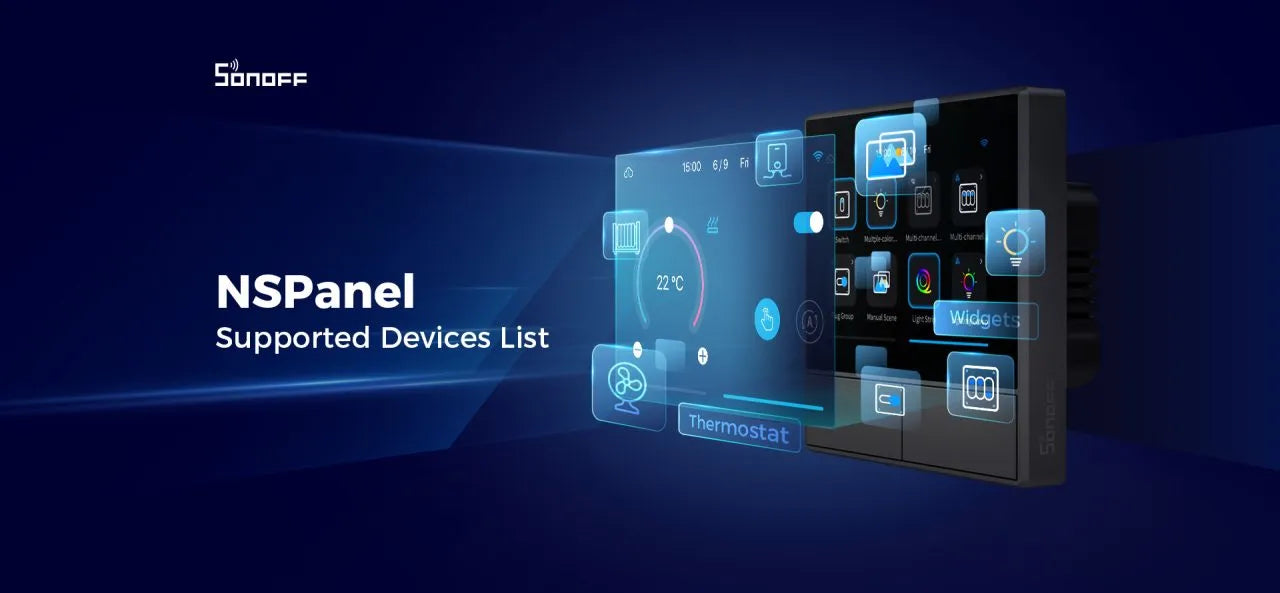
5. Control Home Assistant Devices on NSPanel



7 comments
John
I have the same issue as @Onno – can’t control the detached relay for smart lights on R4, which is dissapointing.
This is a good article though, thanks for sharing!
marco
MINI-RBS and T5-3C-86 are not working
Vladimir
It works for me, but I can’t figure out how to select devices to create automation.
Motha
Yea, the Repo Url isnt working!
Hav0c
eWeLink Smart Home Version 1.4.5, seems to be working with Home Assistant Core 2025.9.4
Leave a comment
All comments are moderated before being published.
This site is protected by hCaptcha and the hCaptcha Privacy Policy and Terms of Service apply.