







 Introduction
Many people buy their first control panel thinking they want "a screen to control all their smart home devices in one place." But after using it for a while, they realize what truly makes it valuable is its ability to expand alongside their needs.
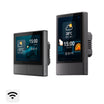
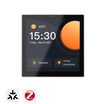
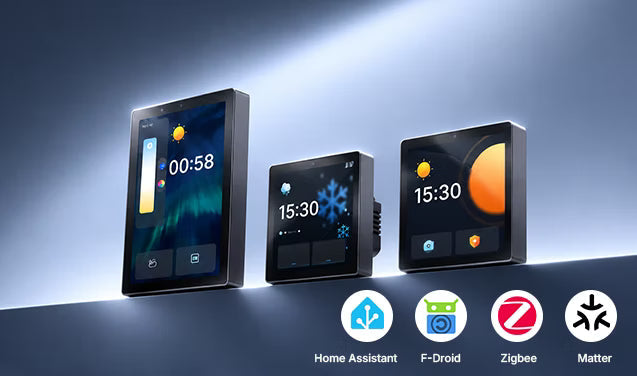
The value of the SONOFF NSPanel Pro goes beyond just being "a touchscreen." It features a built-in Zigbee 3.0 gateway, supports Matter Bridge, smart security, smart scenes, and can even run Home Assistant via the F-Droid app store. This allows the panel to evolve from a simple control screen into a central hub that covers sensors, cameras, multiple protocols, and multi-room management. Below are seven ways to expand your setup, helping you understand how far it can grow with you.
From "Manual Control" to "Environmental Response"
The NSPanel Pro is a control panel, but the real starting point for expansion is connecting Zigbee sensors.
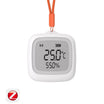
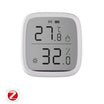
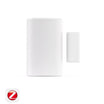
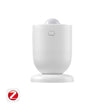
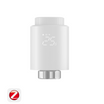
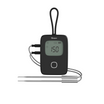
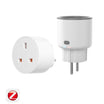
By adding temperature/humidity sensors, motion sensors, and door/window sensors to the Zigbee network, your scenes shift from "tapping the screen" to "environmental triggers". For example, when the temperature gets too high, it can trigger a smart plug or switch connected to your air conditioner or heater. Motion can trigger lights, and opening a door can activate security mode. The NSPanel Pro also supports built-in thermostat functions, allowing you to use compatible sensors as temperature sources and designate smart switches or plugs as control devices to form a closed-loop temperature control system.
The significance of this step is that the control panel is no longer just a remote control, but an execution terminal for automation rules.

With Camera: See and Speak
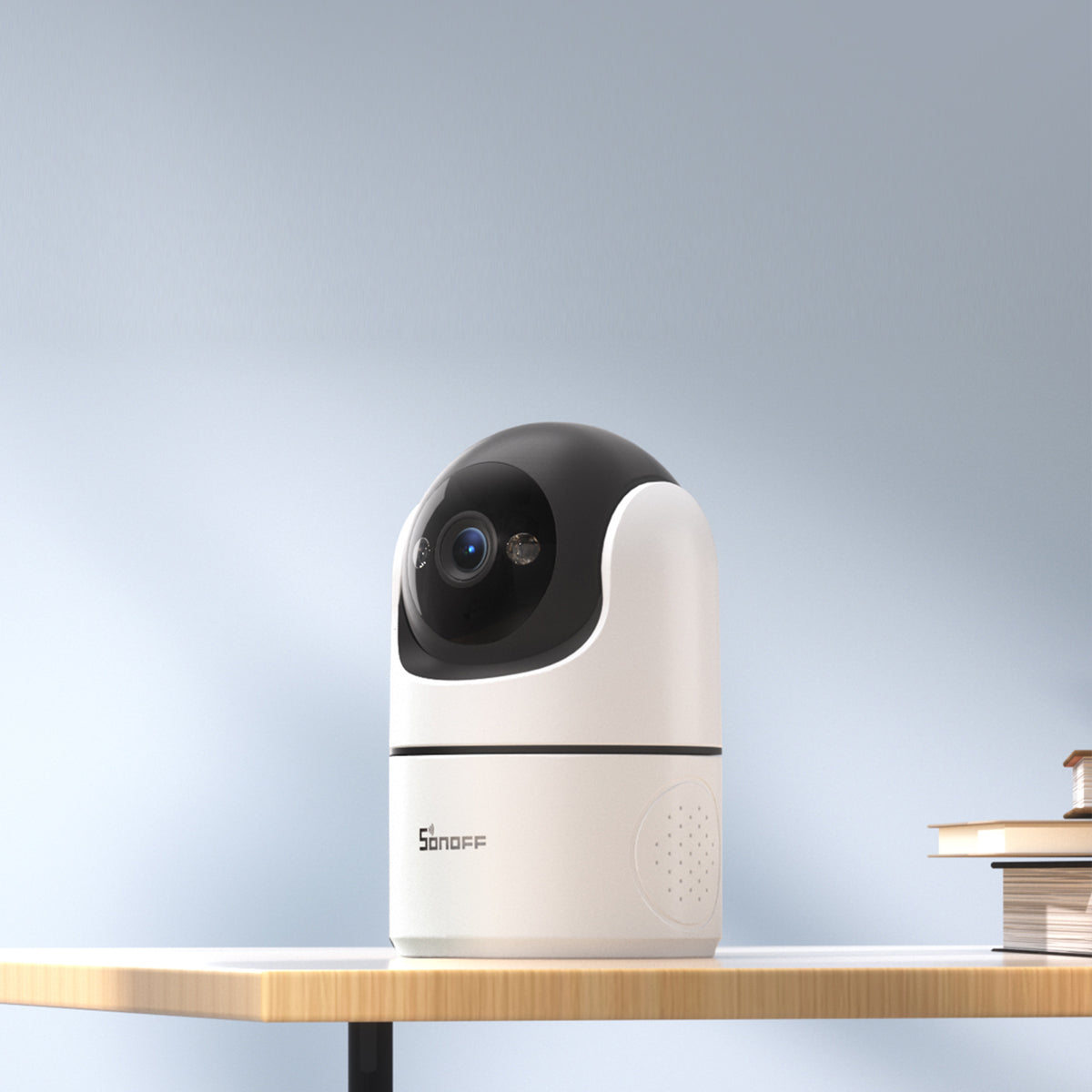
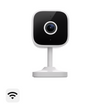
The NSPanel Pro supports camera integration, and compatibility extends beyond SONOFF's own products. Third-party cameras can also be integrated via RTSP to view live feeds on the screen. With its built-in microphone and speaker, you can see visitors at the door and communicate with them through two-way audio directly from the screen, without needing to pull out your phone.
For users deploying devices across multiple rooms, this means camera feeds from the front door, living room, and garage can all be viewed on a single screen, bringing security and daily monitoring into one seamless task.

With Zigbee Devices: One Screen is a Gateway
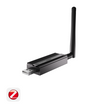
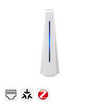
This is one of the most underestimated capabilities of the NSPanel Pro. It is essentially a Zigbee 3.0 gateway, allowing you to batch-add Zigbee sub-devices directly through the screen. Door sensors, temperature/humidity sensors, motion sensors, wireless switches, and smart lights can all be connected to and managed through the panel.
As your Zigbee network grows, the NSPanel Pro can also be switched to Zigbee Router mode to relay signals and extend coverage. This means it is not just a control interface, but also helps extend your Zigbee network.

With Matter: Connect Devices Across Brands
The purpose of Matter is to let devices from different brands speak the same language. The NSPanel Pro can act as a Matter Bridge, exposing compatible, syncing SONOFF Wi-Fi and Zigbee devices from the eWeLink ecosystem to the Matter platforms. It can also act as a Matter hub to add compatible SONOFF Matter devices.
In other words, you can connect devices from different brands and manage them within a compatible smart home ecosystem, without necessarily needing an additional hub or app.

With Home Assistant: Open-Source Ecosystem Expansion
If you use Home Assistant, the NSPanel Pro offers a more thorough expansion path.
The NSPanel Pro has a built-in F-Droid app store, allowing you to install the official Home Assistant app directly without flashing firmware or rooting the device. Once installed and connected to your Home Assistant server, the panel becomes a wall-mounted Home Assistant Dashboard, where you can access your dashboards, automations, and device controls directly on the screen.
👉 Learn more: How to Set Up a Home Assistant Wall Panel.
For Zigbee device synchronization, after configuring the MQTT Broker settings in the eWeLink App, Zigbee sub-devices and the NSPanel Pro can be batch-synced to Home Assistant, providing both local control and advanced automation through Home Assistant.
For users who want a physical control panel but also rely on complex HA automations, this means one screen can serve both purposes.

Different Ecosystems, Different Uses: Find Your Path
There is more than one way to expand the NSPanel Pro setup, depending on the ecosystem you already use:
● eWeLink Users: The display can directly control SONOFF devices, and the Zigbee gateway and security modes can operate locally. This is the easiest way to start.
● Home Assistant Users: Install the Home Assistant app via F-Droid and sync supported Zigbee devices via MQTT to achieve a combination of local execution and advanced automation.
● Alexa / Apple Home / Google Home Users: Use the Matter Bridge function to expose compatible devices from the eWeLink ecosystem to your preferred Matter-enabled platform, enabling voice control and cross-platform interactions.
The NSPanel Pro can integrate into your existing ecosystem and help you expand your smart home across platforms.
Multi-Room Expansion: From One Panel to Whole-Home Control
Finally, is one control panel enough?
If you have just one NSPanel Pro, it's usually installed in the living room or entryway. While it works well as a central control point, you may still encounter these scenarios:
● You're already in bed but need to fumble for your phone in the dark to turn off the living room lights.
● Your child wants to activate "Study Mode" in the study, but needs to go to the living room to do so.
● An elderly family member gets up at night and has to find the physical light switch in the dark because the control panel is in another room.
This isn't a "shortcoming" of the product, but rather a limitation of having just one central control point — with only one place to access the controls, the convenience of smart control depends on where you are in the house.
This is where having multiple NSPanel Pro units becomes valuable: bringing convenient smart home control to different rooms, right where you need it.
Whole-home control isn't just about having one "universal screen," but providing a consistent control experience across multiple screens, reducing the need to move between rooms and making smart control more accessible throughout your home.
👉 Check the SONOFF NSPanel Pro supported devices list.

Commenta
Nota che i commenti devono essere approvati prima di essere pubblicati.
Questo sito è protetto da hCaptcha e applica le Norme sulla privacy e i Termini di servizio di hCaptcha.