









Introduction
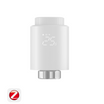
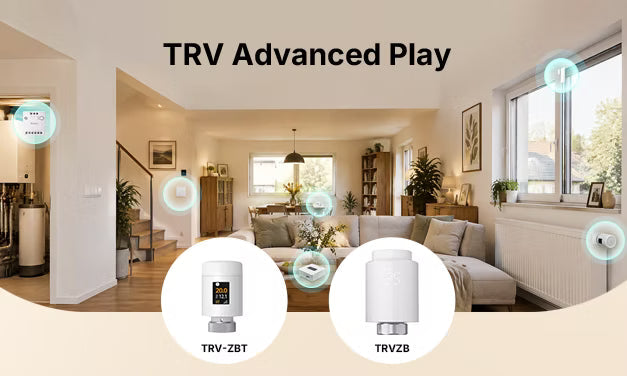
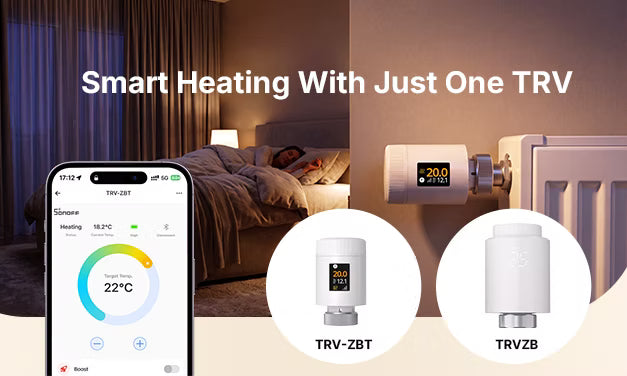
This article is for users who already own a SONOFF TRV and other SONOFF smart devices. We cover five advanced automation scenarios, from more accurate temperature sensing in individual rooms to centralized whole-home heating control and boiler automation, helping you upgrade your smart heating system step by step.
New to basic single‑TRV functions? Start with our beginner's guide: Single TRV Guide: Smarter Automatic Heating with Just One Valve.
1. External Temperature Source: More Accurate Readings, Better Comfort
The TRV sits on the radiator, so its built‑in sensor can be affected by heat from the radiator. It often reads higher than the actual room temperature, causing the valve to shut off before the room feels warm.
Solution
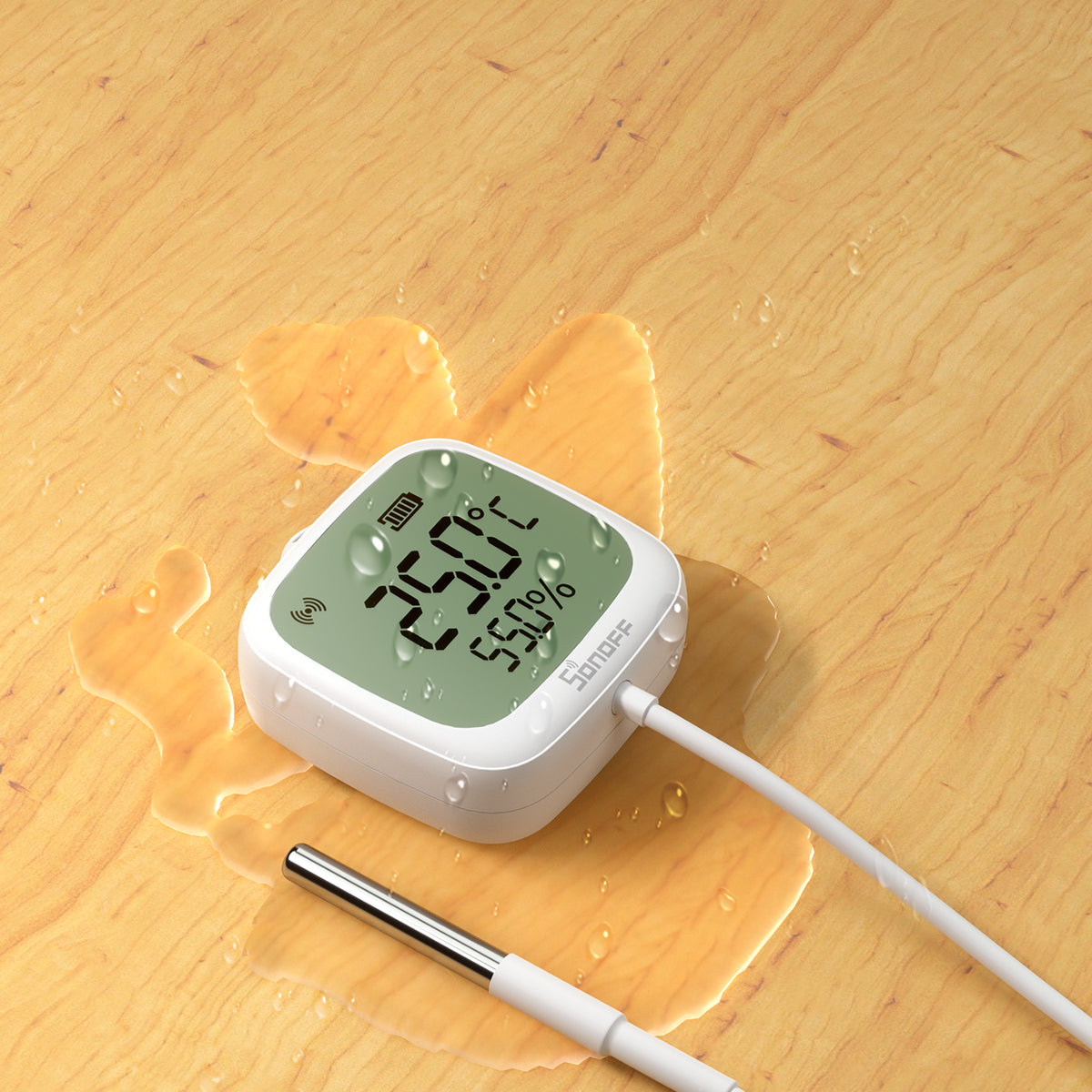
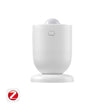
Pair it with a SONOFF temperature sensor placed away from radiators in an area where you spend most of your time. The TRV uses the sensor reading as its temperature control reference.
- Supported external temperature source devices:
- Thermostat panel: TP-WGZBA (TRV-ZBT only)
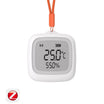
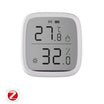
- Temperature sensors: SNZB-02, SNZB-02P, SNZB-02D, SNZB-02DR2, SNZB-02WD, SNZB-02LD, SNZB-02B, SNZB-02M, SNZB-02UL
💡Installation tip: Place the external sensor in an area where people regularly spend time, away from radiators, direct sunlight, and drafts near windows and doors. Poor placement can affect temperature accuracy.
❗Notes:
- This feature can be configured under "Temp. Display from External Sensor" in the device settings of the eWeLink App.
- The external temperature sensor and TRV must be connected to the same Zigbee gateway (iHost does not support this feature).
- To use an external temperature source with Home Assistant, see our Home Assistant Blueprint tutorial.

2. Window/Door Contact Sensor Automation – Reliable Open-Window Detection
Ventilation is necessary in winter but can lead to significant heat loss. In addition to built‑in temperature‑drop detection covered here: Built‑in Open Window Detection – Auto Stop Heating to Avoid Waste, TRV-ZBT also supports open-window detection using a door/window contact sensor.
Simply configure Open Window Detection in the eWeLink App for more reliable detection.
Compared with temperature‑only detection, contact sensors rely on the actual open/closed state of a window rather than temperature fluctuations, reducing false triggers caused by brief drafts. TRV-ZBT offers dual open‑window detection: both modes can run together, and either can trigger open-window detection.
Trigger & Restore Logic
The two detection modes can be enabled individually or together. Either mode can trigger or end open-window detection when its corresponding condition is met:
-
Trigger conditions
- Automatic: The room temperature drops by more than 1.5°C within 5 minutes.
- Linked: A door/window sensor detects that a window has opened.
-
Conditions for ending detection
- Automatic: The room temperature rises by more than 1.5°C within 5 minutes.
- Linked: A door/window sensor detects that the window has closed.
- Manual: Adjust the temperature on the device or switch its operating mode to exit window-open detection immediately.
💡 When detection is triggered, a window icon appears on the device screen. The TRV-ZBT also sends a push notification through the app, so you can easily check its status.
❗Notes:
- TRVZB only supports temperature‑based open window detection. It does not support native contact sensor automation.
- The contact sensor must be connected to the same Zigbee gateway as the TRV.
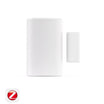
- Compatible SONOFF contact sensors: SNZB-04, SNZB-04P, SNZB-04PR2

3. Presence Sensor Automation – Heat When Occupied, Save When Empty
Create smart scenes in eWeLink to connect your TRV with presence sensors for occupancy-based heating control in individual rooms. No fixed schedule is required; automatically heat occupied rooms and lower the target temperature when they're empty.
Recommended automation logic
- When someone is detected in the room, automatically adjust the TRV to a comfortable temperature to keep the occupied area warm.
- When the room remains unoccupied, automatically switch the TRV to OFF (frost-protection) mode or set a frost-protection temperature to avoid wasting heat.
Key Benefits
- Ideal for irregular schedules: For spaces such as living rooms and studies where usage times vary, there’s no need to keep adjusting schedules. The room warms up when occupied and uses less heating energy when empty.
- Hands-free comfort: Heating adjusts automatically without manual intervention. Just walk in and enjoy a comfortable temperature.
❗Compatible SONOFF presence sensors: SNZB-06P, SNZB-06P24, SNWF-06P60, SNZB-06M60L

4. Thermostat Integration: Centralized Control & Shared Temperature Sensing
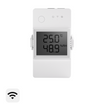
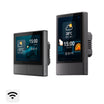
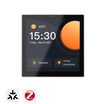
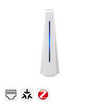
Thermostat Core (TP-WGZBA) is designed for hydronic underfloor heating and compatible boiler heating systems. It has a high‑precision built‑in temperature sensor, can control underfloor heating actuators and boiler operation, and can be linked with TRV-ZBT for coordinated whole‑home heating.
Once linked in the eWeLink App, two core capabilities are available:
- Settings Synchronization: After setting up "Thermostat Panel Control" in the eWeLink app, the target temperature, operating mode, and schedule configured on the TP-WGZBA are automatically synchronized to all bound TRV-ZBT devices, eliminating the need to configure each room individually.
- Shared Temperature Readings: Enable Remote Temperature Source to use the panel’s built-in temperature sensor as the temperature reference for TRV-ZBT, instead of the TRV's internal sensor. This helps prevent the radiator's heat from causing artificially high temperature readings.
Use Cases
- Precise Control Within a Single Heating Zone: When TP-WGZBA and TRV-ZBT are installed in the same heating zone, the panel serves as the temperature sensing and control center, while TRV-ZBT adjusts the valve opening to provide smart temperature control, replacing a conventional mechanical thermostatic radiator valve.
- Centralized Whole-Home Control: One TP-WGZBA can be linked to TRV-ZBT devices in multiple rooms, allowing centralized management of temperatures and schedules without adjusting each room individually. Suitable for centralized heating control in smaller homes. This is suitable for centralized heating control in smaller homes.
Device Roles
- TP-WGZBA: Monitors and manages room temperature and controls the on/off operation of the boiler or underfloor heating actuators. It also functions as a Zigbee router, extending network coverage and helping improve TRV connection stability.
- TRV-ZBT: Adjusts the radiator valve opening and performs temperature control using its built-in algorithm.
Binding Rules
When connected to the same Zigbee gateway, one TP-WGZBA can be linked to up to five TRV-ZBT devices.
Temporary Independent Operation
Each TRV supports temporary independent operation. You can adjust its temperature or switch its operating mode directly on the TRV or through the app. The TRV will temporarily follow its own settings without affecting other bound devices.
When the thermostat panel's target temperature or operating mode is changed, that TRV automatically exits independent operation and synchronizes with the panel's latest settings.
❗ The "Thermostat Panel Control" feature currently supports TRV-ZBT only. TRVZB is not supported.
- Update TRV-ZBT to firmware V1.1.0 or later.
- Update your SONOFF Zigbee gateway to the following version or later:
- ZBBridge-P: V3.5.0 or higher
- ZBBridge-U: V2.6.0 (Beta users: V3.9.0) or higher
- NSPanel Pro / NSPanel Pro Gen2: V4.9.0 or higher
- iHost: V2.15.0 or higher (expected release in October)
- Bridge-M: V1.2.0 or higher

5. Boiler Integration: From Valve‑Only Control to End‑to‑End Heating Automation
A TRV alone only controls the radiator valve and cannot directly control the boiler. This can lead to two common problems:
- A room needs heating, but the boiler remains off → slow warm-up.
- All radiators have stopped heating, but the boiler keeps running → wasted fuel.
By combining dry-contact control devices with custom eWeLink smart scenes, you can link TRV heating status to boiler operation for more coordinated heating control.
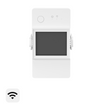
Option 1: Boiler Dry-Contact Control Using the TP-WGZBA Thermostat Panel
The TP-WGZBA has a built-in voltage-free dry-contact output. It can connect directly to compatible boilers that support dry-contact control. Combined with smart scenes, it can automatically start and stop the boiler.
- How it works: Configure custom smart scenes in eWeLink, using the operating status of all TRVs as trigger conditions. The scenes adjust the panel's target temperature, which controls the dry-contact output and starts or stops the boiler.
-
Example automation logic:
- When any paired TRV is heating, automatically set the TP-WGZBA target temperature to 30°C. The dry contact closes, and the boiler starts.
- When all paired TRVs enter temperature-maintenance mode, automatically switch the TP-WGZBA to frost-protection mode. The dry contact opens, and the boiler stops.
- Advantages: Combines whole-home temperature control with boiler automation. The wall-mounted panel is convenient to operate and suits users looking for a more integrated heating control experience.
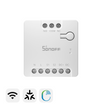
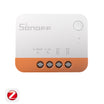
Option 2: Boiler Dry-Contact Control Using the MINI-D / MINI-ZBD
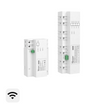
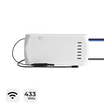
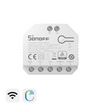
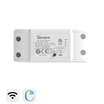
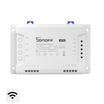
The MINI-D and MINI-ZBD are dry-contact switch modules from SONOFF. Their voltage-free dry-contact outputs can connect directly to a compatible boiler's control interface.
- How it works: Configure smart scenes in eWeLink to use the operating status of all TRVs to control the dry-contact output, starting or stopping the boiler.
- Suitable for: Users who do not need a wall-mounted thermostat panel and only want to automate boiler operation. This option is more affordable and offers more flexible installation.
Both options can help address delayed boiler startup and unnecessary boiler operation, reducing wasted heating energy. They may also help reduce unnecessary boiler cycling and associated wear.
From smart temperature control with a single TRV in one room to end-to-end heating automation with multiple devices across your home, you can build a smart heating system step by step based on your existing devices and needs.
The SONOFF TRV series supports flexible device combinations and automation scenarios. Whether you’re upgrading a single device or setting up whole-home automation and boiler control, these solutions can improve comfort while helping reduce unnecessary heating energy consumption.

Deixe um comentário
Todos os comentários são moderados antes de serem publicados.
Este site está protegido pela Política de privacidade da hCaptcha e da hCaptcha e aplicam-se os Termos de serviço das mesmas.