




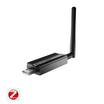



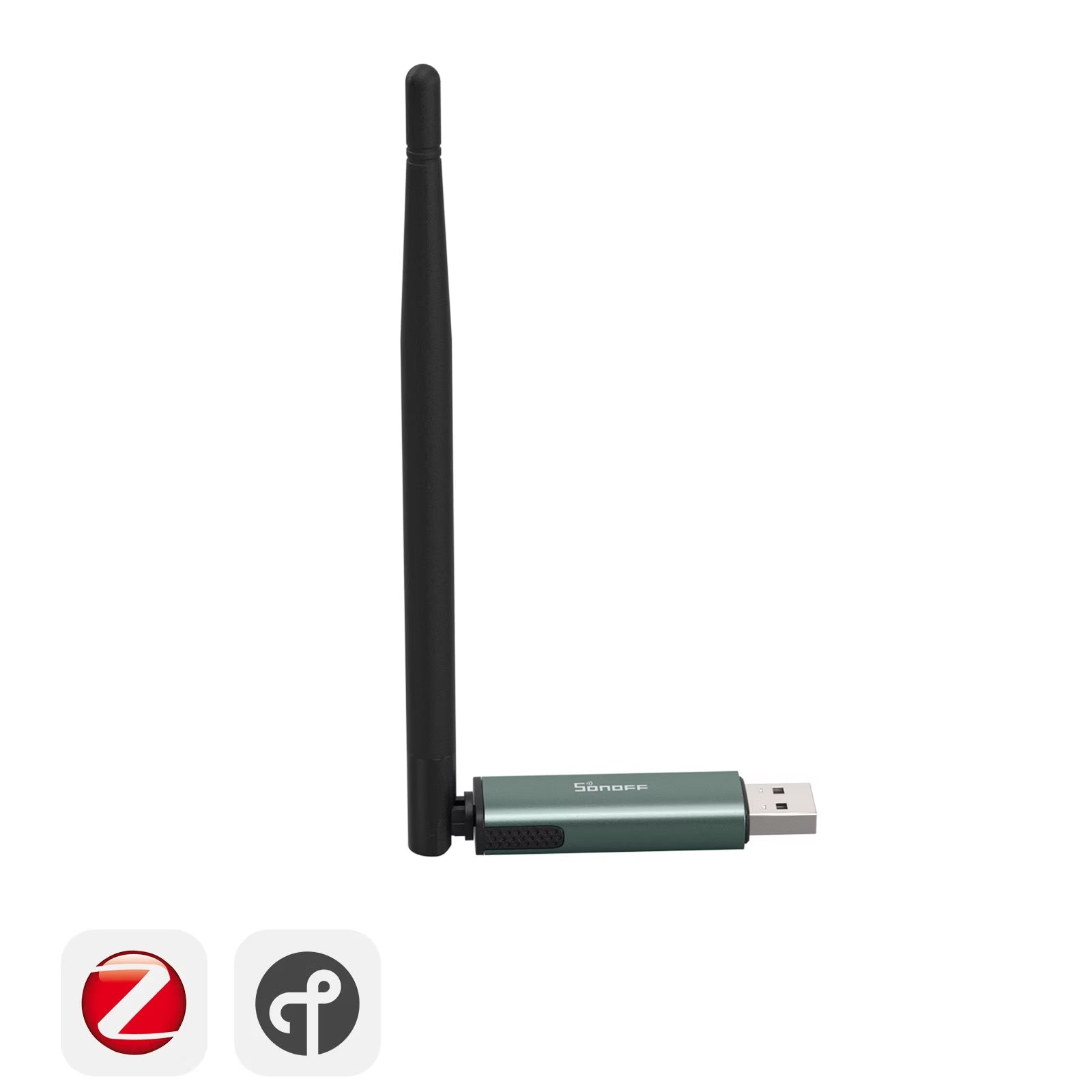
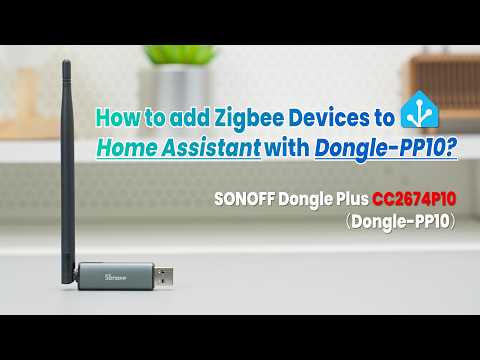
SONOFF Dongle Plus CC2674P10 Zigbee/Thread USB Dongle | Dongle-PP10
Tax excluded. Shipping calculated at checkout
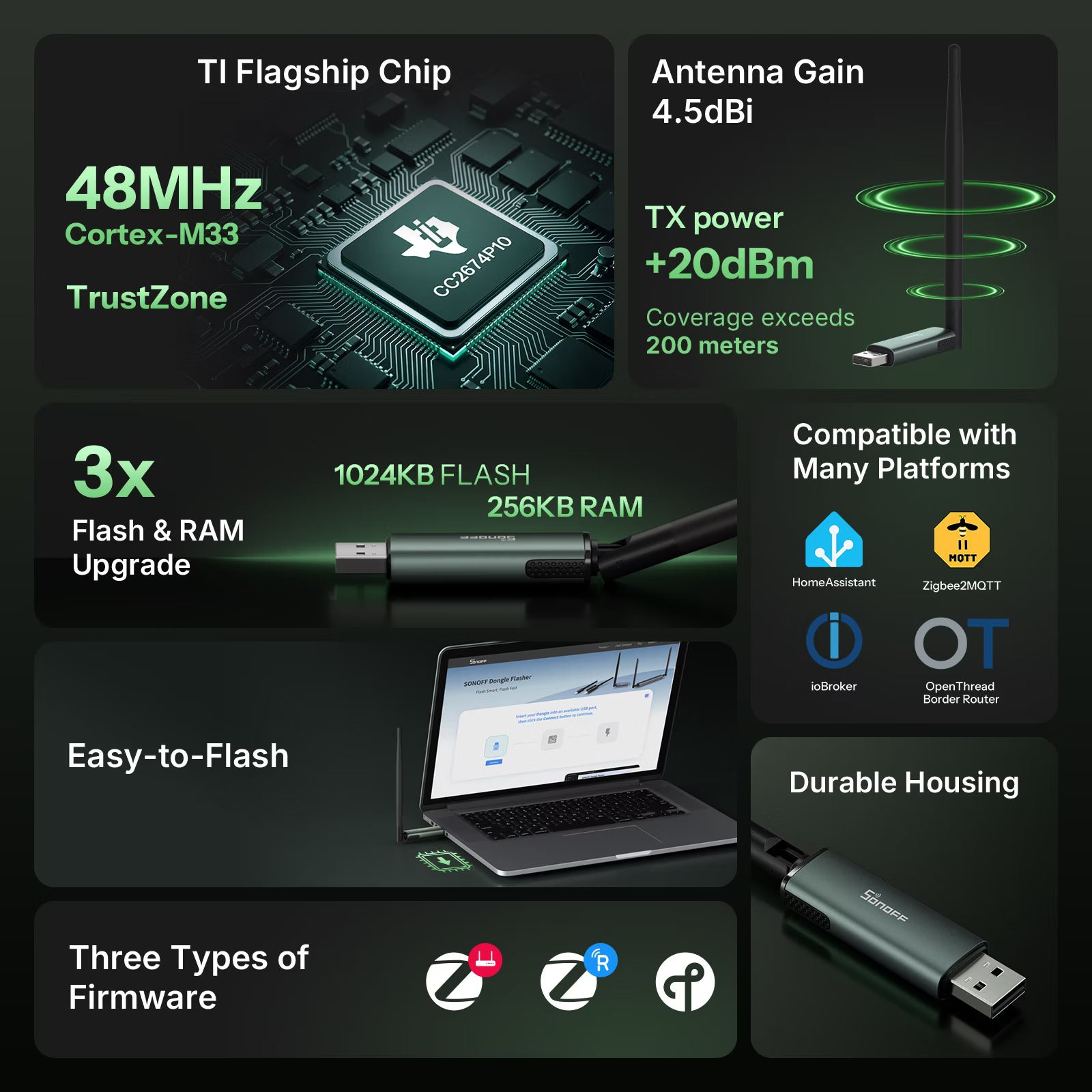
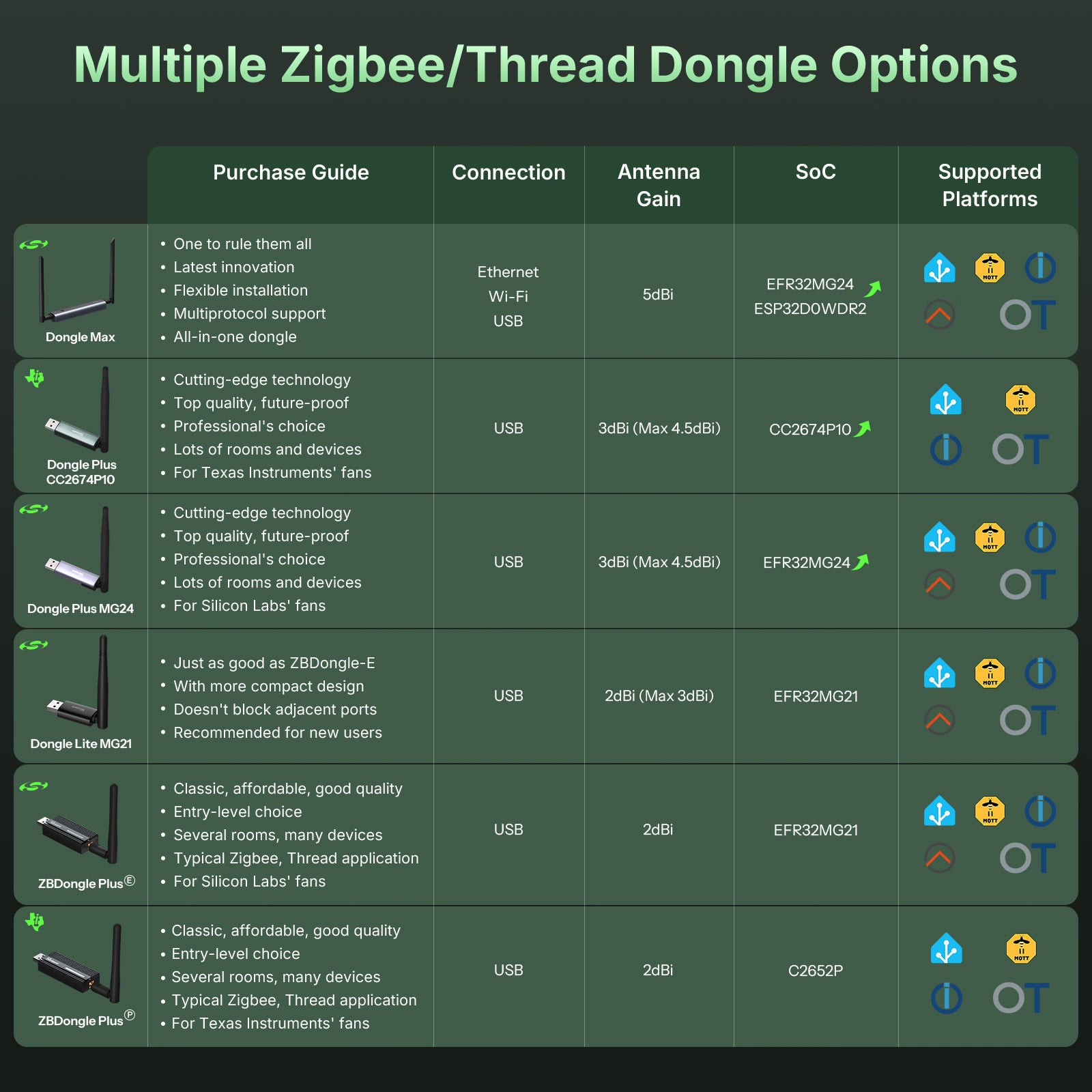
【Flagship Dual-Protocol Performance】Powered by the CC2674P10 chip, it natively supports both Zigbee and Thread. With higher processing power and increased device capacity, it keeps large smart home networks running smoothly, even when multiple devices communicate simultaneously.
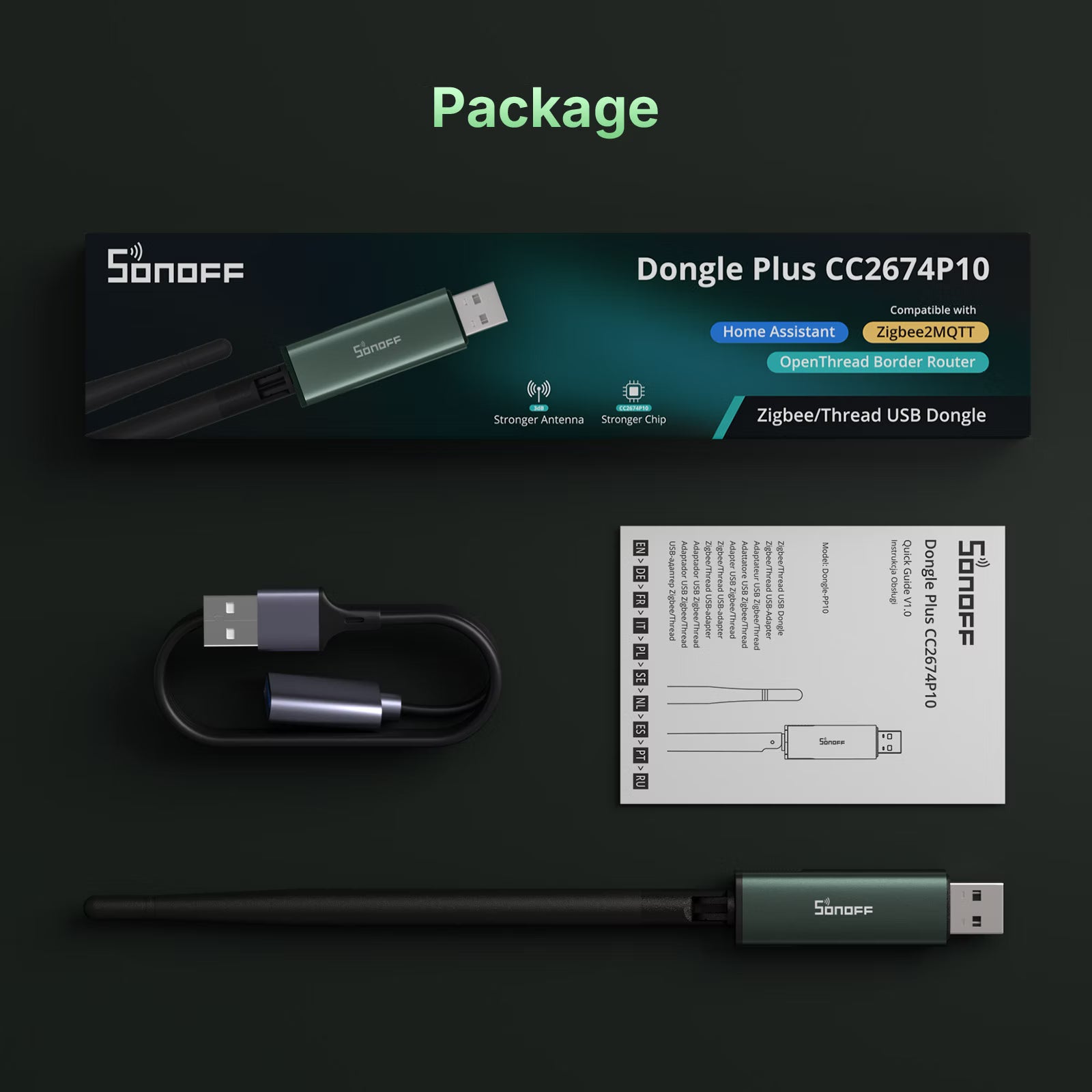
【Extended Coverage, Reliable Connections】A 4.5 dBi high-gain antenna and up to 20 dBm transmit power deliver broader coverage and stronger wall penetration. The included 1 m USB extension cable helps reduce USB interference for a more reliable wireless connection.
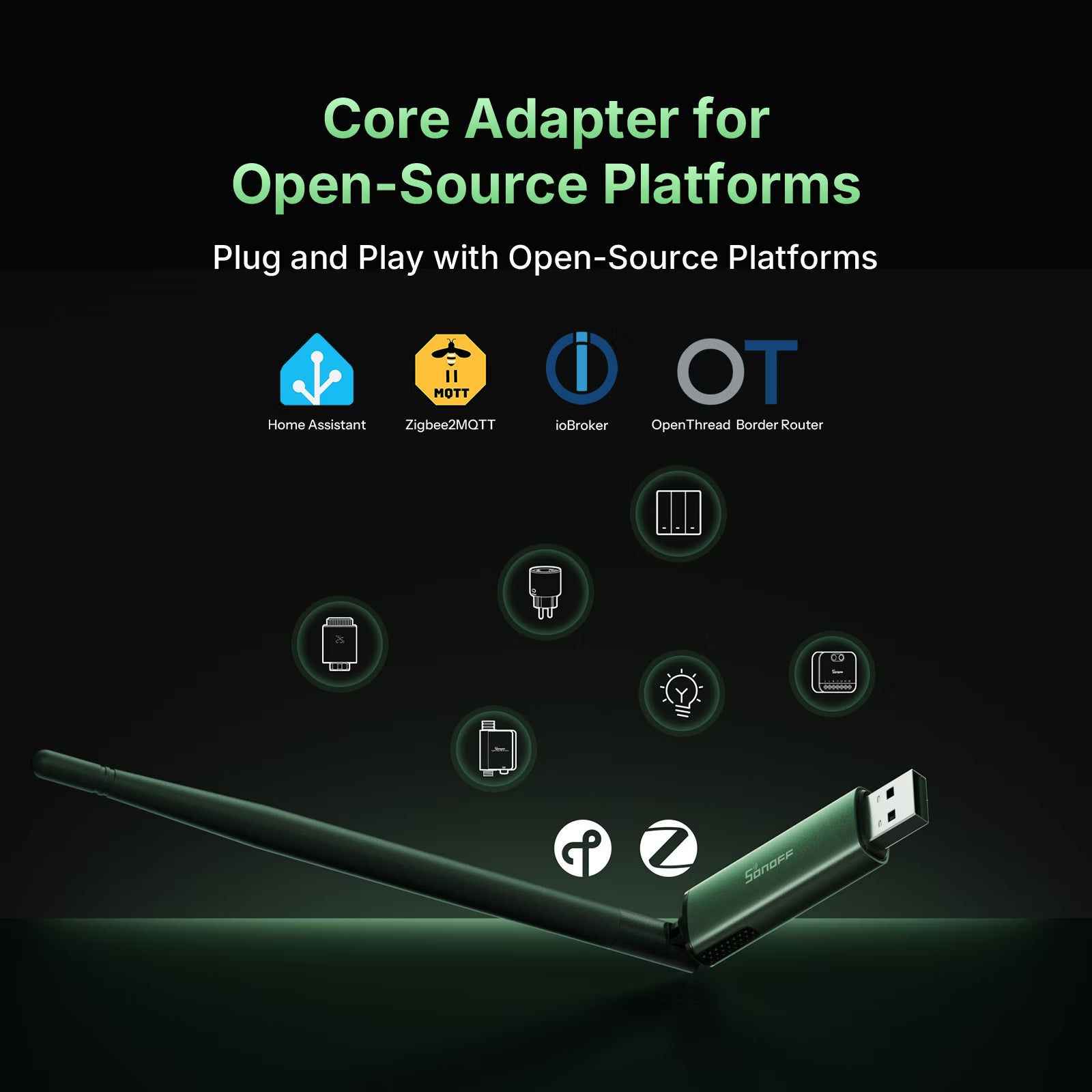
【Fully Local Smart Home Control】Works seamlessly with Home Assistant, Zigbee2MQTT, OTBR, and other open-source platforms. Control Zigbee and Thread devices locally without cloud dependency for faster response, greater privacy, and flexible automation.
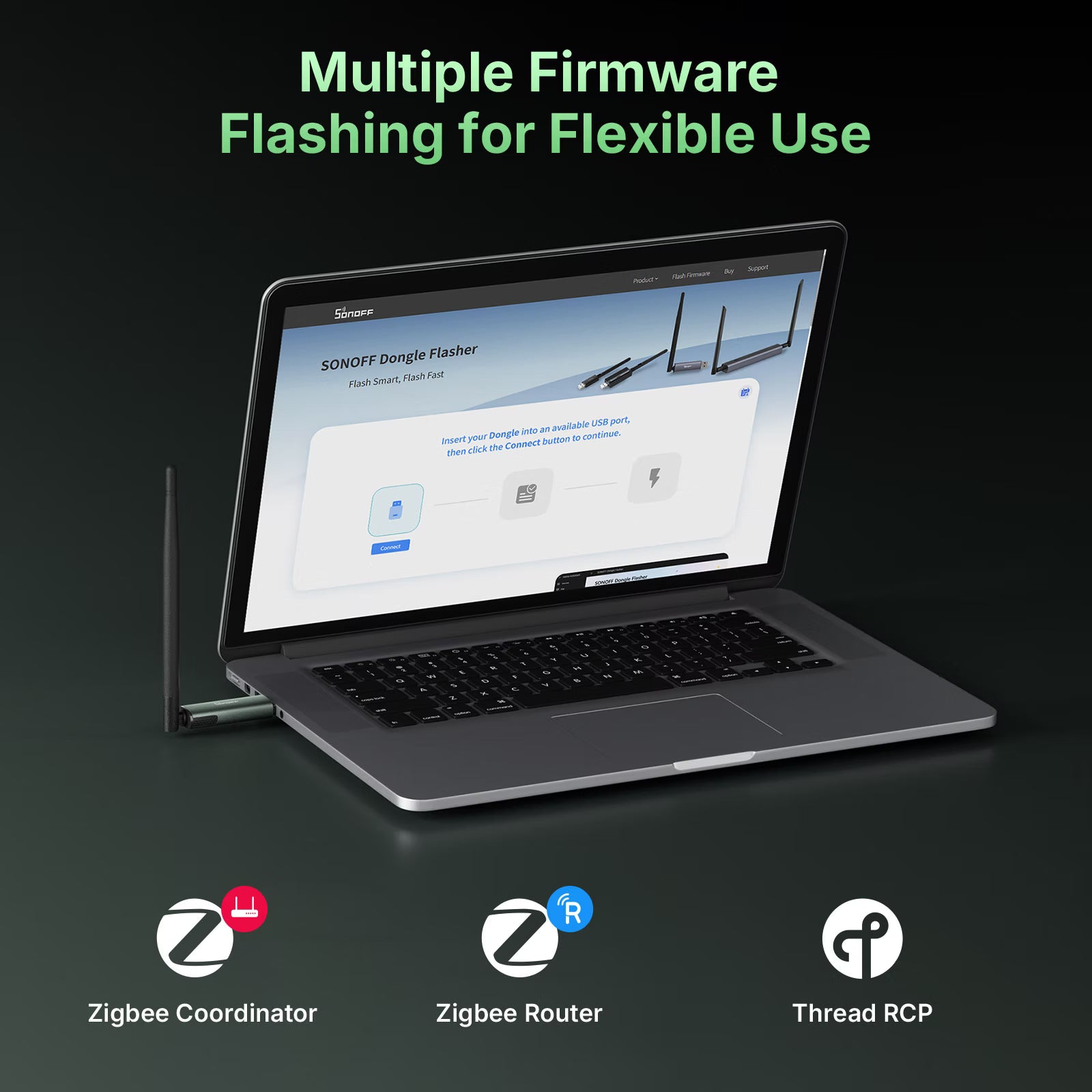
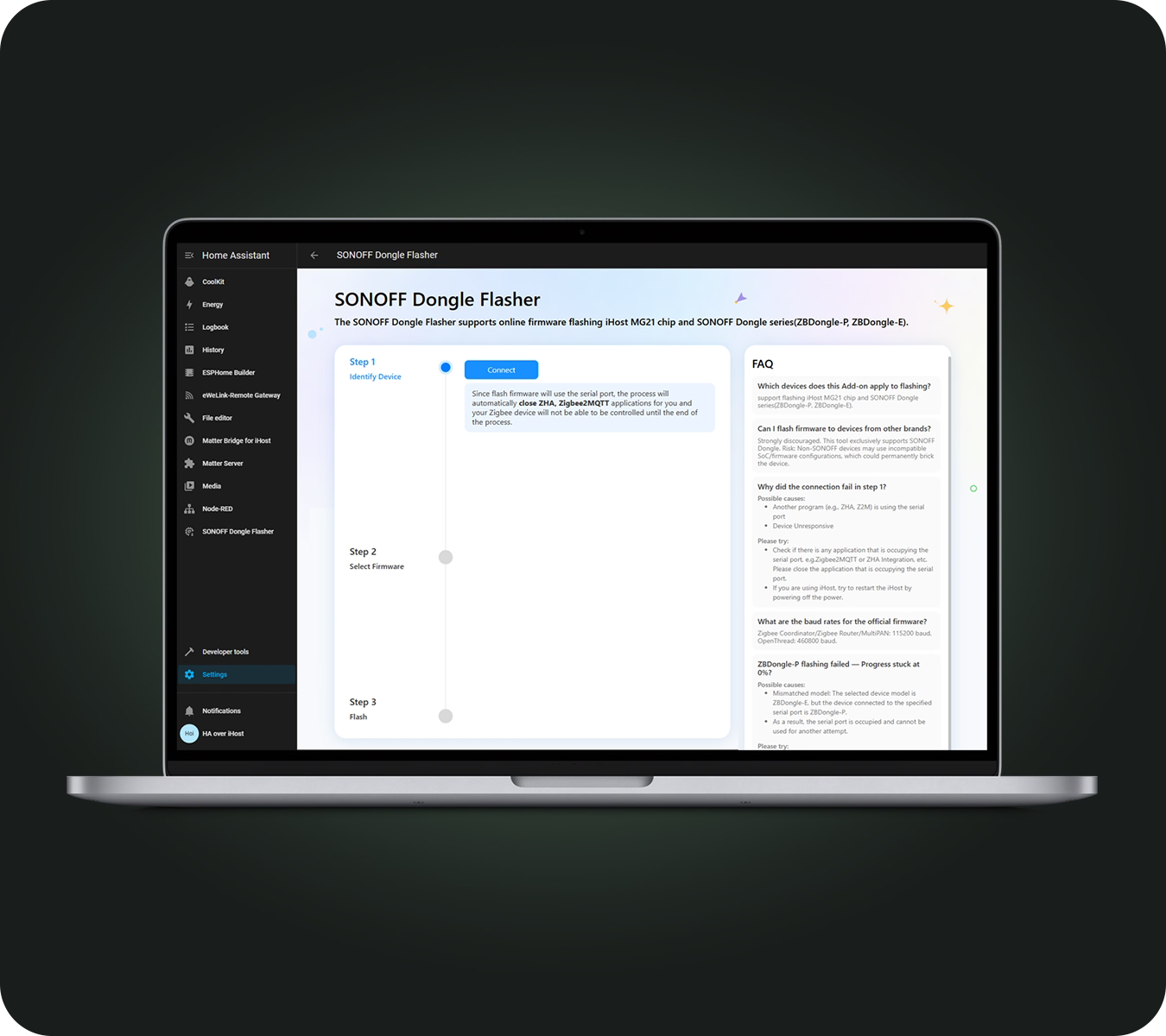
【Firmware Switching】Flash different firmware through the SONOFF Dongle Flasher website to transform the device into a Zigbee Coordinator, Zigbee Router, or Thread RCP. Easily adapt it to various networking scenarios without changing hardware.
【Built for Long-Term Reliability】Made from durable, corrosion- and moisture-resistant materials for dependable operation in demanding environments. Backed by a 2-year warranty for worry-free ownership.
Technical details, troubleshooting or setup tips? Access the Dongle-PP10 knowledge center for all the info you need.

SONOFF Dongle Plus CC2674P10 Zigbee/Thread USB Dongle | Dongle-PP10
Sale price$35.90

Zigbee/Thread USB Dongle


Core Adapter for Open-Source Platforms
Dongle Plus CC2674P10 serves as a core adapter for open-source platforms, connecting and managing Zigbee or Thread devices from different brands and categories, making it easy to build a multi-vendor smart home ecosystem.
Plug and Play with Open-Source Platforms


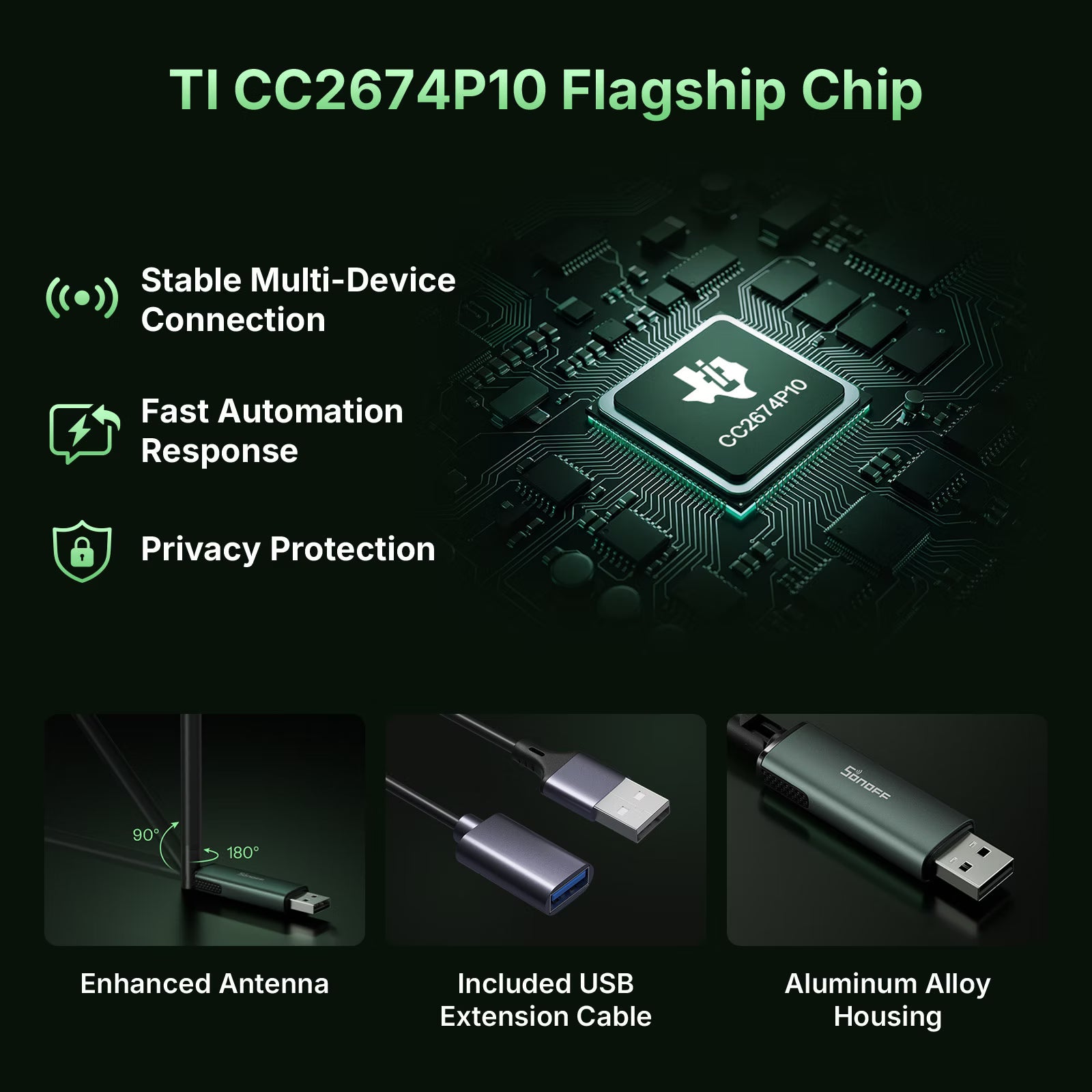
Stable Multi-Device Connection
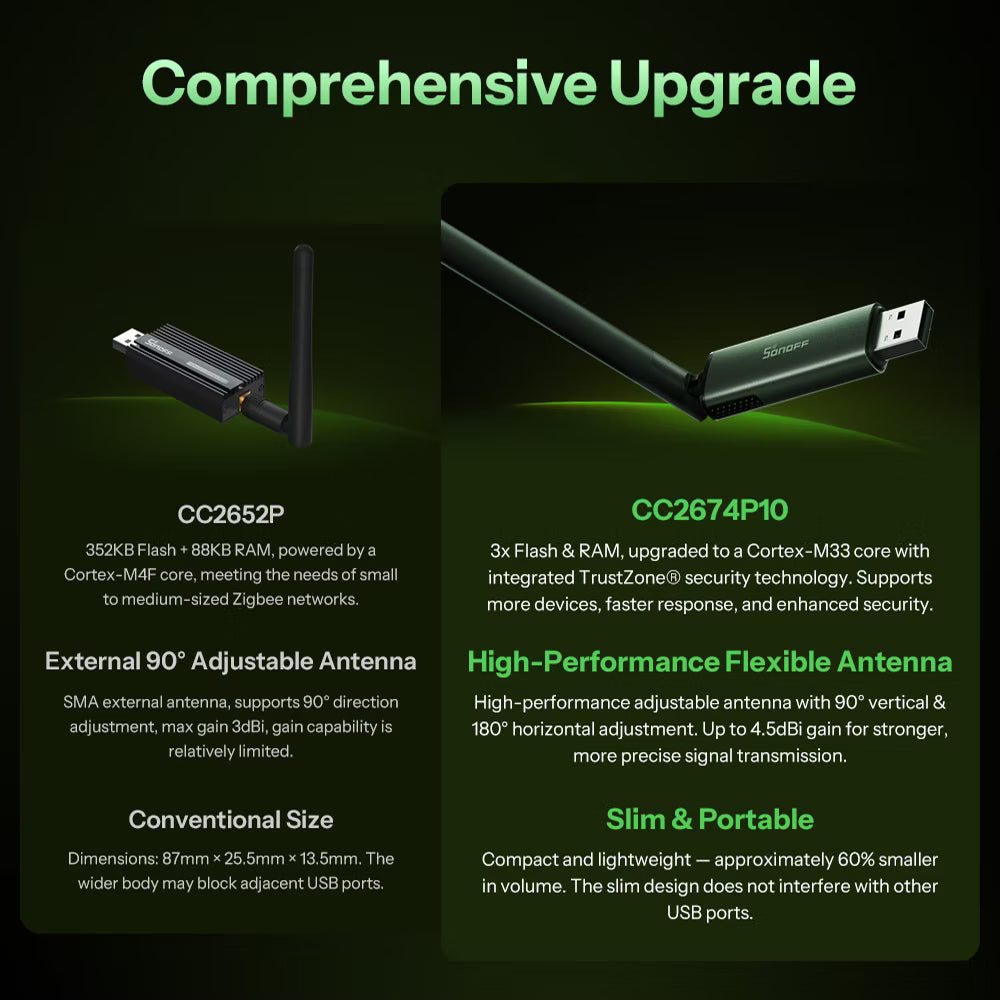
1024KB Flash + 256KB RAM, easily handling multiple Zigbee sensors and switches for stable operation.
High-performance Computing
The 48MHz Arm® Cortex®-M33 processor rapidly processes data packets and commands, ensuring smoother control in your smart home.
Privacy Protection
Built-in TrustZone® hardware security technology, preventing malicious attacks for a more secure smart home.
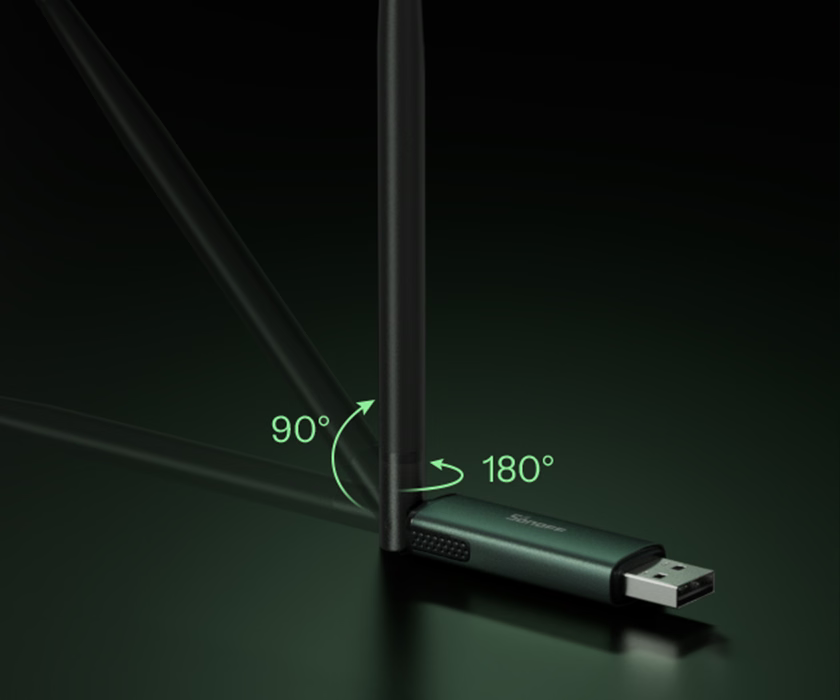
Enhanced Antenna
The antenna offers 3dBi gain by default, and when optimized by angle and channel, it can reach up to 4.5dBi, delivering a coverage range of more than 200 meters
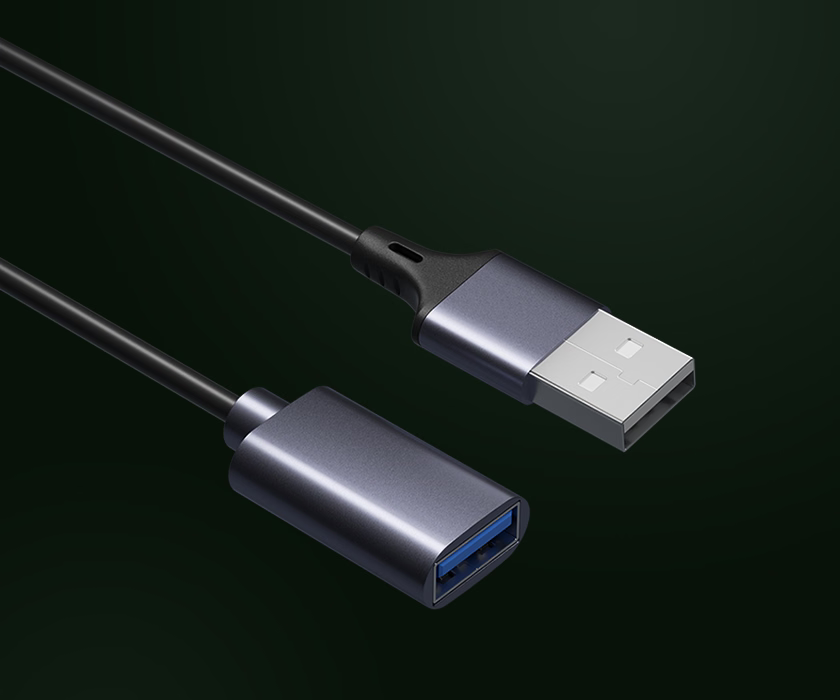
Included USB Extension Cable
Included USB extension cable packaged with a 1m USB extension cable — position your dongle away from the interference of your
SBC (Raspberry Pi, etc.)
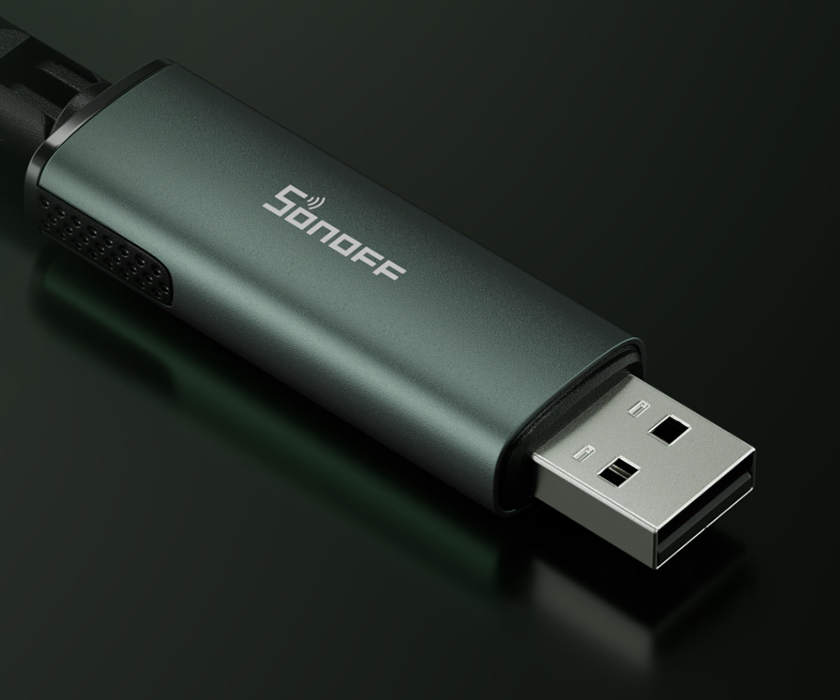
Aluminum Alloy Housing
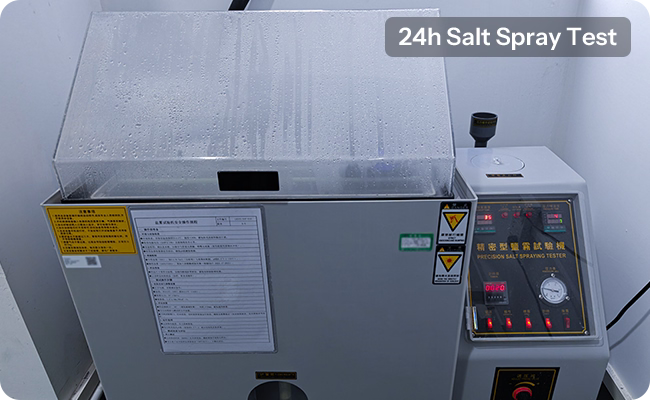
Compact and lightweight with a modern tech feel. Validated by 24h salt spray test for durability and reliability.


Firmware Flashing Test
After 100 repeated firmware flashing cycles, the device continues to flash and operate normally.

Electrostatic Discharge Test
No abnormalities were observed after 20 electrostatic discharge tests.

USB Plug-and-Unplug Test
Withstands over 500 plug/unplug cycles while maintaining full functionality and tactile feel.
*Based On SONOFF Laboratory Testing.
Comprehensive Upgrade


Get Your Dongle Zigbee & Matter Readyin eWeLink CUBE
What's eWeLink CUBE OS? A free self-hosted local system that bridges eWeLink Wi-Fi and multi-brand Zigbee devices into the Matter network for Apple Home, SmartThings, Google Home, Alexa, and Home Assistant.


Multiple Firmware
Flashing for Flexible Use

Zigbee Coordinator
Pre-installed firmware, using the Z-Stack protocol stack, supports adding multiple Zigbee devices.

Zigbee Router
Functions as a Zigbee network router to strengthen connections and improve the stability of your home’s Zigbee devices.

Thread RCP
Runs the OpenThread protocol stack
and works with a Thread Border Router, supporting the connection and control of Matter (Matter over Thread) devices.
01
We support 3 flashing tools to help you quickly
and easily flash different firmware versions.
SONOFF Dongle Flasher for Web
https://dongle.sonoff.tech/sonoff-dongle-flasher
SONOFF Dongle Flasher for Docker
https://hub.docker.com/r/ewelink/sonoff-dongle-flasher
SONOFF Dongle Flasher for Home Assistant
02
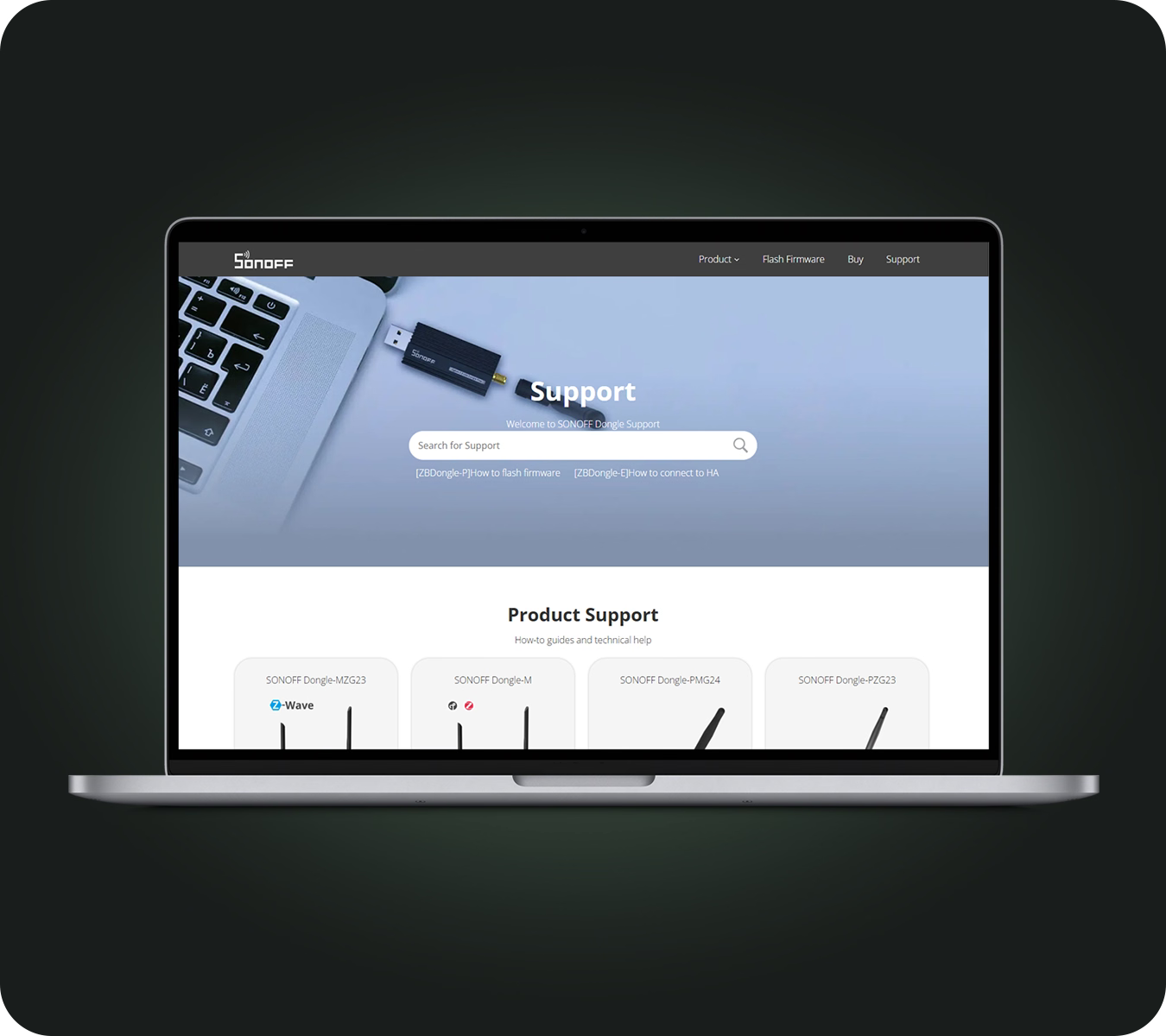
Access our specialized tutorial site anytime to learn
how to use the device or troubleshoot issues with ease. https://dongle.sonoff.tech/
01
We support 3 flashing tools to help you quickly
and easily flash different firmware versions.
SONOFF Dongle Flasher for Web
https://dongle.sonoff.tech/sonoff-dongle-flasher
SONOFF Dongle Flasher for Docker
https://hub.docker.com/r/ewelink/sonoff-dongle-flasher
SONOFF Dongle Flasher for Home Assistant
02
Access our specialized tutorial site anytime to learn
how to use the device or troubleshoot issues with ease. https://dongle.sonoff.tech/
The Trusted SONOFF Dongle Series
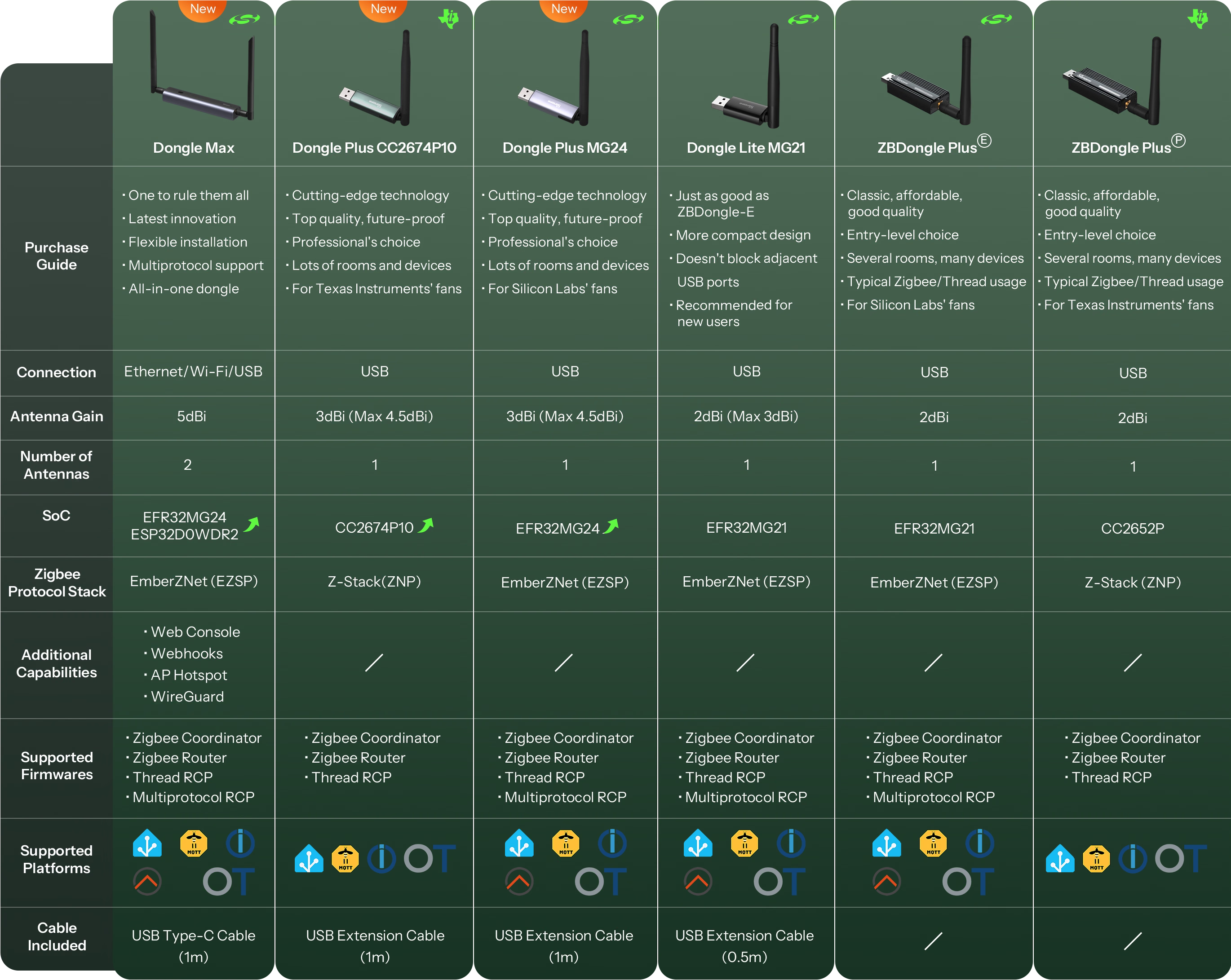


Specs & Quick Guide
Dongle-PP10 is a Zigbee/Thread USB Dongle powered by the upgraded CC2674P10 chipset, delivering enhanced processing performance, greater device capacity, and native support for both Zigbee and Thread. Featuring a high-gain antenna for extended wireless coverage, it integrates seamlessly with Home Assistant, Zigbee2MQTT, OTBR, and other open-source platforms for secure, fully local smart home control. With one-click firmware switching via the SONOFF Dongle Flasher website, it easily adapts to different networking roles. Built with durable materials and backed by a 2-year warranty, it's designed for reliable everyday use.
Quick Guide (PDF)Model
Dongle-PP10
Zigbee SoC
CC2674P10
USB-Serial Chip
CP2102(N)
Input
5V⎓500mA
Stand-by power consumption
40 mW
Signal range
200m in free line of sight
Signal Strength
Max 20 dBm + antenna gain 3 dBi
RF Frequency
2.4 GHz
RF Standard
IEEE 802.15.4 / Zigbee 3.0
Working Temperature
-10℃~60℃
Working Humidity
0%~95%RH
Supported OS
Windows, Ubuntu, Raspberry Pi OS / Raspbian, Docker
Dimensions
18mm×10.5mm×214mm
FAQ
1. What is the function of the USB extension cable?
The Dong Plus CC2674P10 package includes a 1m USB extension cable. It helps the Dongle connect to USB ports in different positions more easily and reduces interference.
2. How to check the firmware of SONOFF Dongle Plus CC2674P10 and flash the firmware?
You can use the official Sonoff Dongle Flasher web tool to check for the latest firmware and flash your device.
3. How to flash Dongle Plus CC2674P10 as Router?
Write content to answer to common questions your customers may have about your products, shipping policies.
If you need to expand the Zigbee signal range, you can flash the router firmware using the SONOFF Dongle Flasher web tool. Dongle Plus CC2674P10 running routing firmware will disguise itself as a light bulb.
4. Can I run 2 Dongles with ZHA simultaneously?
No. Users can only add one ZHA integration to Home Assistant (but HA can connect to multiple deCONZ or Zigbee2MQTT instances).
5. Can I run Zigbee2MQTT and ZHA together on the same Dongle Plus CC2674P10?
No. Z2M and ZHA are the same protocol (Zigbee). You can run one or the other, or buy a second dongle and run both on separate dongles.
6. Can I run 2 Dongles with ZHA and Zigbee2MQTT on the same machine together
Yeah, you can run two dongles at the same time. One in ZHA, the other one in Z2M, as long as you can uniquely identify them on the USB ports and keep separate Zigbee channels, ZHA defaults to 15, Z2M defaults to 11.
7. What is the difference between Dongle-PP10 and ZBDongle-P?
Dongle Plus CC2674P10 (Dongle-PP10) is the upgraded version of the current ZBDongle-P, moving from the CC2674P10 chip to the CC2652P. The chip's flash has increased by 300% and RAM by 300%, and the MCU processor has stronger performance.
In addition, the housing is more compact, making it easier to fit into different USB ports.
8. Devices supported by SONOFF Zigbee Dongle Plus
SONOFF Dongle Plus CC2674P10 works great with most Zigbee devices, including popular brands like Sonoff, Aqara, Philips Hue, Huawei, IKEA, Tuya, and many more, mainly depending on the home automation platform on which the user uses Dongle Plus:
ZHA: https://www.home-assistant.io/integrations/zha
Zigbee2MQTT: https://www.zigbee2mqtt.io/guide/supported-hardware.html
ioBroker: https://github.com/Jey-Cee/ioBroker.deconz
Domoticz: https://github.com/Smanar/Domoticz-deCONZ
OpenHAB: https://www.openhab.org/addons/bindings/deconz/
In addition to check the supported devices through the official platform, you also can view Blakadder compatibility lists, which provides an extensive overview of the devices supported by different platforms.
9. What are the baud rates for the official firmware?
Dongle-PP10
- Zigbee NCP: 115200, 460800, 921600
- Zigbee Router: 115200
- OpenThread: 460800, 921600
10. How can I add a Thread device using the Dongle-PP10?
The Dongle Plus CC2674P10 uses TI's flagship Zigbee and Thread chip, the CC2652P. It requires flashing the OpenThread RCP firmware and connecting to a host running OTBR for installation and configuration to set up a Thread network.
11. Can I quickly migrate the existing configuration for the older ZBDongle-P in HA to the Dongle-PP10?
Yes, one-click migration is supported between Adapters (i.e., dongles) using Silicon Labs and Texas Instruments chips, but only for the ZHA integration configuration. For Z2M integration, migration is supported but requires backup and restore functionality. Configurations for OTBR are not supported for migration. Whether migration is possible depends on the open-source platform itself, not on the device's own capabilities.
How to perform one-click migration in ZHA integration: Zigbee Home Automation
How to migrate in Z2M integration: FAQ | Zigbee2MQTT