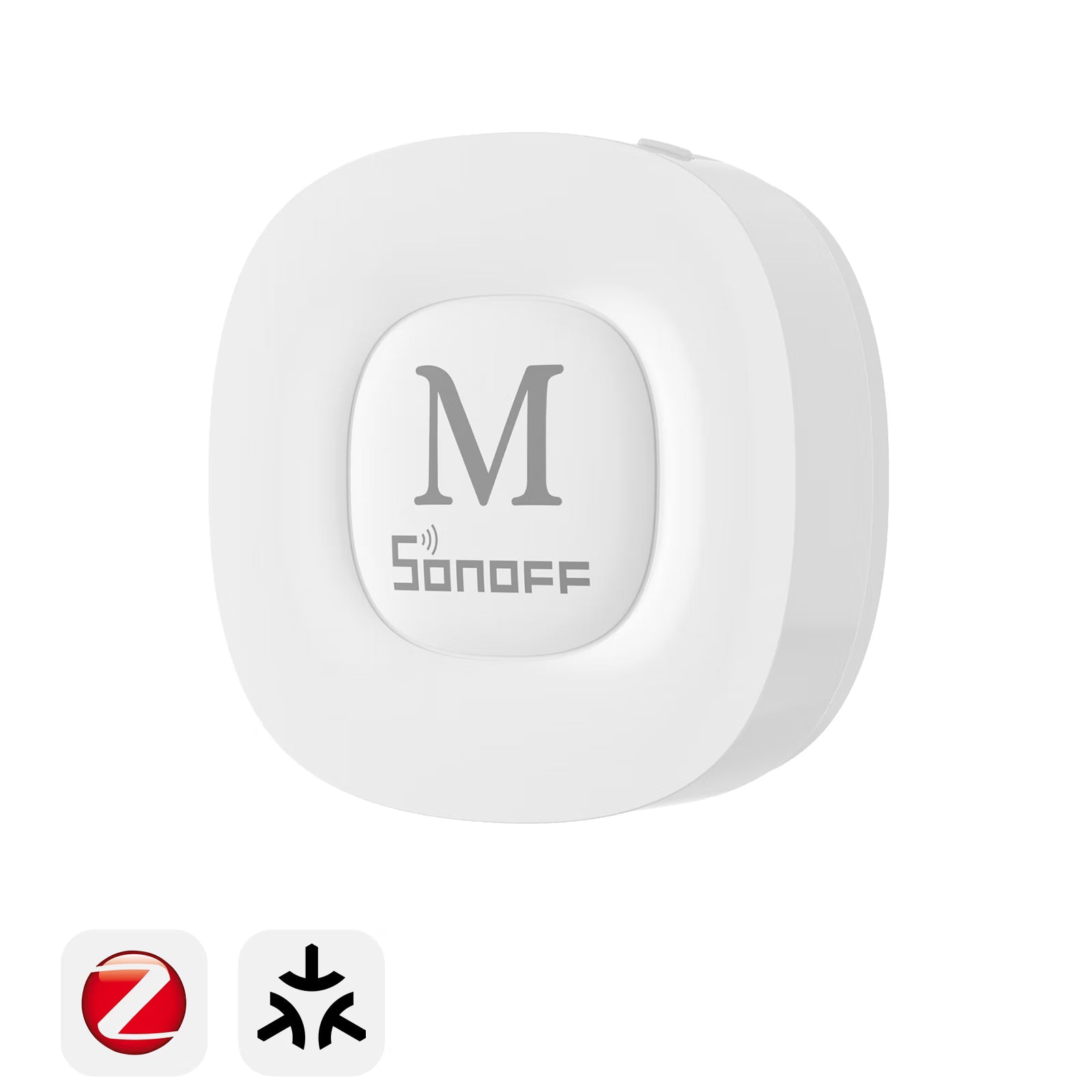
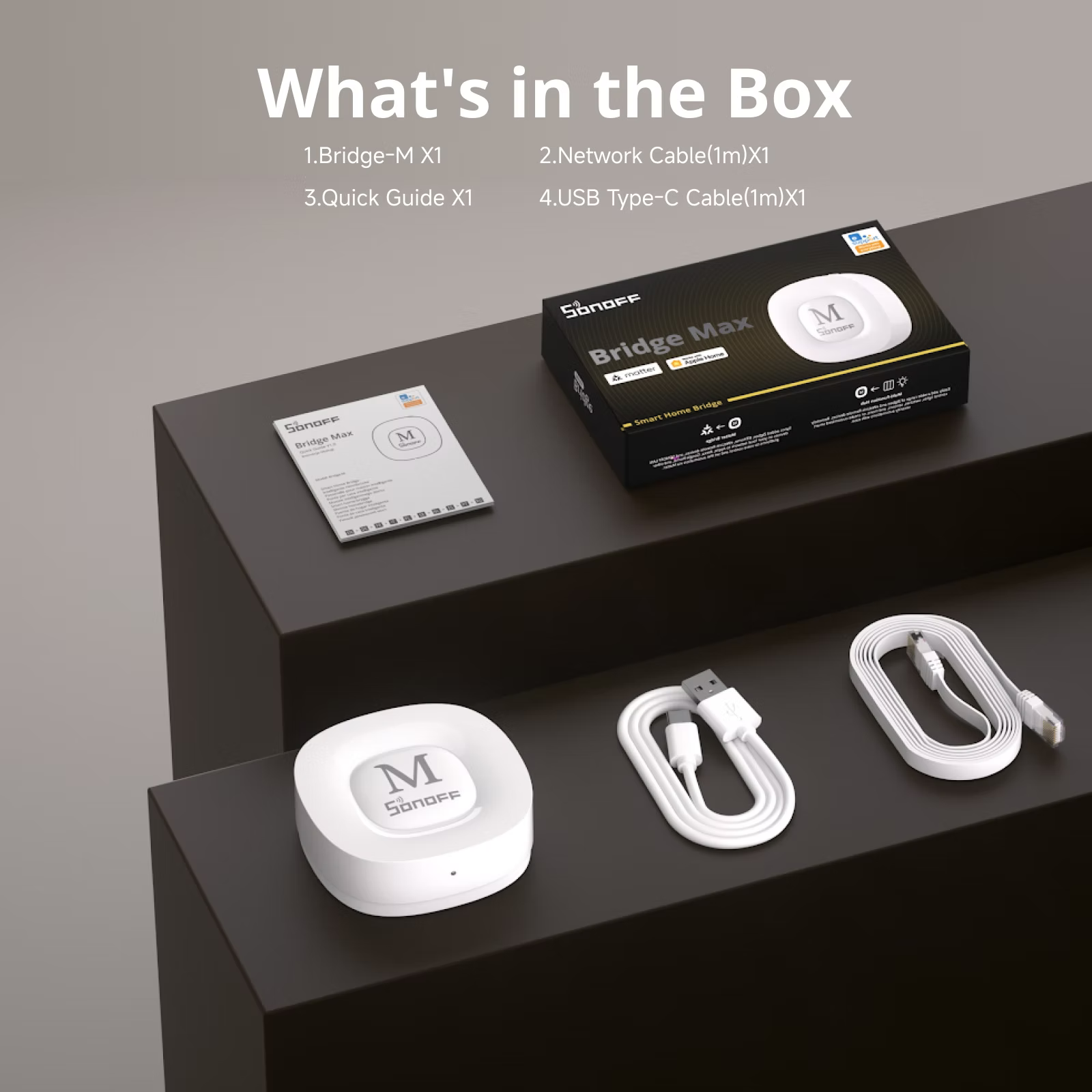
SONOFF Bridge Max Smart Home Bridge | Bridge-M
Tax excluded. Shipping calculated at checkout
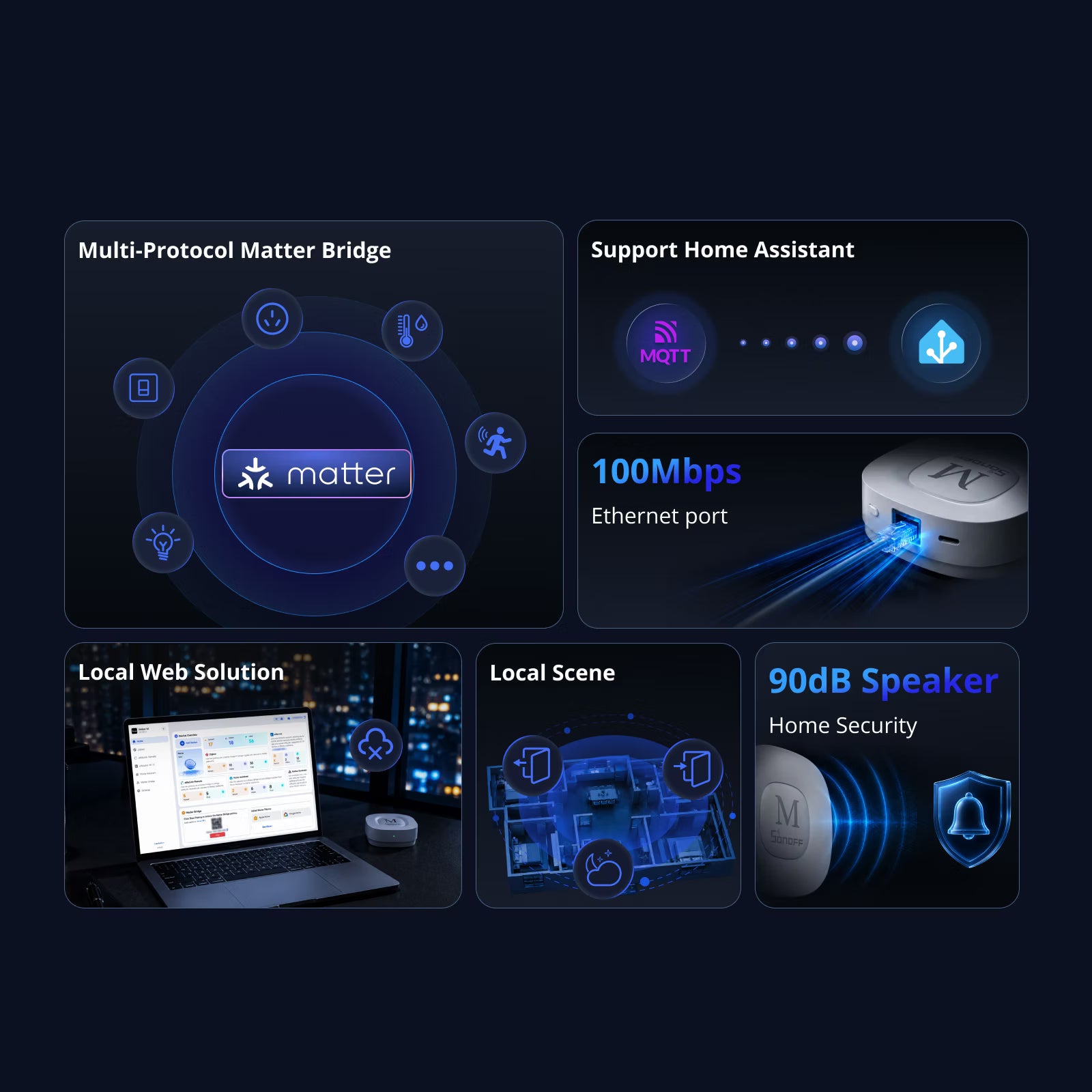
【Matter Bridge】Bridge Zigbee, BTHome, and eWeLink devices to Apple Home, Alexa, Google Home, and other Matter platforms. Enjoy seamless cross-brand device control and automation within a unified smart home ecosystem.
【Local Web Interface】Access the built-in Matter Bridge web console directly through your local network. No app downloads, cloud accounts, or internet connection required—helping you bridge devices faster and more conveniently while enhancing privacy and local security.
【Zigbee Gateway】 Build a powerful Zigbee network with support for up to 128 Zigbee devices. Easily manage sensors, switches, plugs, and other devices through a single hub.
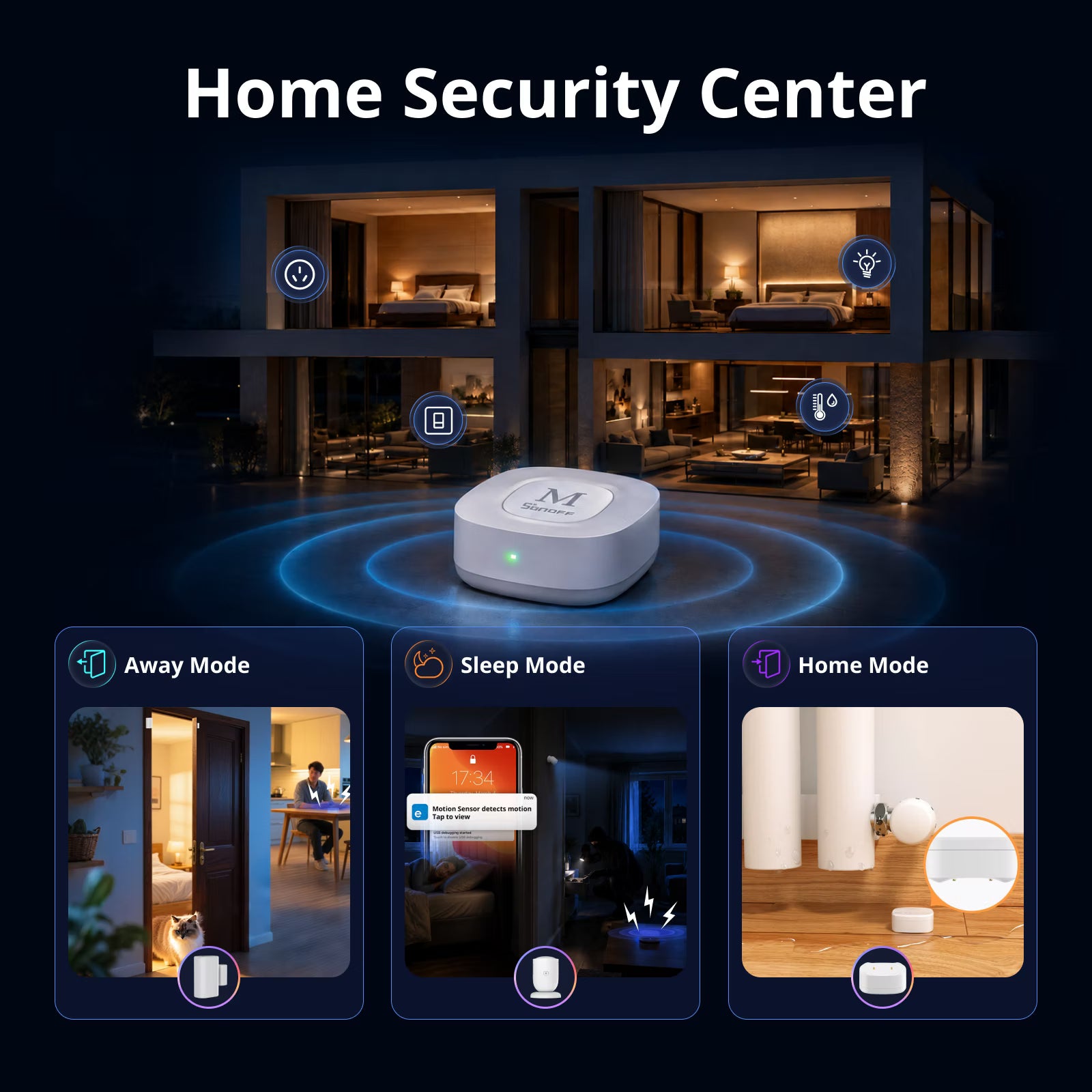
【Smart Security】Work with Zigbee sensors and cameras to detect unusual activity. Trigger up to a 90dB siren and receive real-time mobile notifications, helping you respond quickly to potential intrusions.
【Home Assistant Integration】Sync Zigbee devices to Home Assistant via MQTT, or sync Home Assistant devices to Apple Home, Alexa, Google Home, and other Matter ecosystems through Matter Bridge.
Technical details, troubleshooting or setup tips? Access the Bridge-M knowledge center for all the info you need.

Cross Ecosystems with One Bridge
SONOFF Bridge Max


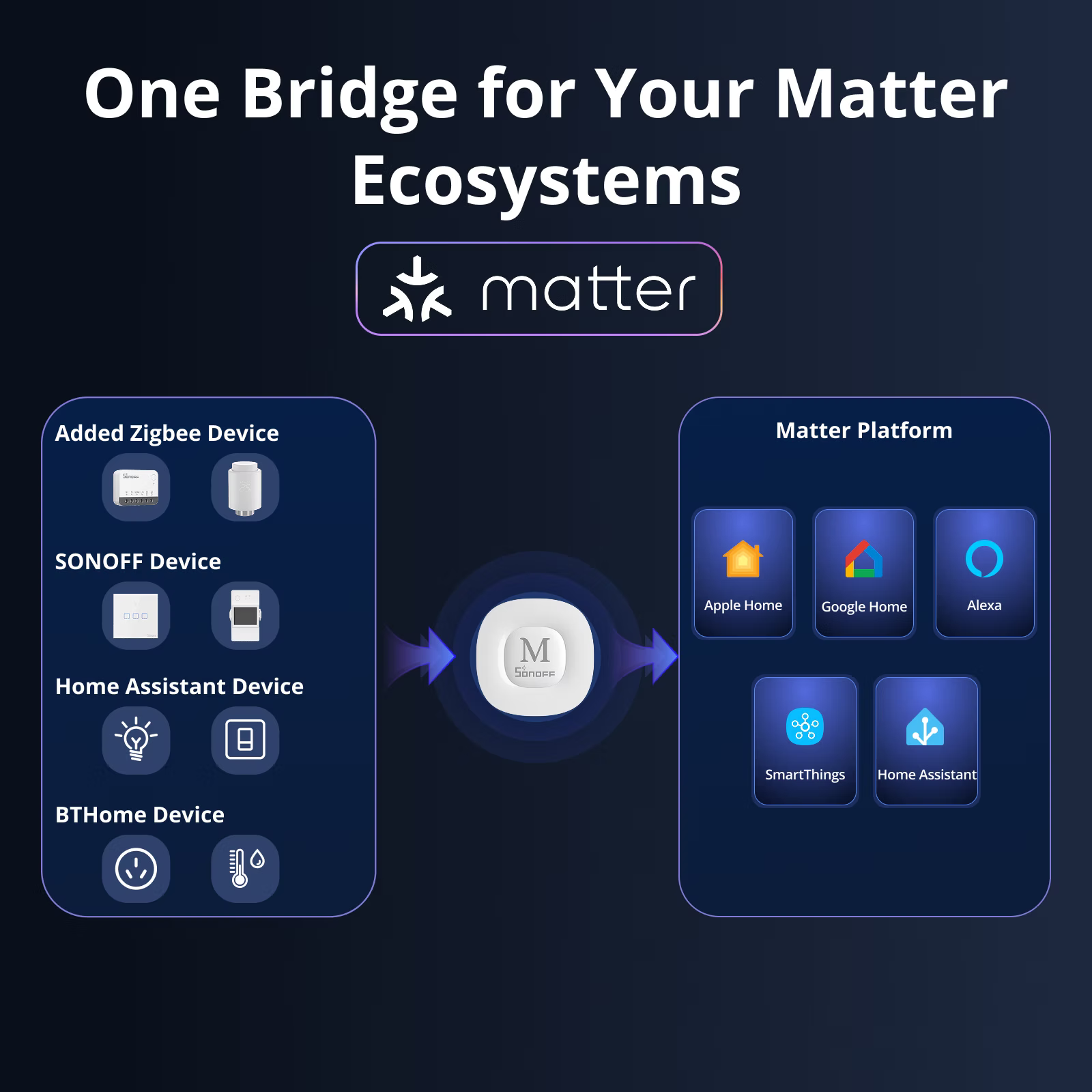
One Bridge for Your Matter Ecosystems
With the Max Matter Bridge of Bridge Max, Zigbee, Wi-Fi, eWeLink-Remote, and BTHome devices can be easily integrated into Matter-compatible platforms such as Apple Home, Alexa, Google Home, SmartThings, and Home Assistant for unified control and automation.


-
For a detailed support list, please see the link:https://bridge.sonoff.tech/device-function-reference-table/


Local Web Matter Bridge Solution
Simplify the entire experience via the Local Web Matter Bridge solution. No apps or extra services required, just plug in an Ethernet cable, open the web interface, and start using Matter Bridge instantly.


-
*Both App & Web solutions can coexist. If you need to sync Wi-Fi devices from the eWeLink in Web, you can optionally sign in to your eWeLink account via the cloud.
One Dashboard for Matter Bridge
Connect multiple device types to Matter ecosystems through the web dashboard, while clearly monitoring device counts and real-time operating status.

-
*The web only supports device setup and Matter Bridge synchronization, and does not support direct device control.
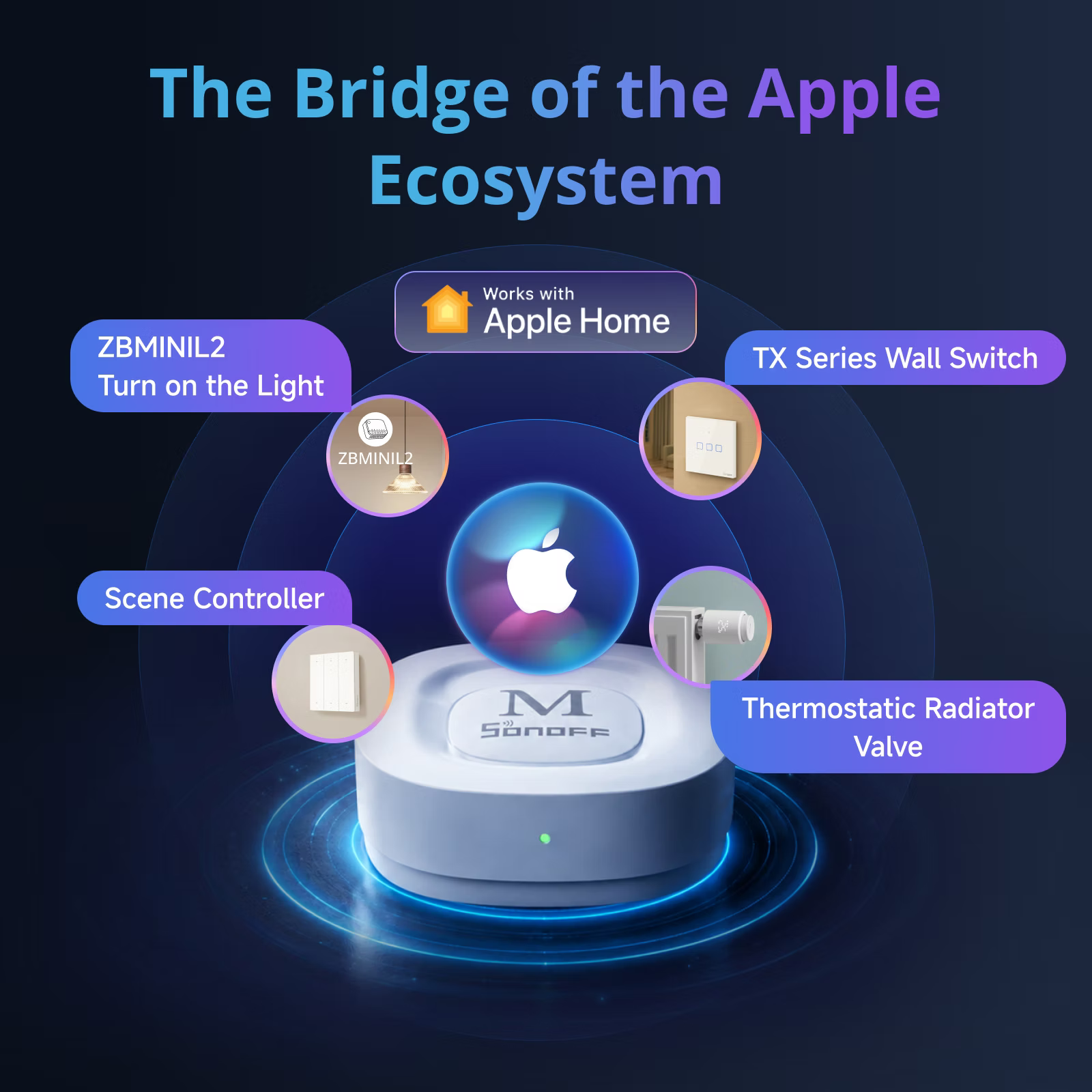
The Bridge of the Apple Ecosystem
Easily Bridge Devices to Apple Home
With Bridge Max's Matter Bridge capability, even devices that don't support HomeKit can be brought into the Apple smart ecosystem.

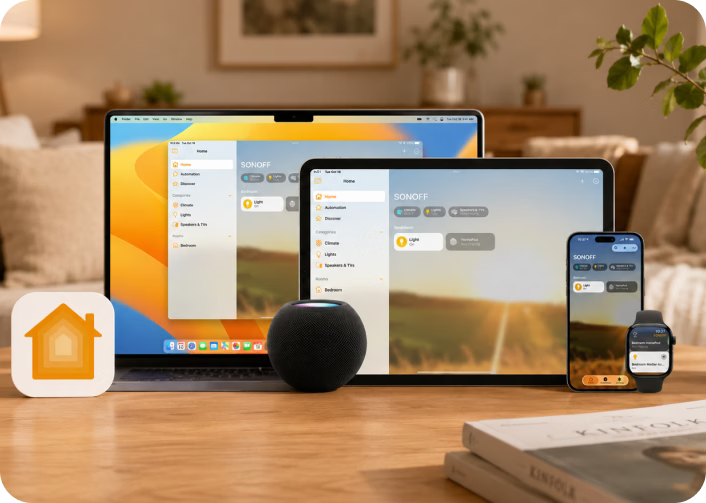
Apple Ecosystem, Working as One
The synced devices support control across iPhone, iPad, Apple Watch, and CarPlay, bringing smart control into every moment.
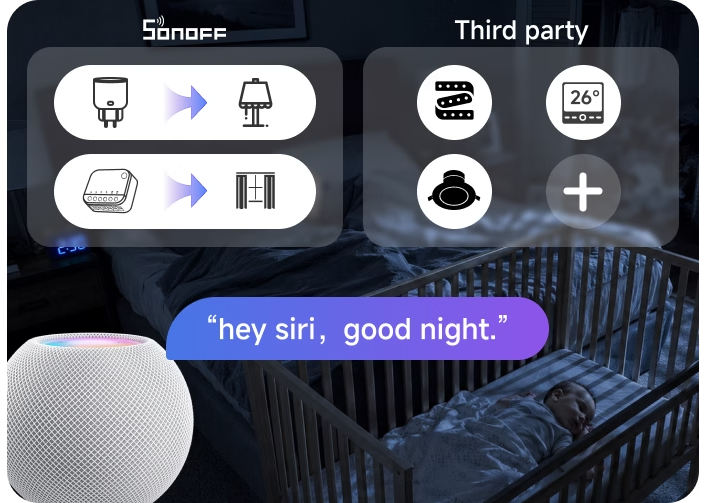
Automation for Multiple Brands Devices
You can set up automations with synced devices and make them work seamlessly with devices from different brands.
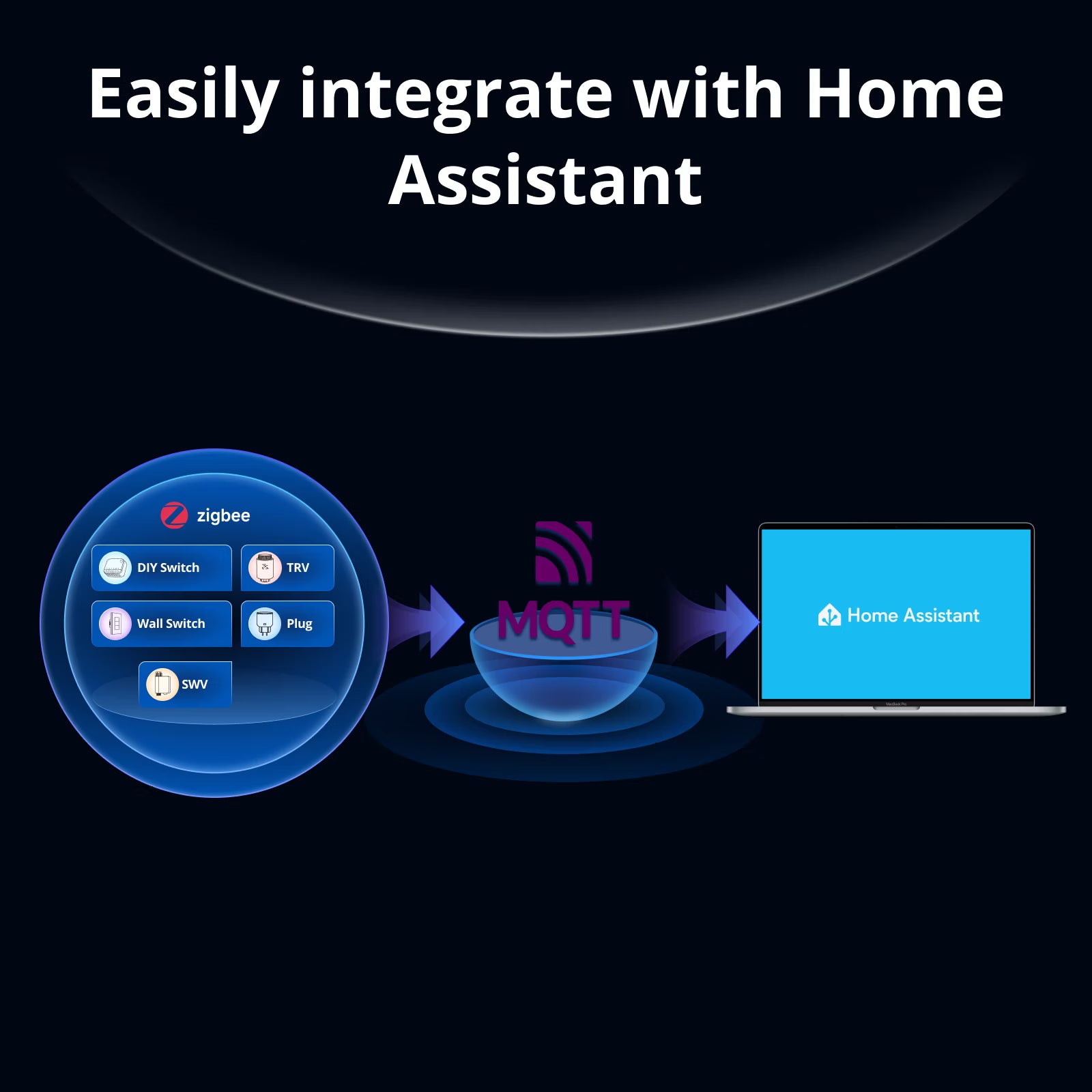
Easily Integrate with Home Assistant
Want to manage your Zigbee sub-devices in both the mobile app and Home Assistant? Simply configure an MQTT Broker to sync Zigbee devices from the Bridge Max to Home Assistant


Zigbee Compatibility
Supports all SONOFF Zigbee devices with complete feature compatibility, and is compatible with various third-party Zigbee devices for broader cross-brand integration.


Quick Check for Compatibility
*For a detailed supported list, please click here.
https://bridge.sonoff.tech/device-function-reference-table/#/


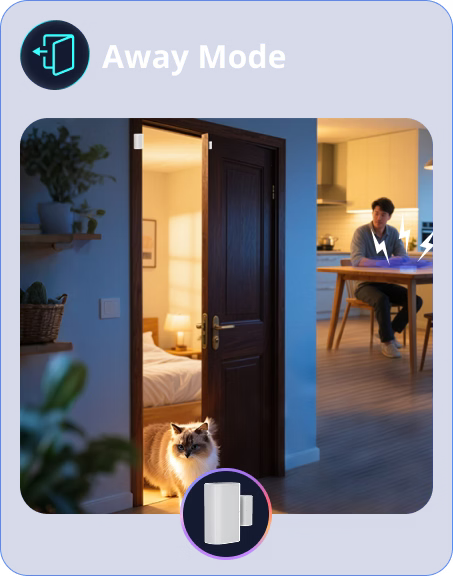
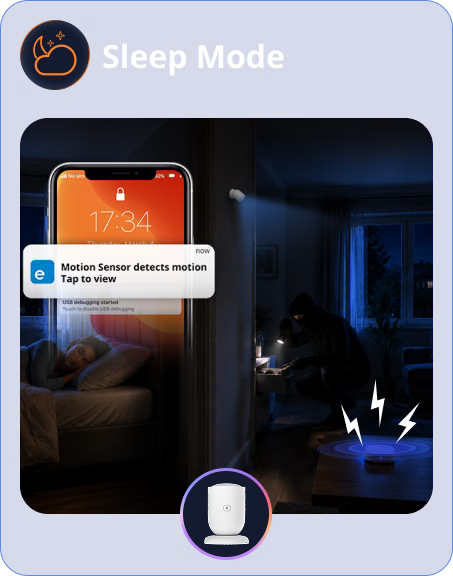
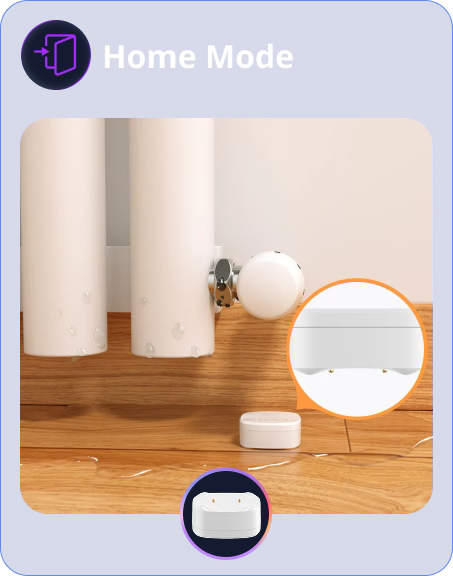
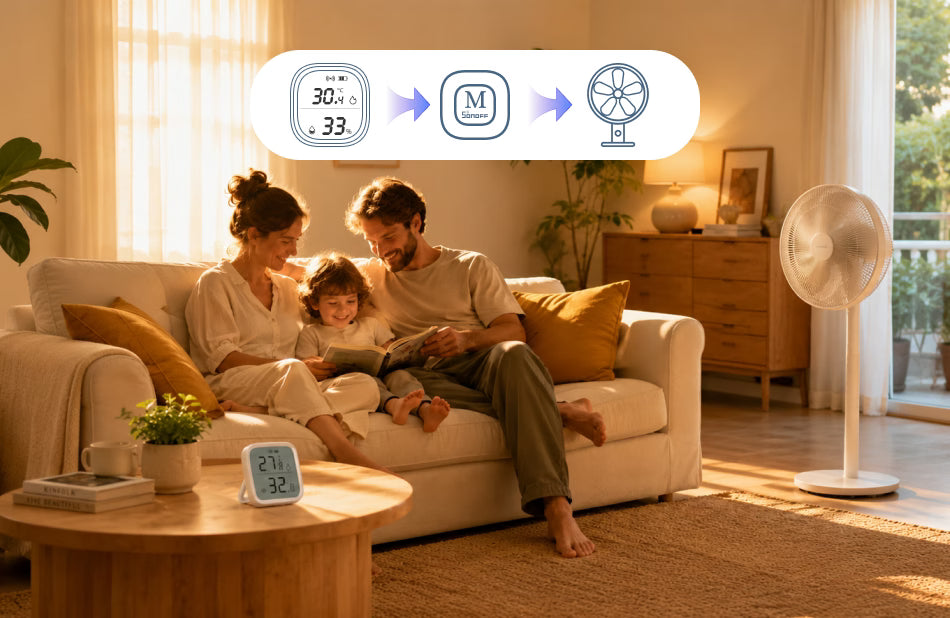
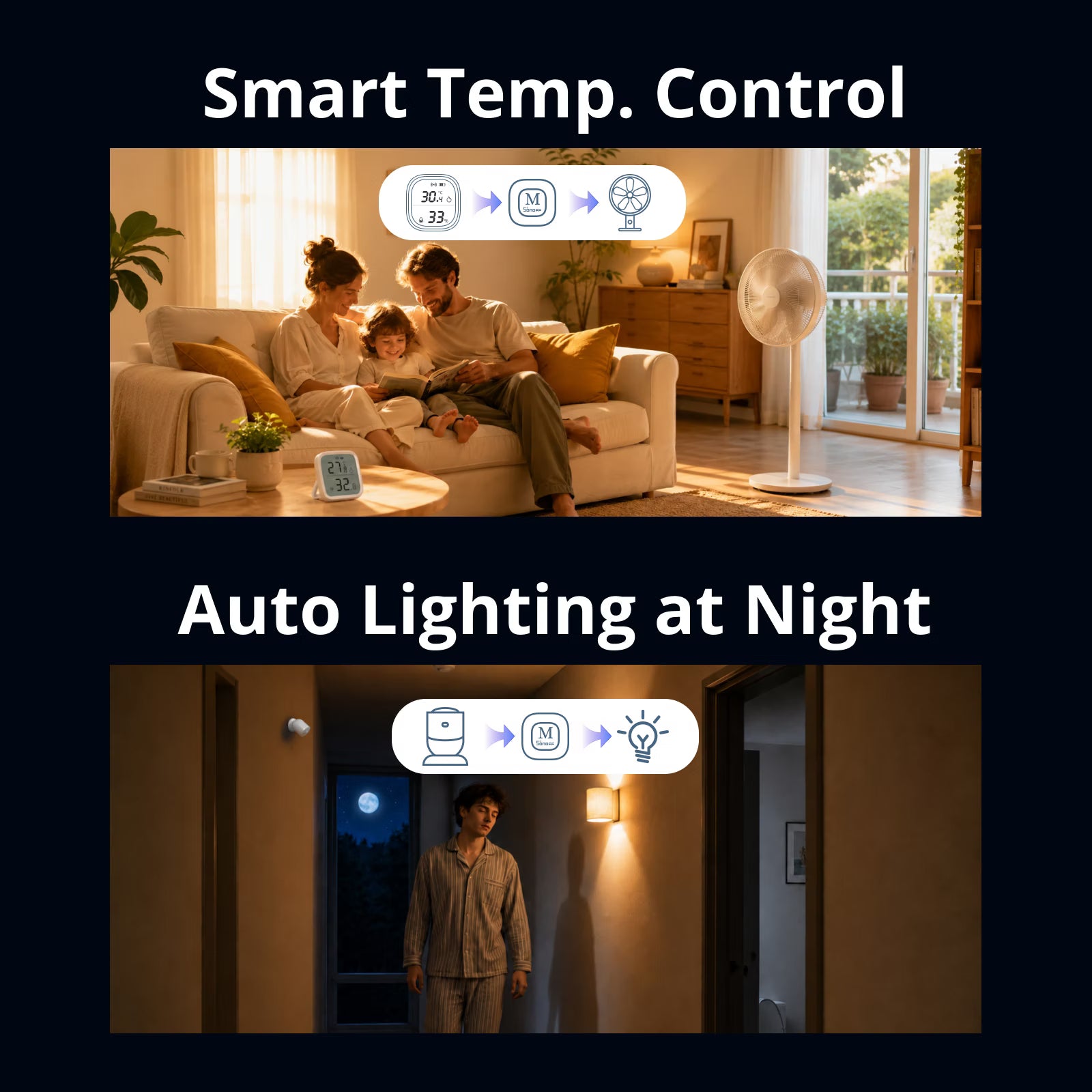
Smart Temp. Control
Pair with a Temp. & Hum. sensor to automatically turn on the fan when the temperature rises keeping your home comfortable without manual intervention.
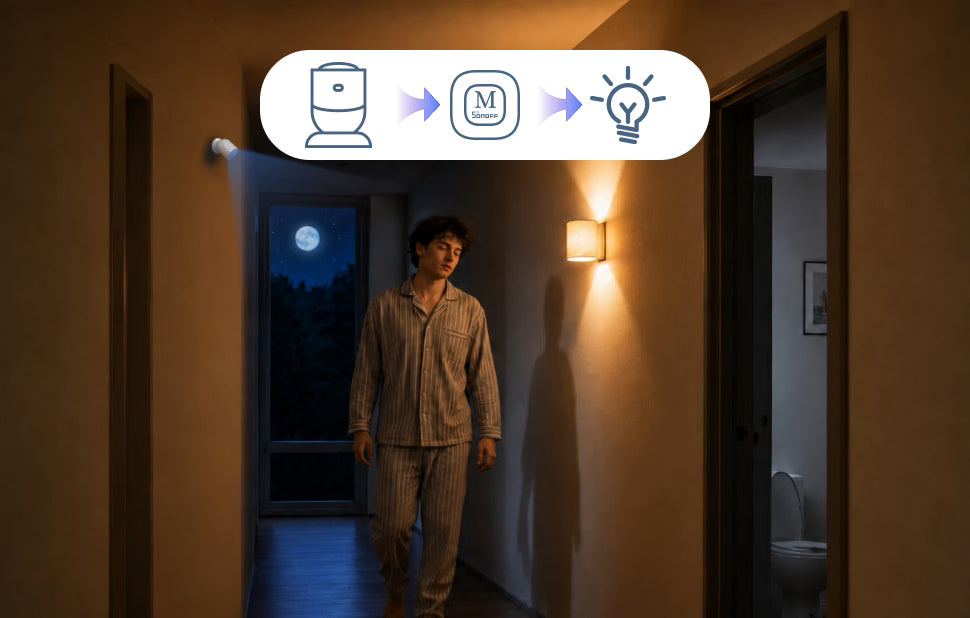
Auto Lighting at Night
Lights turn on automatically as you walk through the hallway at night, offering hands-free convenience and improved nighttime safety.
Bridge Replacement
Migrate from SONOFF ZBBridge Pro to Bridge Max in just one step. Transfer your Zigbee devices, scenes, and security settings to the new Bridge Max without re-pairing devices or setting everything up again.


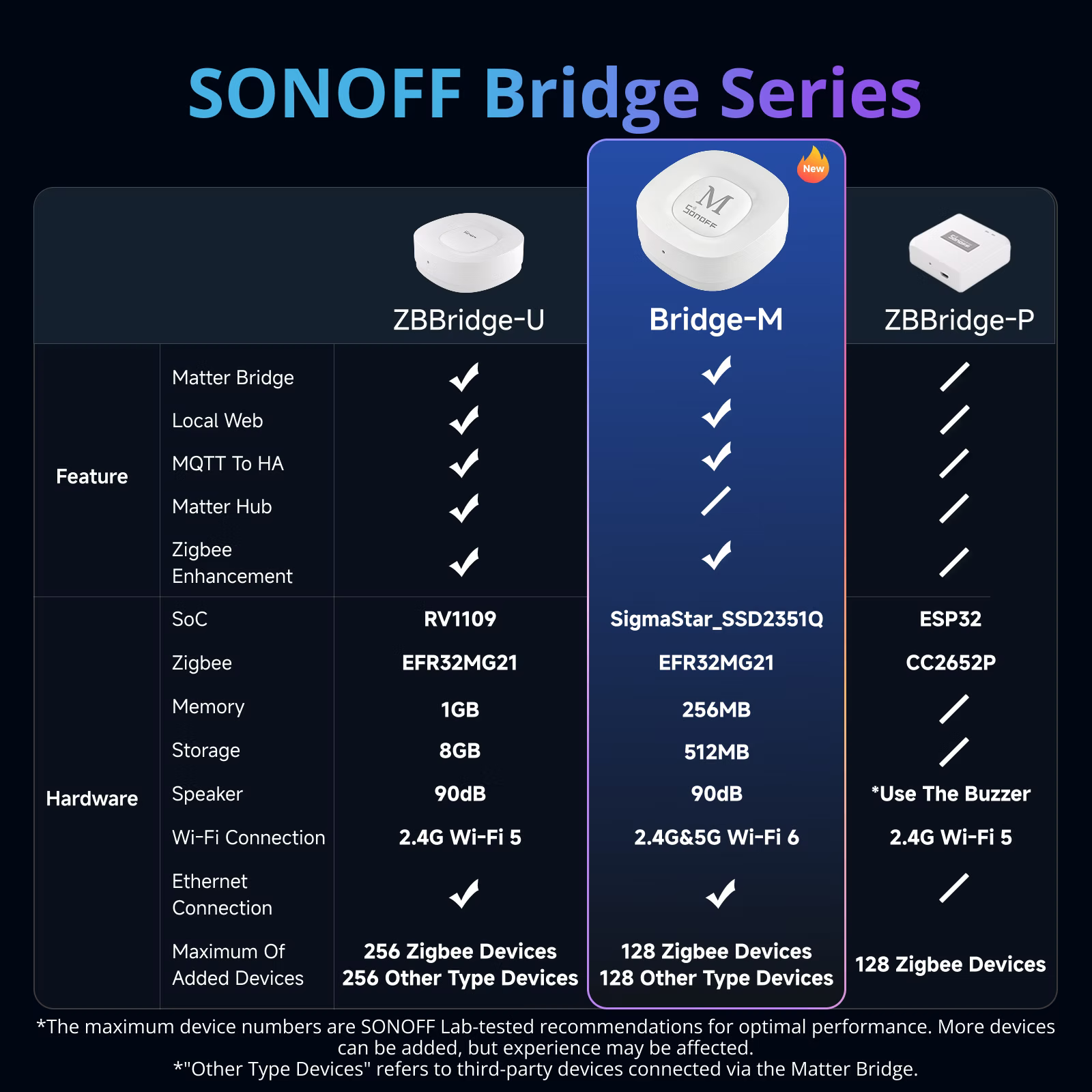
SONOFF Bridge Series


-
*The maximum device numbers are SONOFF Lab-tested recommendations for optimal performance. More devices can be added, but experience may be affected.
*"Other Type Devices" refers to third-party devices connected via the Matter Bridge.


Specs & User Manual
Bridge Max is an all-in-one Matter Bridge and Zigbee Gateway designed to unify your smart home ecosystem. As a Matter Bridge, it seamlessly connects Zigbee, BTHome, eWeLink, and Home Assistant devices to Apple Home, Alexa, Google Home, and other Matter-compatible platforms for cross-brand control and automation. With a built-in local web interface, devices can be bridged over LAN without relying on cloud services. As a Zigbee Gateway, it supports up to 128 Zigbee devices and enables smart security automation when paired with Zigbee sensors. Supporting both 2.4G & 5G Wi-Fi and Ethernet connectivity, Bridge Max offers flexible deployment and reliable performance.
User Manual (PDF)Bridge-M
Bridge Series
Smart Home Bridge
SigmaStar_SSD2351Q + EFR32MG21
5V⎓ 1A
IEEE 802.11a/b/g/n/ac/ax
IEEE 802.15.4
Type-C
RJ45 (10/100Mbps)
83.4g
82x82x28mm
White
PC+ABS
Indoor
-10℃~40℃
5%~95% RH, non-condensing
Below 5000 meters
FAQ
1. Are my Zigbee devices supported by Bridge Max? What features are supported after syncing sub-devices through Matter Bridge?
You can check the Bridge Max device compatibility list here:
https://bridge.sonoff.tech/device-function-reference-table/
2. When using Bridge Max through the local web interface, can I still add Bridge Max to the eWeLink App?
Yes. Bridge Max supports both the local web interface and the eWeLink App.
After accessing the local web interface, simply log in with your eWeLink account. Your device will be automatically synced to the eWeLink App.
3. Why can't I control Zigbee sub-devices through the local web interface?
The local web interface is mainly designed for Matter Bridge features, allowing different devices to be added to the Matter ecosystem.
It does not support direct device control through the web interface. To control your devices, please log in to your eWeLink account and use the eWeLink App or the bridged Matter platform to use.
4. Can Bridge Max work without an Ethernet cable?
Yes. Bridge Max supports both Ethernet and Wi-Fi connections.
If no Ethernet cable is connected, you can connect Bridge Max to your home network via Wi-Fi through the eWeLink App.
5. How many devices can Bridge Max support for stable operation?
Based on current testing results, the recommended maximum number of Zigbee devices is 128 for stable performance.
6. Can the Bridge Replacement feature be used with other gateways, such as ZBBridge-U or iHost?
No. Currently, the gateway replacement feature only supports replacing data from ZBBridge-P.