


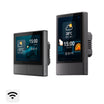

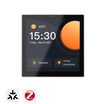
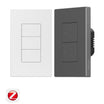




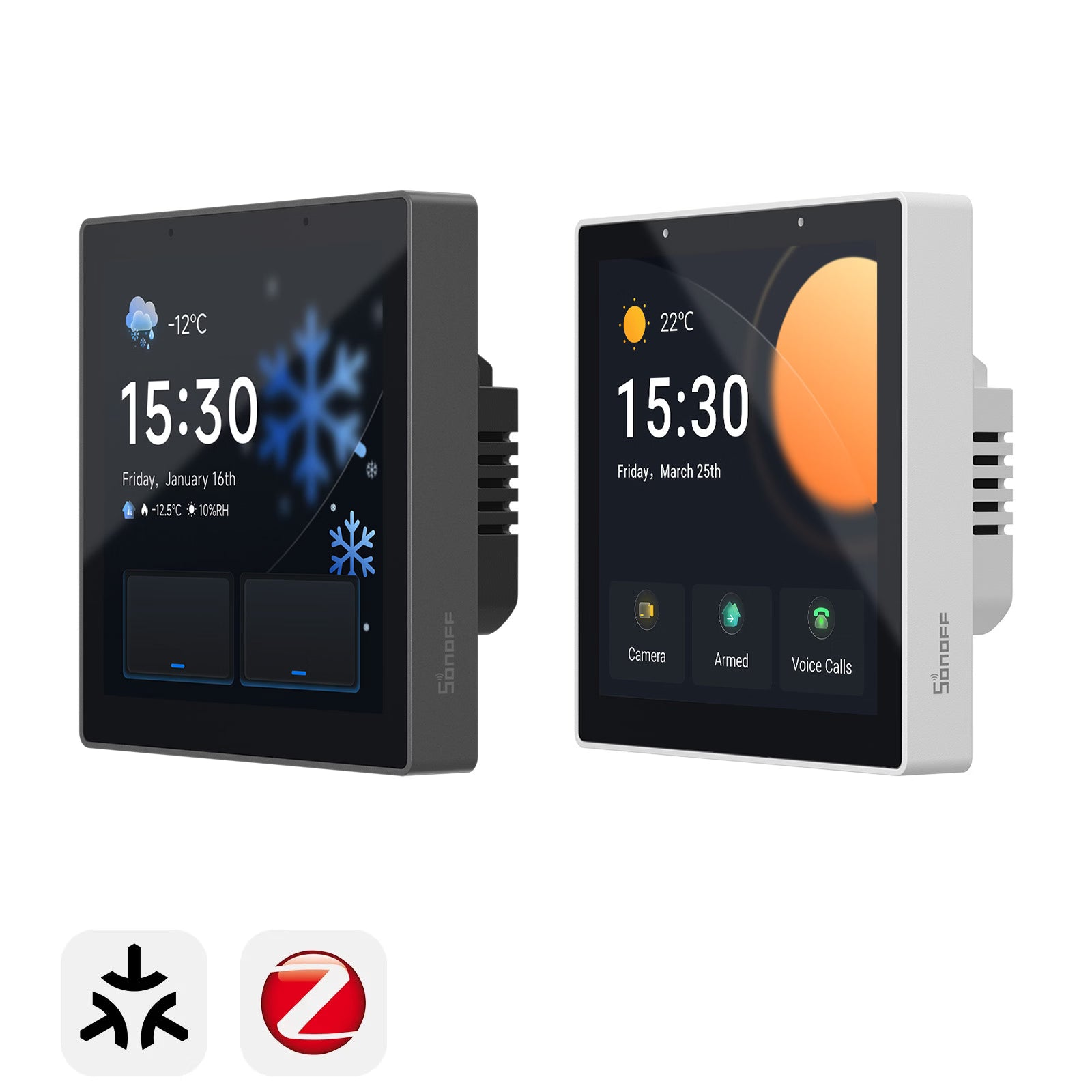


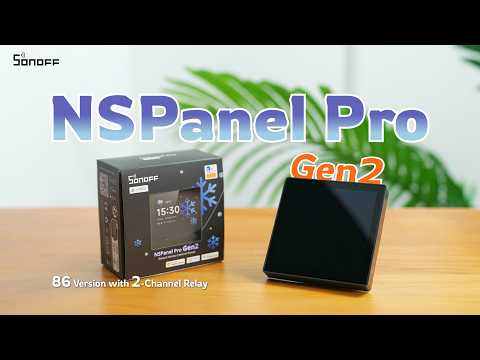
SONOFF NSPanel Pro Gen2 Dual Channel Relay Smart Home Control Panel 86 Type
Tax included. Shipping calculated at checkout
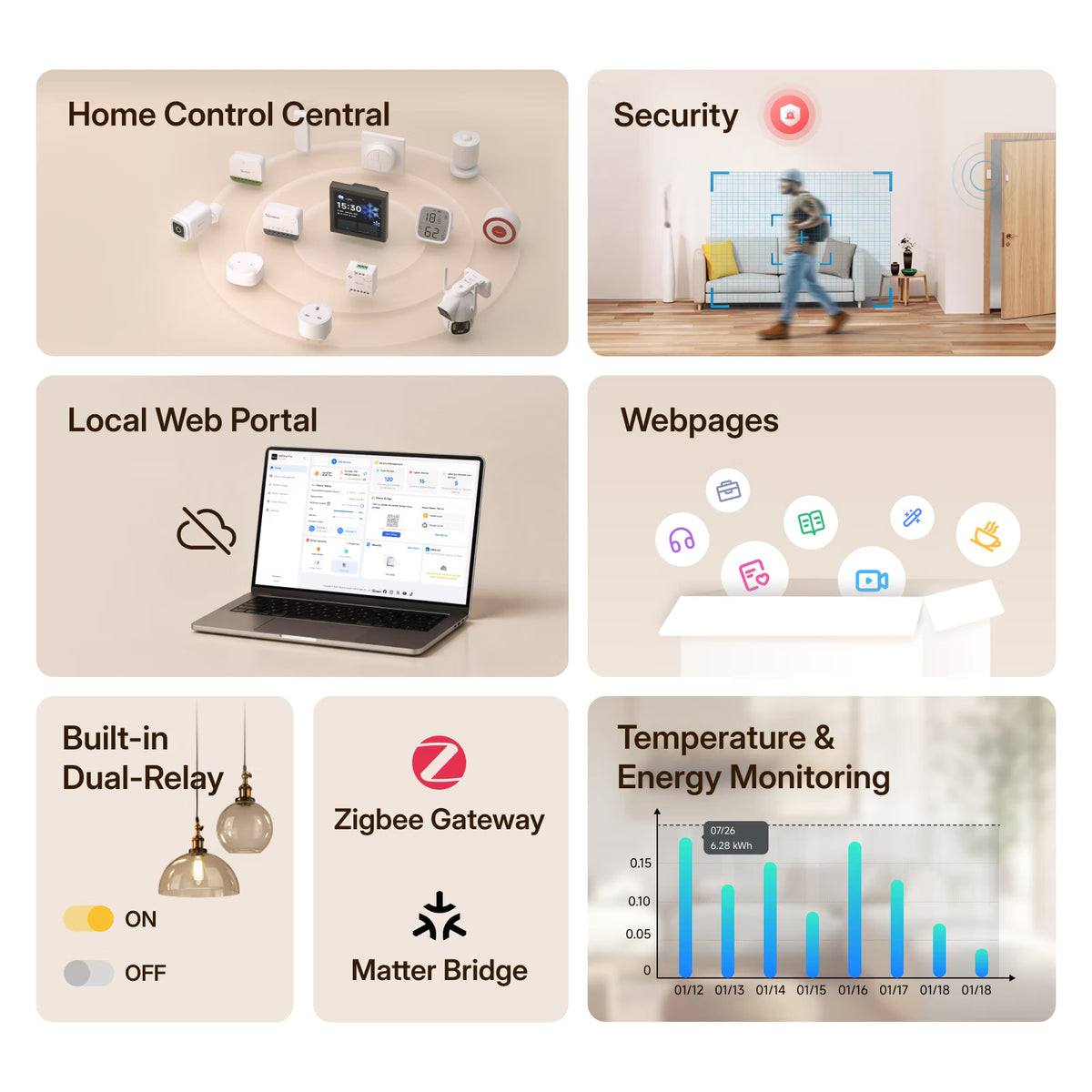
【All-in-One Comfort & Security】Dual-band Wi-Fi, smart thermostat, energy monitoring, 1.5W dual-array mic for crisp voice control, and proximity sensor for wake-on-approach. Monitor temperature, save energy, and secure your home from one screen.
【Seamless Home Assistant Integration & Multi-App Support】2GB RAM + 32GB storage runs multiple third-party apps smoothly—no root required, simply download via F-Droid to use as your dedicated Home Assistant control panel.
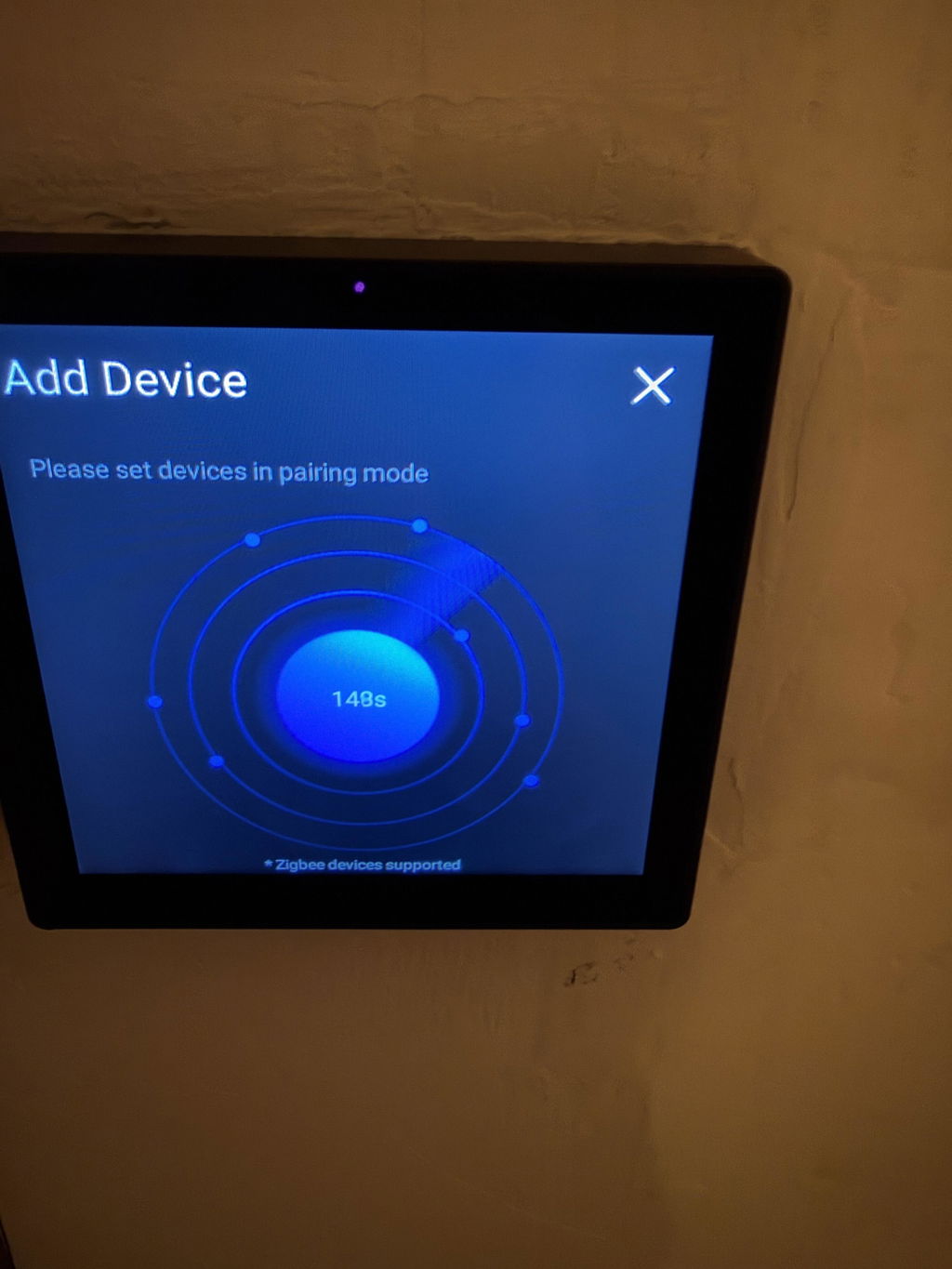
【Built-in Zigbee 3.0 Gateway】Equipped with Silicon Labs EFR32MG24 chip, connects multiple Zigbee devices (sensors, switches, lights) reliably. Create smart scenes and expand your home automation without extra hubs.
【Matter Bridge for Universal Compatibility】Built-in Matter gateway bridges Zigbee & Wi-Fi devices to Apple Home, Google Home, Alexa & Home Assistant. Unify all brands and protocols for a truly seamless smart home experience.
Note: We will keep refining the product based on current feedback. You can visit the eWeLink Forum to follow the latest version updates. If you encounter any issues during use, you can also submit feedback via the link below. Our developers will communicate with you directly to help identify and resolve problems more quickly.
Technical details, troubleshooting or setup tips? Access the NSPanel Pro Gen2 knowledge center for all the info you need.

Live Your Smart Life What It Should Be
NSPanel Pro Gen2
Smart Home Control Panel


Your Home. Your Screen. Your Rules.
Bring your smart devices together on one screen for effortless control. Customize your home screen layout and wallpaper to match your daily routines and personal style, making NSPanel Pro Gen2 truly your own

Designed for the SONOFF Ecosystem
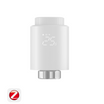
Bring your supported SONOFF Wi-Fi and Zigbee devices together with NSPanel Pro Gen2 and control them all from one screen.

Third-Party Device Compatibility

Zigbee 3.0 Device Support
Powered by the Silicon Labs EFR32MG24 chip, allowing you to add standard Zigbee 3.0 devices.

Matter Device Support
Matter-certified, NSPanel Pro Gen2 lets you connect third-party Matter devices to the eWeLink platform.

Smart Central Temperature Control

Central Heating Mode
Monitor room temperatures and heating status from one panel and manage whole-home heating for consistent comfort in every room.

Manual Mode
Manually adjust the desired heating or cooling temperature at any time.

Auto Mode
Automatically turn devices on or off based on temperature thresholds.

Local Setup Without Cloud or App Dependency
Access Local Web through your browser without an internet connection or app download.
Configure Matter Bridge, Central Heating, Smart Security settings, etc., and more to unlock NSPanel Pro Gen2 features that work locally without eWeLink.
Bridge to Multiple Matter Platforms
Have Zigbee or older eWeLink Wi-Fi devices that can't connect to Apple Home or other third-party platforms? NSPanel Pro Gen2 Matter Bridge makes it easy to sync compatible devices with these platforms, so you can control them from both sides.


Customize Your Home Security Mode
Customize 3 modes by setting different arming devices. After arming, once the sensor is triggered, the panel will alarm, and you will receive a notification alert on the phone.

Away mode

Home mode

Sleep mode
Call Intercom, More Convenient Communication

View and Talk by Camera
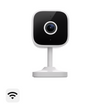
Used with a smart camera, when someone comes to visit, check the situation through the camera first to confirm safety. It also supports two-way talk to make communication easier.

Power Consumption
Work with energy-monitoring smart devices to track daily usage.

Expand Open-Source Platform Experience
As a central smart home control panel, NSPanel Pro Gen2 opens up more possibilities for your smart home when you use Home Assistant.

As a Wall-Mounted Control Panel
Download the Home Assistant app via F-Droid and turn NSPanel Pro Gen2 into a wall-mounted control panel for your smart home.*

As a Zigbee Devices Connector
Sync Zigbee devices added to NSPanel Pro Gen2 to Home Assistant via MQTT, with support for most device functions and configuration options.
*Home Assistant OS requires a separate host and cannot run directly on NSPanel Pro Gen2.
Expand Your Smart Home Possibilities

Extended Features


Use as You Like

Multiple NSPanel Pro Gen2 Options Available for You

Wiring


Quick Start
*Support connect to 2.4G or 5G Hz Wi-Fi

Download the eWeLink App.

Powering on, tap "Start" to select the Wi-Fi and enter the password. Enter the main interface by following the prompts.

Tap "Log in" on the device and tap "+" on the eWeLink App to select "Scan".

Begin to use.


Specs & User Manual
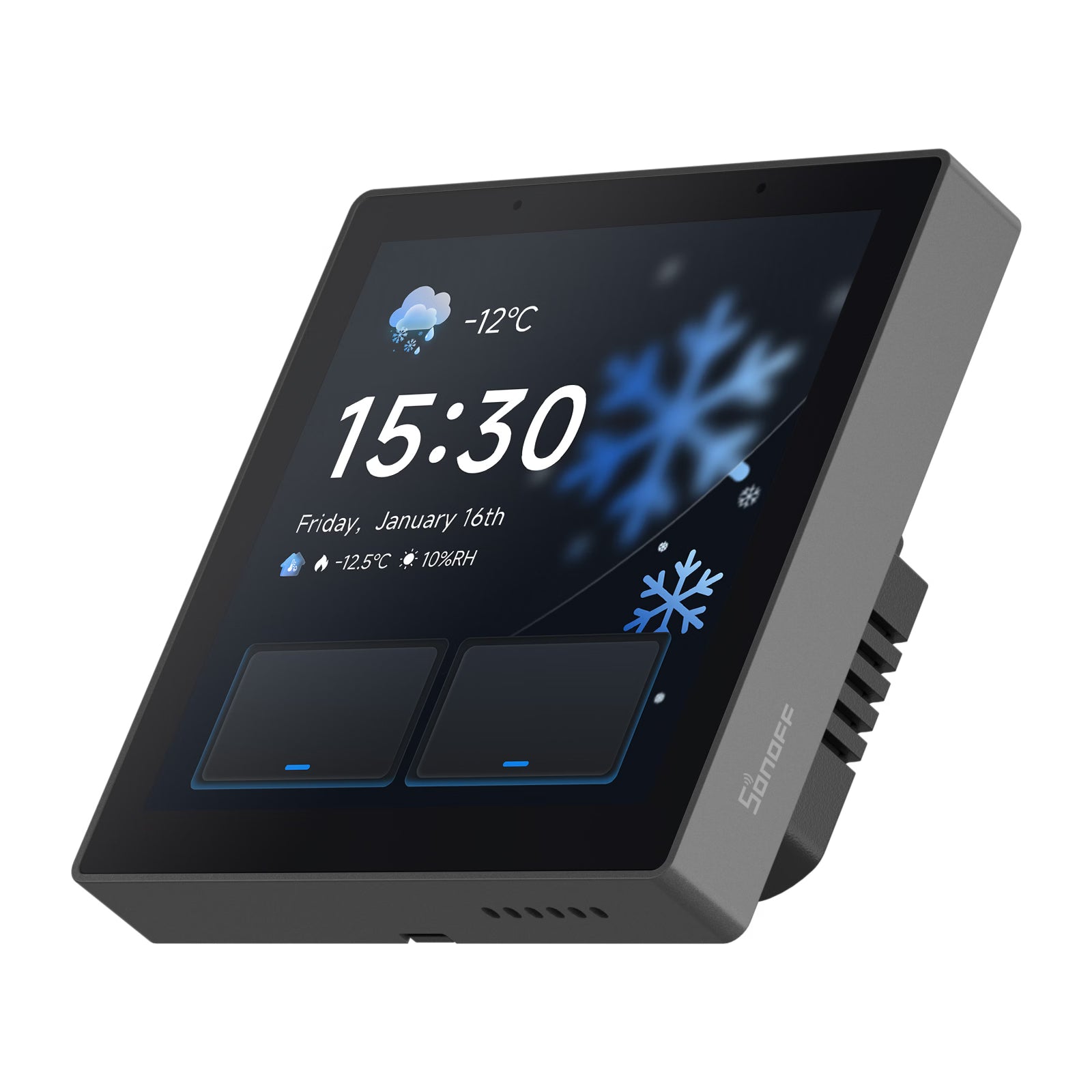
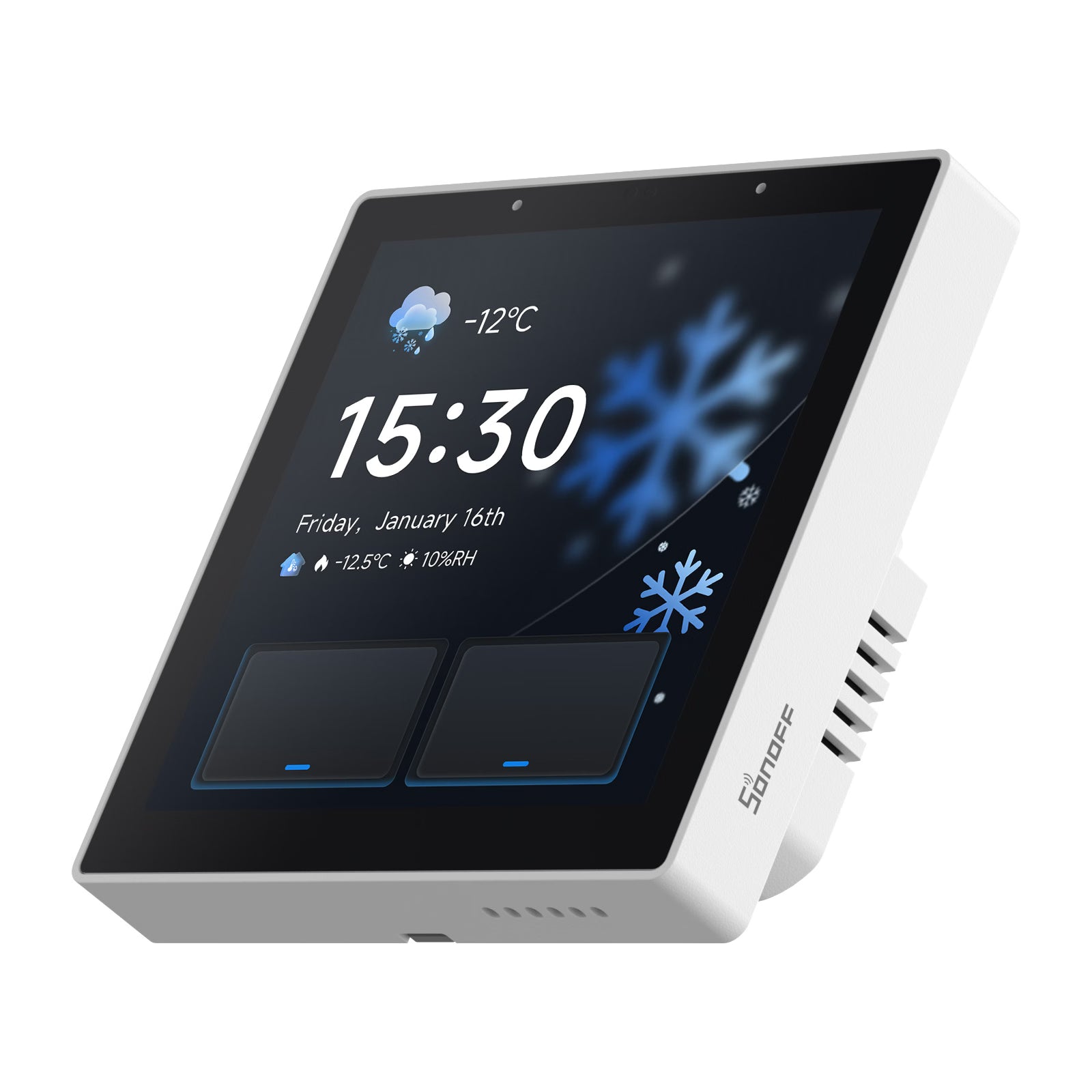
NSPanel Pro Gen2 is a next-generation powerful smart control panel for modern smart living. Powered by 2GB RAM and 32GB storage, it smoothly runs Home Assistant and other apps—just download via F-Droid, no root needed. With a built-in Matter Bridge, Matter Hub, and Zigbee Hub, it effortlessly unifies devices across different ecosystems into one seamless experience. Its 2-channel relay makes upgrading existing switches simple, with no rewiring required. Paired with dual-band Wi-Fi, smart temperature control, and energy monitoring, it helps create a more connected, convenient, and comfortable home.
User Manual (PDF)NSPanel86PB-Relay/NSPanel86PW-Relay
NSPanel Pro series
Quad-core ARM Cortex-A35 CPU
Mali G31-2EE GPU
RK3326-S
2GB
32 GB
100–240V-50/60 Hz MAX 5A/Gang 10A/Total Resistive load
Wi-Fi IEEE 802.11 b/g/n/ac/ax 2.4GHz&5GHz, Zigbee 3.0
3.95" (Capacitive touch panel)
480x480
8Ω, 1.5W speaker
Two channels digital silicon microphones
Adjust brightness according to ambient light automatically (IIC light sensor)
190g
-10℃-40℃
10%~80% RH, non-condensing
NSPanel86PW-Relay: White
NSPanel86PB-Relay: Dim Gray
86x86x39.5mm
PC+CRS
FAQ
1. Why is the time or weather information on my NSPanel Pro Gen2 not updating correctly?
In rare cases, devices running factory firmware v4.4.3 may experience delayed updates for time or weather information. This does not affect the device’s core control functions, but for a better user experience, we recommend updating your device to latest firmware via OTA with the issue fixed:
On the device screen:
Pull down the quick menu → Settings → About → Software Update
Then check for updates and complete the upgrade.
Alternative Solution:
If you are temporarily unable to perform the OTA update, restarting the device (either by power cycling or using the restart option in Settings) can usually restore accurate time and weather display functionality.
2. What types of sub-devices are supported?
- NSPanel Pro Gen2 integrates a Zigbee Hub & Matter Hub, supporting the addition of both Zigbee and Matter devices.
- It supports adding Wi-Fi devices under an eWeLink account through the "Split-Screen Setup".
- It supports adding Light Smart Sub-devices.
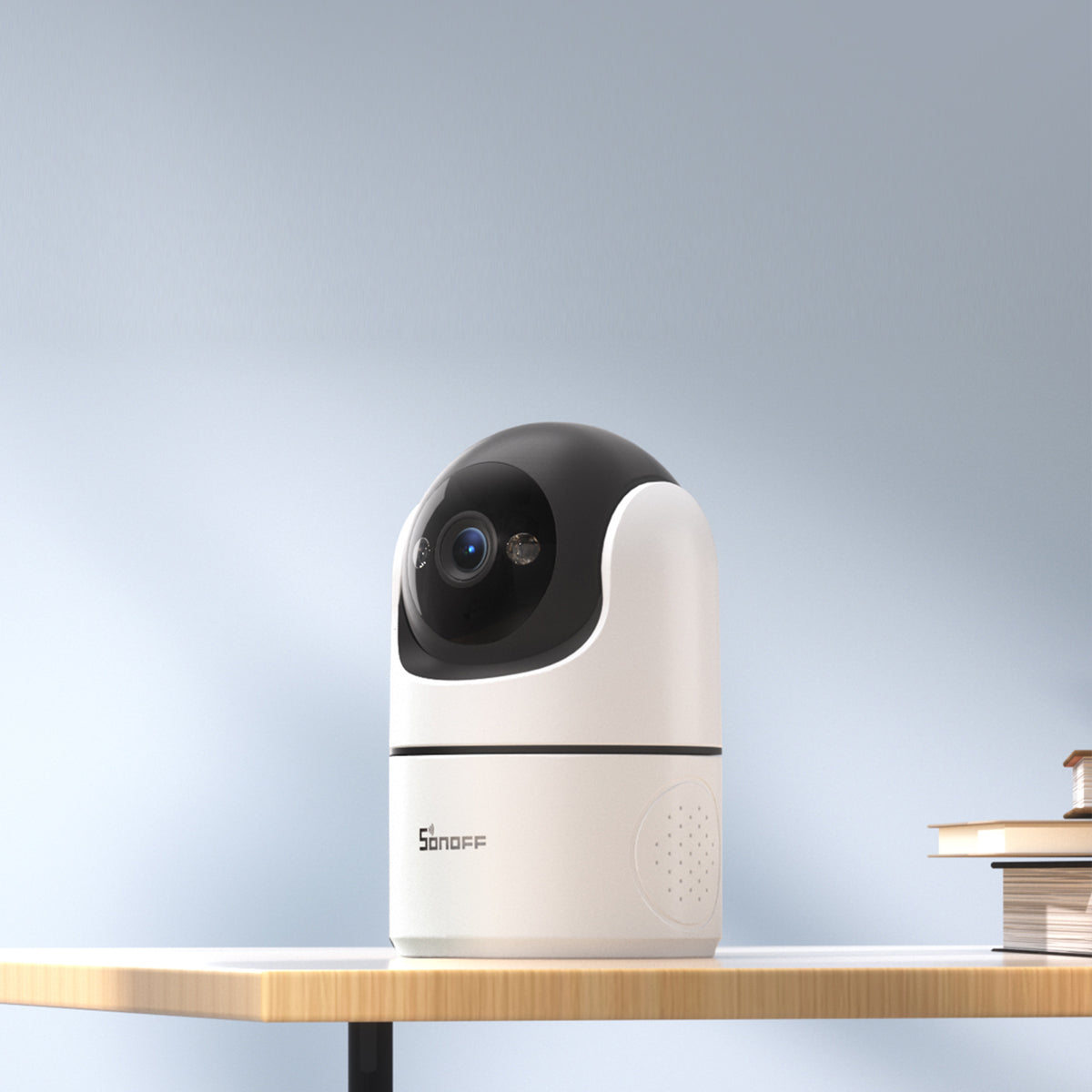
- It supports adding cameras: SONOFF cameras, RTSP/ESP32 cameras, and eWeLink cameras.
*For a detailed list of supported devices, please click the blog post link:
https://sonoff.tech/blogs/news/nspanel-pro-supported-devices-list
3. Can Home Assistant be used on NSPanel Pro Gen2?
Home Assistant can be accessed and used in the following ways:
- Download the Home Assistant APP from F-Droid to access and control HA devices from the panel.
- Use the "Webpages" feature to access Home Assistant's IP address, allowing control of HA devices from the panel.
4. Can NSPanel Pro Gen2 be used in Home Assistant?
Yes. By configuring HA information in the eWeLink App, the NSPanel Pro Gen2 itself and its associated Zigbee sub-devices can be synchronized to Home Assistant, enabling control of both NSPanel Pro Gen2 and its sub-devices within Home Assistant.
5. Is Matter Bridge supported?
Yes. The Matter Bridge capability allows Wi-Fi devices and Zigbee devices under an eWeLink account, or devices in Home Assistant, to be synchronized to other third-party Matter platforms for control.
6. Does NSPanel Pro Gen2 have a temperature control function?
Yes. It supports controlling heating for individual rooms/zones as well as whole-home central heating systems.
7. How to access CAST or other webpages on NSPanel Pro Gen2?
Using the Webpages feature, you can enter specific URLs in the eWeLink App to display quick-access cards on the panel.
8. Can I install third-party apps in NSPanel Pro Gen2?
Yes. NSPanel Pro Gen2 includes F-Droid. You can download official third-party APPs from the F-Droid store for use on the panel, including Home Assistant and various other interesting APPs.
9. How many Zigbee modes NSPanel Pro Gen2 have?
It supports two modes that can be switched freely: Zigbee Hub mode and Zigbee Router mode.
- As a Zigbee Hub, it can add Zigbee sub-devices from any brand, which are then displayed directly on the panel.
- As a Zigbee Router, it can act as a repeater to extend the signal coverage of a Zigbee Hub.
10. Can Home Assistant or other third-party APPs run automatically on startup?
Yes. Home Assistant or other third-party APPs can be set as the Home App. NSPanel Pro Gen2 will then launch them upon startup without affecting the use of its own functions (such as scenes, security, alarms, Zigbee modes, etc.).
11. Is personalized customization supported?
Yes. It supports custom ringtones, wallpapers, and screensavers. Users can upload and configure their preferred ringtones and wallpapers. The home screen supports configuring device widgets of different sizes and customizing split-screen layouts.