





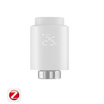
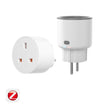


As smart homes continue to evolve, more and more users are building ecosystems with devices from different brands and protocols. However, this also brings a common challenge:
How can you connect all of these devices to your preferred smart home platform without installing multiple apps, while enjoying a faster and more private setup experience?
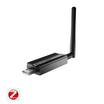
To address this, SONOFF introduced the new Bridge Max, a Smart Home Bridge designed to simplify Matter integration.
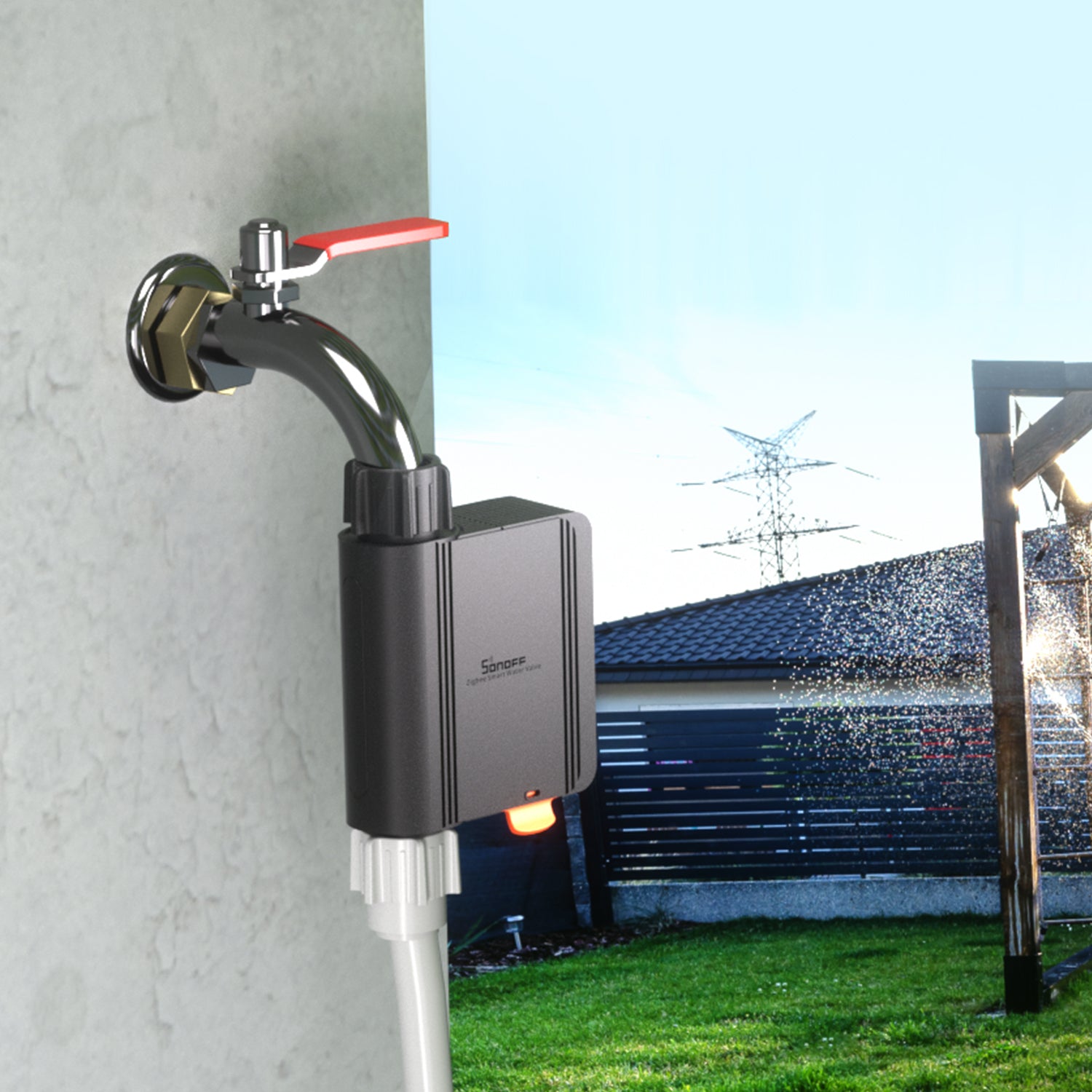
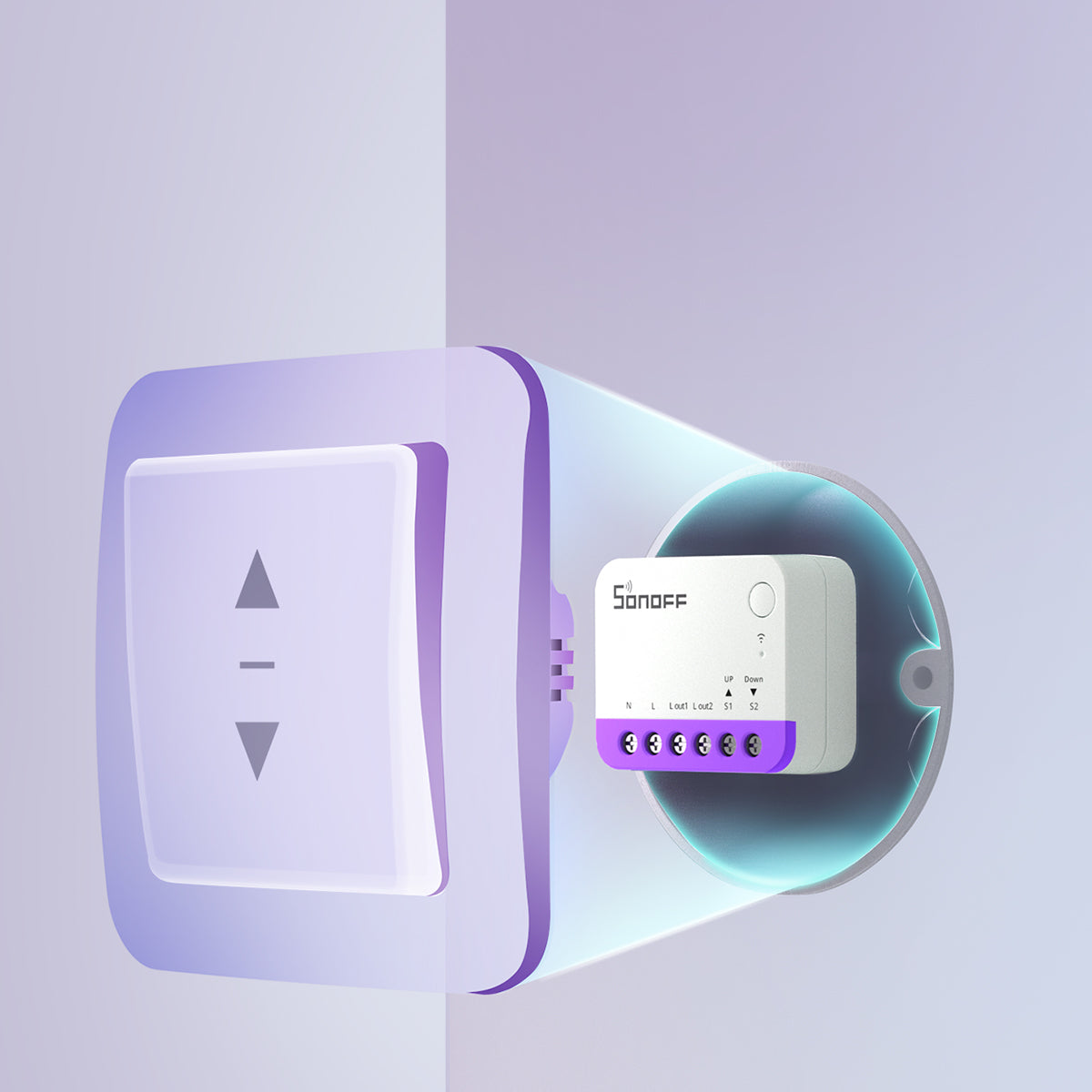
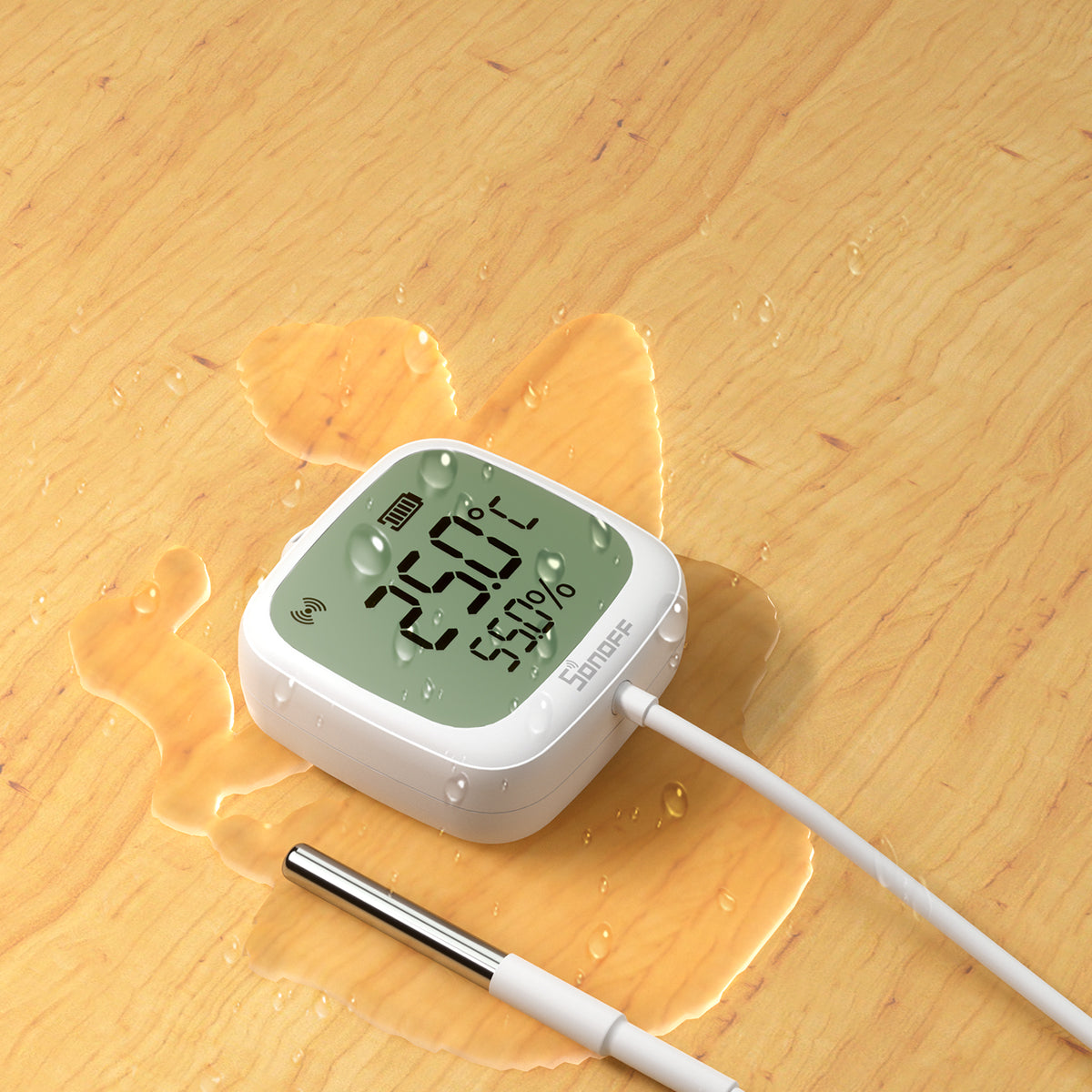
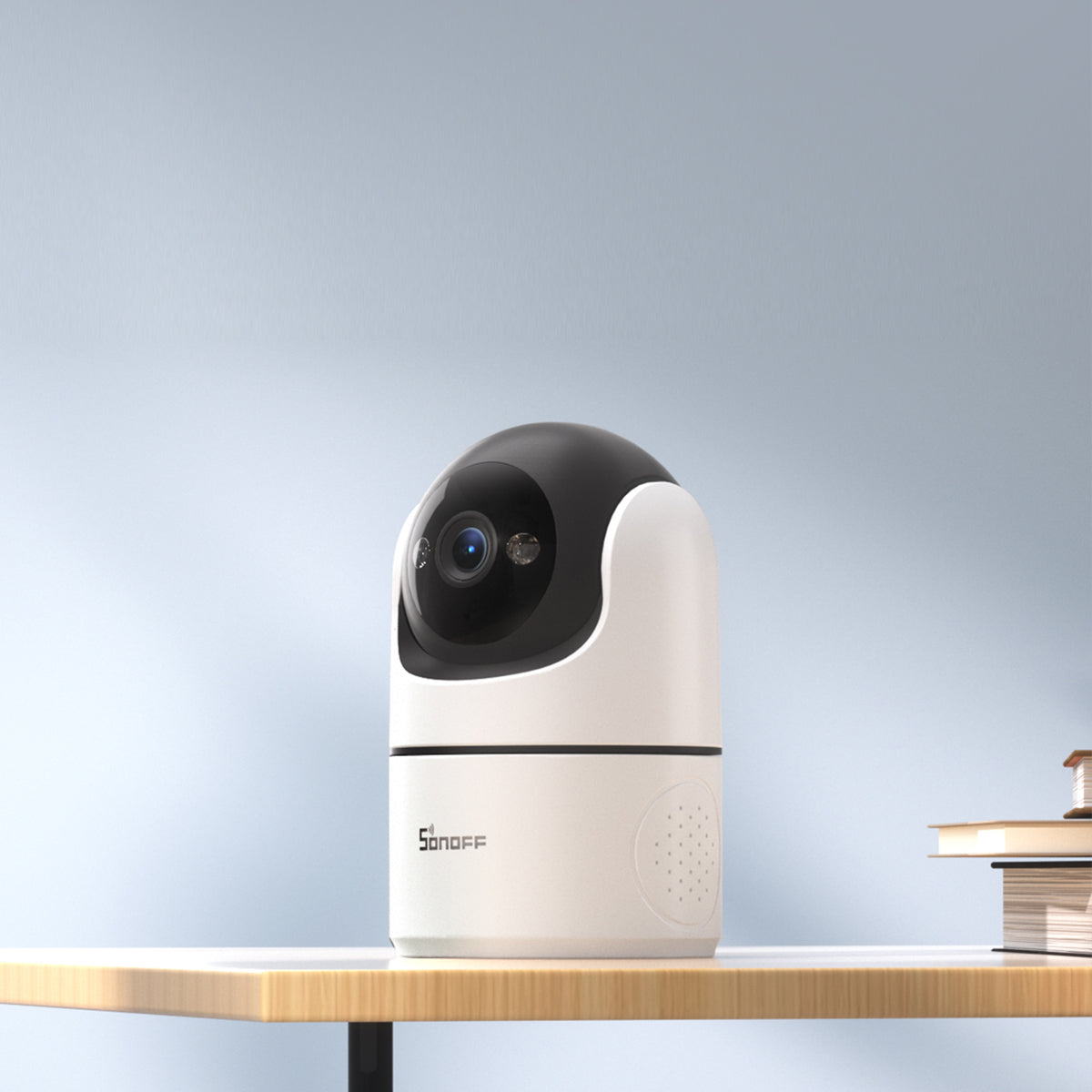
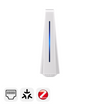
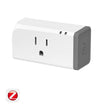
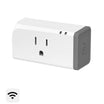
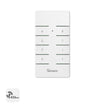
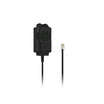
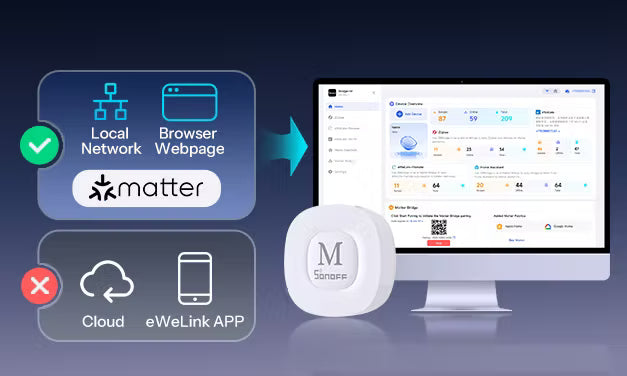
Bridge Max supports Zigbee, BTHome, eWeLink-Remote, and other compatible devices, allowing you to bring them into the Matter ecosystem and manage them from a single platform. It also introduces a more flexible way to configure your Matter Bridge: Local Web.
Why Use Bridge Max Local Web?
Most Matter Bridge gateways are configured through a mobile app. The typical setup process looks like this:
Download the app → Create an account → Sign in → Power on the gateway → Put the gateway into pairing mode → Add the gateway in the app → Add Zigbee devices → Configure Matter Bridge
With Bridge Max Local Web, the process is much simpler:
Power on Bridge Max → Connect an Ethernet cable → Open the Local Web page in your browser → Add Zigbee devices → Configure Matter Bridge
No additional app. No account registration.

As long as your phone or computer is connected to the same local network as Bridge Max, simply open your browser to access the Local Web interface and complete your Matter Bridge configuration.
This provides a simpler setup experience while reducing reliance on cloud services.
Bridge Max Local Web is ideal if you:
- Prefer not to install multiple smart home apps and want to manage everything from one platform.
- Care about local operation, privacy, and a faster configuration experience.
- Want to bring more SONOFF devices into Matter platforms such as Apple Home.
In this guide, we'll show you how to use Bridge Max Local Web to add your devices to the Apple Home ecosystem.

Local Web Matter Bridge Setup Guide
If you prefer watching a video tutorial, you can also check out the YouTube video below.
Access Local Web
Connect the power cable and Ethernet cable to Bridge Max. Once you hear the startup sound, the device is ready.

Connect your computer to the same router (local network) as Bridge Max.
Open your browser and visit:
- bridgem.local
- or the IP address of your Bridge Max
Set a simple access password when prompted, and you'll enter the Local Web homepage.
No account registration or login is required throughout the process.


Add Zigbee Devices
Open the Zigbee page in Local Web.
You can pair Zigbee devices directly without logging into any account or connecting to the cloud.

Note:
Paired Zigbee devices will appear in the Local Web interface for Matter Bridge management only. They cannot be controlled directly from the Local Web page. After synchronizing them to your Matter platform, you can control them from Apple Home or other supported Matter ecosystems.
Configure Matter Bridge
Open the Matter Bridge page.
Enable Matter Bridge and display the Matter pairing code (QR code).


Using Apple Home as an example:
Open the Apple Home app and scan the QR code to add Bridge Max.
Once pairing is complete, the Local Web page will also indicate that Apple Home has been successfully connected.


Sync Zigbee Devices
Go back to the Zigbee page and select Sync Management.
Choose the Zigbee devices you want to synchronize with your Matter platform, then click Save.
The selected devices will automatically appear in Apple Home, completing the setup.


Bridge Max also supports eWeLink-Remote, BTHome, and Home Assistant devices.
For setup instructions for these device types, please refer to the complete guide:
Local Web: Making Smart Homes Simpler and More Open
The evolution of smart homes—especially Matter—is making it easier than ever to manage devices without relying on multiple apps, while allowing devices from different ecosystems to work together seamlessly.
Bridge Max Local Web is designed with exactly this goal in mind:
- No additional app required
- No account registration
- Local network access
- Simplified Matter Bridge configuration
- Bring more devices into the Matter ecosystem
Whether you're just getting started with your smart home or already have a mature Home Assistant or Matter setup, Bridge Max provides a more open and flexible way to connect your devices.
Our goal is simple: to make smart home connectivity easier, more open, and closer to the seamless experience smart homes were always meant to deliver.

Leave a comment
All comments are moderated before being published.
This site is protected by hCaptcha and the hCaptcha Privacy Policy and Terms of Service apply.