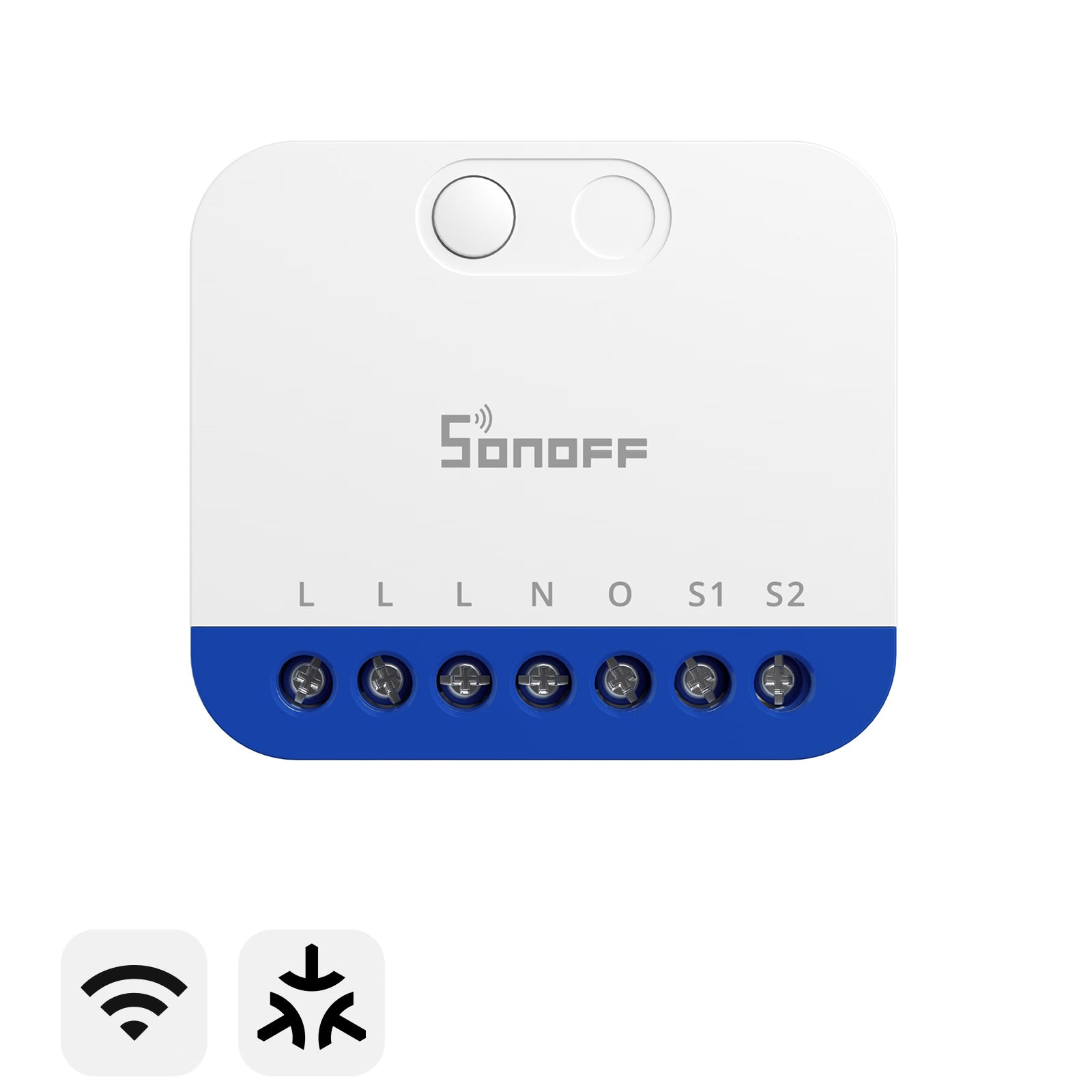



SONOFF MINI Extreme Matter Over WiFi Dimmer Switch | MINI-DIM
Tax excluded. Shipping calculated at checkout
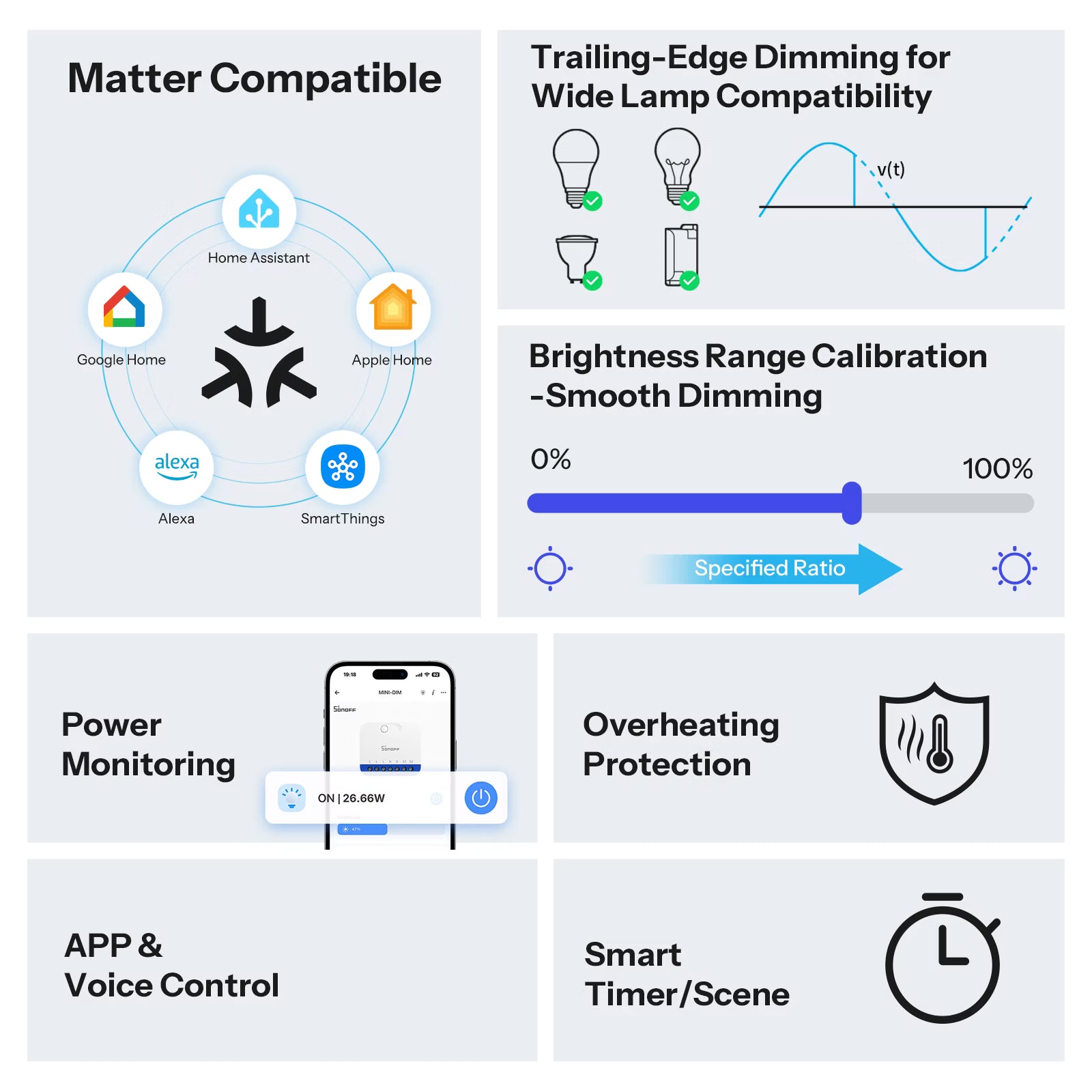
【Matter Smart Ecosystem Support】Matter-enabled for seamless integration with Apple Home, Google Home, and Amazon Alexa, enabling cross-platform automation, smart scenes, and hands-free voice control.
【Smooth Calibrated Dimming】Automatic or manual calibration ensures the dimmer is better adapted to your lighting fixtures, identifying the actual brightness response range of the fixtures for stable, flicker-free dimming.
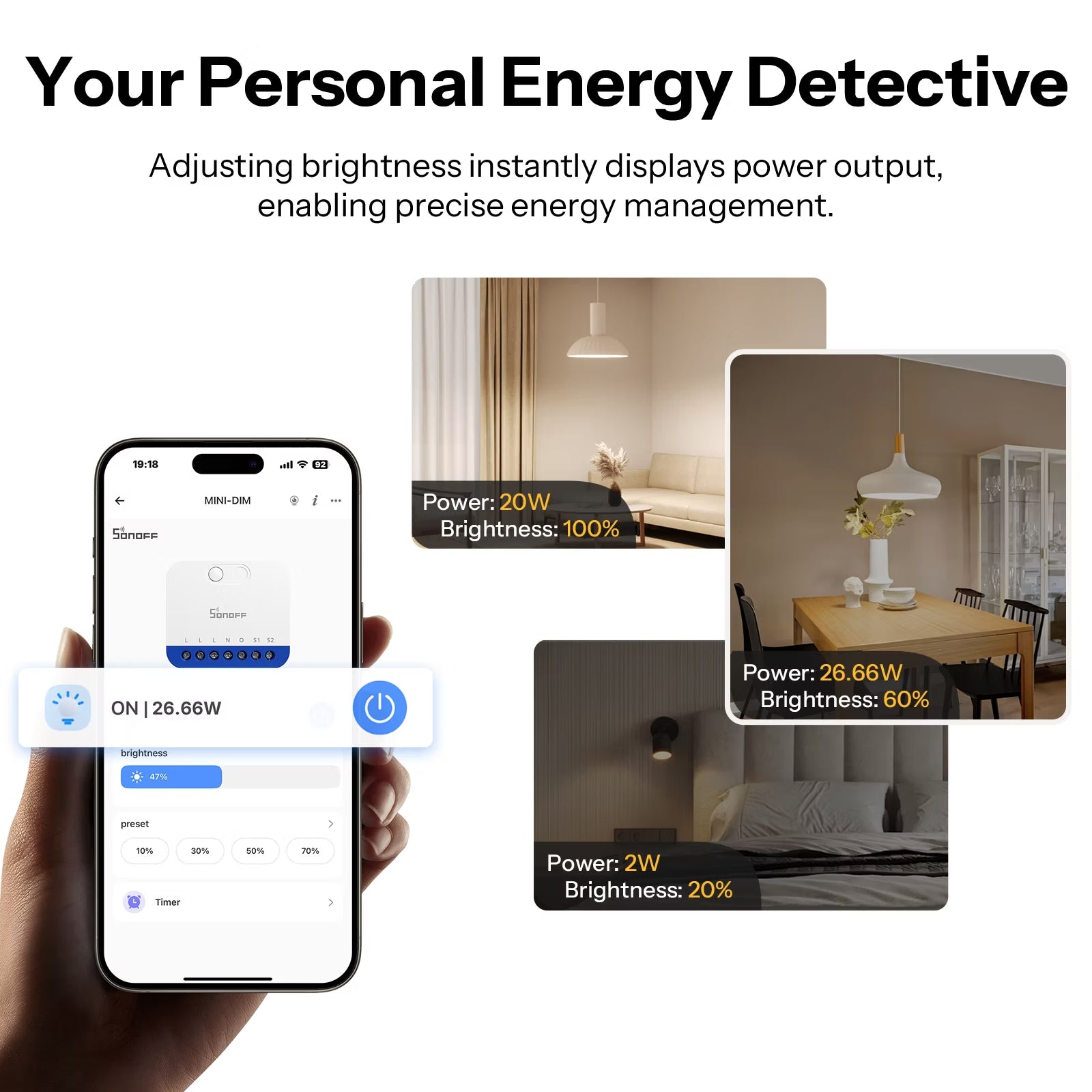
【Real-Time Power Monitoring】Continuously detects and synchronizes power consumption data, giving clear insights into real-time energy usage.
【Built-In Overheat Protection】Integrated temperature detection triggers UI alerts and automatically cuts power output when overheating occurs, protecting both the device and connected lighting.
Note: 220–240V only. Do not exceed or go below voltage limits.
Technical details, troubleshooting or setup tips? Access the MINI-DIM knowledge center for all the info you need.


Smart Dimming,
Understanding Light,
Understanding You
Matter Over WiFi Dimmer Switch—MINI DIM


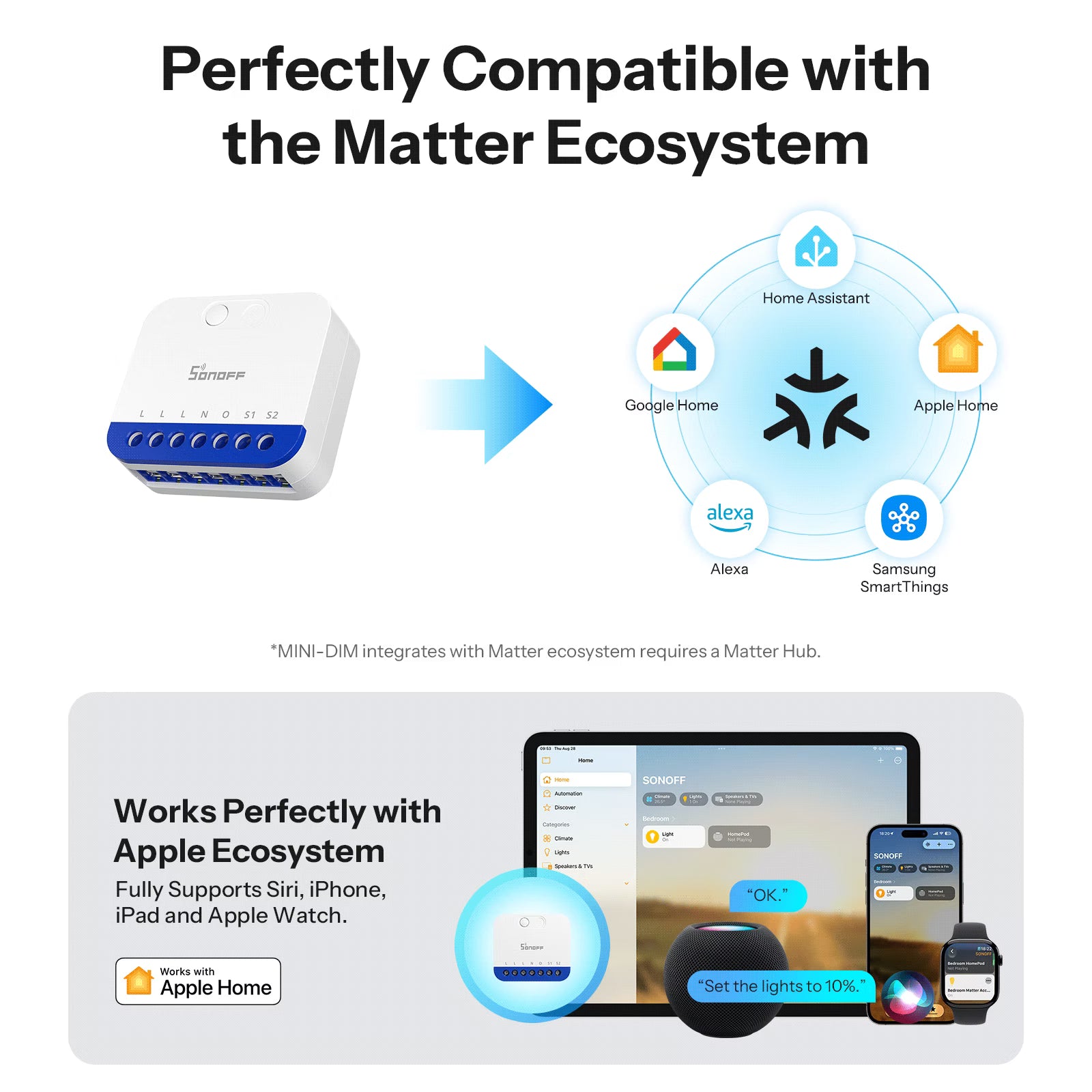
Perfectly Compatible with the Matter Ecosystem
With a wider working coverage! MINI-DIM supports joining the Matter ecosystem, you can integrate it into your usual apps, such as Apple Home, Google Home and Alexa.


Works Perfectly with Apple Ecosystem
— Fully Supports Siri, iPhone, iPad and Apple Watch.


Voice Control Frees Your Hands
In one command, set your custom brightness and say goodbye to cumbersome manual controls.


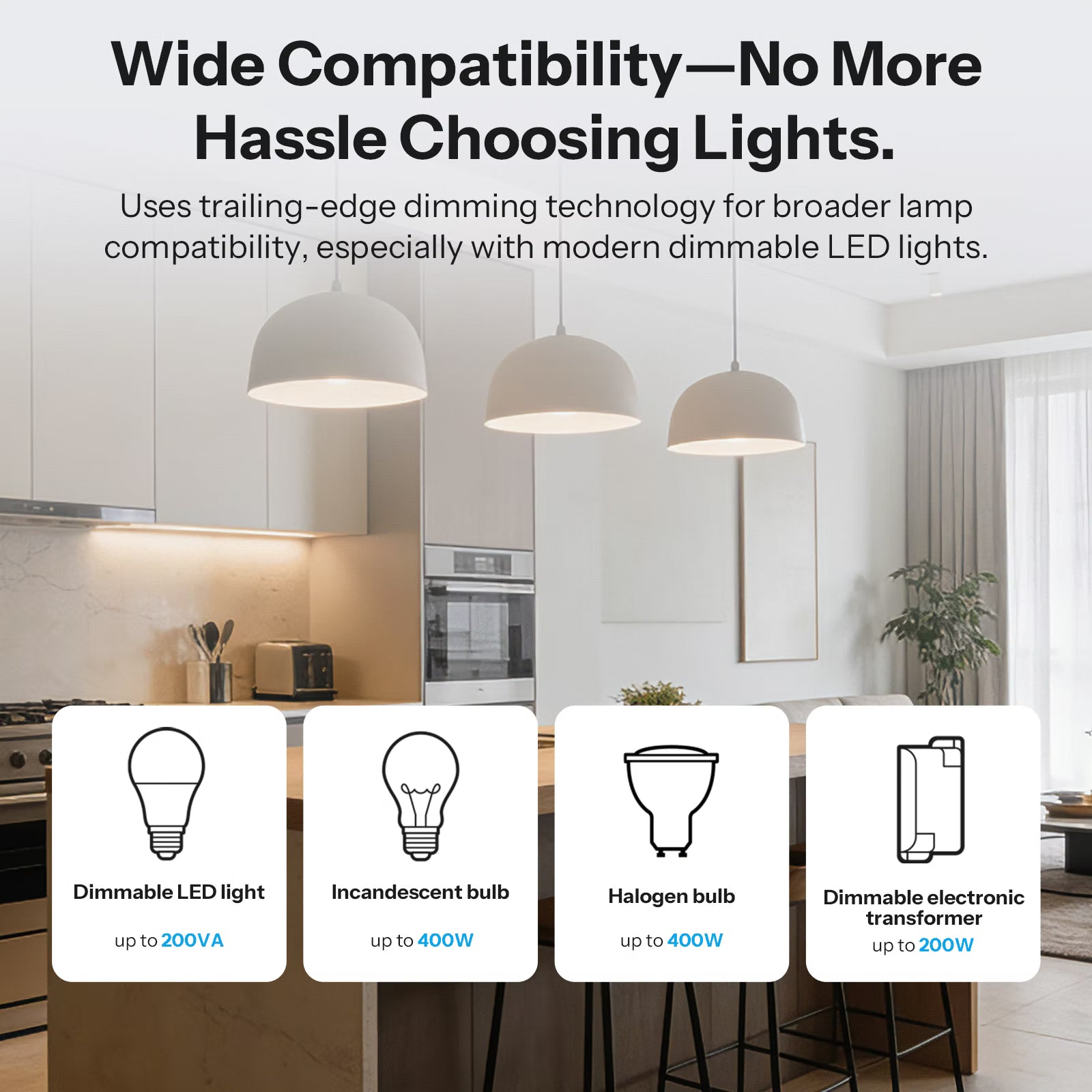
Uses trailing-edge dimming technology for broader lamp compatibility, especially with modern dimmable LED lights.
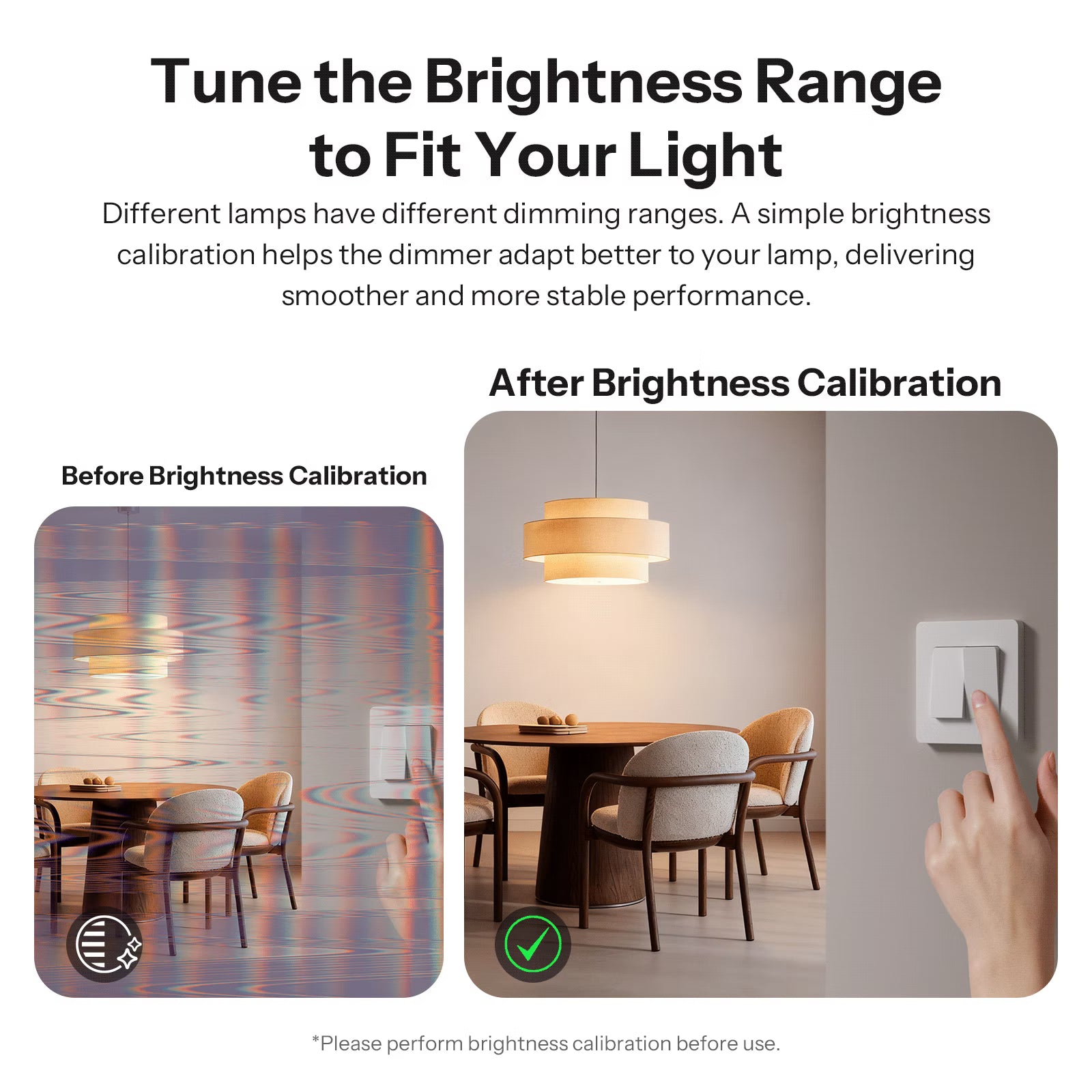
Tune the Brightness Range to Fit Your Light
Different lamps have different dimming ranges. A simple brightness calibration helps the dimmer adapt better to your lamp, delivering smoother and more stable performance.


Adjusting brightness instantly displays power output, enabling precise energy management.
Independent Control from Any Two Locations
It supports two momentary or rocker switches, each simultaneously controlling the same light. You can install the switches at any two locations for flexible, convenient control—no need to walk back and forth.

Smart Timer
Set timed, delayed, and recurring tasks at will to achieve autonomous lighting control.

Let the light guide you to sleep.
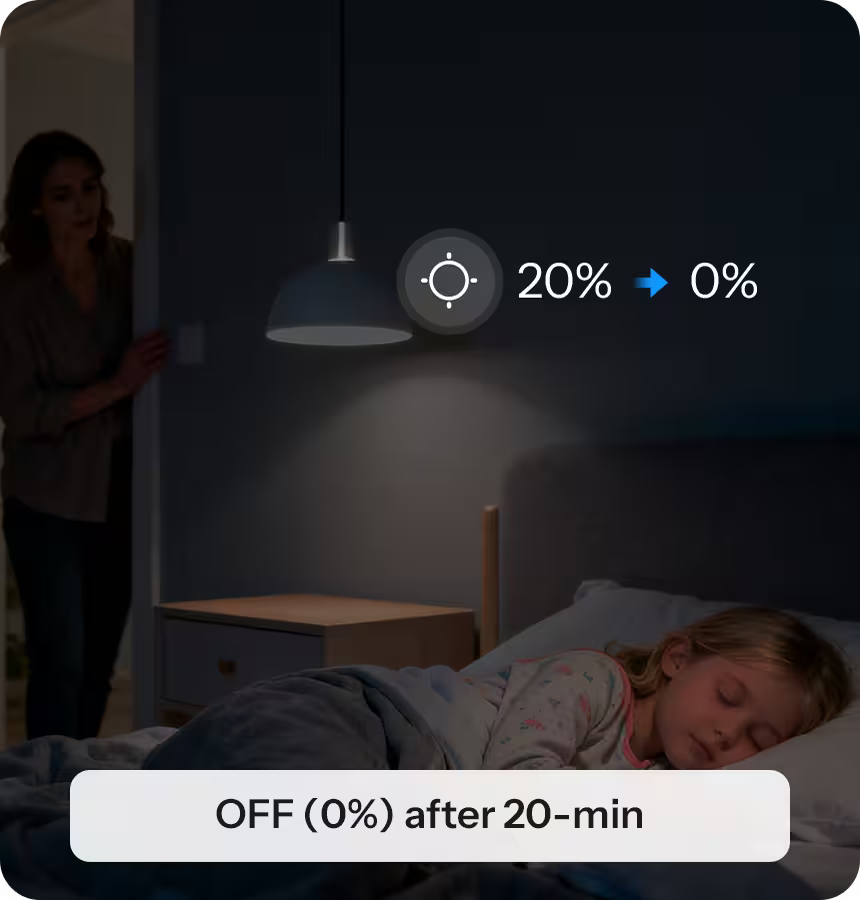
Gentle light eases nighttime fear and shuts off automatically.
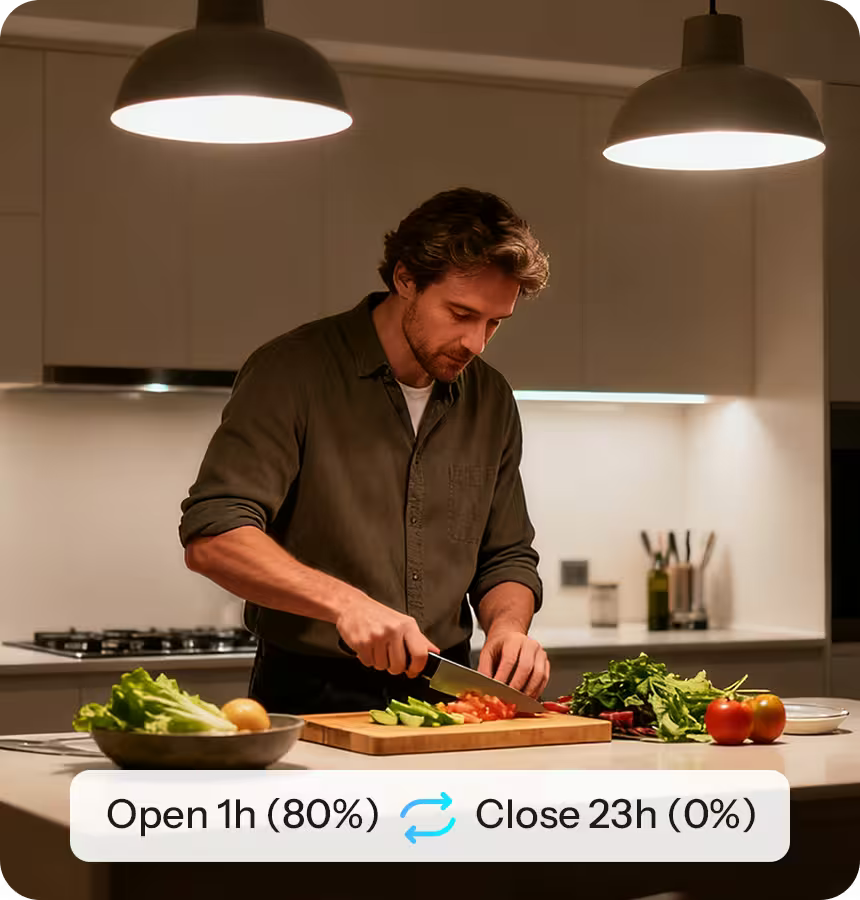
Cyclic scheduling gives your home a steady rhythm.
Support eWeLink LAN Control
Control the light connected to MINI-DIM without a server connection.


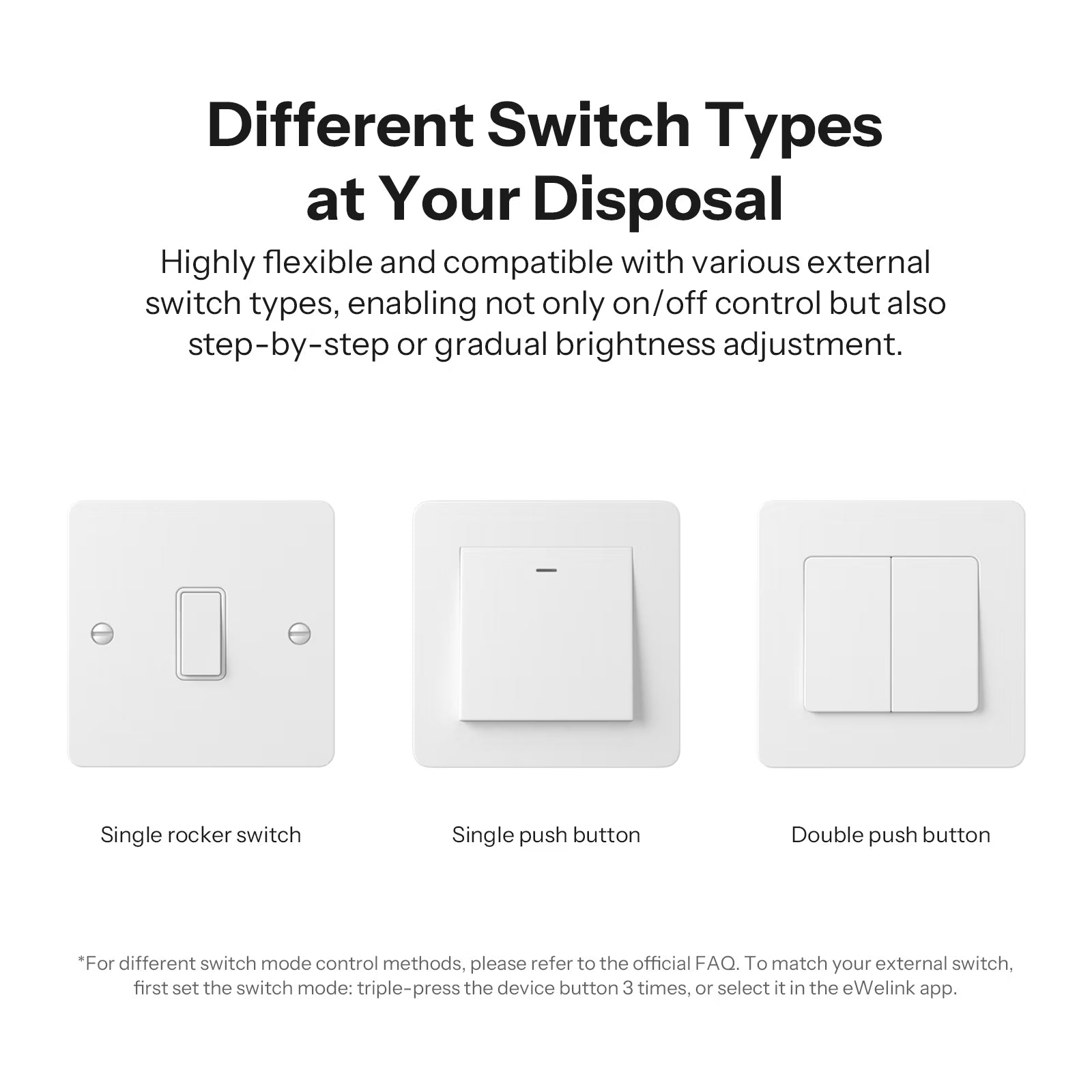
Different Switch Types at Your Disposal
Highly flexible and compatible with various external switch types, enabling not only on/off control but also step-by-step or gradual brightness adjustment


Ensuring Safe Use with High Quality


Feature Overview


Choose Your MINI DIM


Wiring Instructions


Quick Use
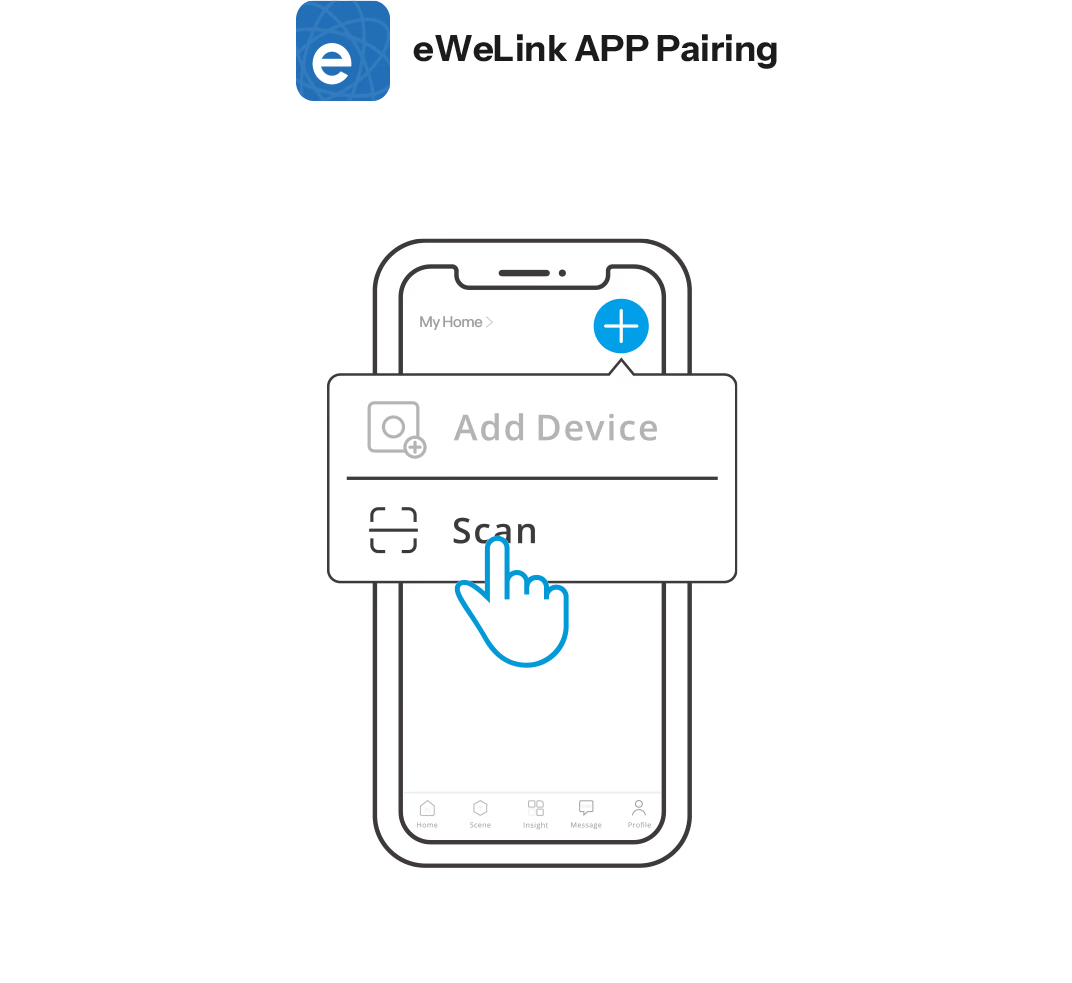
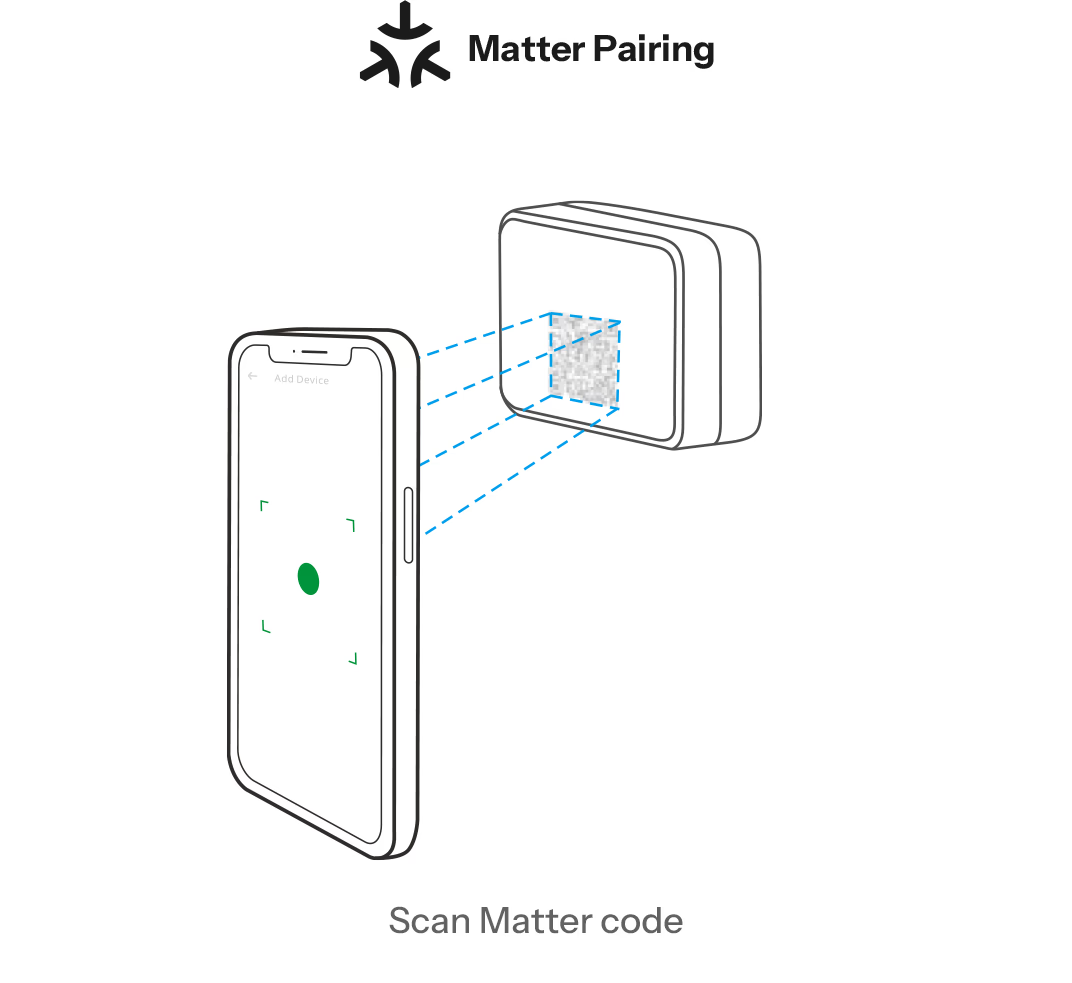
Two pairing methods are available for you to choose from, the first is to add a device via the eWeLink APP. The second is to add a device via a Matter-compatible app.

Compatible Mounting Box Sizes


Specifications


Specs & User Manual
MINI-DIM is a Matter over Wi-Fi smart dimmer switch designed to upgrade traditional lighting with intelligent, precise dimming control. It supports a wide range of lighting types, including dimmable LEDs, incandescent and halogen lamps, and electronic transformers. With auto or manual calibration, MINI-DIM delivers smooth, flicker-free dimming from the lowest to the highest brightness. Integrated with Apple Home, Google Home, and Amazon Alexa, it enables smart scenes, voice control, and cross-platform automation. Real-time power monitoring and built-in overheat protection further ensure safe, reliable, and efficient operation for modern smart homes.
User Manual (PDF)MINI-DIM
MINI Extreme series
220-240 V
50Hz
2A
2.4GHz
24.5g
45x39.4x16.8mm
-10℃~40℃
PC
FAQ
1. Can MINI DIM fit inside a standard wall switch box?
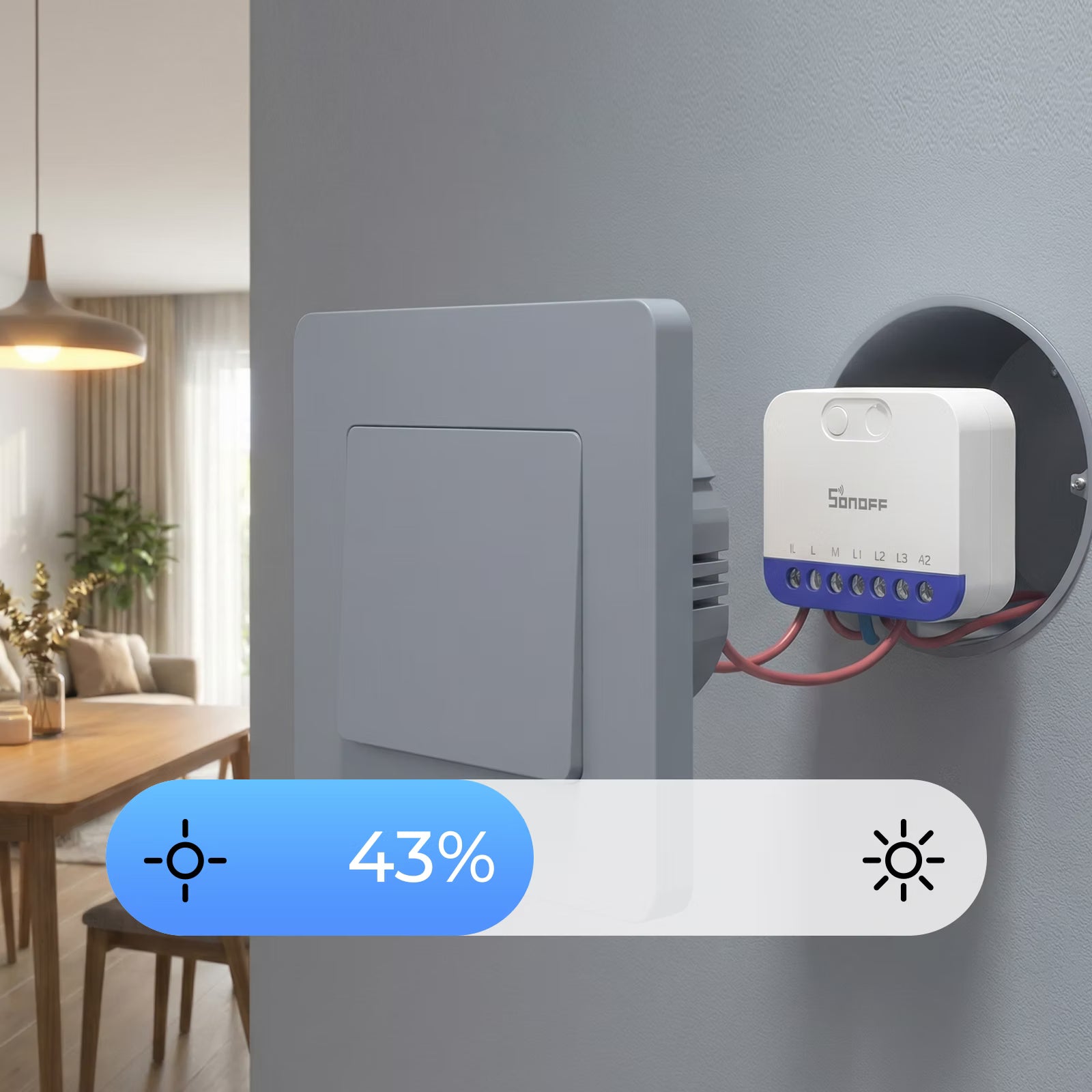
Yes. With its ultra-compact design, it can be easily installed inside standard wall switch boxes without taking extra space.
2. What types of loads are supported?
MINI DIM is compatible with the following load types:
- Dimmable LED lamps: up to 200VA
- Incandescent bulbs: up to 400W
- Halogen bulbs: up to 400W
- Dimmable electronic transformers: up to 200W
3. Which third-party platforms is MINI DIM (Matter Over WiFi) compatible with?
With Matter support, it works with:
- Apple Home
- Google Home
- Amazon Alexa
- Home Assistant
- Samsung SmartThings
All these platforms support both switching the light on/off and adjusting its brightness.
4. How to perform automatic dimming calibration?
- Using the eWeLink app, calibration can be done via the app or by pressing and holding the device button for 10 seconds
- With third-party apps, press and hold the button for 10 seconds
The LED will show a breathing light during the calibration process.
5. What types of external switches are compatible and how to control the device using external switches?
MINI DIM supports the following external switch types:
- Single Rocker (1-Way Paddle Switch
— S1 or S2: Short press to turn on/off
- Single Push Button (1-Way Momentary Switch)
— S1 or S2: Short press to turn on/off
— Press and hold to brighten on the first use, and press and hold again to dim
- Dual Push Button (2-Way Momentary Switch)
— S1: Short press to turn on, long press to increase brightness
— S2: Short press to turn off, long press to decrease brightness
- Triple Push Button (3-Way Momentary Switch)
— S1: Short press for step-up brightness, long press for smooth increase
— Middle Key: On/Off
— S2: Short press for step-down brightness, long press for smooth decrease
*Note:
- Before use, please set the switch mode to match your external switch type via a triple-press of the device button or in the eWeLink app
- By default, for dual and triple push buttons, S1 controls On/Brightness and S2 controls Off/Dimming. This assignment can be changed in the eWeLink app
6. Why can't I find the entry for manual calibration?
If you cannot find the manual brightness calibration entry, please check and OTA upgrade your device firmware to the latest version.