















































Empower Home Assistant with ZBBridge-U
A simpler, more reliable way to connect Home Assistant across Zigbee and Matter.
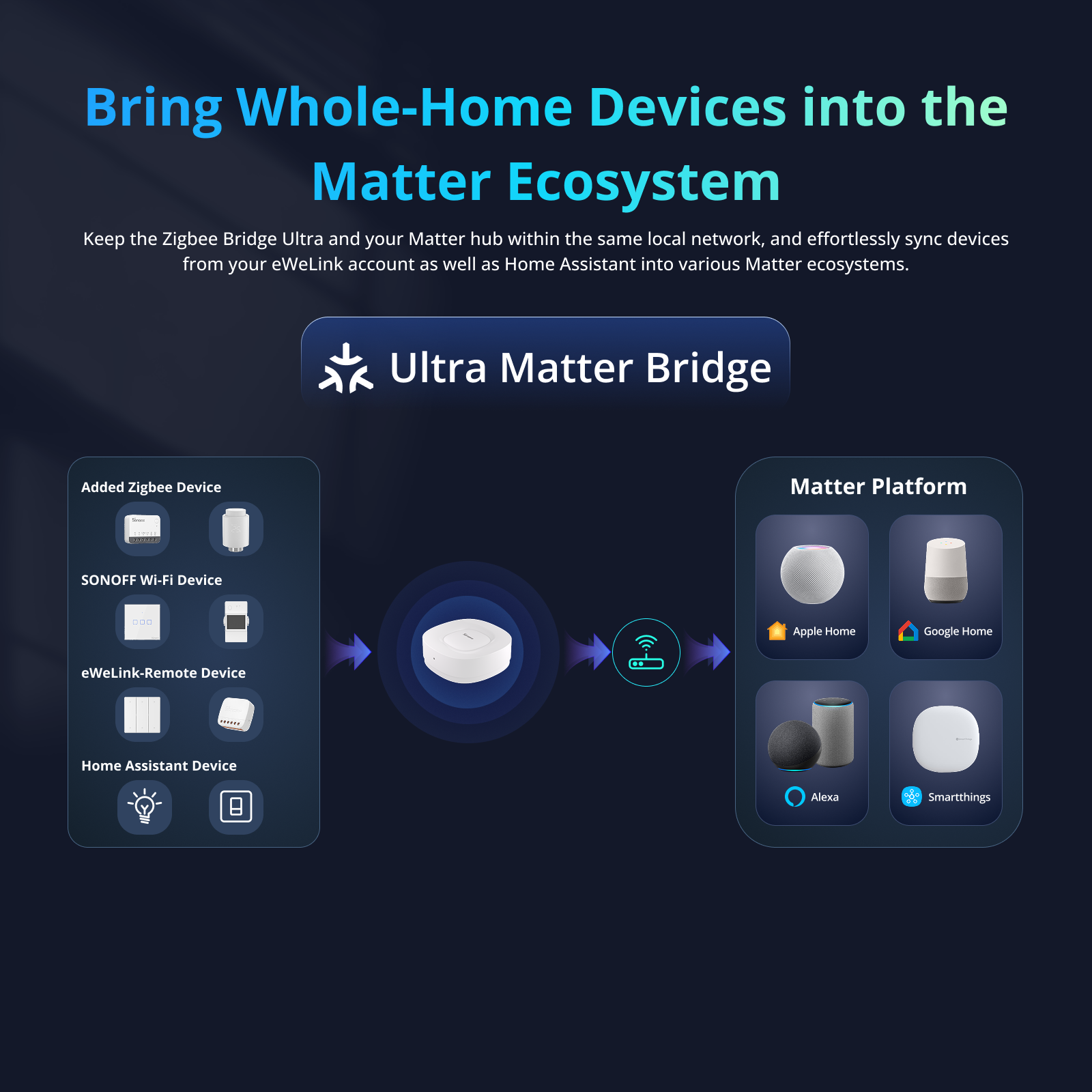
Seamlessly From Home Assistant to Leading Matter Platforms

Flexible control at hand
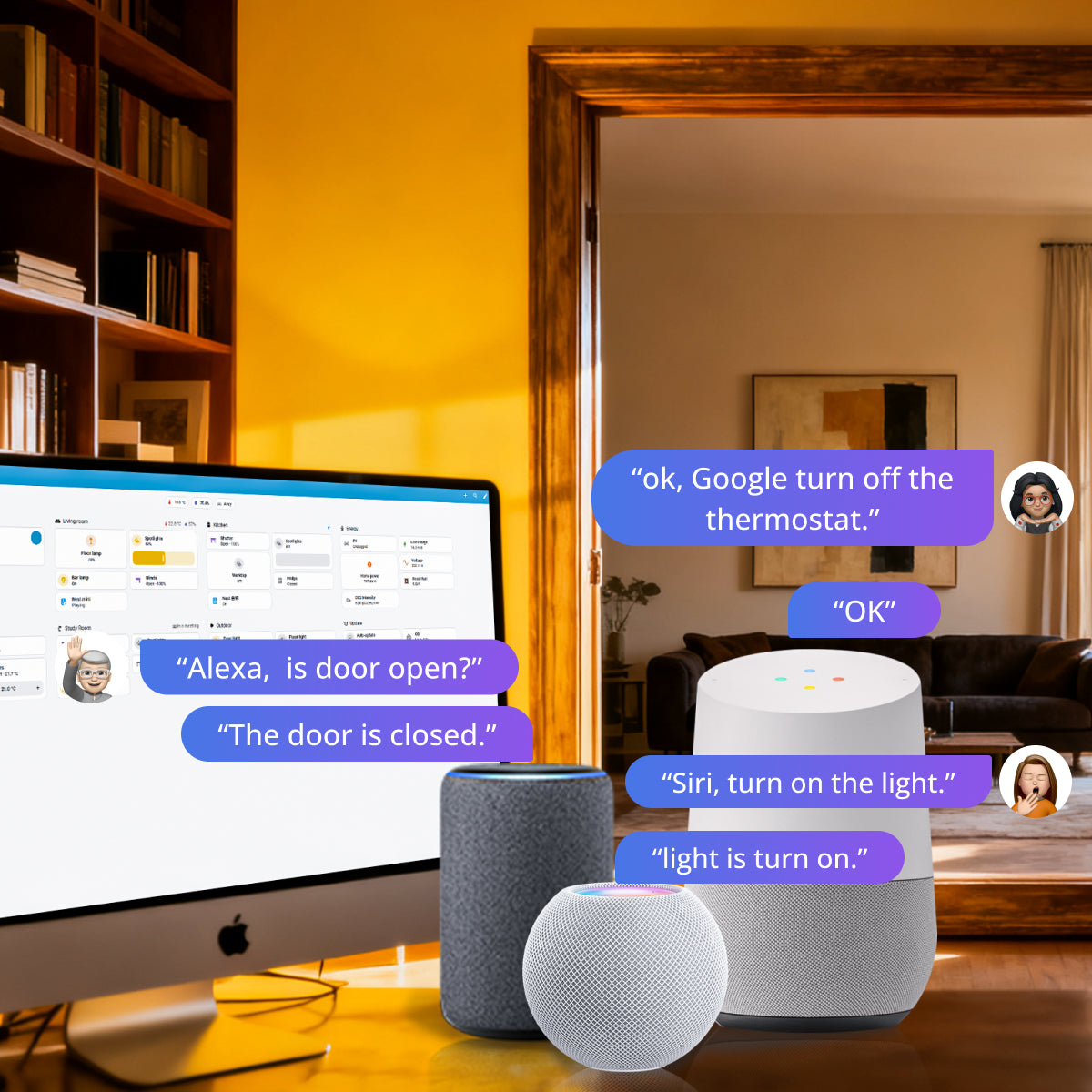
Voice control your Home Assistant devices via Alexa, Google Assitant or Siri.
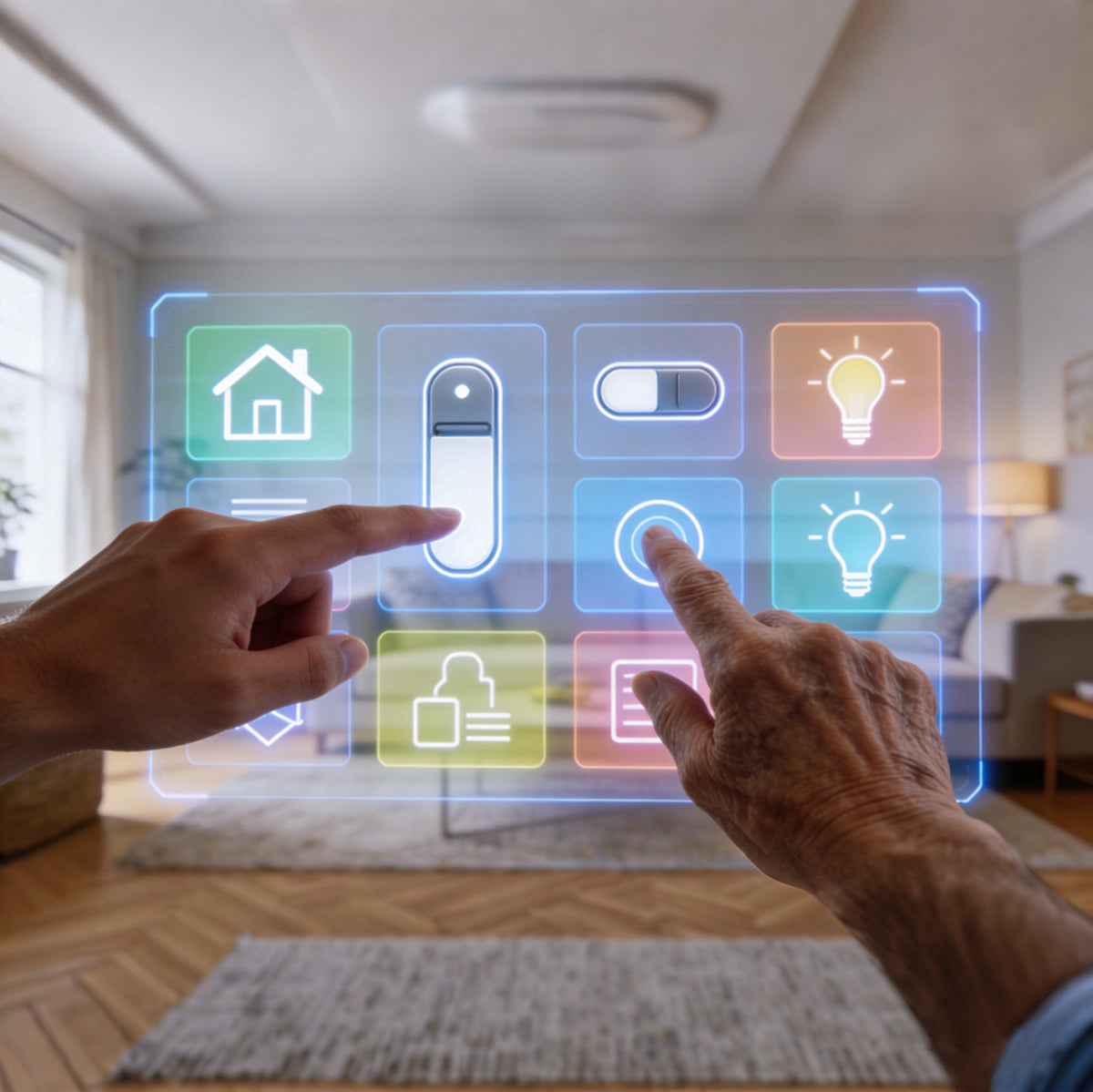
Everyone in the household, including seniors and teens——to enjoy the convenience established by Home Assistant through a more intuitive interface.
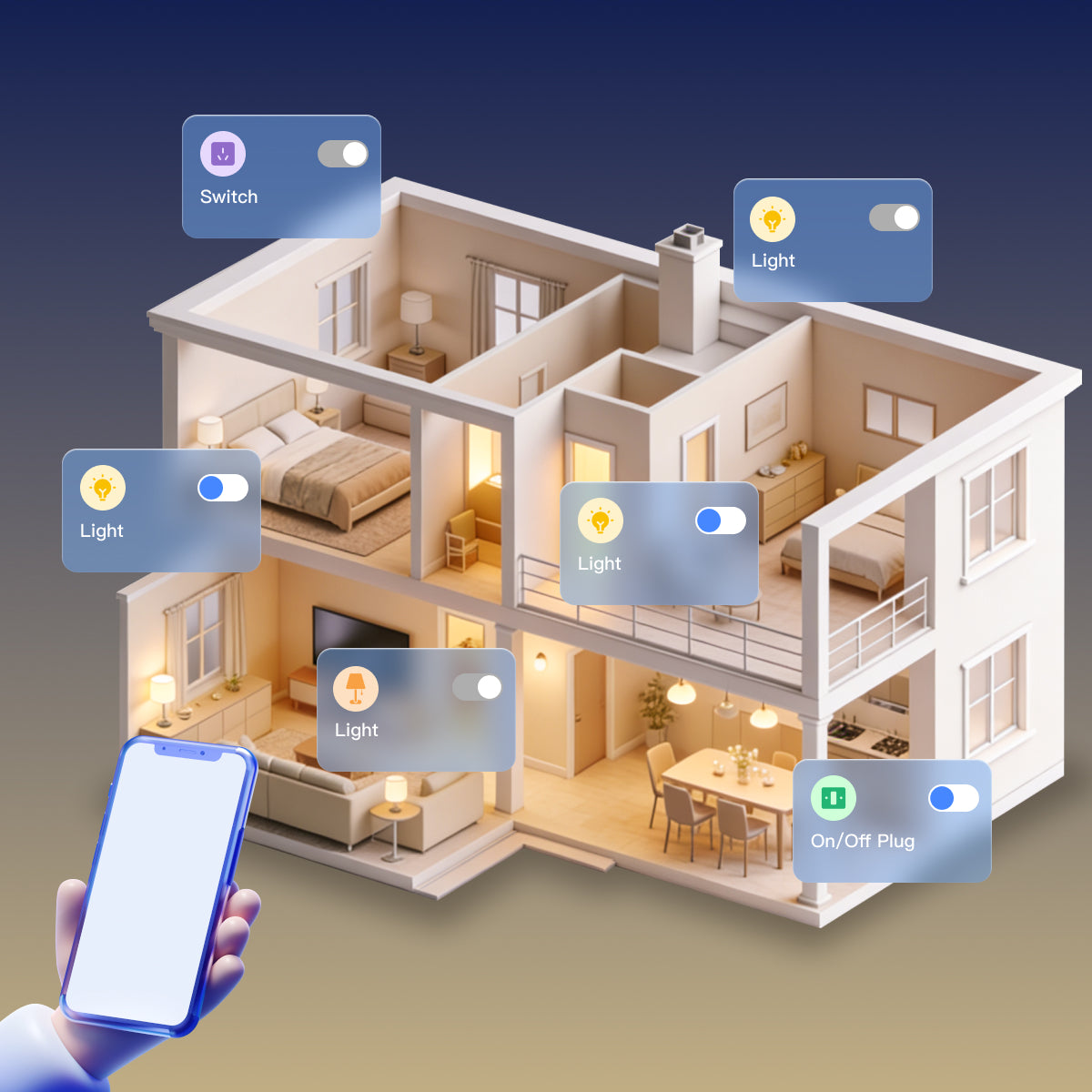
Managed your Home Assistant devices wherever you are. Pre-heat your living room before you arrive, check if appliances are off when you're away.
Voice control your Home Assistant devices via Alexa, Google Assitant or Siri.
Everyone in the household, including seniors and teens——to enjoy the convenience established by Home Assistant through a more intuitive interface.
Managed your Home Assistant devices wherever you are. Pre-heat your living room before you arrive, check if appliances are off when you're away.
A One-stop Solution for Adding Zigbee Devices to Home Assistant

Safe & Fast with MQTT Synchronization:
MQTT method is completely local while syncing your devices to Home Assistant. Besides it supports more device features, ensuring a comprehensive experience.
More Effortless compared to Dongle method:
There's no need for struggling with complex setup or ruffling through tech forums. ZBBridge-U combines adding and syncing devices in an effortless way.
Enjoy Combined Benefits!

More features are coming...
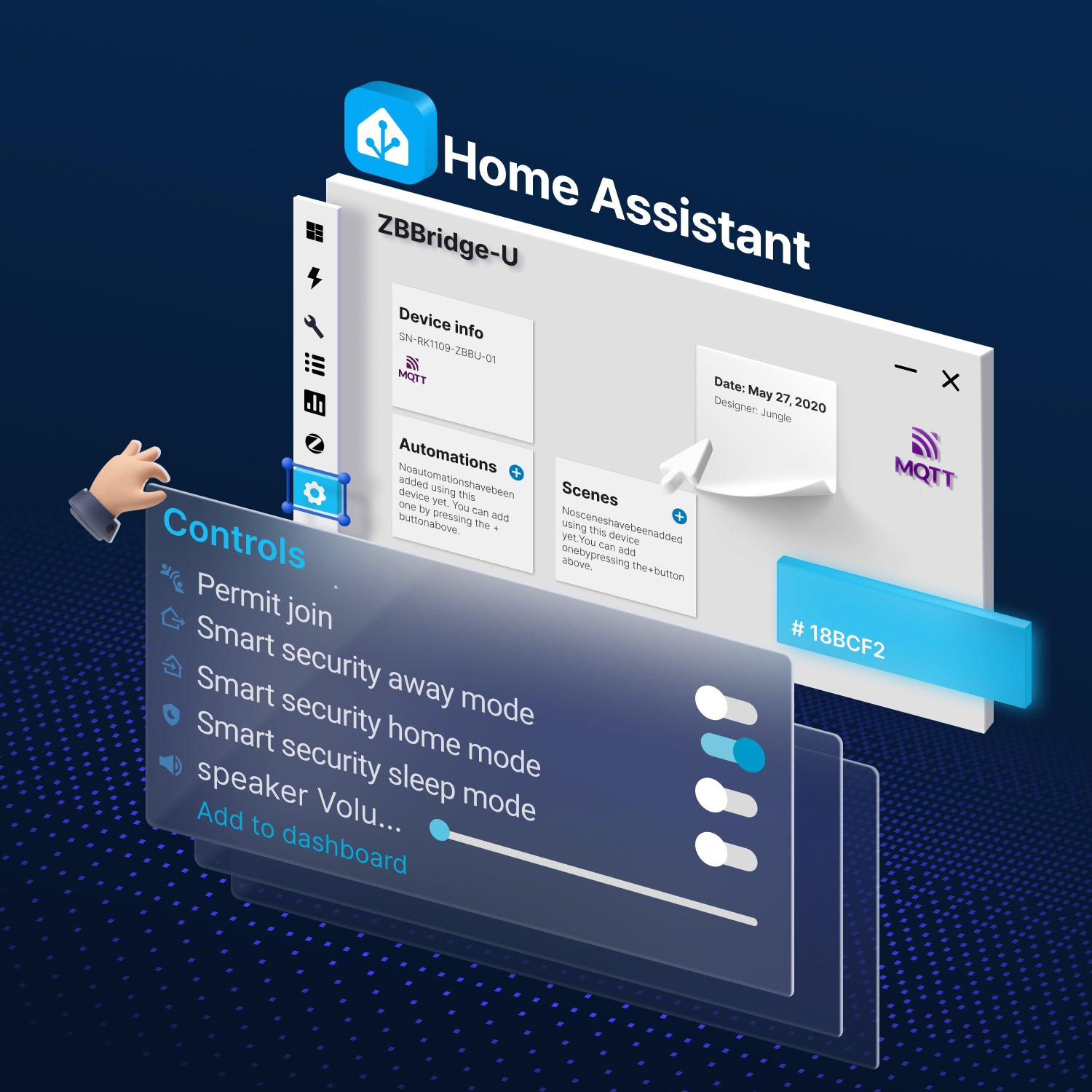
Setup Guide
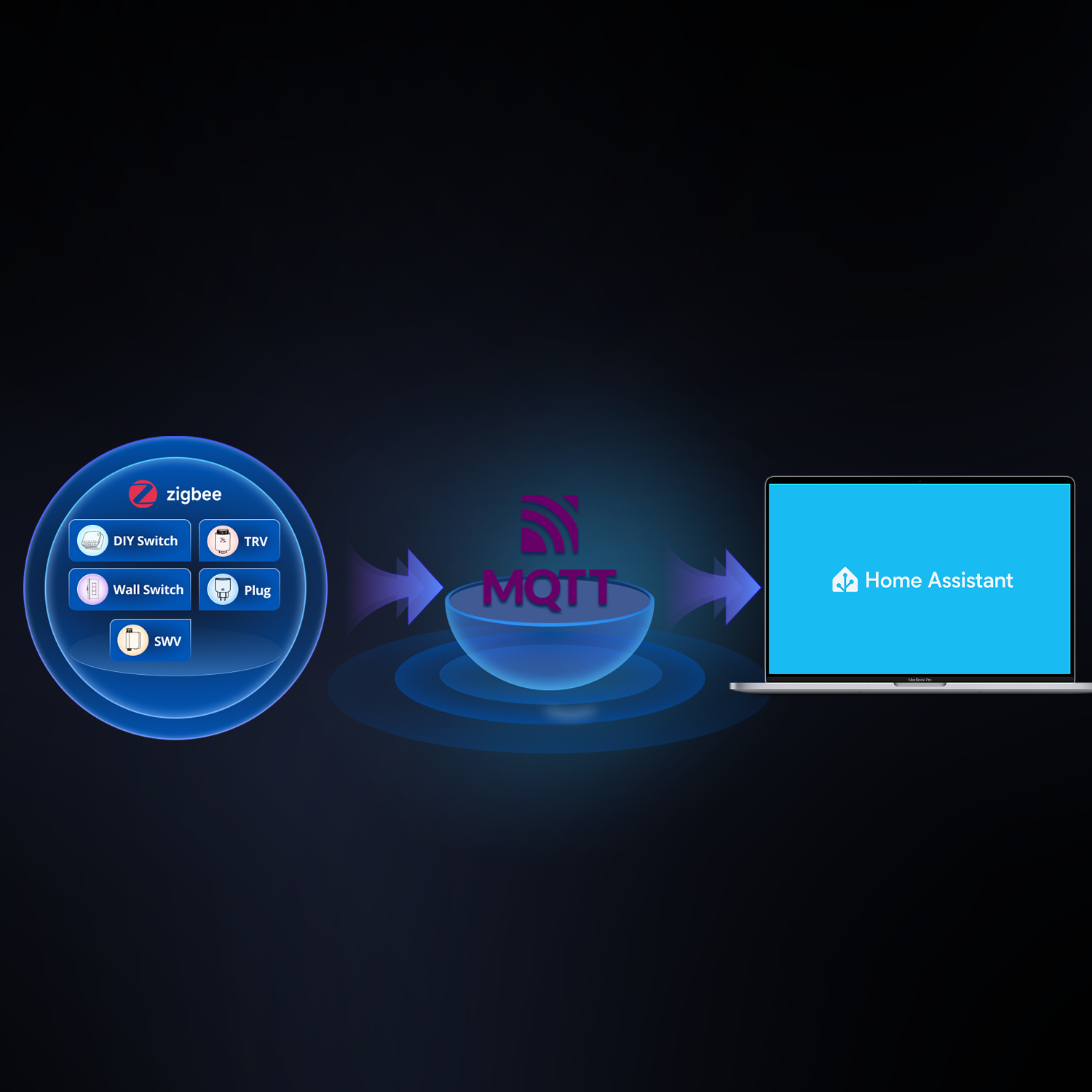
How to Sync Zigbee Sub-devices to Home Assistant via MQTT
In this tutorial, you’ll learn how to configure the ZBBridge-U local web interface, add Zigbee devices to the gateway, and sync them to Home Assistant using MQTT.
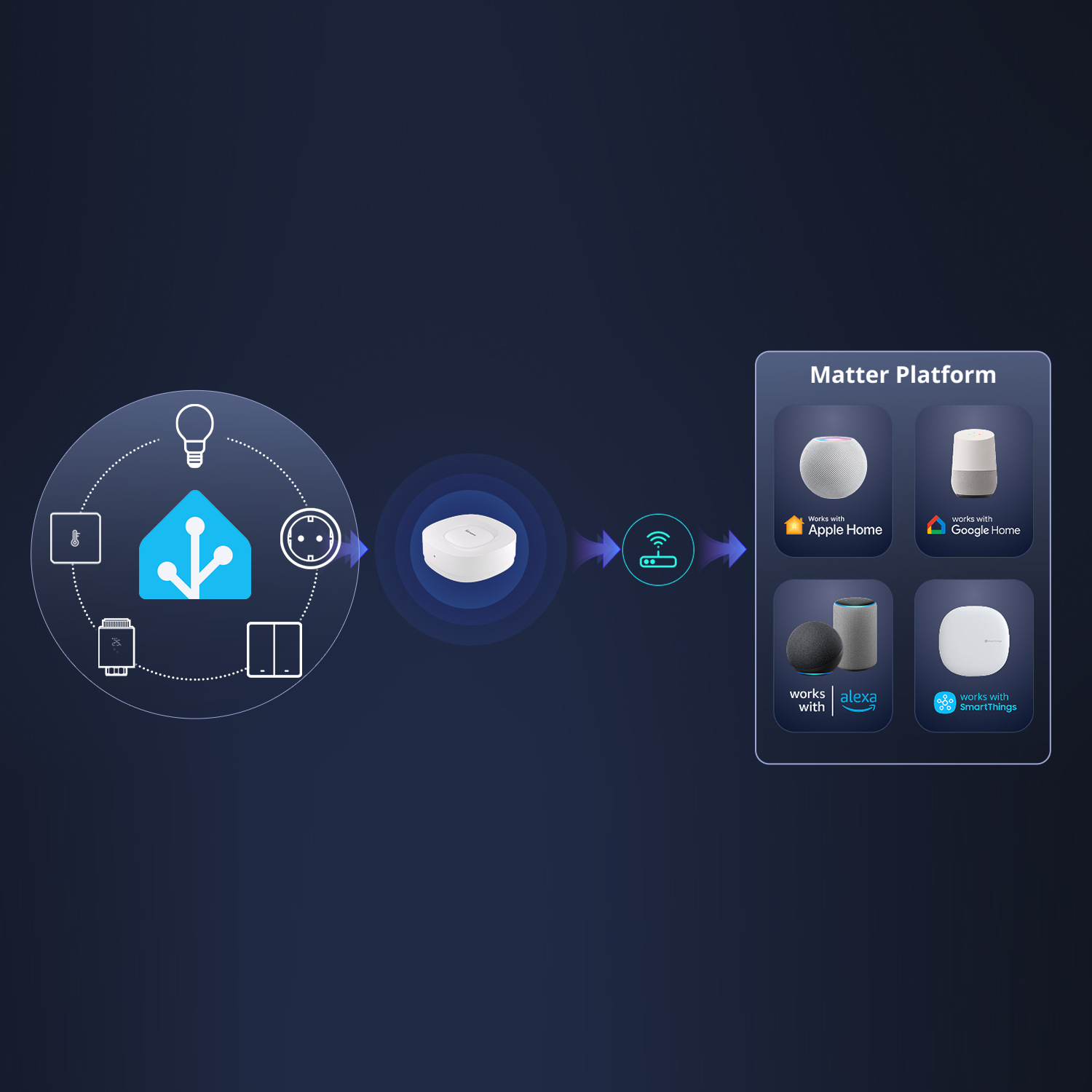
How to Bridge Home Assistant Devices to Matter Fabrics
In this tutorial, you'll learn how to set up ZBBridge-U locally and how to use its matter bridge feature to sync Home Assistant devices.
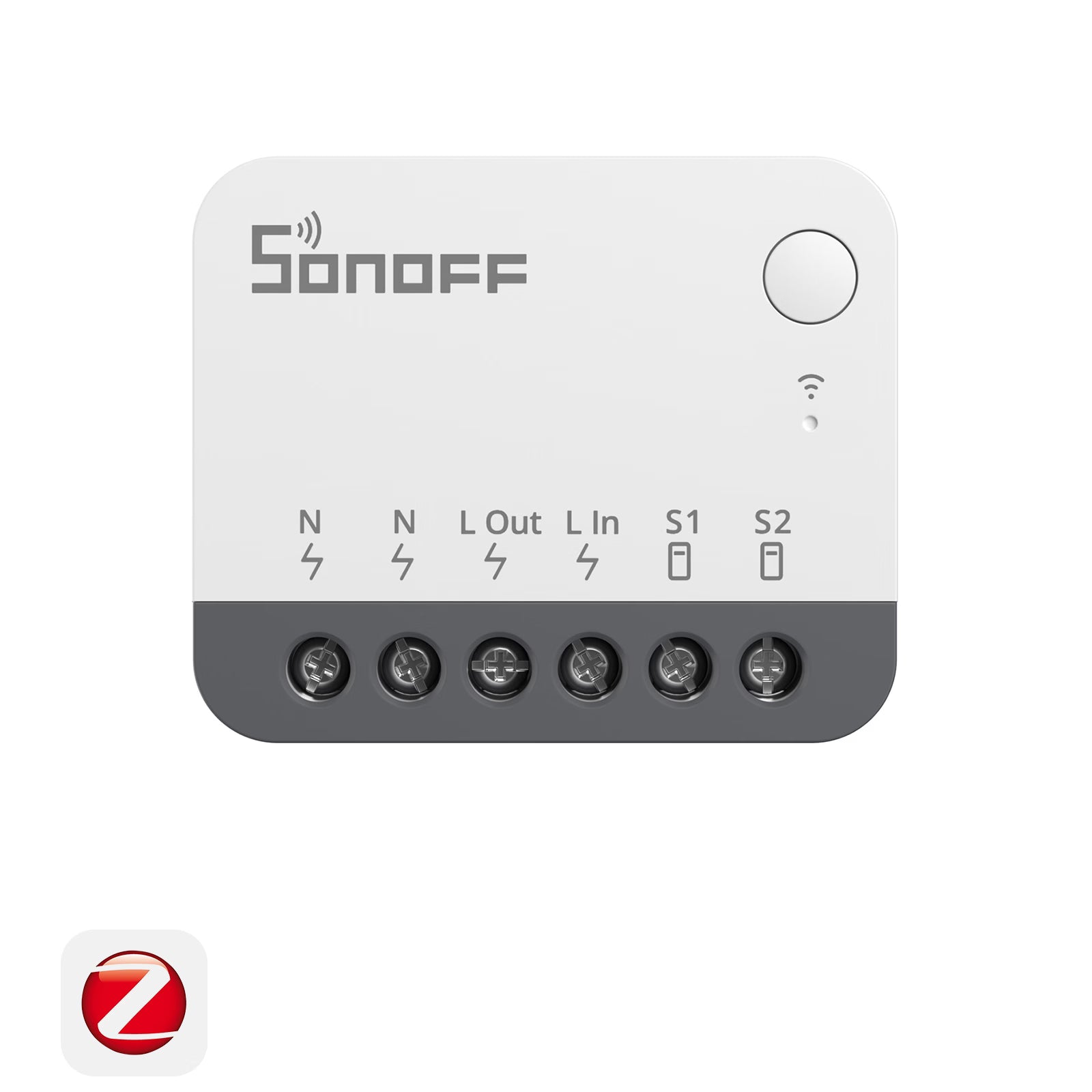
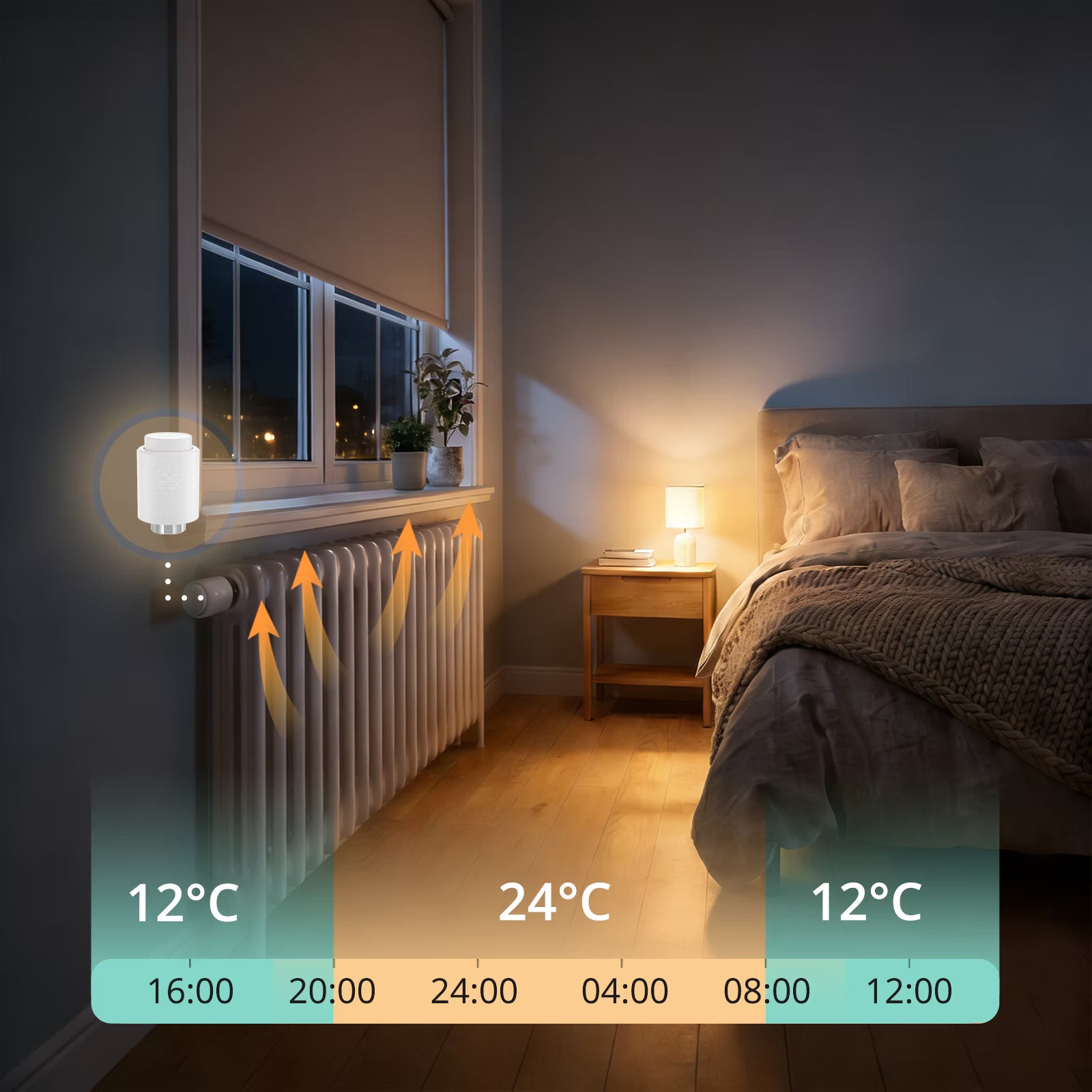
Shop ZBBridge-U and Its Supported Devices
Save 10% with ZBBridgeU10

FAQ
1. Which Zigbee devices can ZBBridge-U sync to Home Assistant?
ZBBridge-U offers strong Zigbee compatibility. It fully supports all SONOFF Zigbee devices and is theoretically compatible with the vast majority of third-party Zigbee devices as well.
Click here to search ZBBridge-U's device compatibility by protocol, brand, and device type, and to see the supported capabilities for each device.
2. What types of Home Assistant devices can be synced to Matter via ZBBridge-U?
ZBBridge-U syncs Home Assistant devices based on their entities. Regardless of whether a device is added to Home Assistant via Bluetooth (BTH), MQTT, or Matter, its entities can be synced to the Matter ecosystem as long as the entity type is supported.
Click here to view the list of supported entity types.
3. Do I have to use an app to operate ZBBridge-U?
No. You can complete the entire setup and configuration without using any app, relying solely on the ZBBridge-U local web interface. We are also working on more convenient control options in the future—stay tuned.
4. How does MQTT sync Zigbee devices to Home Assistant?
When Zigbee devices are paired with ZBBridge-U, the gateway publishes device states and events to the MQTT broker (such as Mosquitto) using standard MQTT topics. Home Assistant subscribes to these topics and creates corresponding MQTT entities based on the received messages. All communication happens within the local network, without relying on cloud services
This approach provides high reliability, low latency, and full local control.
5. How does the Matter Bridge sync devices?
ZBBridge-U has obtained certification from major Matter platforms, including Apple Home, Google Home, SmartThings, and Amazon Alexa. It exposes supported non-Matter sub-devices as Matter-compliant devices and bridges them into the target Matter platform.
Click here to learn more about platform-specific capability differences.
6. How should I configure MQTT in ZBBridge-U and Home Assistant?
We recommend using Home Assistant's built-in MQTT integration together with the Mosquitto Broker add-on. Custom MQTT brokers are also supported.
When configuring ZBBridge-U, make sure to:
- Select the Normal MQTT port
- Enter the correct username and password configured in Mosquitto.
7. I've already configured MQTT. Will newly added Zigbee devices sync automatically?
At the moment, newly added Zigbee devices still need to be manually selected for syncing.
Automatic device synchronization is currently under development and is scheduled to be released in January 2026.