















































ZBBridge-U: One Bridge, One Smart Home
Unify Zigbee, Home Assistant Devices, SONOFF Devices through Matter - all in Apple Home, Google Home, Alexa
How ZBBridge-U Benefits Your Smart Home
A Matter Bridge acts as a translator between different smart home technologies, enabling devices from various brands and protocols to work together effortlessly.
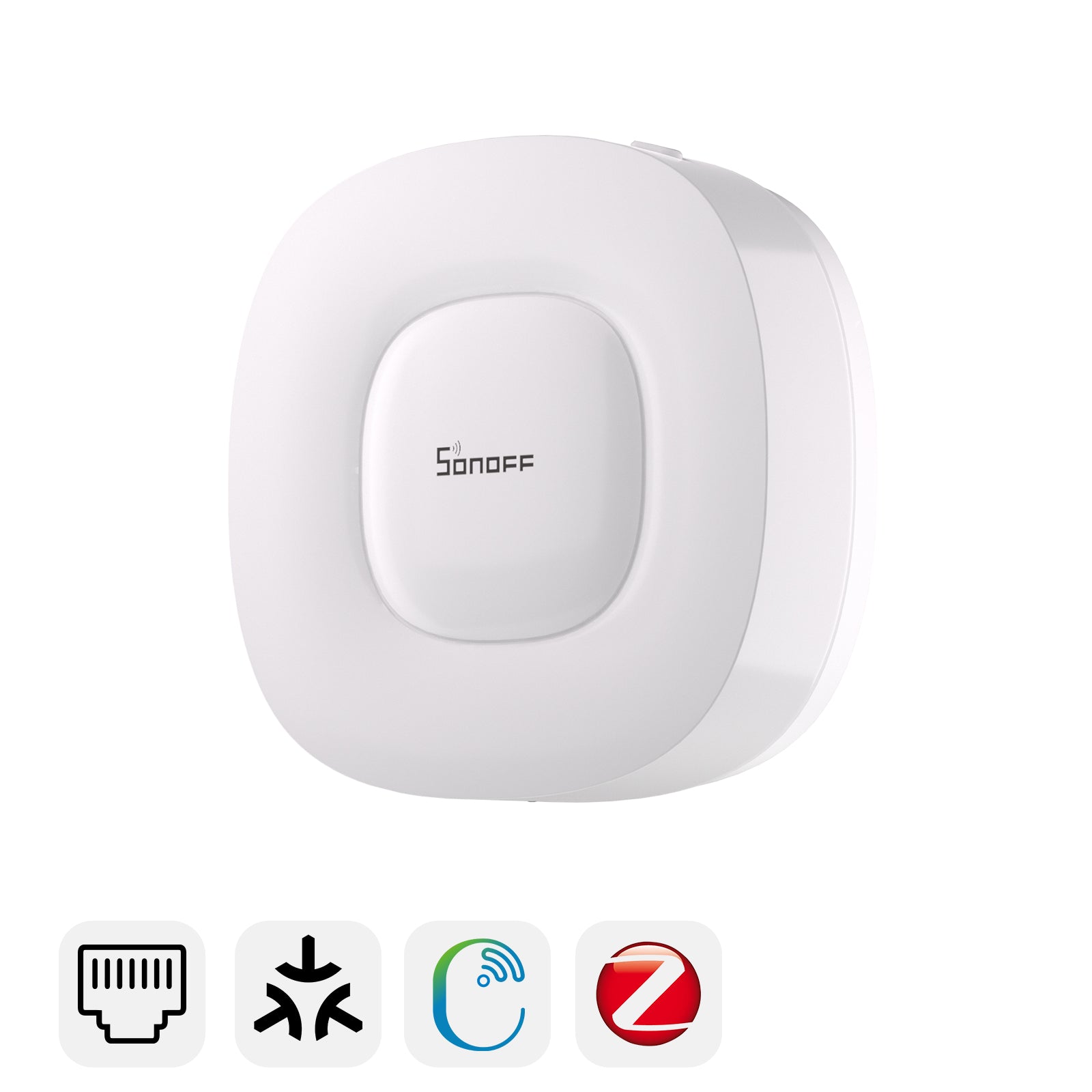
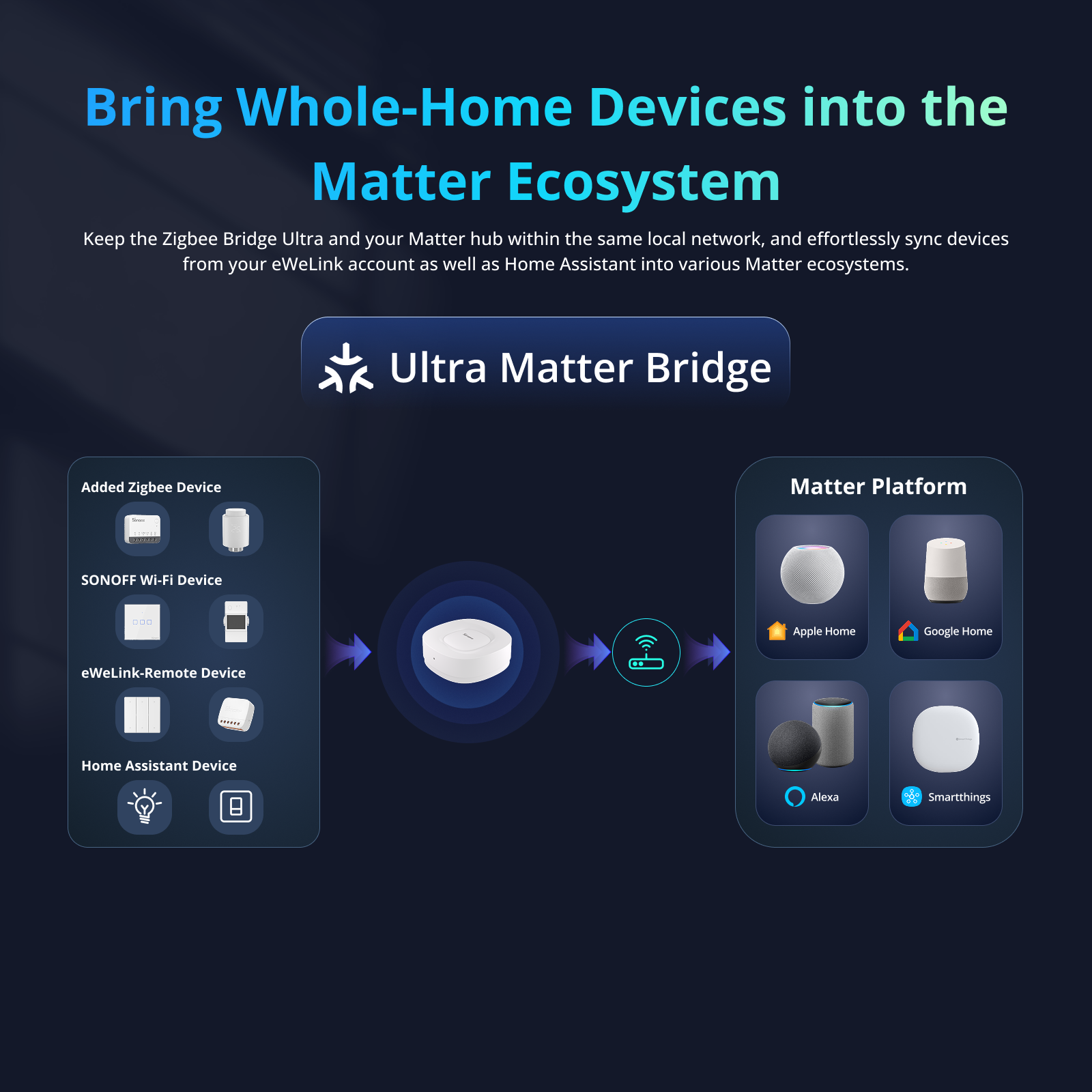
The SONOFF Zigbee Bridge Ultra(ZBBridge-U), officially certified under Matter 1.4, takes this interoperability to the next level. Acting as a central matter bridge, it unifies Zigbee, SONOFF devices, as well as Home Assistant devices, bringing them all into Apple Home (certified"Works with Apple Home") and also compatible with Google Home and Alexa.


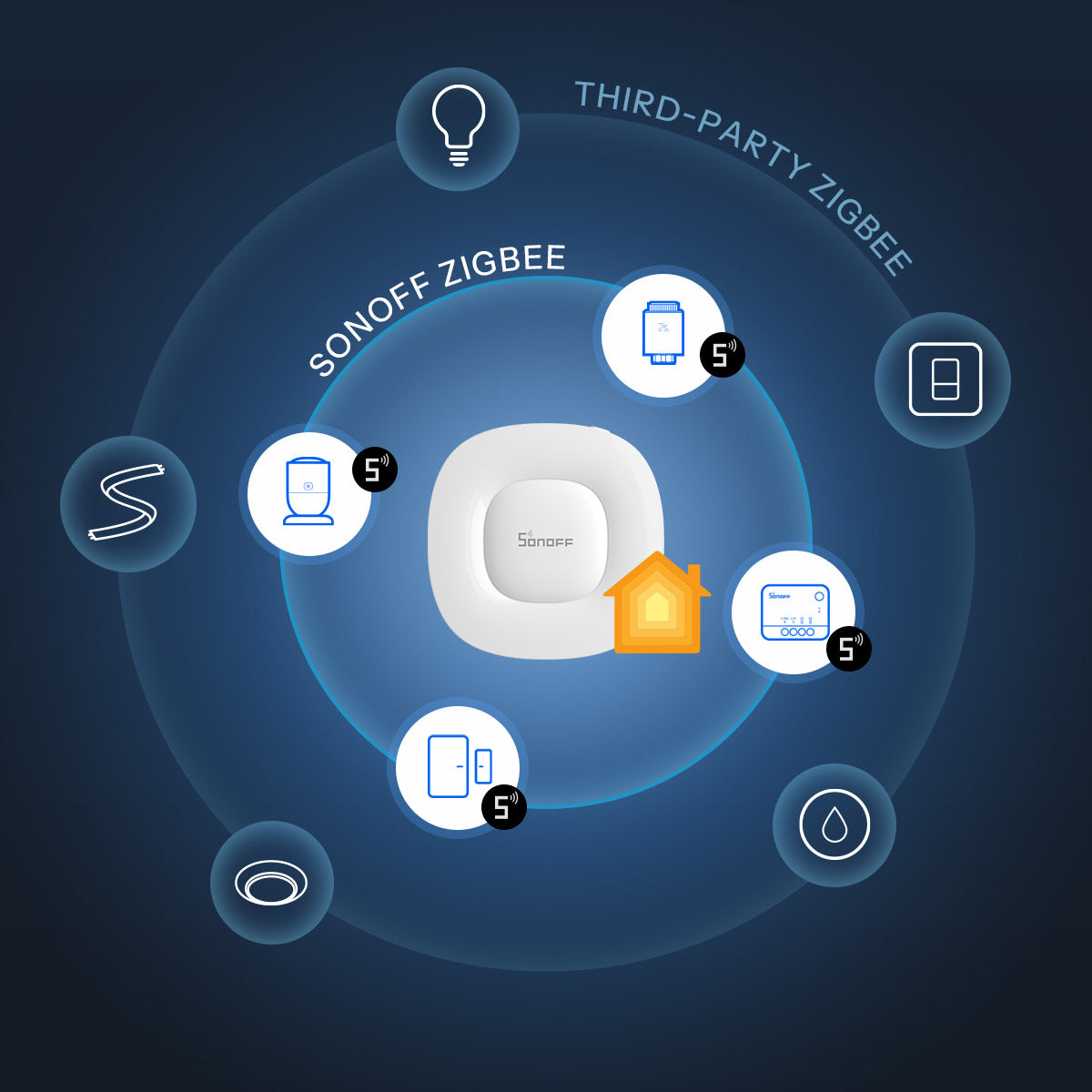
ZBBridge-U connects not only SONOFF Zigbee devices but also most third-party Zigbee products(Zigbee 3.0 and some non-standard Zigbee devices). This gives you the flexibility to integrate a wide range of lights, sensors, switches, and plugs from different brands into Apple Home through Matter - all controlled in one place, without worrying about compatibility.
Supported Zigbee Devices >>>
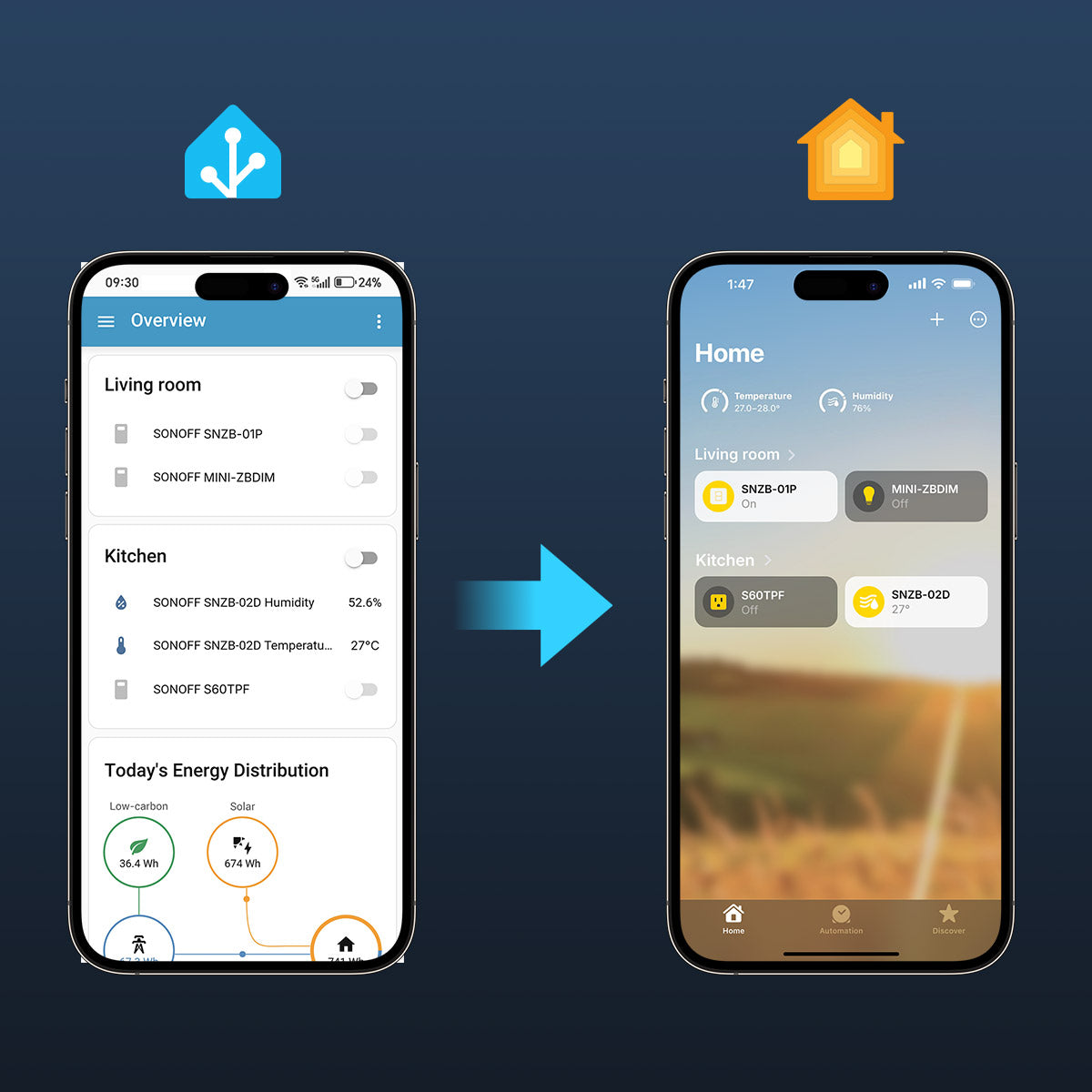
ZBBridge-U bridges your Home Assistant setup to Apple Home by syncing certain device types within the same local network. Each device appears as a Matter accessory, allowing you to manage and automate your existing Home Assistant devices like switches, sensors, lights, thermostat, etc directly from Apple Home.
Supported Devices >>>
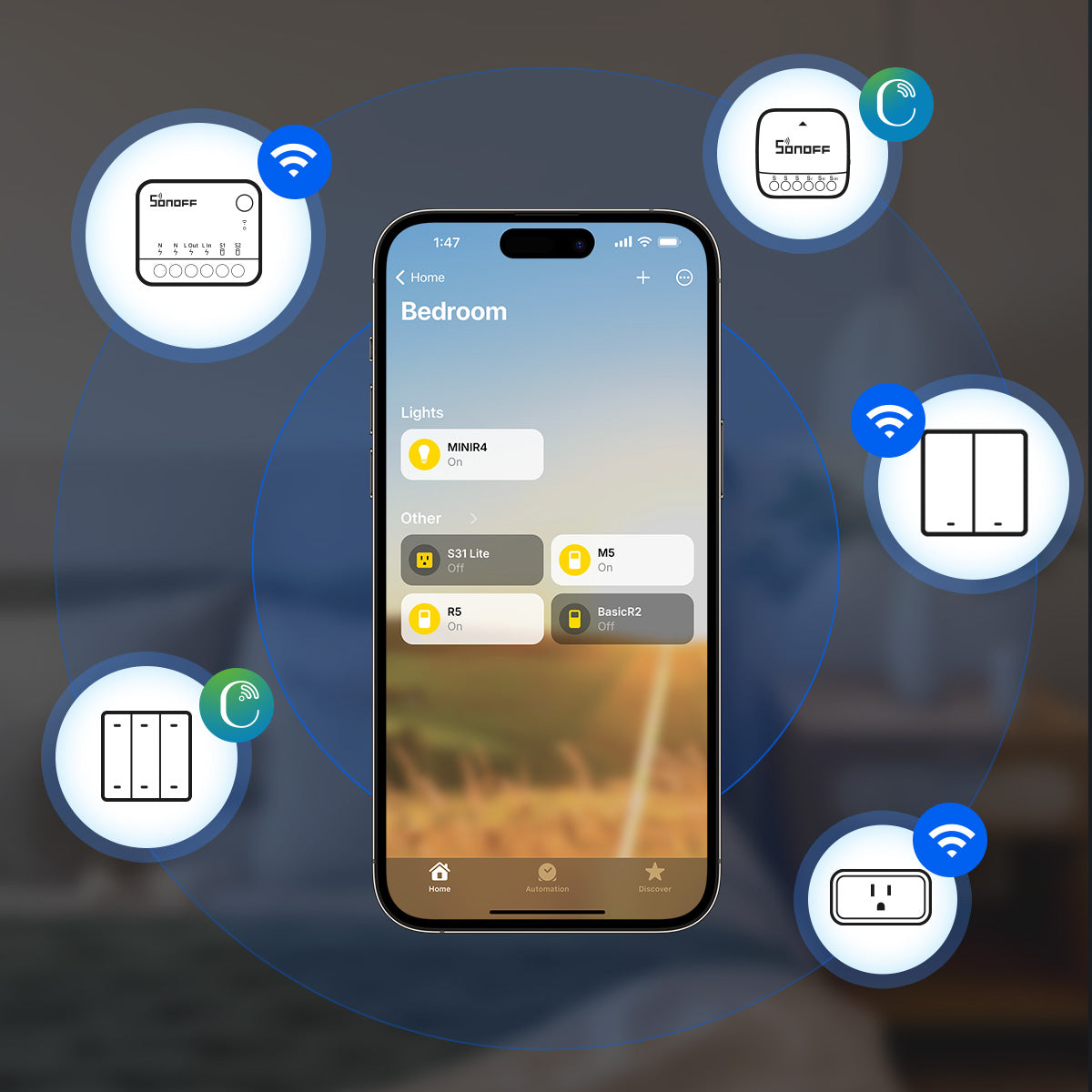
ZBBridge-U also supports SONOFF Wi-Fi and eWeLink-Remote devices linked to the same eWeLink account. Once connected, your existing SONOFF Wi-Fi switches, plugs, or remotes can be controlled alongside other Matter devices in Apple Home - all with Siri voice commands or scene automations.
Supported Devices >>>
ZBBridge-U connects not only SONOFF Zigbee devices but also most third-party Zigbee products(Zigbee 3.0 and some non-standard Zigbee devices). This gives you the flexibility to integrate a wide range of lights, sensors, switches, and plugs from different brands into Apple Home through Matter - all controlled in one place, without worrying about compatibility.
Supported Zigbee Devices >>>
ZBBridge-U bridges your Home Assistant setup to Apple Home by syncing certain device types within the same local network. Each device appears as a Matter accessory, allowing you to manage and automate your existing Home Assistant devices like switches, sensors, lights, thermostat, etc directly from Apple Home.
Supported Devices >>>
ZBBridge-U also supports SONOFF Wi-Fi and eWeLink-Remote devices linked to the same eWeLink account. Once connected, your existing SONOFF Wi-Fi switches, plugs, or remotes can be controlled alongside other Matter devices in Apple Home - all with Siri voice commands or scene automations.
Supported Devices >>>
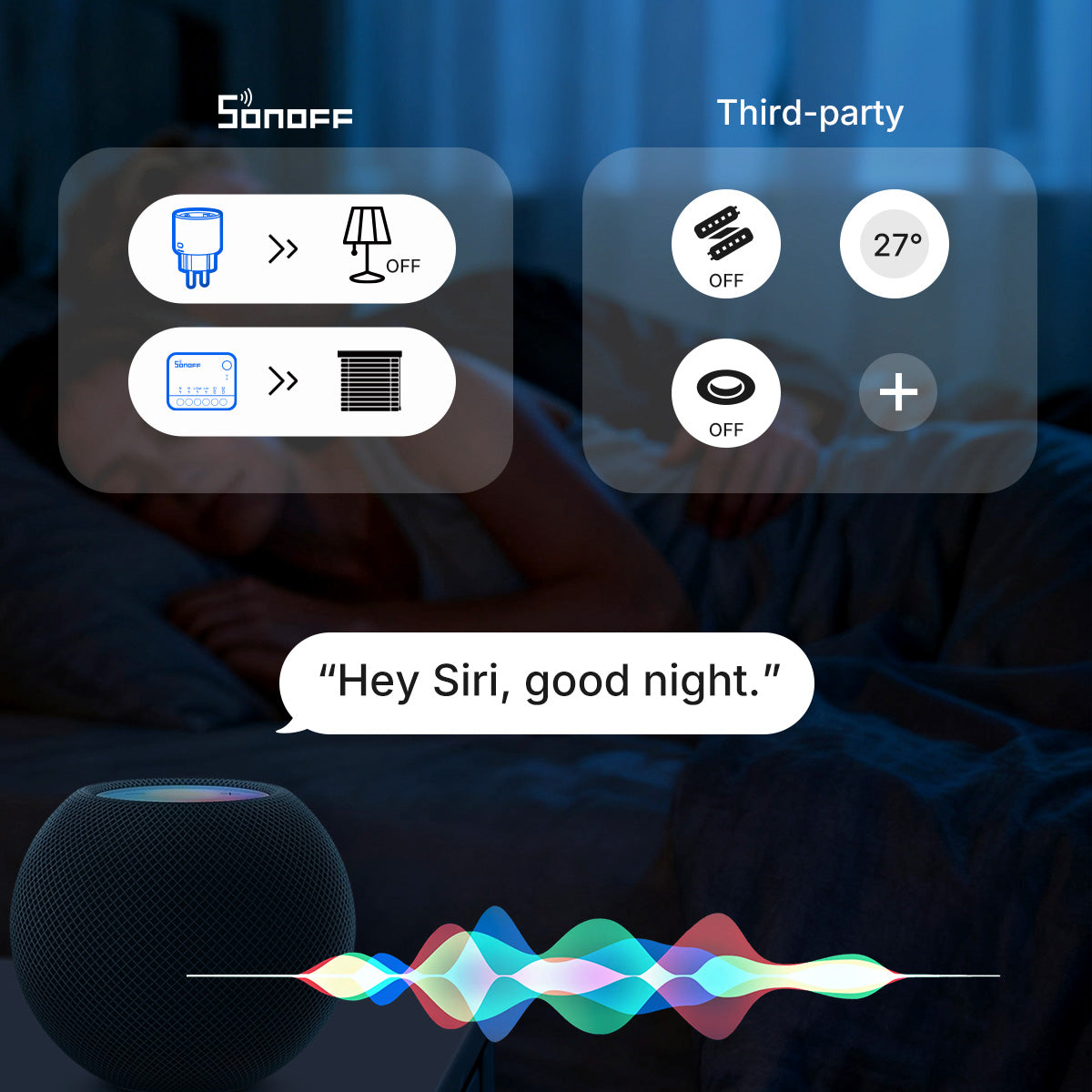
Cross-brand device integration is now easier in Apple Home. Enjoy centralized control via Siri voice commands and powerful scene automation, whether it’s existing Apple Home devices, Matter devices, or devices connected via ZBBridge-U.
Cross-brand device integration is now easier in Apple Home. Enjoy centralized control via Siri voice commands and powerful scene automation, whether it’s existing Apple Home devices, Matter devices, or devices connected via ZBBridge-U.
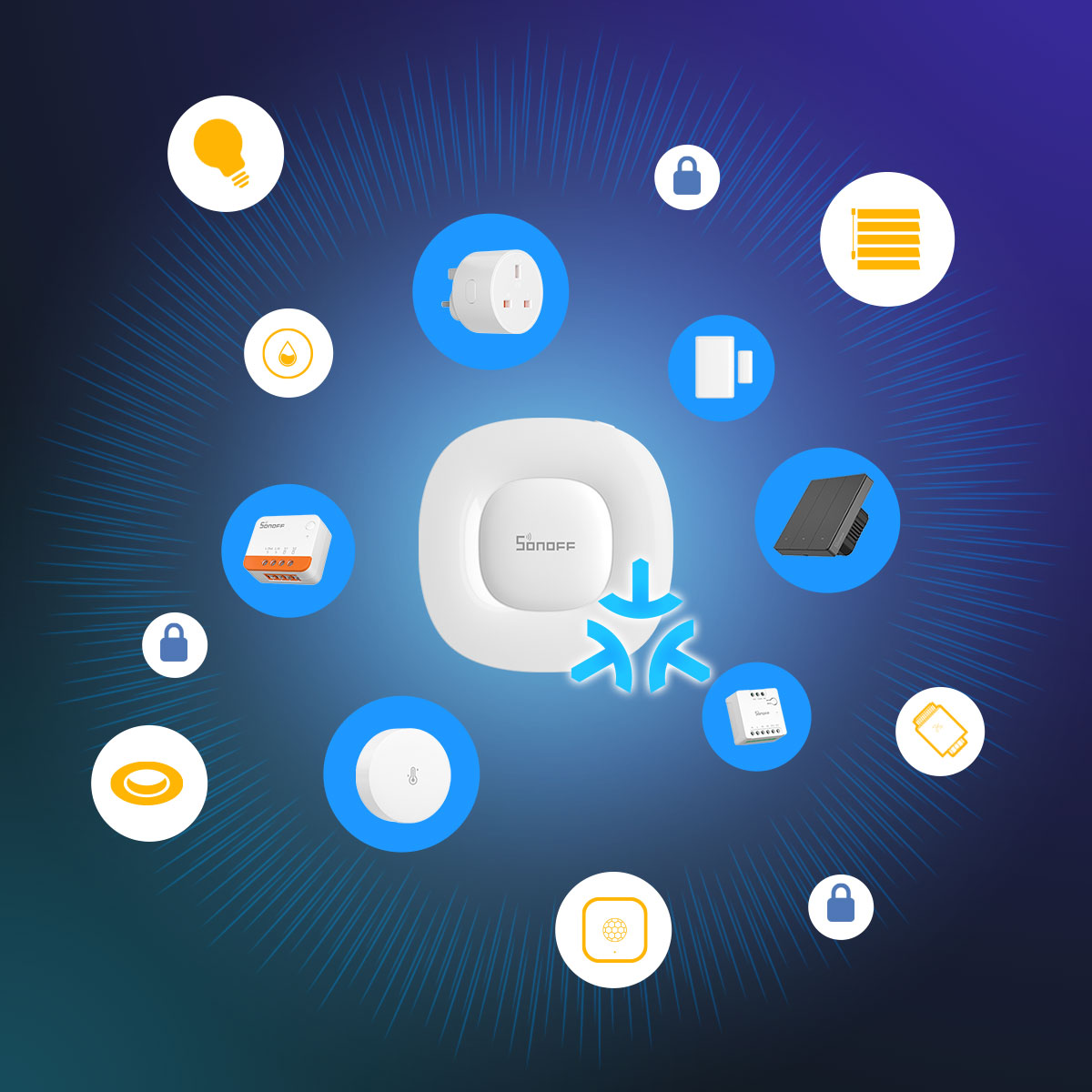
As your needs grow, ZBBridge-U ensures your setup stays future-proof. With Matter support, new devices can be added effortlessly and stay compatible across platforms, making your smart home easier to expand and maintain for years to come.
As your needs grow, ZBBridge-U ensures your setup stays future-proof. With Matter support, new devices can be added effortlessly and stay compatible across platforms, making your smart home easier to expand and maintain for years to come.
Explore What’s Possible with ZBBridge-U in Apple Home
From lighting and security to comfort and energy saving — see how ZBBridge-U connects all your smart devices into Apple Home for seamless control.
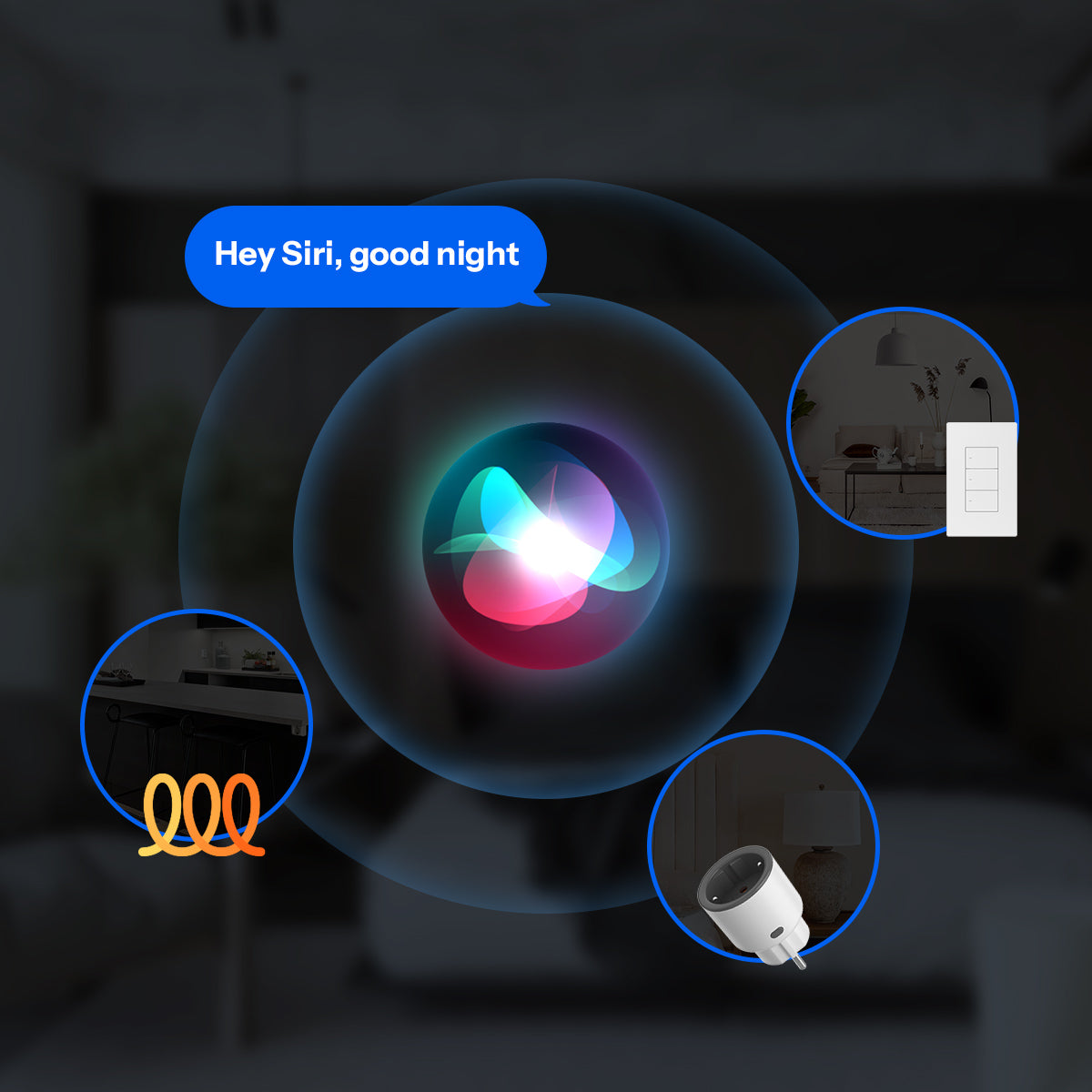
Turn on your “Coming Home” scene, adjust lights and temperature, or activate security devices - all with a single siri command. Make your smart home truly responsive, comfortable, and effortless.
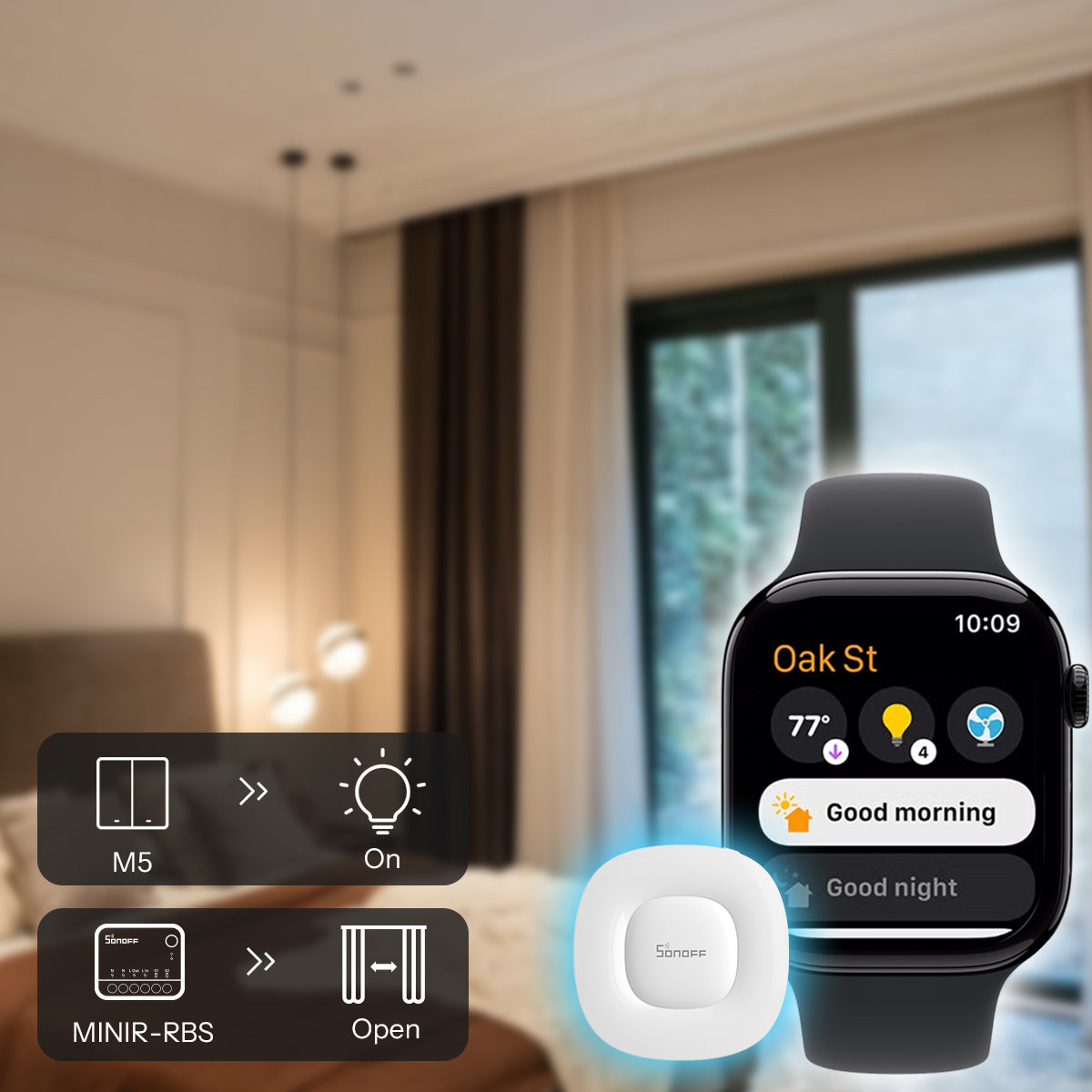
Turn off lights, set temperature, or activate scenes in just one tap with Apple Watch.
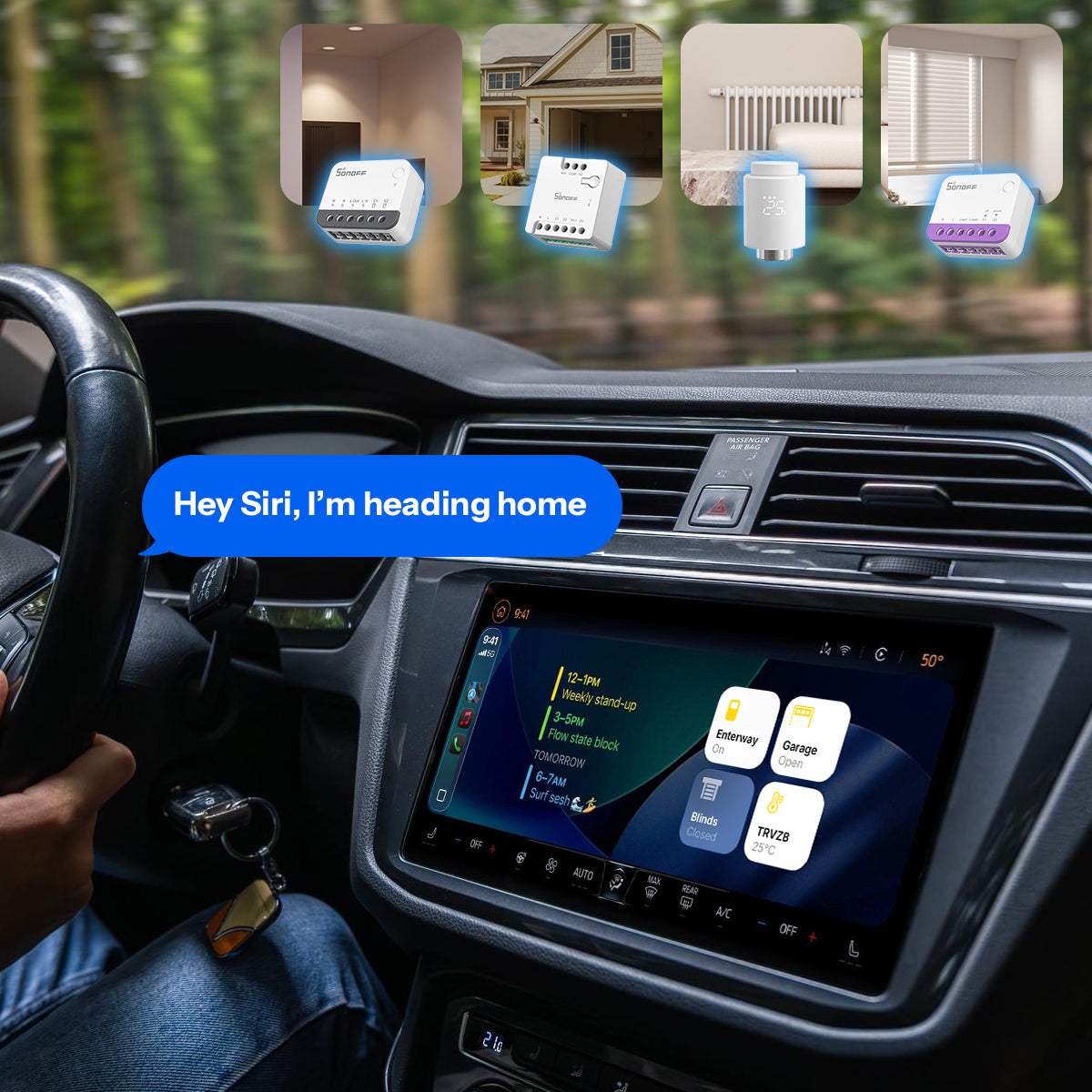
Bring your home to life before you arrive — control SONOFF devices via CarPlay and Siri while driving home.
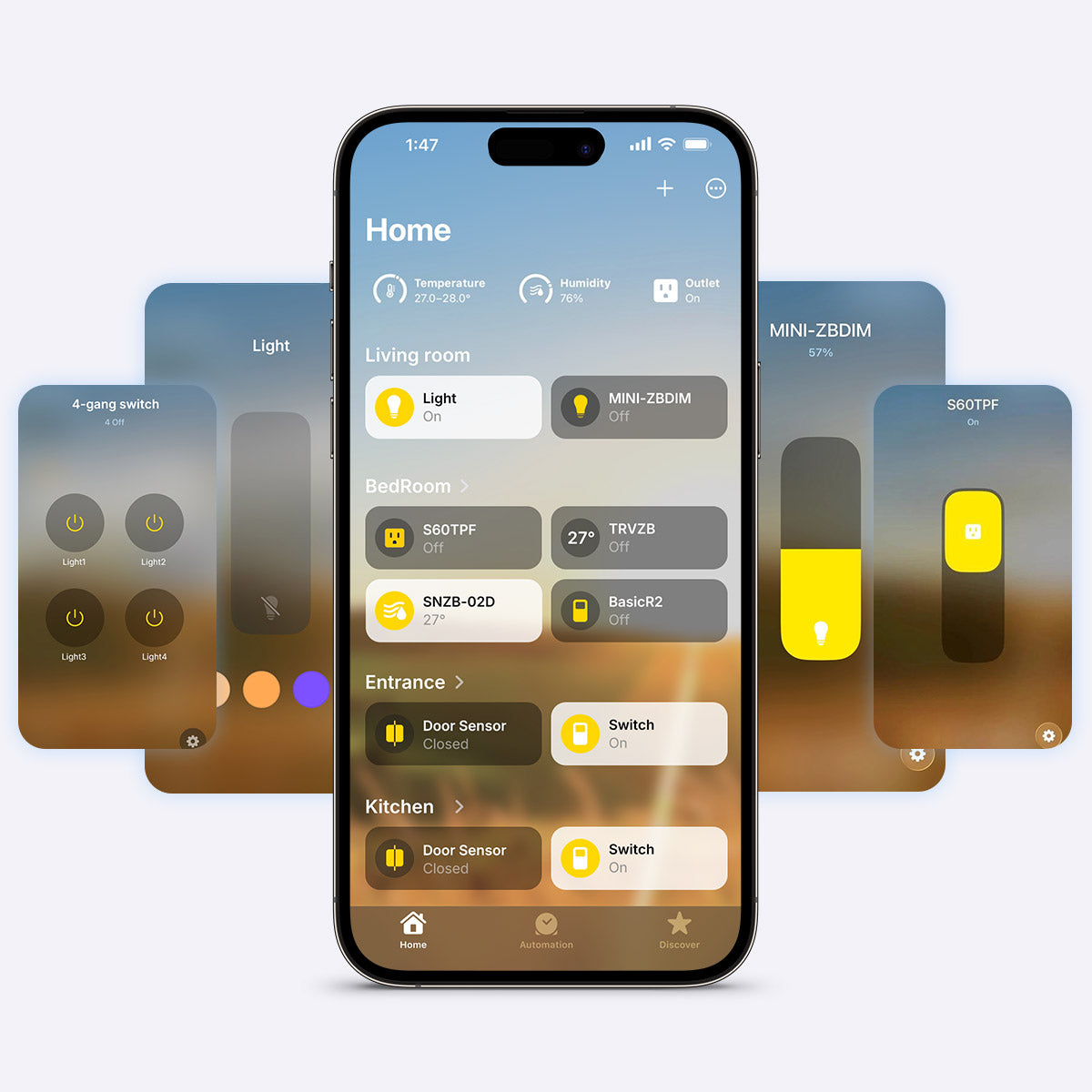
In the Home app, you can check device status, create scenes, and set automations - all in one place.
Group devices by room, type, or favorites, and enjoy a truly unified, intuitive smart home experience across your iPhone, iPad, Mac, and Apple Watch.
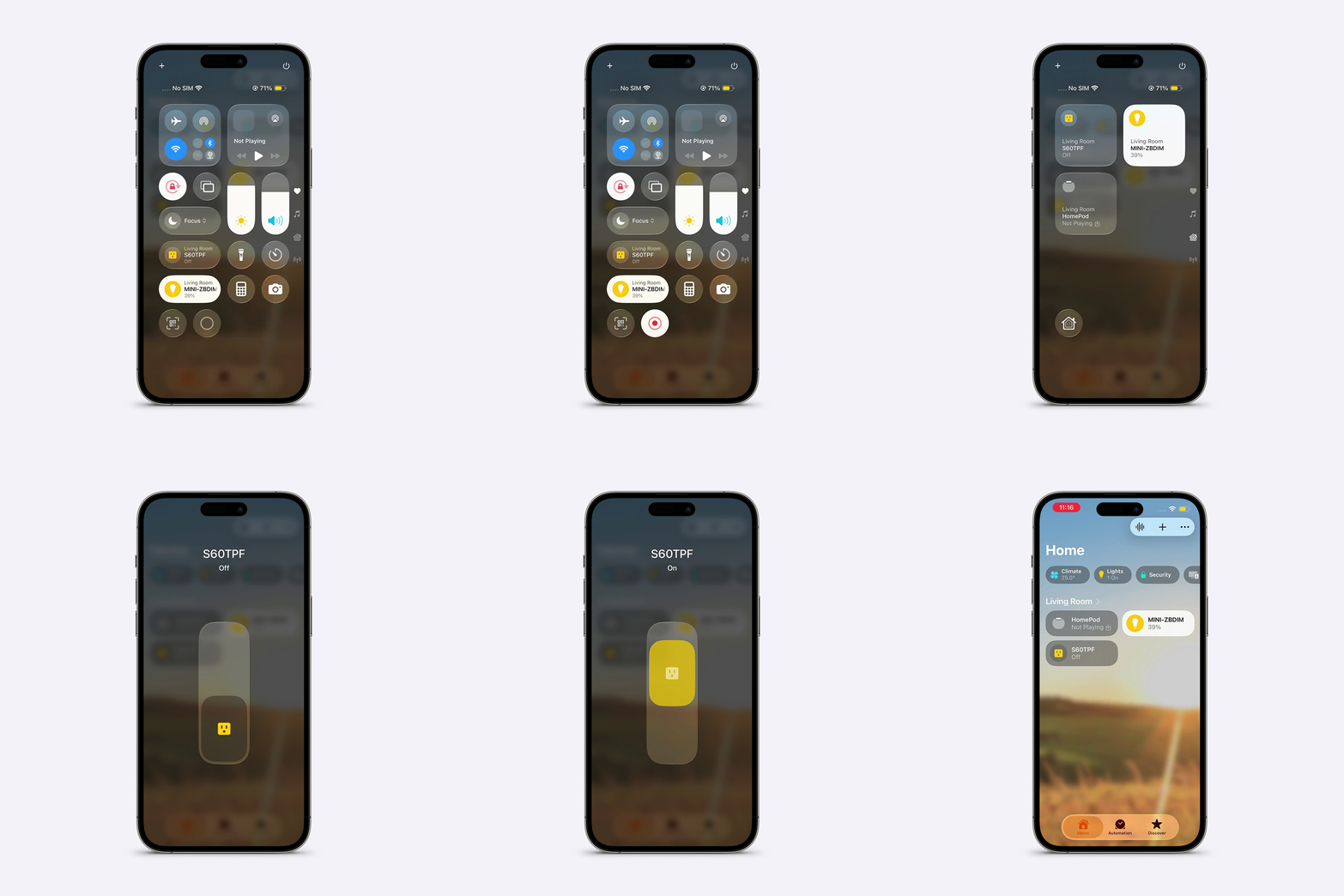
No need to open any app - control your favorite devices with a single swipe.
Once connected through ZBBridge-U, your devices appear in the Apple Control Center, ready for instant control.Turn off the bedroom lights, power on a socket, or trigger your “Good Night” scene directly from your iPhone or iPad, anytime, anywhere.
Turn on your “Coming Home” scene, adjust lights and temperature, or activate security devices - all with a single siri command. Make your smart home truly responsive, comfortable, and effortless.
Turn off lights, set temperature, or activate scenes in just one tap with Apple Watch.
Bring your home to life before you arrive — control SONOFF devices via CarPlay and Siri while driving home.
In the Home app, you can check device status, create scenes, and set automations - all in one place.
Group devices by room, type, or favorites, and enjoy a truly unified, intuitive smart home experience across your iPhone, iPad, Mac, and Apple Watch.
No need to open any app - control your favorite devices with a single swipe.
Once connected through ZBBridge-U, your devices appear in the Apple Control Center, ready for instant control.Turn off the bedroom lights, power on a socket, or trigger your “Good Night” scene directly from your iPhone or iPad, anytime, anywhere.
How Does ZBBridge-U Work As Matter Bridge
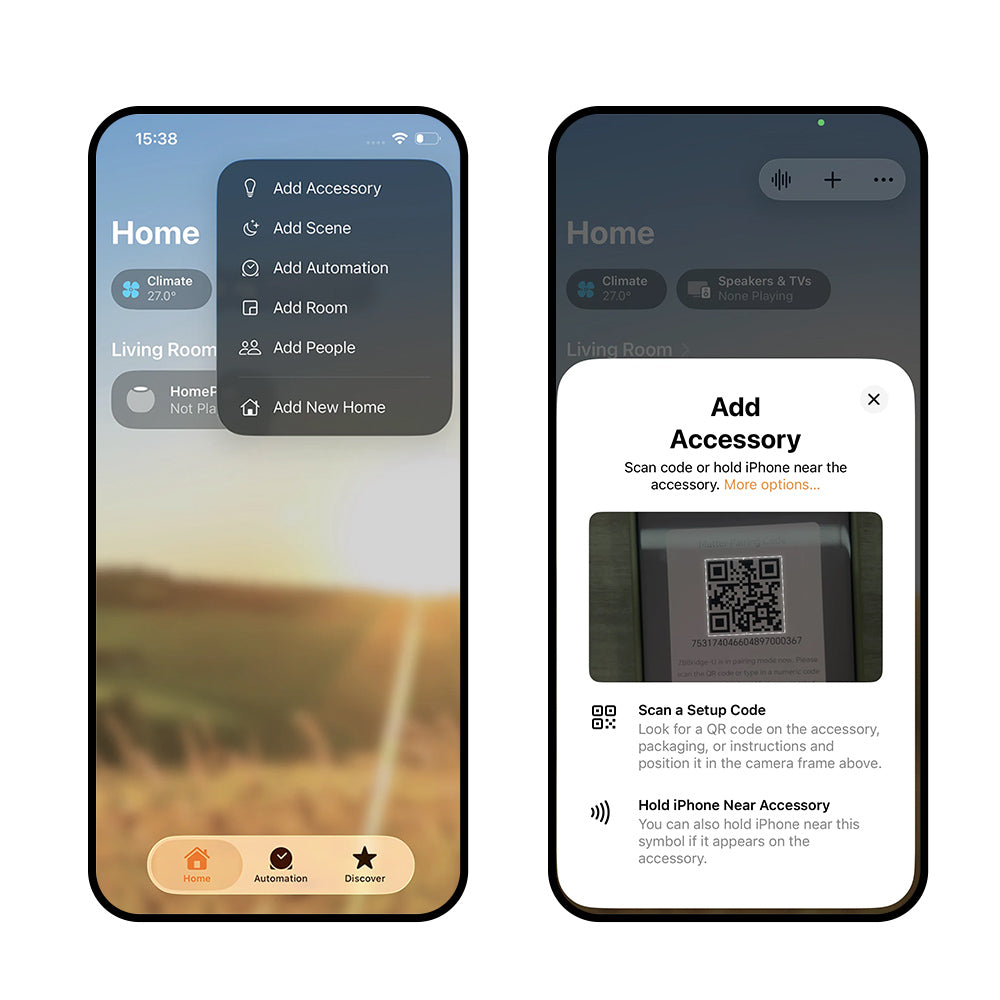
First, put the ZBBridge-U into pairing mode. Open the Apple Home App, tap Add Accessory, and scan the ZBBridge-U's pairing code.
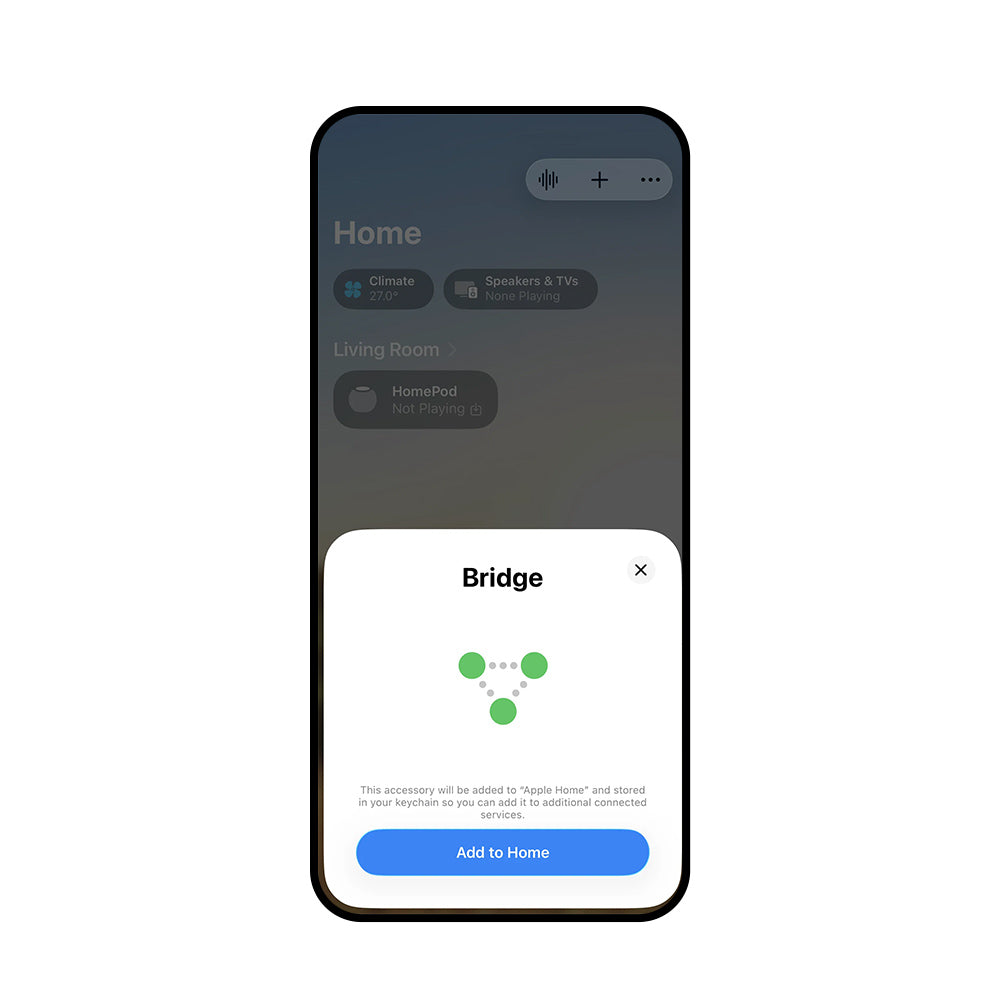
Click "Add to Home" to start adding.
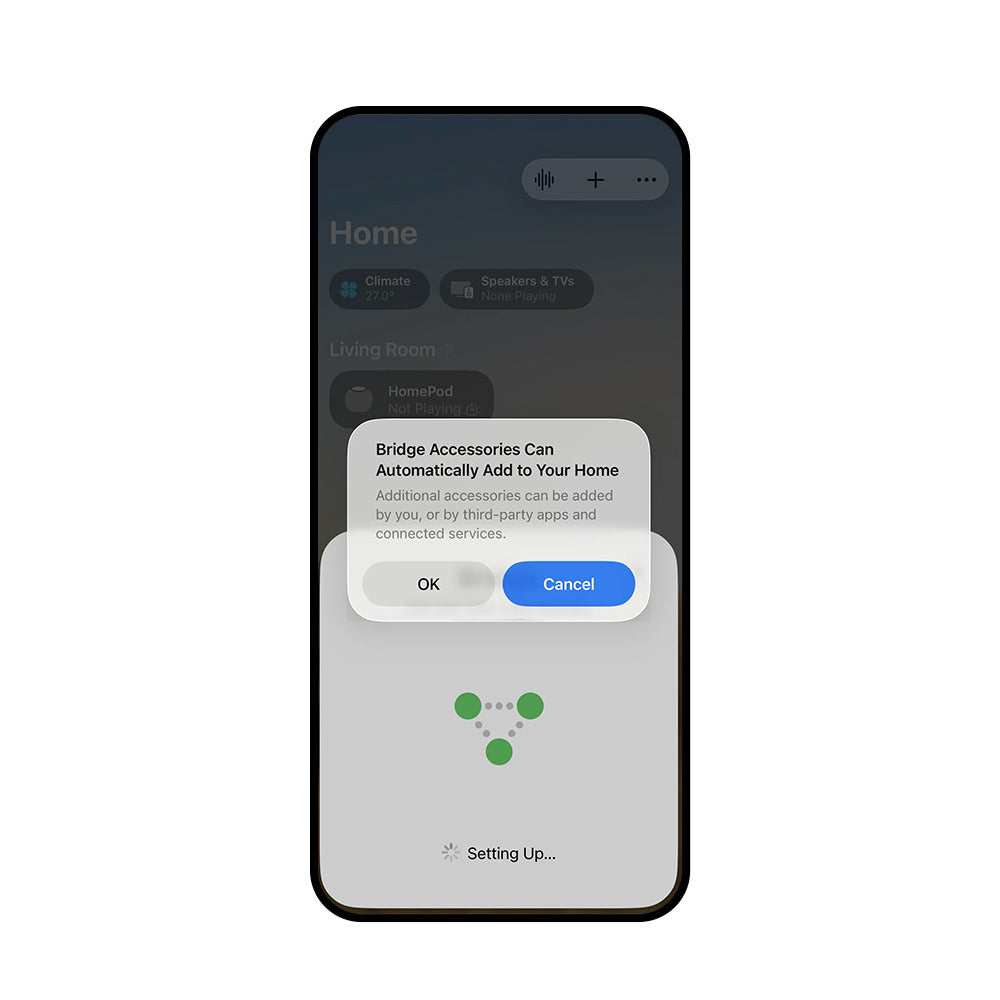
Click "OK" and wait for the device to be added.
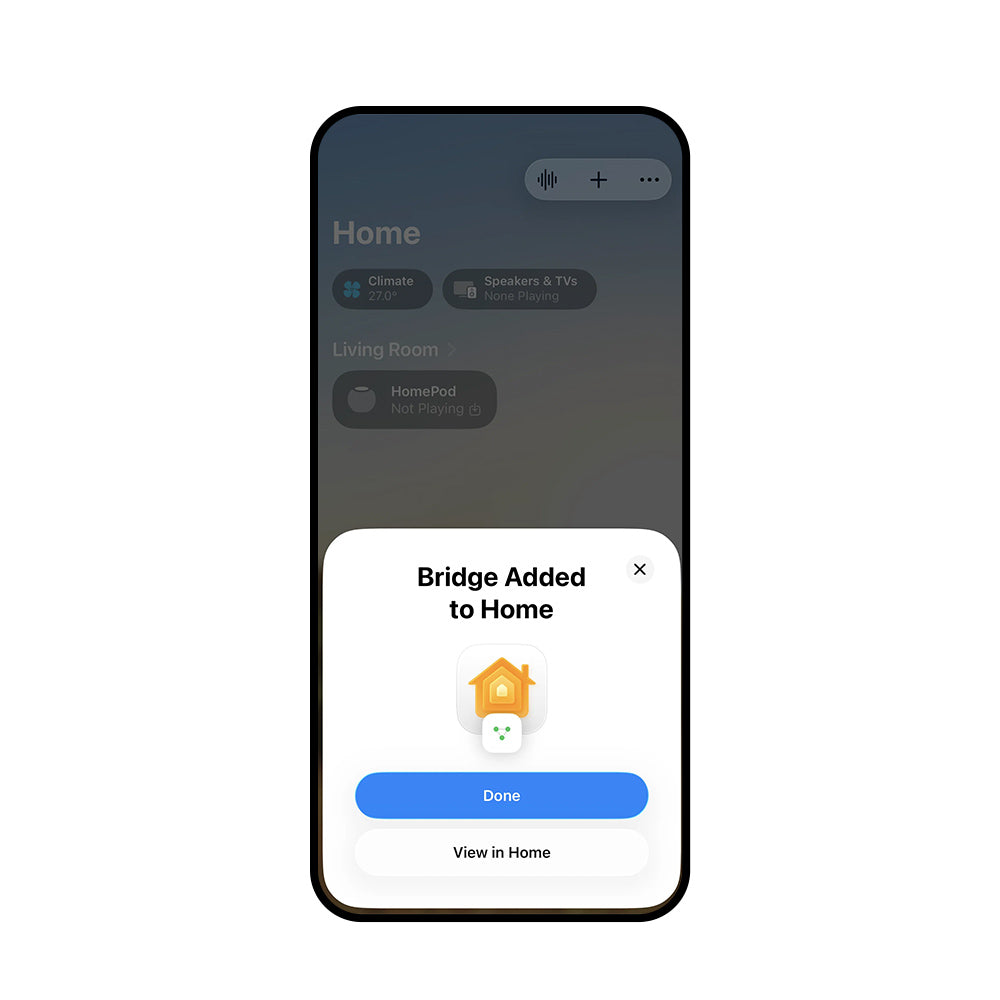
Added successfully
See It In Action
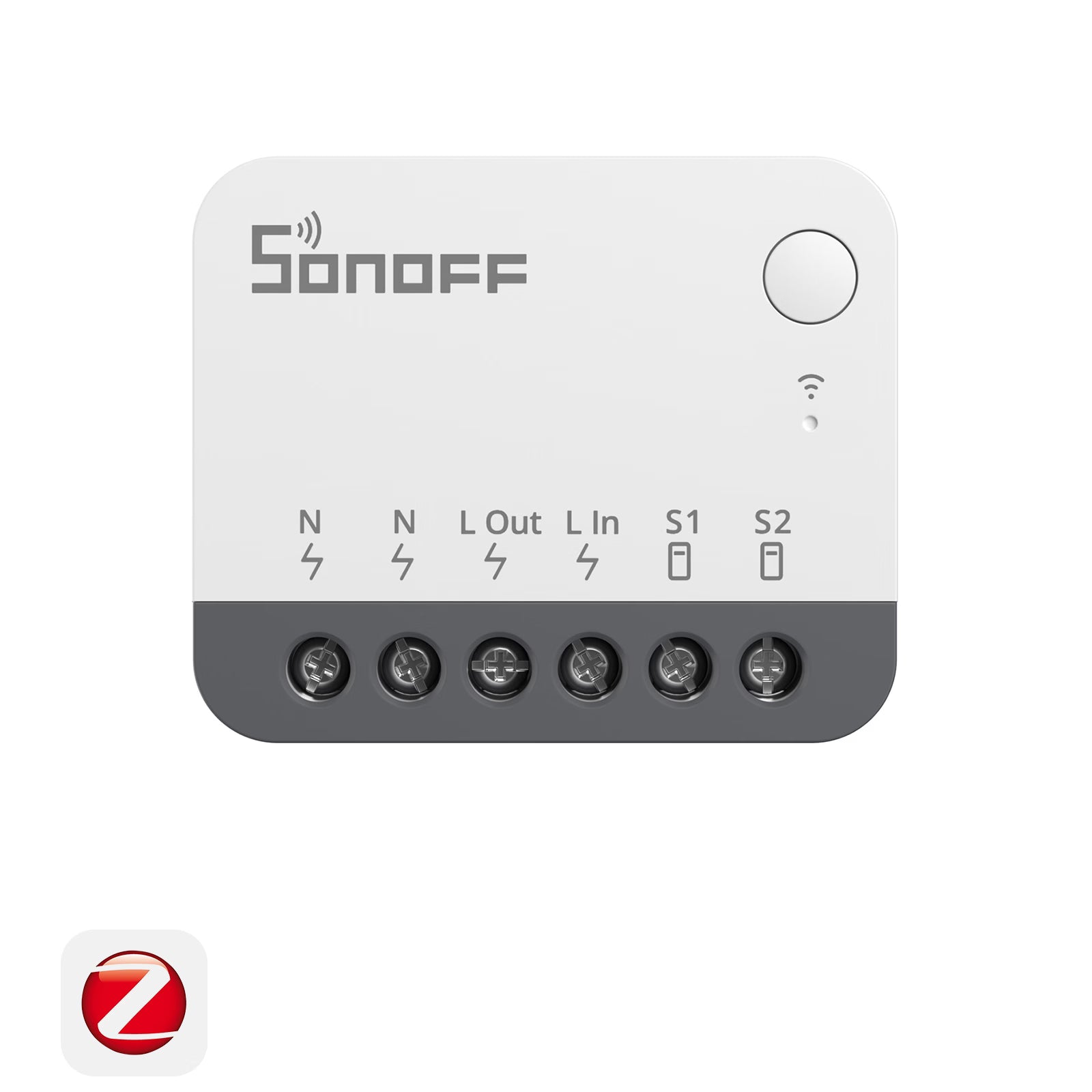
Shop ZBBridge-U and Its Supported Devices
Save 10% with ZBBridgeU10

FAQ
Which devices does ZBBridge-U support for accessing the matter ecosystem via matter bridge?
Check this link for a detailed supported device list.
What are the capabilities of each device type in Apple Home?
It depends on how much Apple's ecosystem supports this matter device type.
Can I add Bridge-U directly using the Apple Home App?
No, a Matter hub is required; otherwise, the sub-devices connected to the Bridge-U cannot be controlled properly.
Which firmware version do I need to upgrade to?
V1.15.0.
Continue Reading
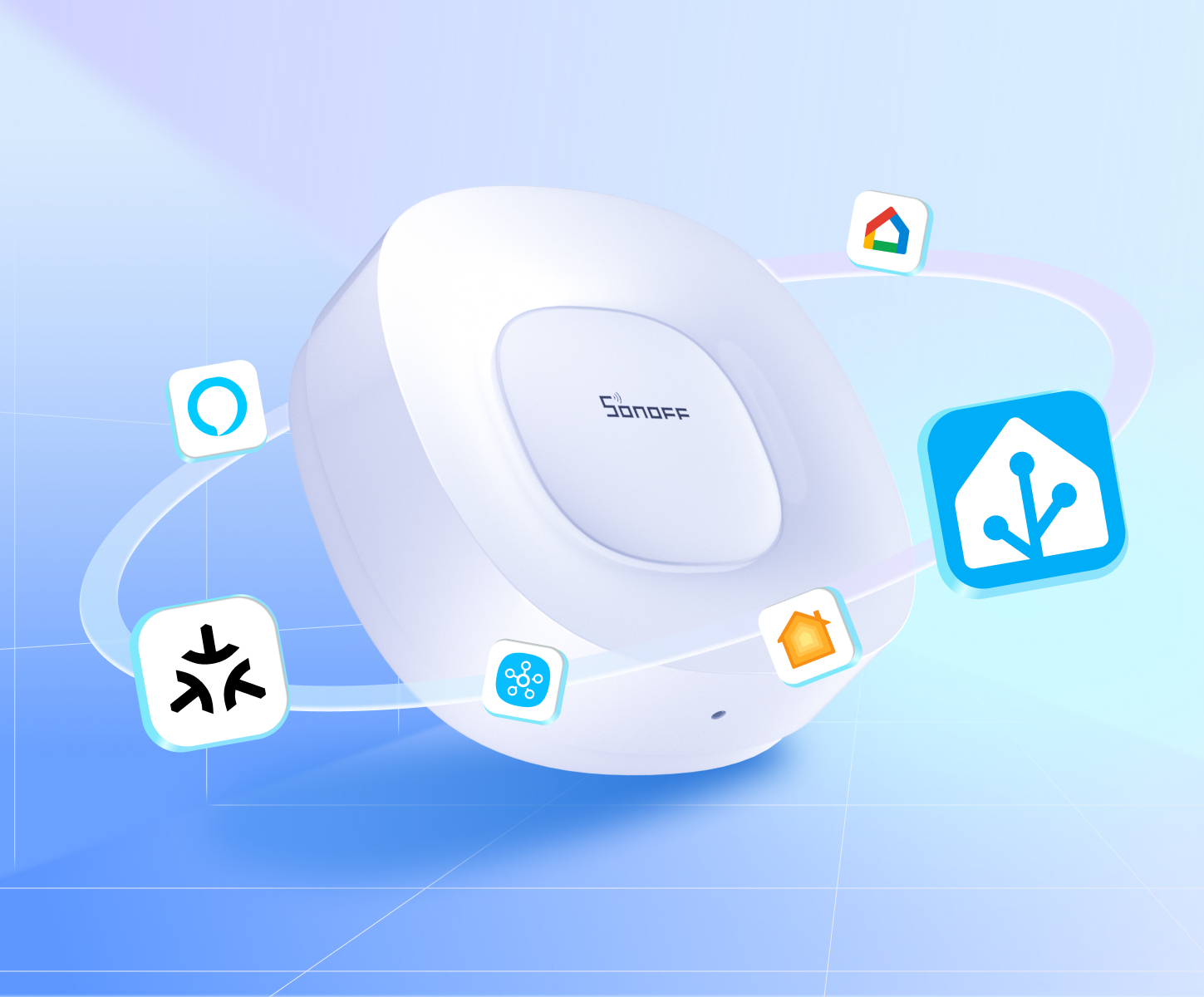
Empower Home Assistant with ZBBridge-U
A simpler, more reliable way to connect Home Assistant across Zigbee and Matter.
View More Info