

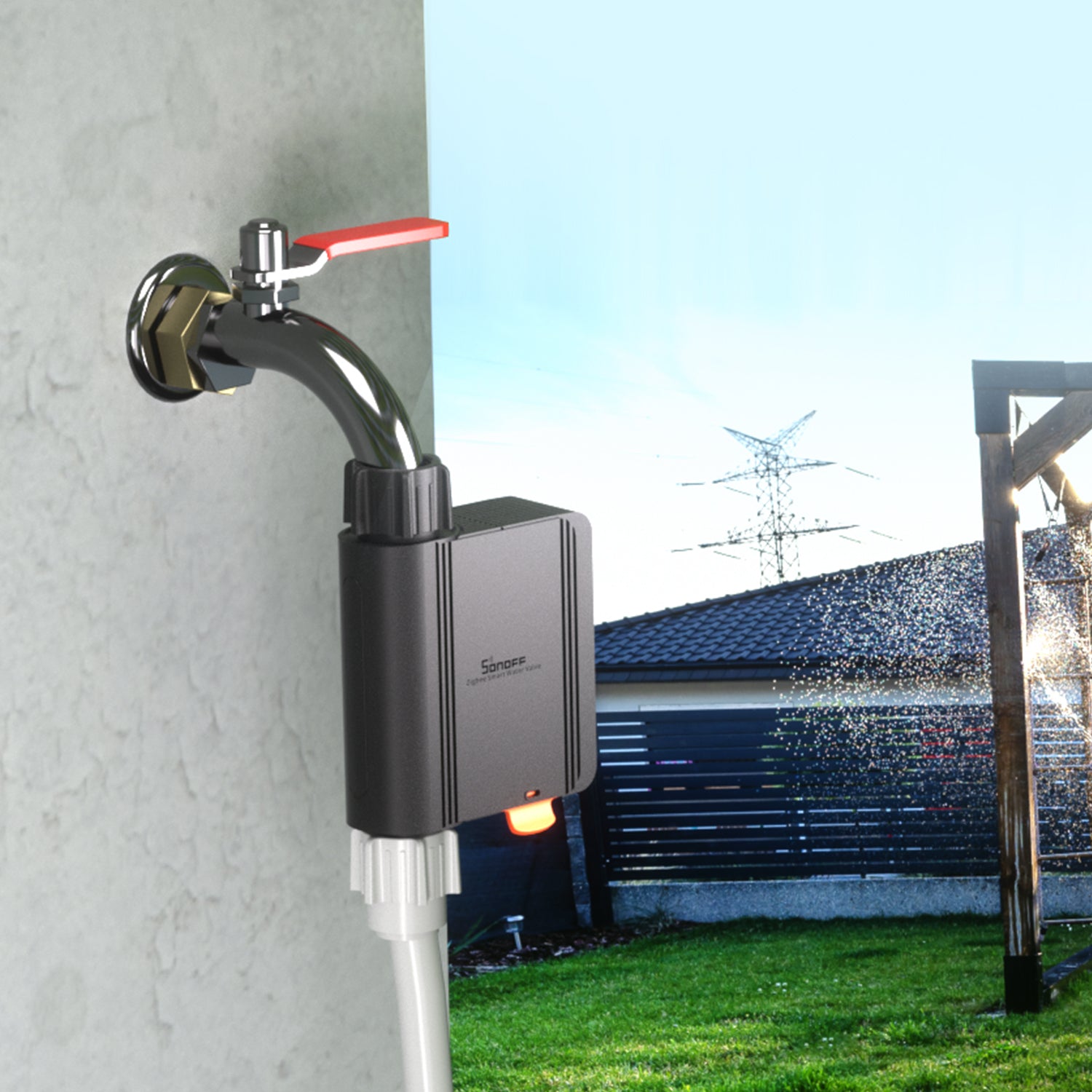
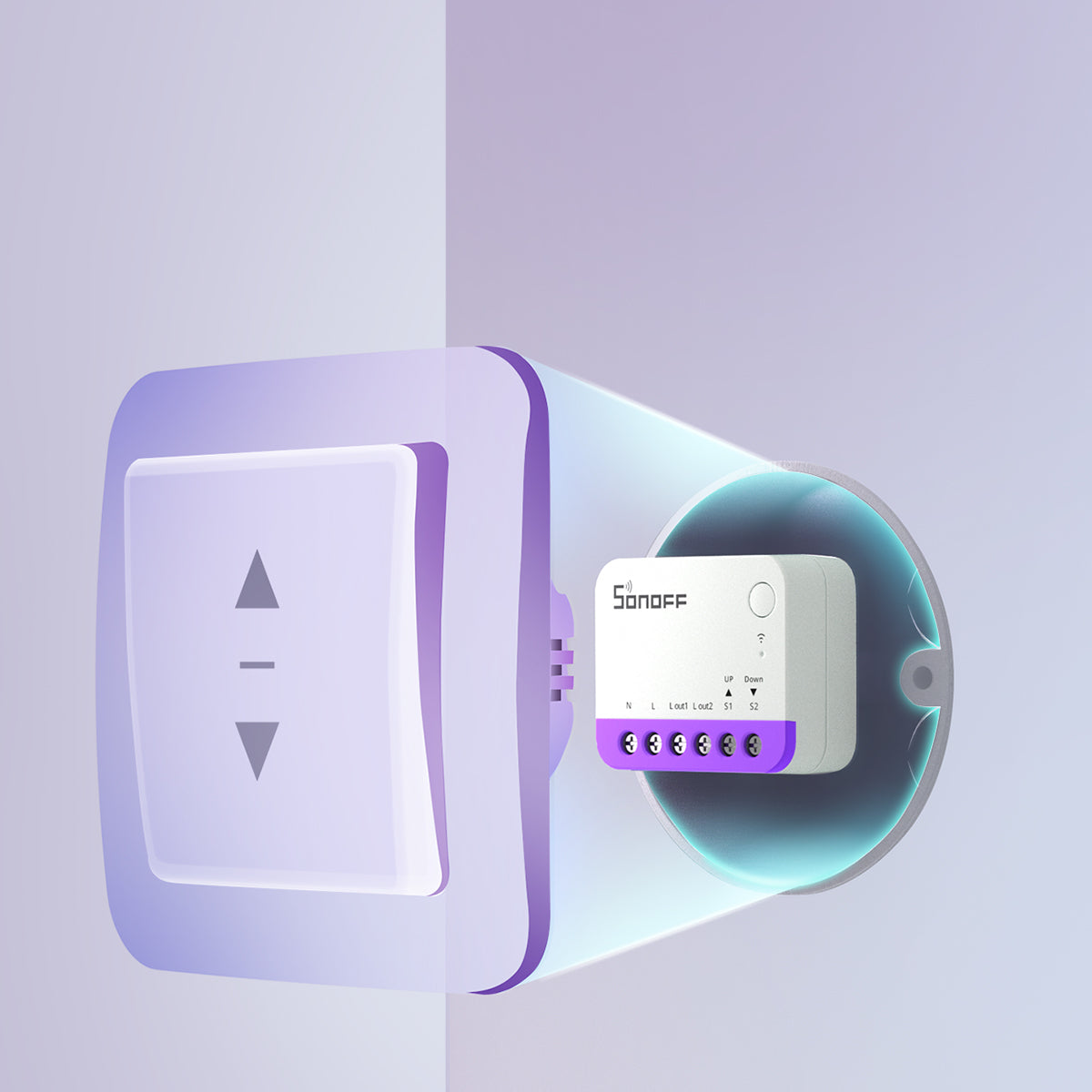
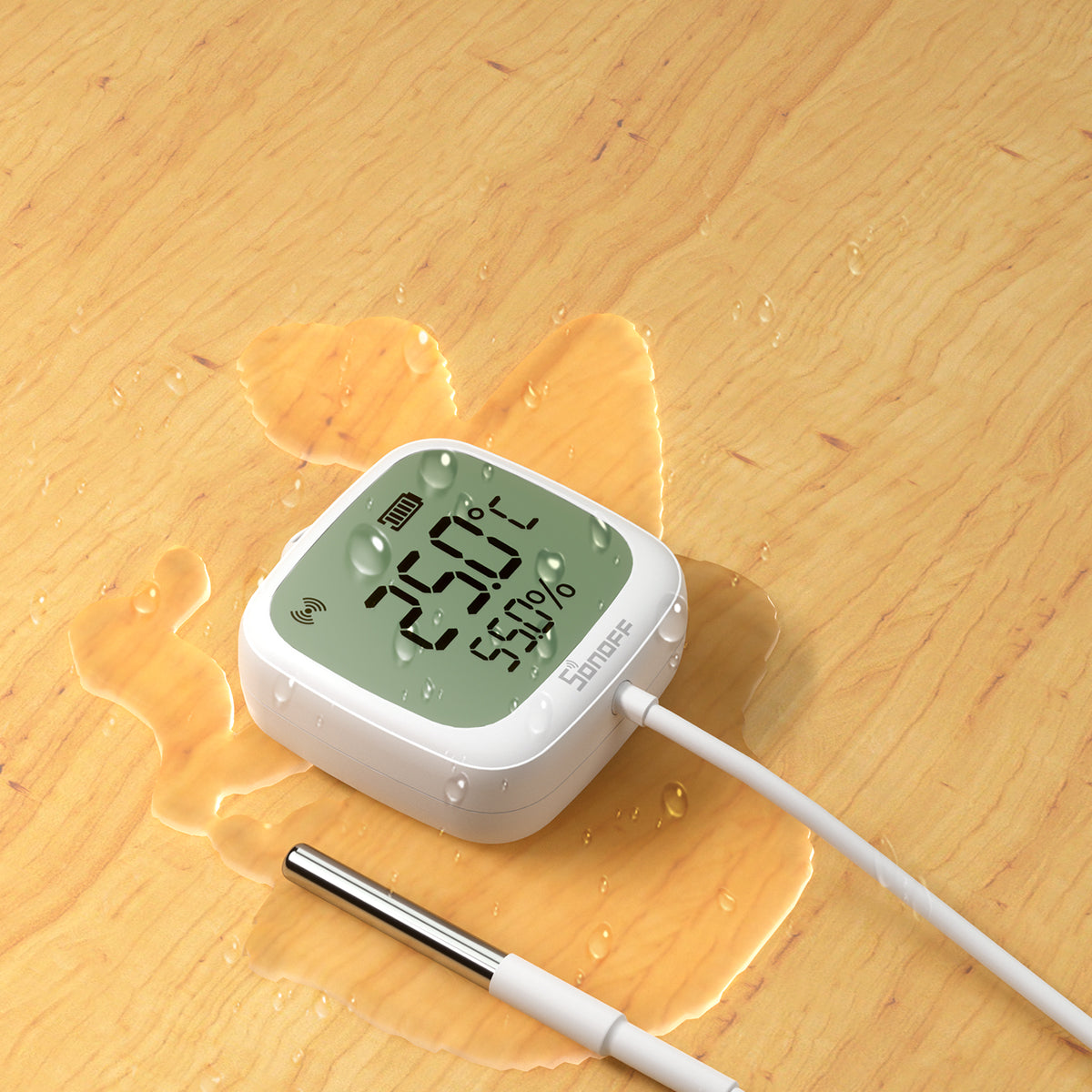
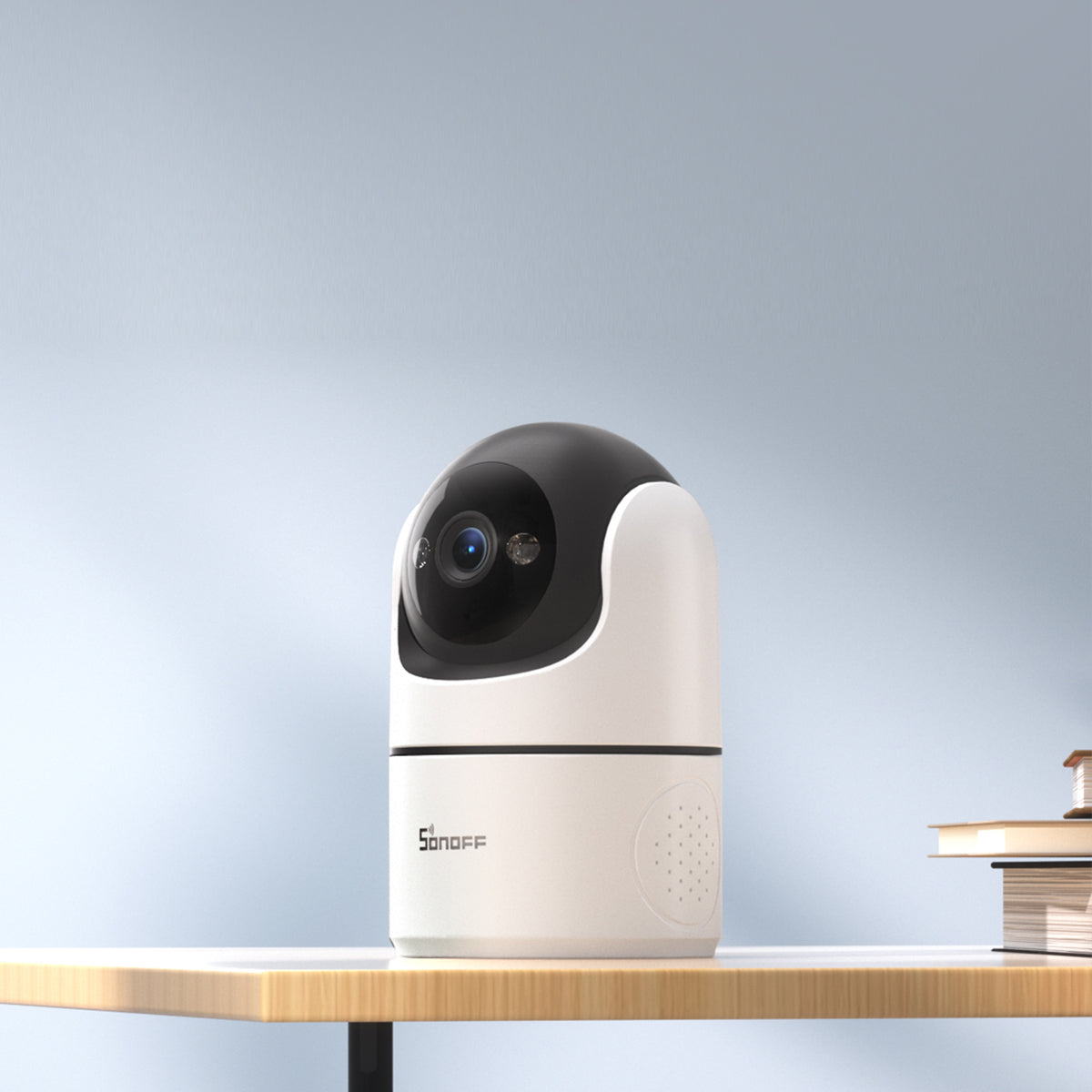
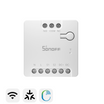


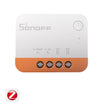
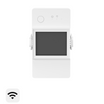
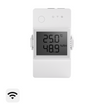
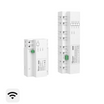
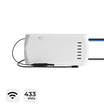
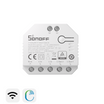
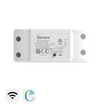



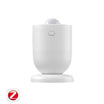
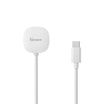
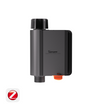
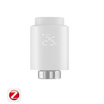
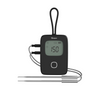
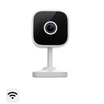
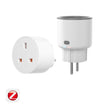
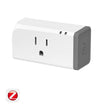
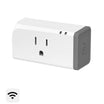

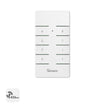

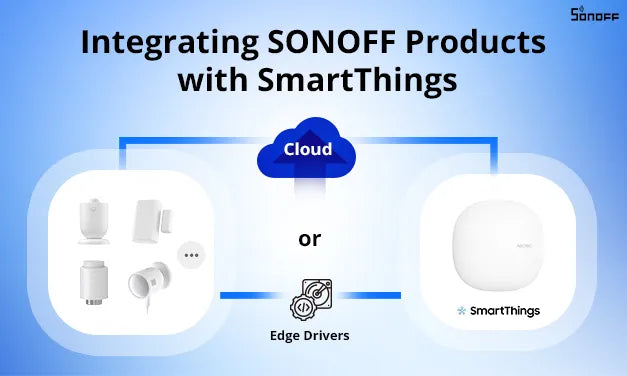
In response to user feedback and to enhance the accessibility of our products, we’re thrilled to introduce two methods for seamlessly integrating SONOFF products into the SmartThings ecosystem. These methods empower users to effortlessly integrate our products into their SmartThings ecosystems for control.
Method 1: Cloud Integration
For users who primarily use the eWeLink App, we recommend considering this method first. If you’re using Zigbee products, please note that you’ll require a SONOFF Zigbee gateway (such as ZBBridge-P or NSPanel Pro). Detailed steps for cloud integration can be found here: https://ewelink.cc/ewelink-works-with-smartthings/
Method 2: Zigbee Direct Connection
If the SmartThings App is your primary platform and you already have a SmartThings gateway, you can choose this method. We’ve provided links to the drivers necessary for integrating SONOFF Zigbee products with the SmartThings gateway at the end of this article.
Installation steps:
1. Access the Driver URL link.


Drivers URL link
Most SONOFF Zigbee products support integration with the Samsung SmartThings platform. For the Drive URL Link, please visit the SONOFF Help Center and locate it under the "Introduction" section of the specific product page.

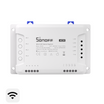
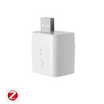
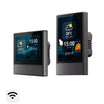
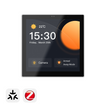
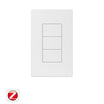
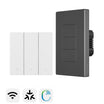
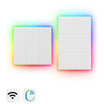
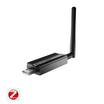
The Drive URL Link and supported capabilities for certain popular products are listed in the table below:
|
Product |
Driver URL |
Features |
|
https://bestow-regional.api.smartthings.com/invite/kVlnwR6yLoj4 |
●ON/OFF |
|
|
https://bestow-regional.api.smartthings.com/invite/d429GN7o5Djo |
●Remote Temp Control ●3 Operating Modes Available (Schedule + Manual + Anti-freeze) ●Battery Level Indication
|
|
|
https://bestow-regional.api.smartthings.com/invite/gpjGAnZJoX24 |
●Device Mode |
|
|
https://bestow-regional.api.smartthings.com/invite/5z2RpqyNwzj1 |
●Temperature Detection |
|
|
https://bestow-regional.api.smartthings.com/invite/5z2RpqyNwzj1 |
●Tem. &Hum. Detection |
|
| https://bestow-regional.api.smartthings.com/invite/qWjBdD7nAw2y |
●Motion Detection |
|
|
https://bestow-regional.api.smartthings.com/invite/r3MymG3kBbMp |
●Open & Close Detection |
|
| https://bestow-regional.api.smartthings.com/invite/Pw2DLAr7w823 |
●Leaking Detection |
|
|
https://bestow-regional.api.smartthings.com/invite/qWjBdD7nAw2y |
●Motion Detection |
|
|
SNZB-01M |
●Single/Double/Triple-Click, Long Press |

23 comments
Joanna Z
Reply to Jesper: Hi, we currently have no plans to develop a custom Samsung driver for the MINI-ZBDIM.
Jesper
Hello, have problems with the MINI-ZBDIM in SmartThings and external buttons. Everything works in the SmartThings app, but not using the external buttons. Do you have any edge drivers for this?
Joanna Z
Reply to 允守 劉: 您可以查看以下 SmartThings 驅動程式,將 SNZB-06P24 連接到 SmartThings:
https://bestow-regional.api.smartthings.com/invite/kVM5d0J3r7j5
允守 劉
要如何將snzb-06p24 透過三星集線器直接連接到 SmartThings
Joanna Z
Reply to Emir Sultan Gökkaya: Hi, the SONOFF Mini-ZB2GS-L Switch can be connected directly to SmartThings via a Samsung hub, without installing any drivers.
Leave a comment
All comments are moderated before being published.
This site is protected by hCaptcha and the hCaptcha Privacy Policy and Terms of Service apply.